About Stacking Cards
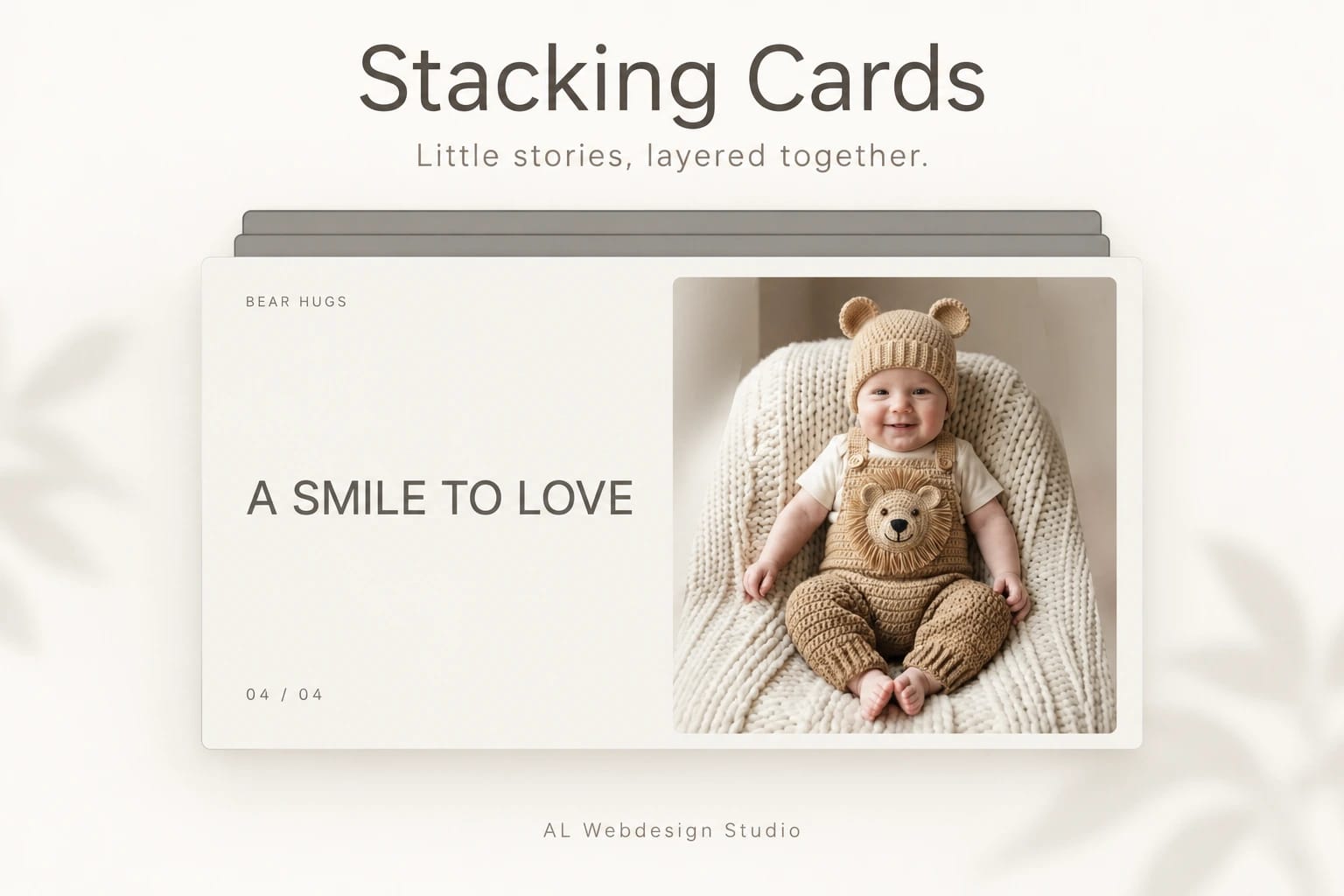
Little stories, layered together.
A photograph, a few words, then another little story. As you scroll, each card rises into place while the one behind it settles into a smaller, darker layer. Scroll back and the stack opens again.
Stacking Cards pairs your photographs with short titles and details. Add up to ten cards, with optional portrait images, separate alt descriptions and focus points. A single custom image works in both layouts. Adjust three native font controls, colours, corners, spacing, scale and shade in Framer.
Use it full-screen or in a section with a set height. The scroll area finishes at the completed stack, with no empty tail. Touch, wheel and local keyboard controls let visitors move through the story at their own pace. There is no autoplay.
Reduced motion keeps the stack and removes scaling, darkening and smooth keyboard movement. The editor offers a still progress preview, size changes preserve the scroll position, and idle or offscreen instances rest.
Your purchase includes this single Framer code component, matching editable source, a setup guide, two customisation prompts and a licence for one finished project. It excludes the shared development project, other components and a stock-photo licence. Replace the AI-generated demo pictures with your own licensed photographs before publication or marketing.