About Stage Menu
Navigation, set in motion
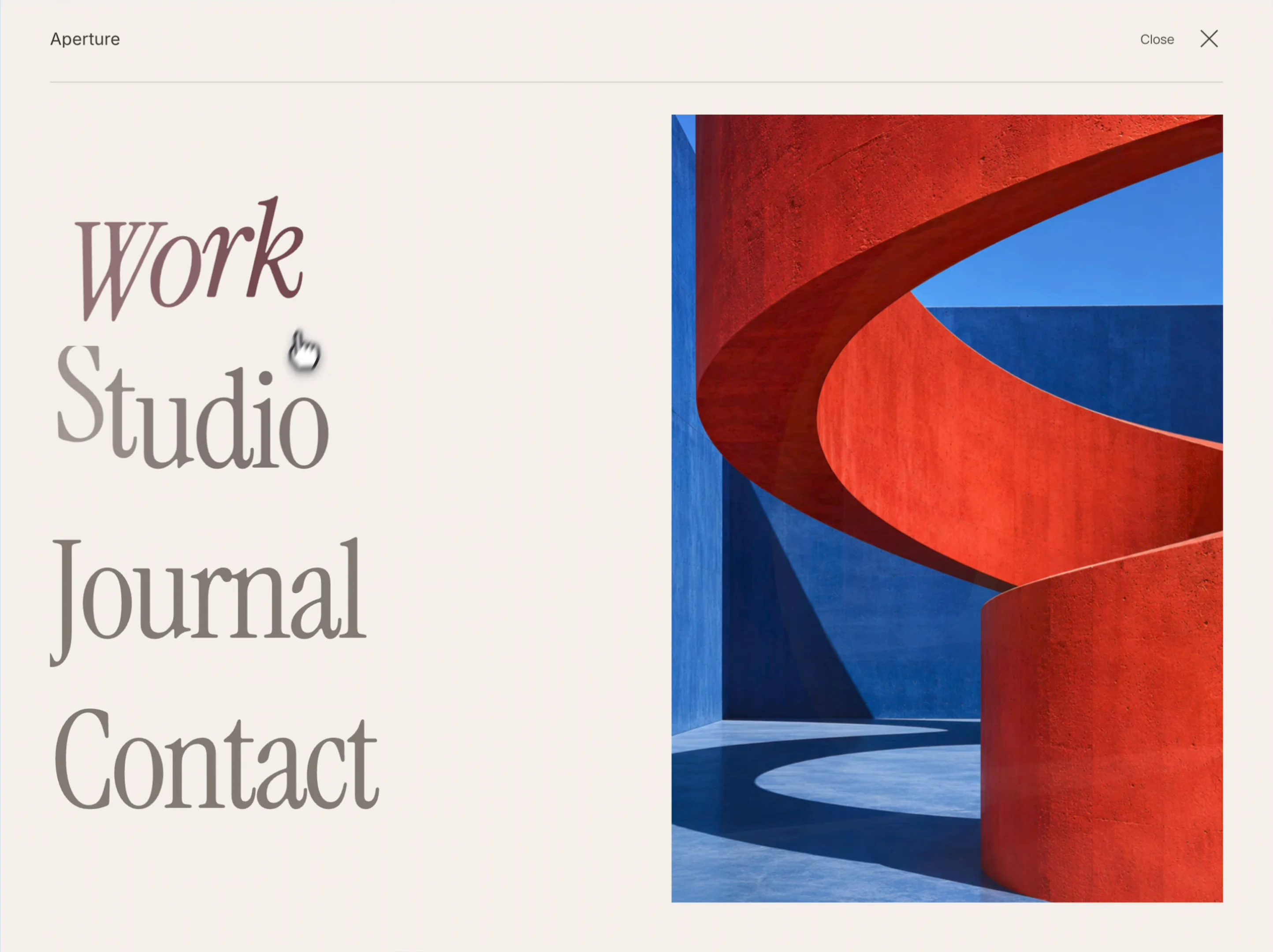
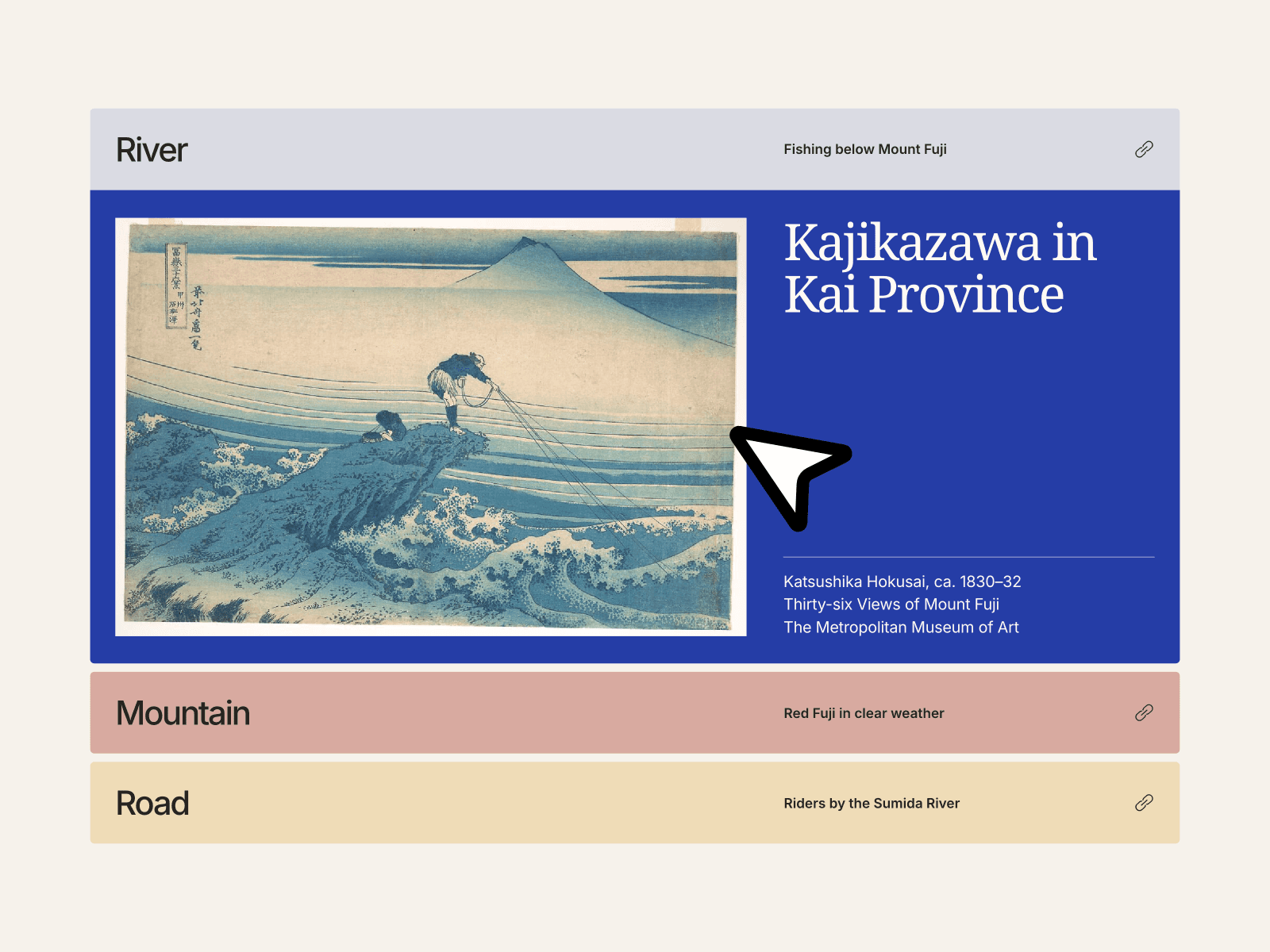
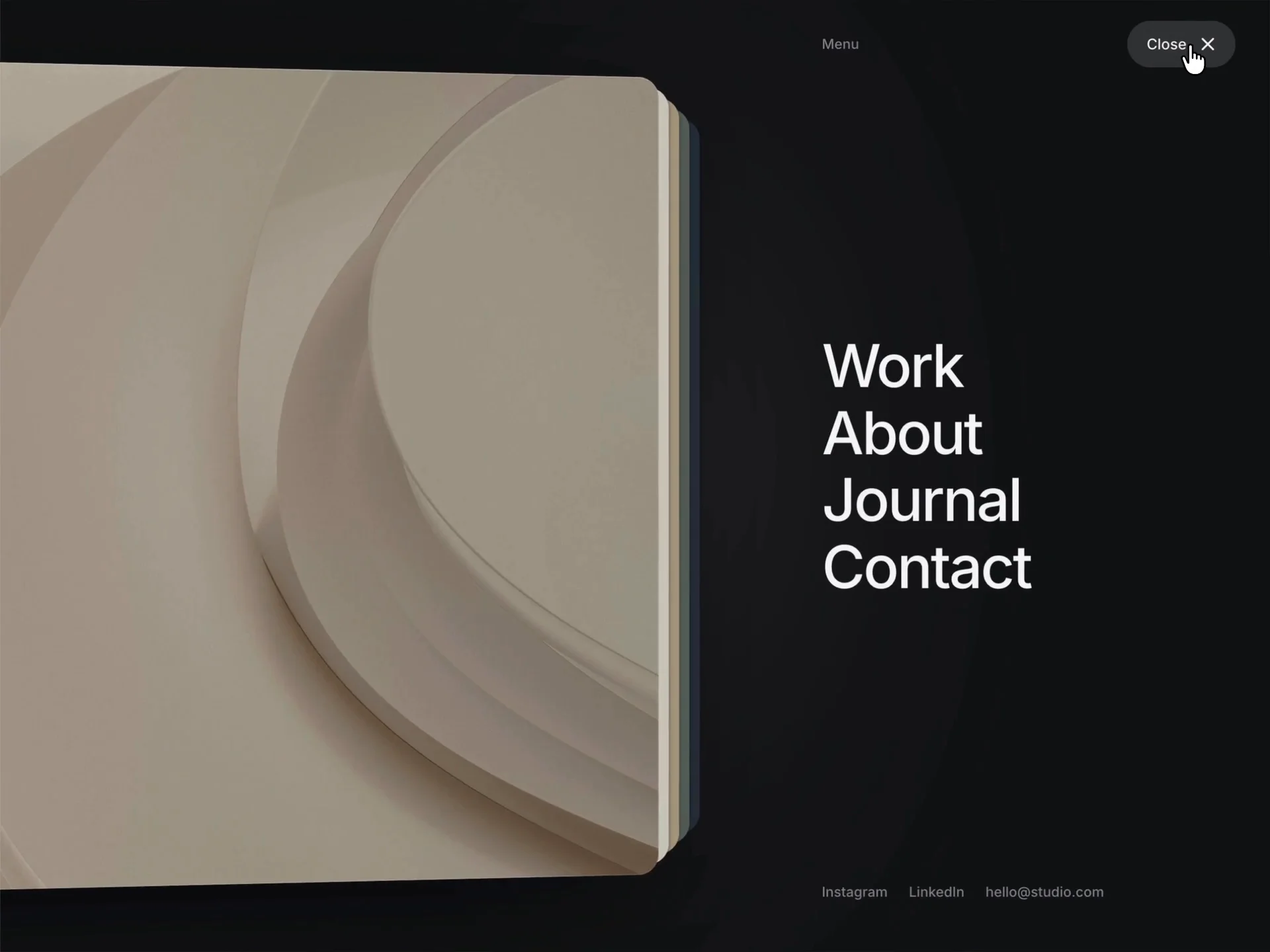
Stage Menu is an animated navigation menu for Framer that transforms a simple click into a layered transition. The page tilts back to reveal a full-height menu, with a stack of colored sheets adding depth behind it.
Hover over a navigation item or move through the links with your keyboard to bring its sheet forward. On smaller screens, the menu adapts to touch and supports a swipe to close.
Shape the experience
Give the menu its own identity with your logo, labels, links, colors and typography. Choose which side it opens from, adjust the panel width and padding, and set individual links to open in a new tab.
Make the transition feel subtle or expressive by adjusting the page scale, tilt, dimming, shadow and corner radius. Sheet colors, spacing and hover movement can be refined alongside the duration, bounce and stagger.
Made for creative websites
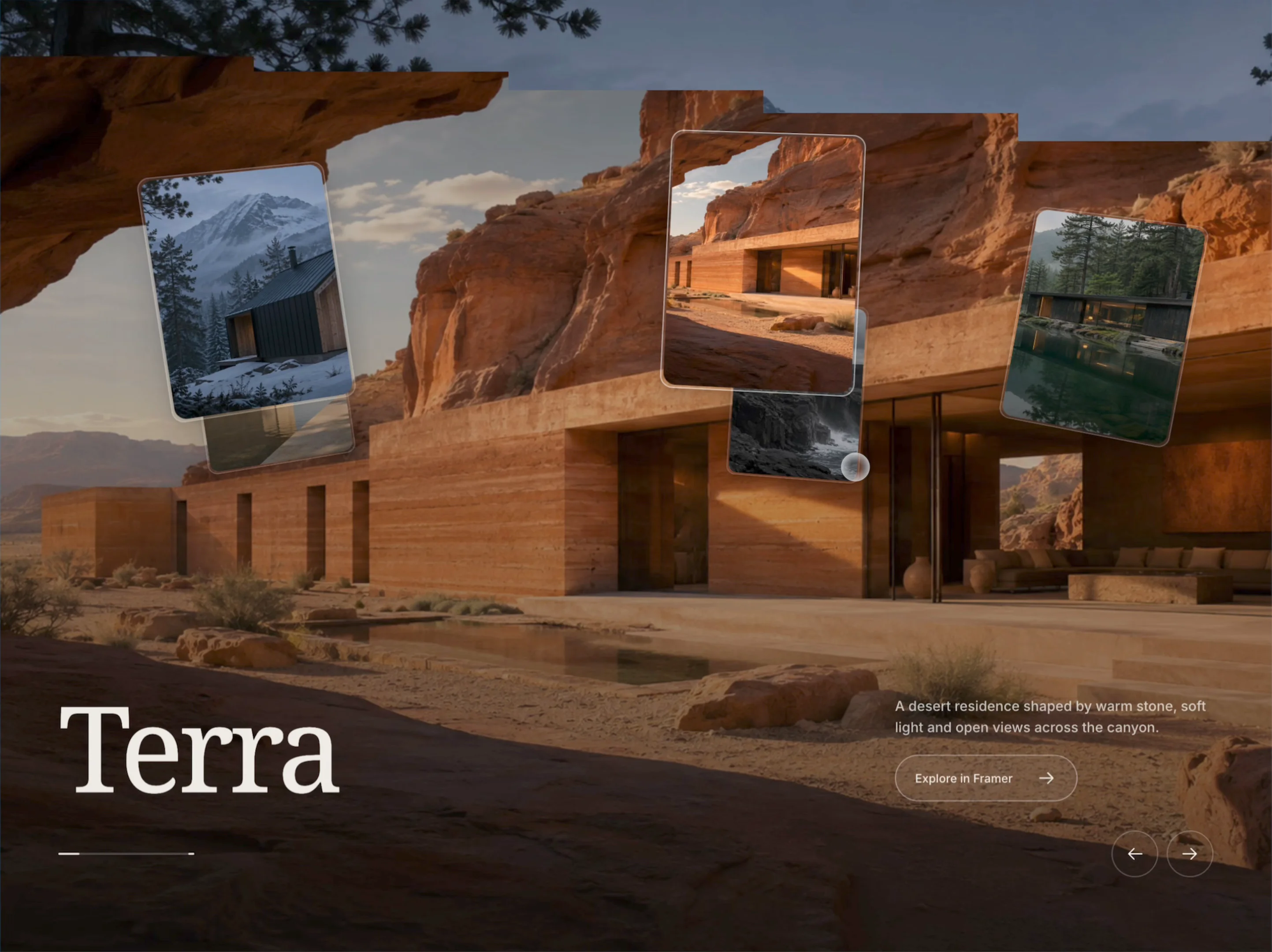
Use Stage Menu to bring movement and structure to a portfolio, studio, agency or brand site. It also works well for architecture projects, editorial websites, fashion labels and product launches.
Visitors can close the menu with the menu button, the page card or Escape. Keyboard focus, reduced-motion preferences and links to sections on the same page are supported.