About Foldout Navbar
A menu with a visual index
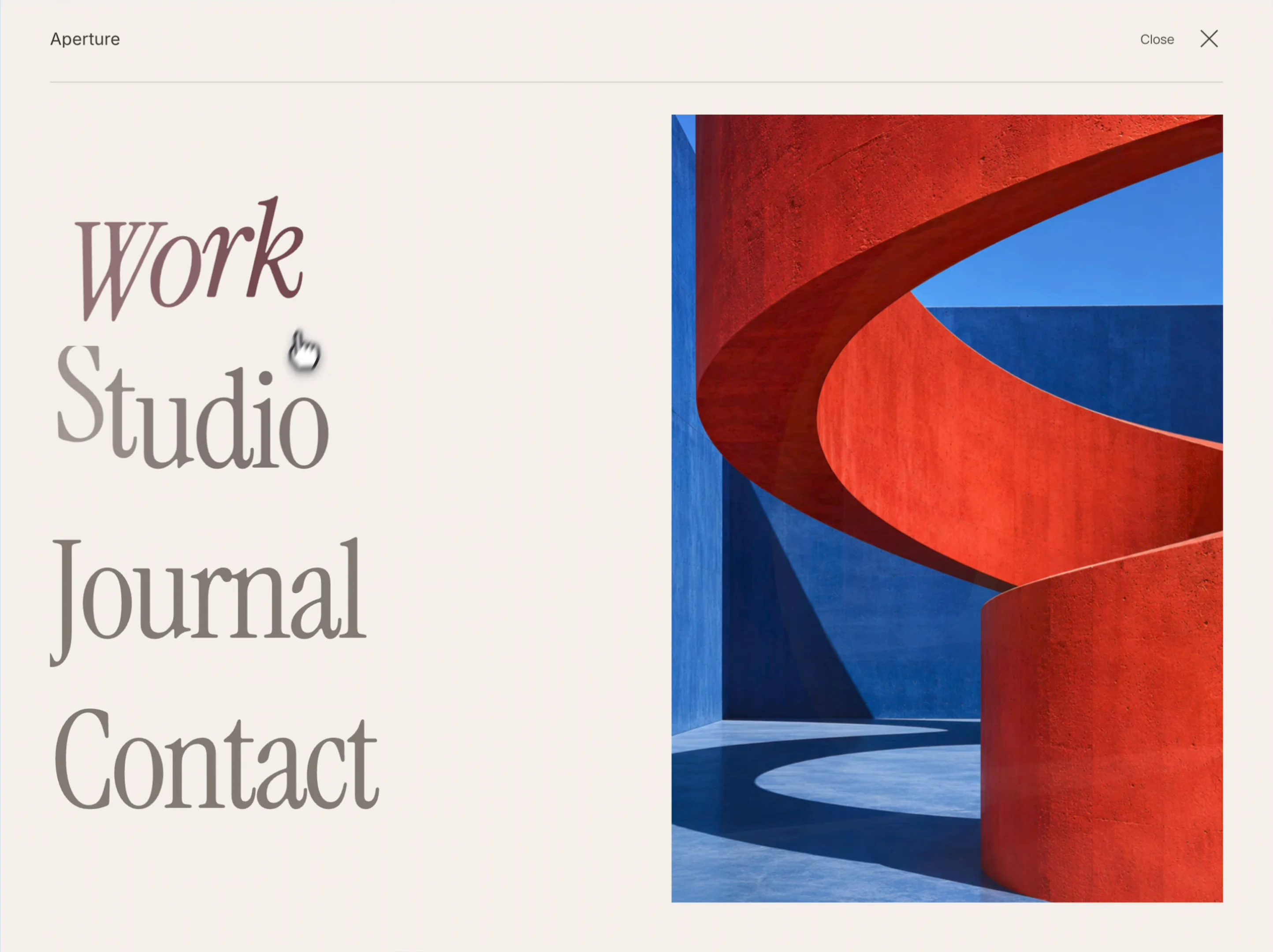
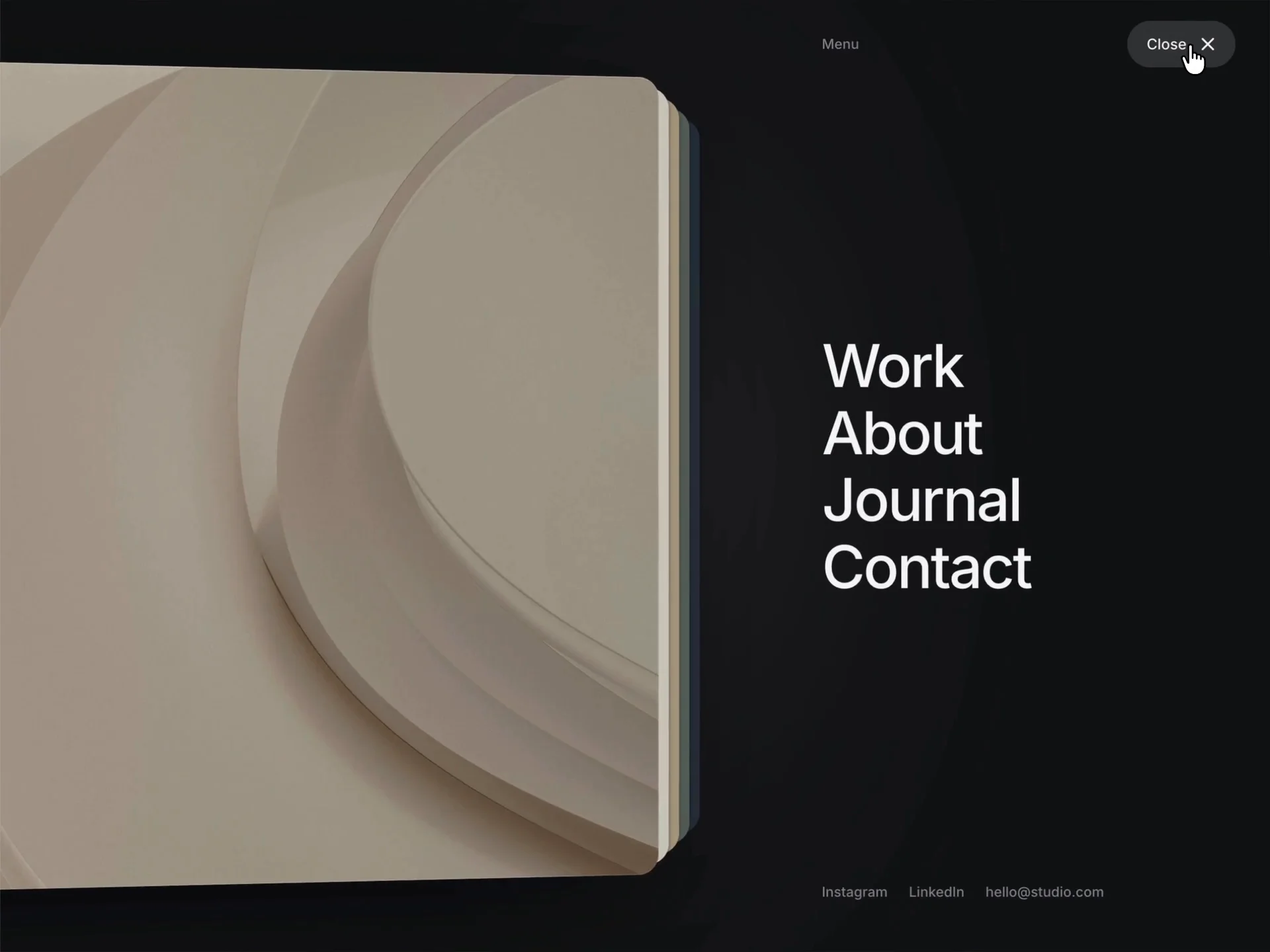
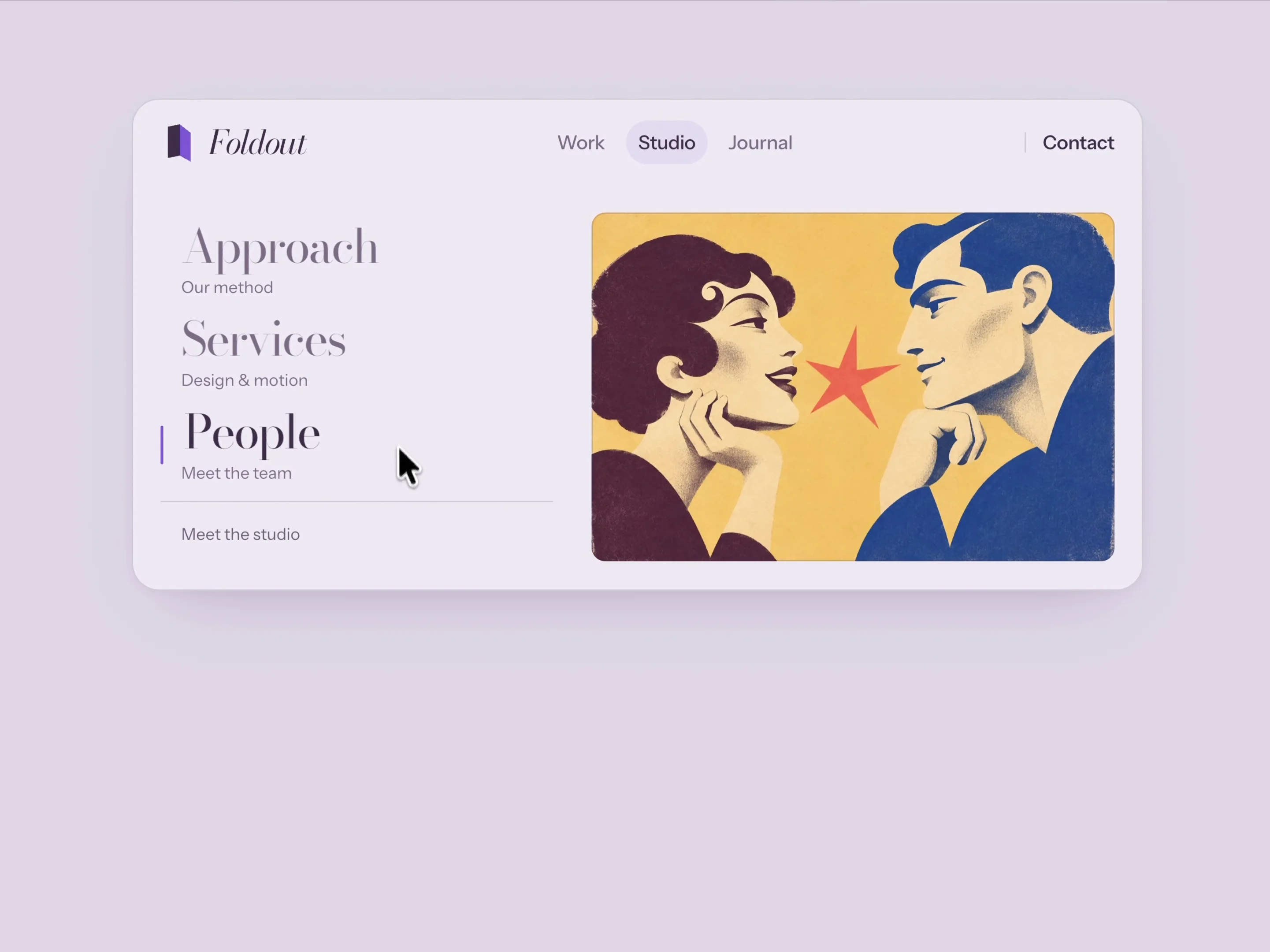
Foldout Navbar is an animated dropdown navigation for Framer. A compact header opens into a grouped menu that pairs links with a large artwork preview. Move through the links to change what appears beside them, so visitors can see where a section leads before leaving the page.
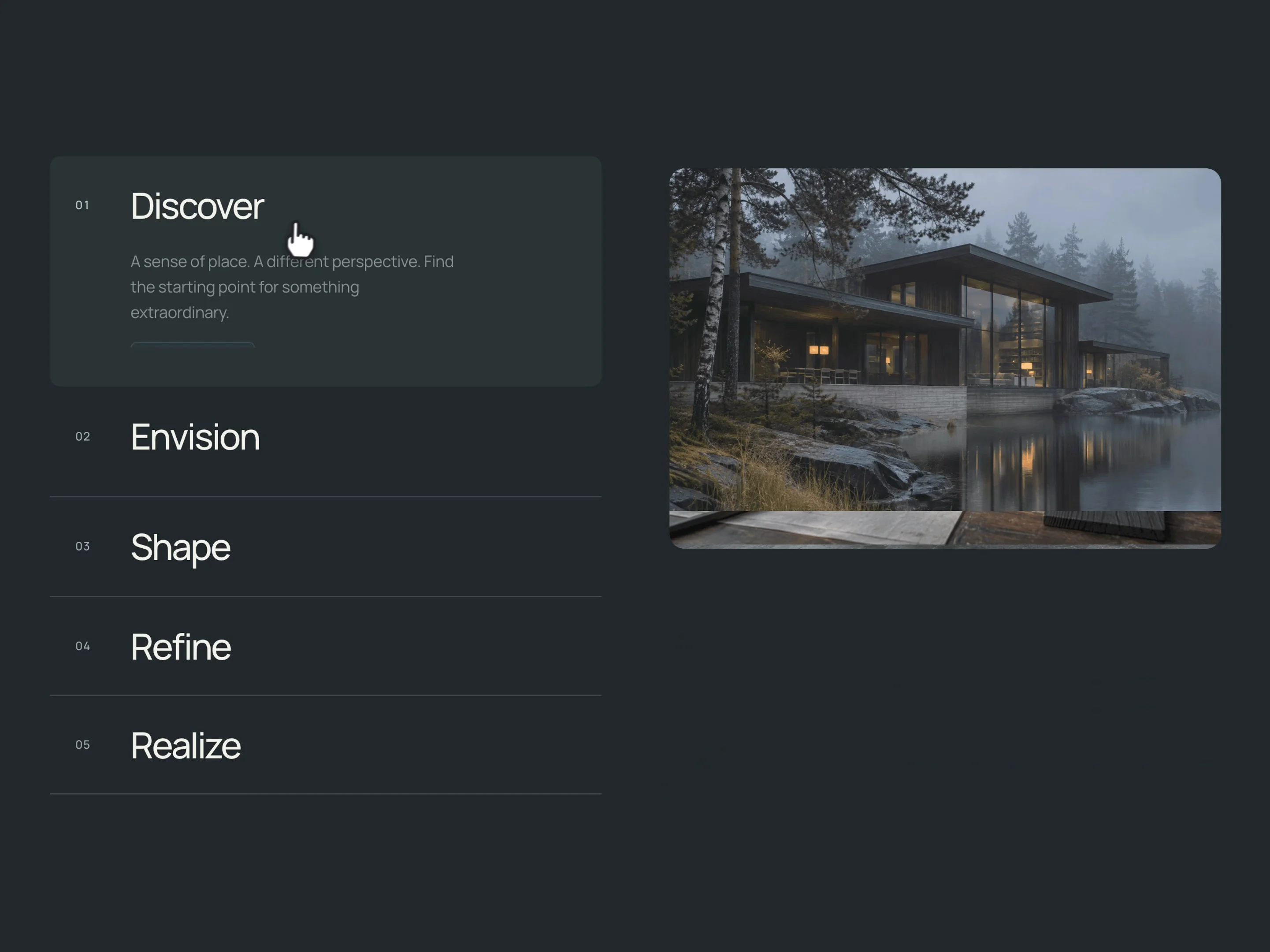
Browse section tabs by pointer or keyboard. Each group can combine a short list of destinations, optional descriptions and a footer link. A separate call to action keeps the most important destination available while the dropdown is closed.
Give each section its own character
Set the brand name or replace the mark with your own image, then build a visual menu around your content. Organize links across up to four sections, write individual labels and descriptions, and choose a destination and new-tab setting for each link. Set a section’s footer link to a full work archive, service index or article collection.
Pick from the built-in artwork, upload your own images or add a fallback image for a section. Adjust the horizontal and vertical focal point to keep the right detail in view. Match the component to your site with custom typography and colors for the surface, text, muted text, image base, dividers and accent.
From desktop to touch
The desktop dropdown gives the links and image preview room to sit side by side. On phones, a menu toggle opens a layout sized for touch. Keyboard navigation, Escape to close and reduced-motion preferences are supported.
Where it fits
Use it for a creative portfolio that groups case studies by discipline, an agency site with separate service and work sections, or a design studio with a visual project index. It also suits architecture practices, photography collections, independent magazines and brand sites that want an image-led alternative to a plain dropdown.