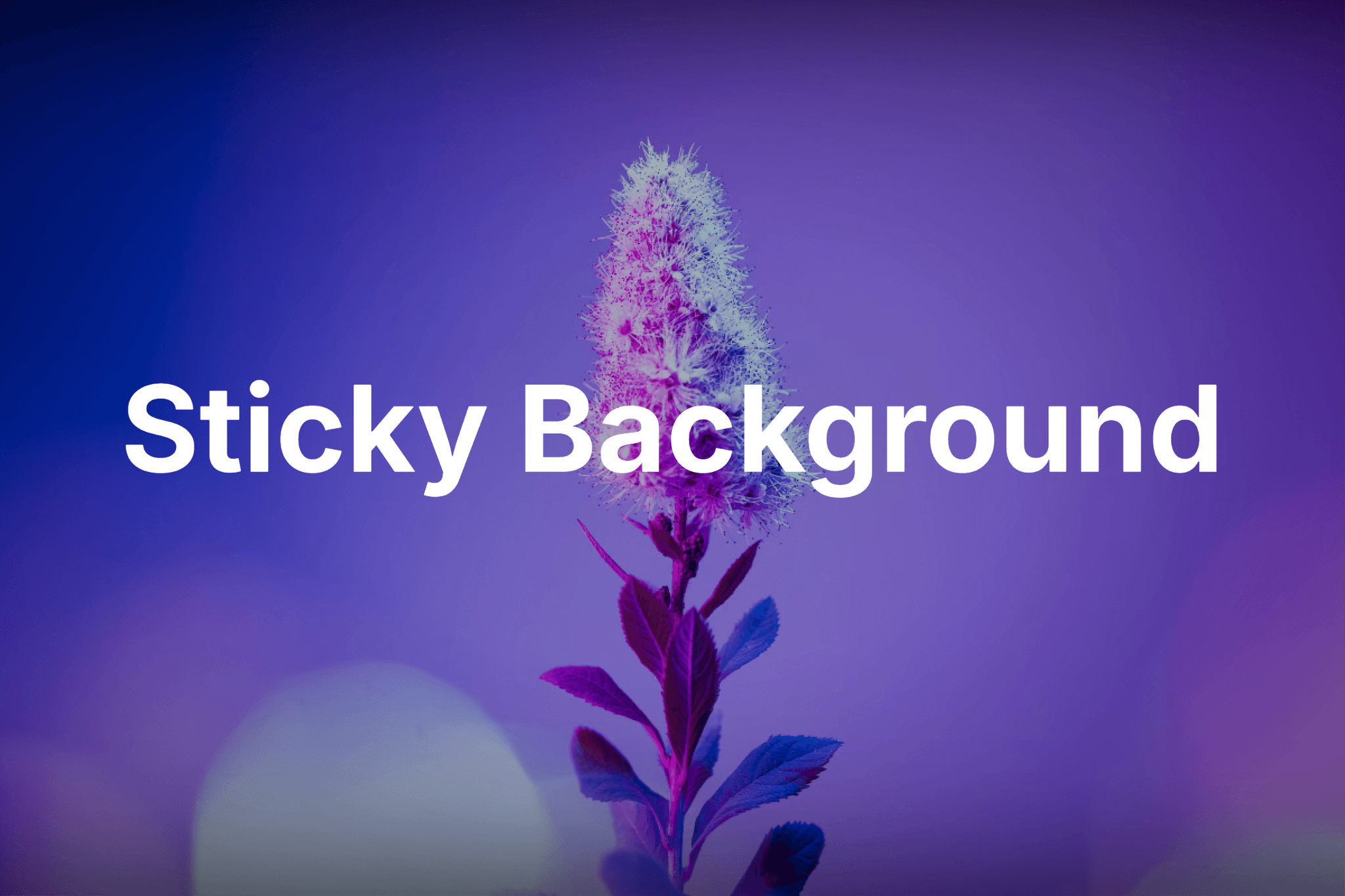
About Sticky Background
Turn any section into a cinematic, scroll-aware backdrop. Sticky Background pins or parallaxes an image or video behind your content, then adds film-style grading, grain and depth. It runs smoothly, with no setup headaches.
Features
Pinned, Parallax or Static: choose how the background moves. A smart auto-engine switches to a fallback when a parent transform would break fixed positioning.
Image or Video: includes a separate mobile image and focal points for art direction on every screen.
Scroll & Pointer FX: scroll-linked zoom, edge fade, mouse drift and adjustable smoothing.
Color Grade: brightness, contrast, saturation, hue, grayscale and blur.
Overlay & Atmosphere: solid or gradient overlays with blend modes, plus vignette and animated film grain.
Inner Shadow & Reveals: directional shadows and fade, zoom or curtain entrance animations.
Performance First: lazy media loading, video pauses off-screen, reduced-motion support, and no React re-renders while scrolling.
Content Slot: place any layers or text on top of the background.
Quick Start
Drag Component onto your canvas and set it to full width.
Add an image or video under Media.
Pick a mode under Motion (Pinned is the default).
Fine-tune with Overlay, Color Grade and Atmosphere.
Drop your content inside the component.
Tip: Set Loading to Eager for sections visible on first load.
Support
Questions, bugs, feature requests or need help? Email Info.evixel@gmail.com