About Linescape
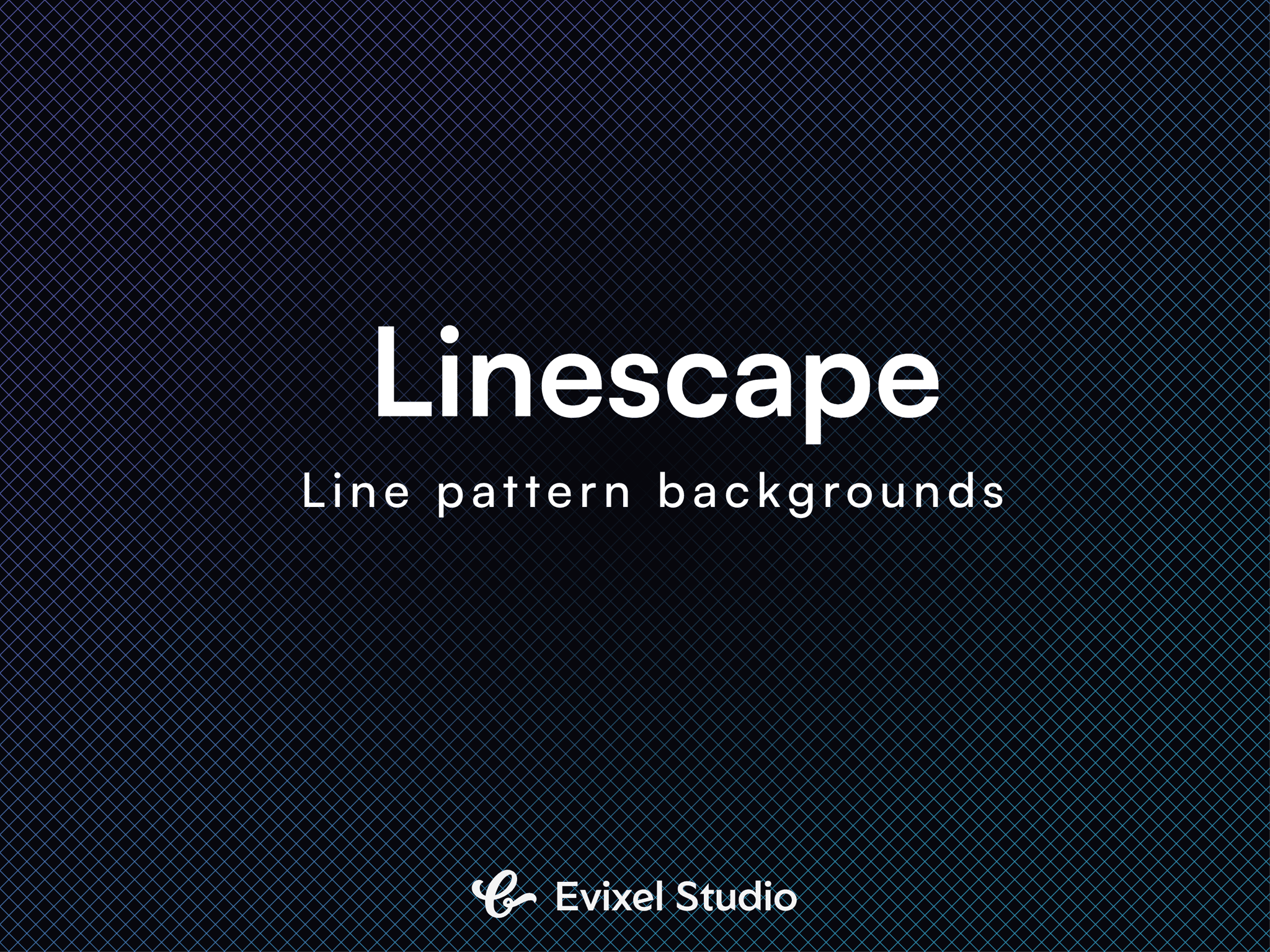
A responsive line-pattern background for Framer. Build diagonal hatches, grids, dashes and dots in seconds, then style everything from the property panel. No code needed, lightweight, and ready to sit behind any section.
Features
Patterns: 8 direction presets plus a custom angle with 1–4 evenly rotated line sets
Line styles: solid, dashed or dotted, with flat, round or square caps and a brick-style stagger
Spacing & weight: fine-tune spacing and thickness, from subtle texture to bold stripes
Color: solid or gradient lines, adjustable opacity and 6 blend modes
Fade masks: top, bottom, sides, vignette or center fades for seamless edges
Motion: drift, flowing dashes and scroll-linked movement
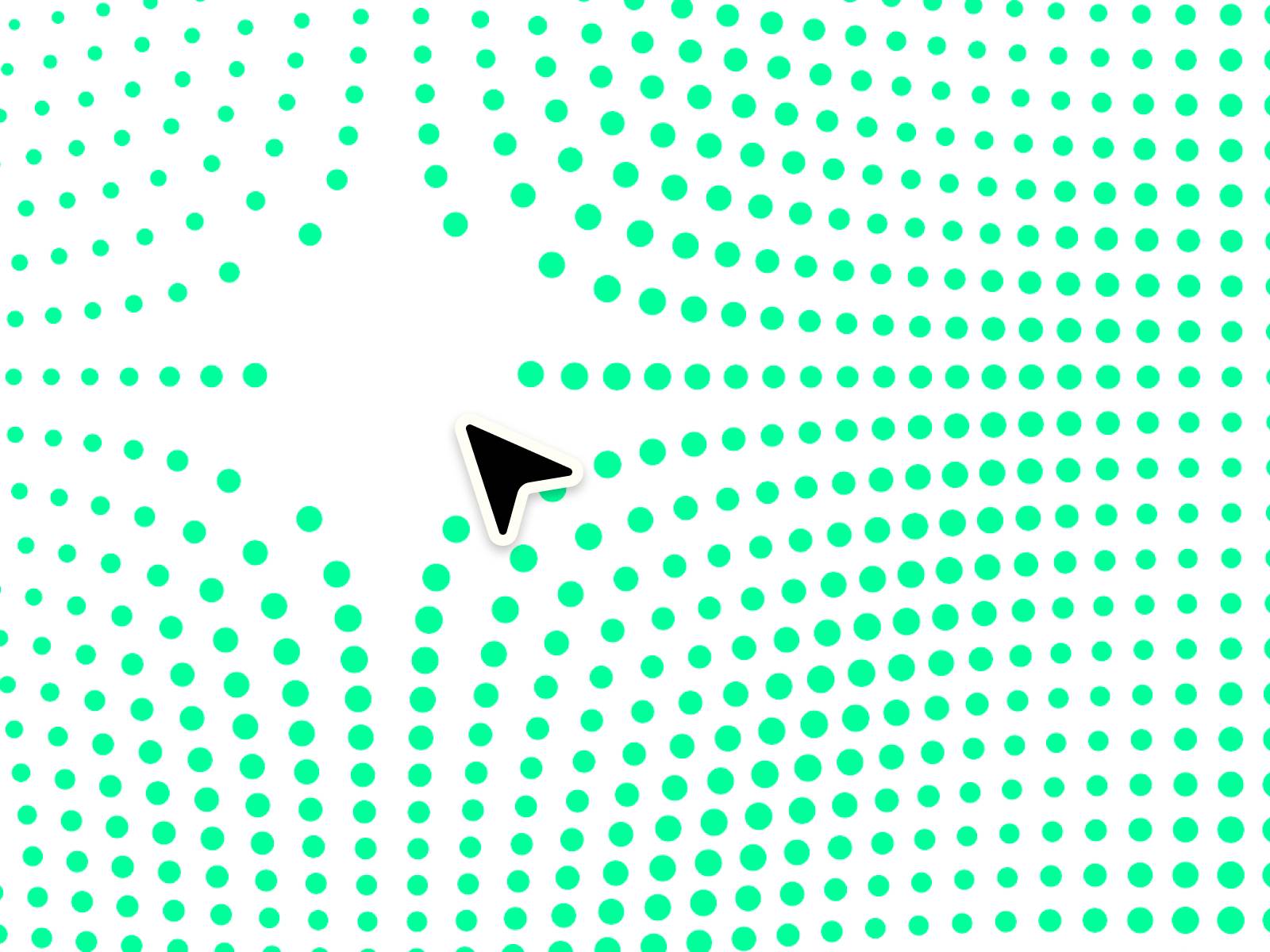
Pointer spotlight: optional cursor glow that recolors and thickens nearby lines
Finish: film grain overlay and fade or wipe entrance animations
Performance & accessibility: one animation loop with zero React re-renders, pauses off-screen, respects reduced-motion settings and is SSR-safe
Quick Start
Add the component to your canvas and resize it to fill your section.
Place it behind your content.
Pick a direction, spacing and thickness under Pattern.
Set line color, opacity and a Fade Mask.
Optionally enable Motion, Spotlight or Grain.
Preview or publish to see it live.
Support
Need help, have a question or want a feature added? Email info.evixel@gmail.com.