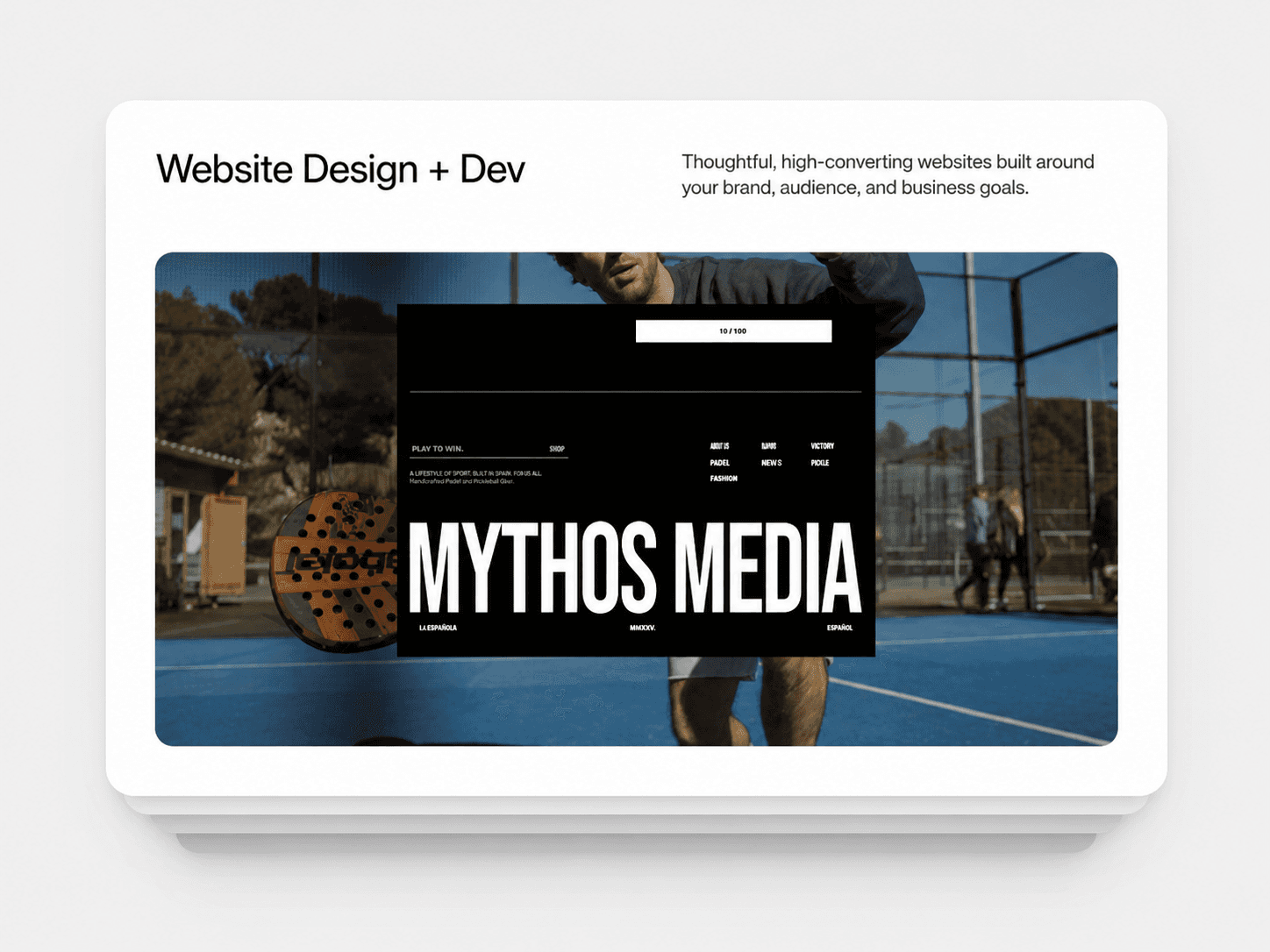
About Swipeable Card Stack
Swipeable Card Stack
A beautifully animated card stack component that lets users swipe through content with fluid, physics-based interactions. Inspired by popular swipe interfaces, this component brings a polished, native-feeling experience to your Framer projects.
Features
Drag in Any Direction Unlike traditional sliders, users can drag cards in any direction - left, right, up, or down. When released past the threshold, the card smoothly animates to the back of the stack.
3D Tilt Effects Cards naturally tilt and rotate as you drag them, creating an immersive, tactile feel. The rotation follows your drag direction and smoothly returns to neutral when the card settles.
Stacked Depth Effect Cards behind the front one are progressively scaled down and offset, creating a realistic deck-of-cards appearance. Customize how much each card peeks out and how much smaller they get.
Customizable Shadows Fine-tune the shadow's position, blur, spread, and color to match your design. Create subtle depth or dramatic floating effects.
Smooth Physics-Based Animations Every interaction uses spring physics for natural, fluid motion. Cards maintain momentum when flicked and settle with satisfying easing.
How to Use
Drag the component onto your canvas
Connect your frames or components to the "Cards" slot
Customize the appearance and behavior using the property controls
Property Controls
Stack Appearance
Stack Offset - How much each card peeks out behind the one in front
Scale Step - How much smaller each card gets toward the back
Visible Cards - Maximum cards shown in the stack at once
Border Radius - Rounded corners for all cards
Perspective - 3D depth intensity (lower = more dramatic)
Shadow
Shadow X/Y - Horizontal and vertical offset
Shadow Blur - How soft the shadow appears
Shadow Spread - Shadow size (negative = tighter, positive = larger)
Shadow Color - Color with transparency
Interaction
Swipe Distance - How far to drag before the card swipes away
Swipe Velocity - Quick flick speed that triggers a swipe
Drag Elastic - How stretchy the drag feels (0 = stiff, 1 = loose)
Rotate on Drag - Enable/disable 3D tilt effect
Max Rotation - Maximum tilt angle when dragging
Behavior
Infinite Loop - Cards cycle endlessly or stop at the last card
Transition - Animation style for stack movements
Perfect For
Image galleries and portfolios
Product showcases
Testimonial carousels
Onboarding flows
Card-based games
Any swipeable content
Notes
Works with any content: images, text, components, or complex layouts
Fully responsive - cards maintain their connected frame dimensions
Touch-friendly for mobile devices
No external dependencies