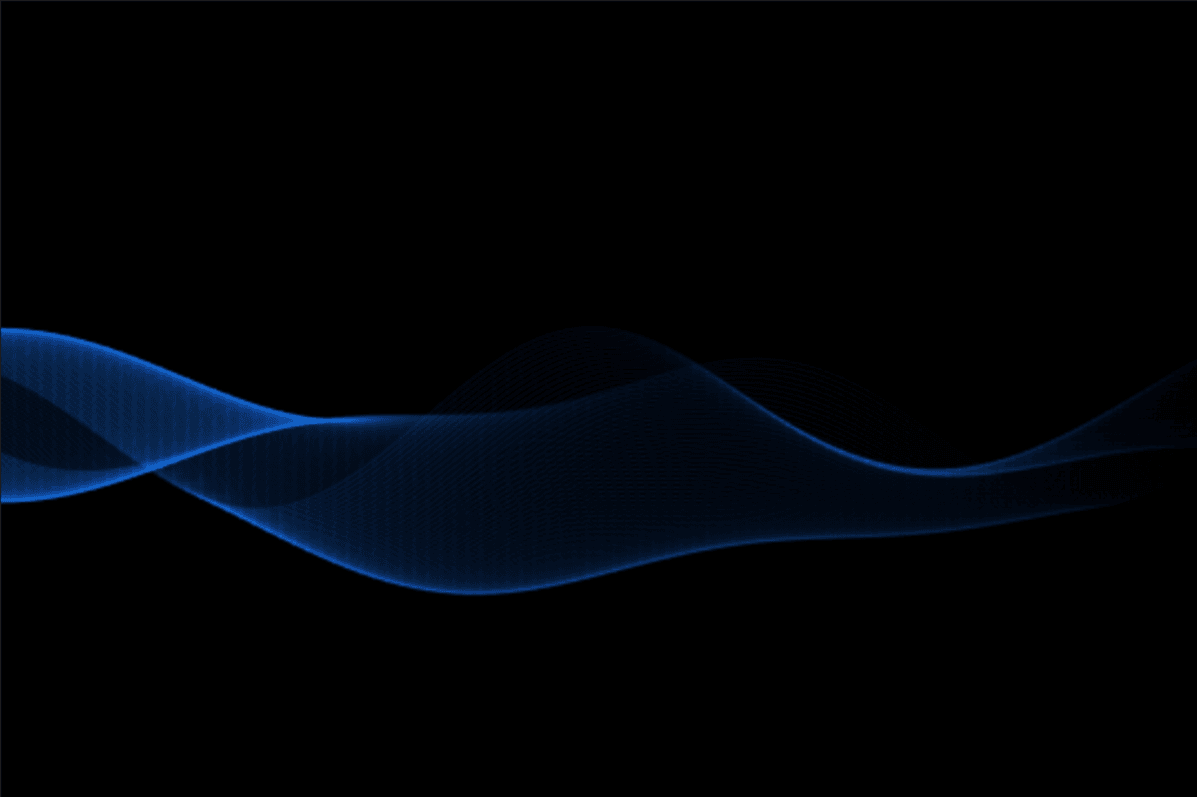
About Swirling Lines
✨ Key Features
Smooth Wave Animation
Elegant flowing line animations with natural motion.
Gradient Colors
Blend two customizable colors to match your brand.
Performance Optimized
Canvas-powered with viewport detection for smooth performance.
Fully Responsive
Adapts to every screen size and container.
Live Editor Updates
Preview changes instantly while designing.
Lightweight
Single HTML Canvas for fast rendering.
Viewport Aware
Pauses when off-screen to save resources.
Retina Ready
Crisp visuals with adjustable DPR support.
────
🎛 Property Controls
Gradient Start & End – Choose your gradient colors.
Line Count – Control the number of lines.
Thickness – Adjust line width.
Opacity – Set animation transparency.
Size (Height) – Control wave height.
Wave Count – Adjust wave frequency.
Speed – Control animation speed.
Max DPR – Balance quality and performance.
FPS – Limit frame rate.
────
🛠 How to Use
1. Add – Place the component in any frame or section.
2. Resize – Scale it to fit your layout.
3. Customize – Adjust colors and animation settings.
4. Optimize – Fine-tune Speed, Max DPR, and FPS.
────
💡 Perfect For
AI & SaaS • Startups • Agencies • Portfolios • Hero backgrounds • Product launches • Interactive sections • Premium websites
────
📦 What's Included
Swirling Lines Framer Component • Full property controls • Responsive canvas rendering • Performance optimizations • Free lifetime updates • Email support
────
🔄 Refund Policy
Digital products are non-refundable. If you need help with setup or integration, we're happy to assist.
────
❓ Questions & Support
Free lifetime updates & email support. Contact integrystudio@gmail.com or reach out on LinkedIn.


