About Switch Image Cursor
Switch Image Cursor
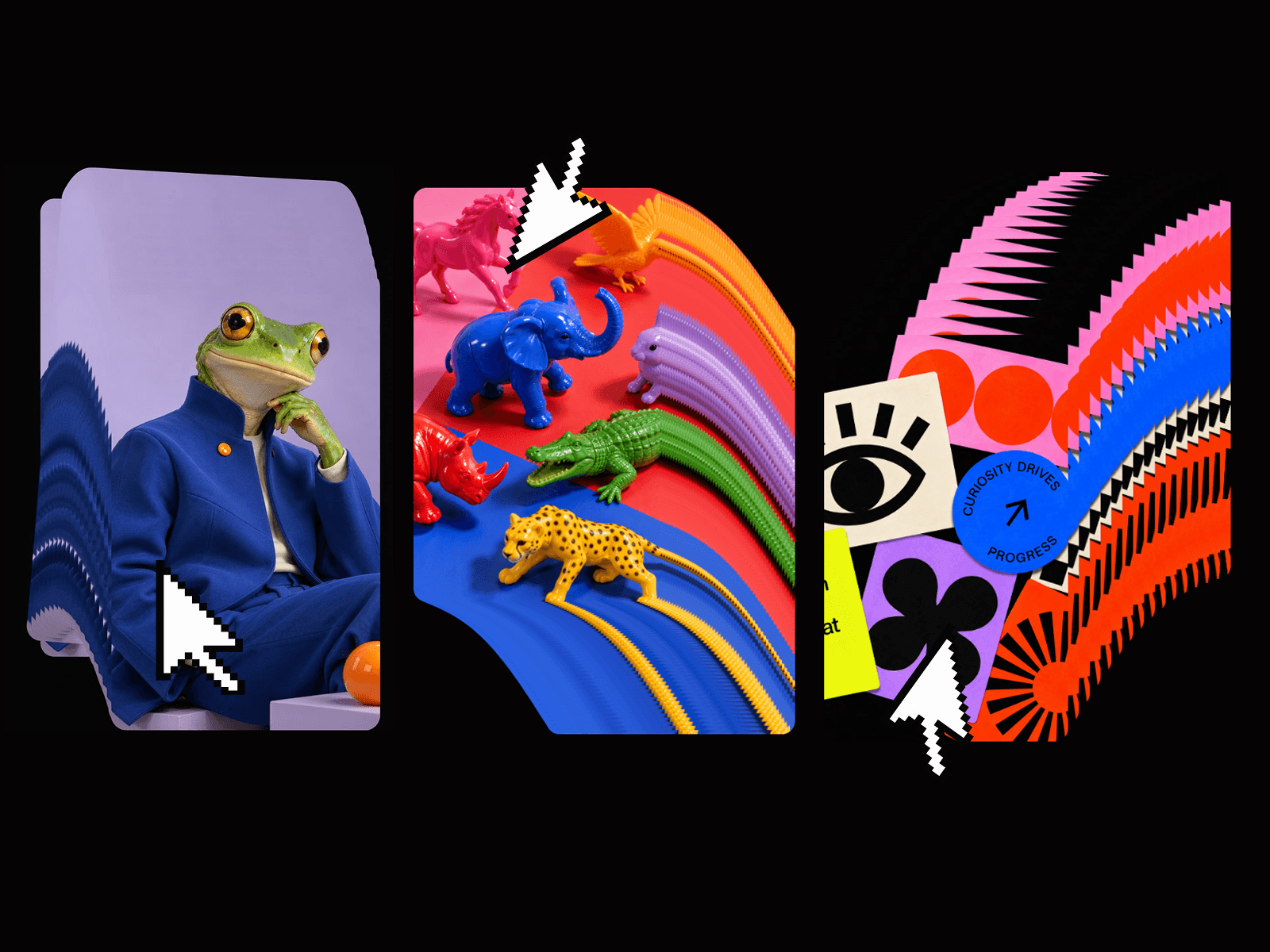
Switch Image Cursor is a Framer code component that displays images that follow the user’s cursor inside a defined frame.As the cursor moves, the follower smoothly tracks the movement and switches between images based on cursor travel distance.
✨ Features
Cursor-following image element
Smooth spring-based motion with speed & damping controls
Automatic image cycling after configurable cursor travel distance
Optional tilt effect based on cursor movement
Configurable size, border, shadow, and overflow
Fade-in/out animations on hover and between images
Works with responsive images
⚙️ Property Controls
Items
Items: Add up to 60 images to be displayed by the follower.
Behavior
Every (px): Number of pixels the cursor must travel before switching to the next image.
Speed: How fast the follower catches up to the cursor.
Smoothness: How much damping is applied (higher = more glide).
Tilt (°): Maximum rotation based on horizontal motion.
Style
Image Size: Width and height of the follower image (supports px, %, vw, vh).
Type: Fit (contain) or Fill (cover) for image scaling.
Overflow: Hide or allow the follower to bleed outside the frame.
Border: Add stroke around the image.
Radius: Corner rounding (default: 0px).
Shadow: Apply a box shadow.
Animation
Switch: Cross-fade time when switching between images (default: 0s).
Enter/Exit: Fade duration when cursor enters or leaves the component.
🚀 Usage
Drag the component onto your canvas.
Add one or more images under the Items control.
Adjust size, behavior, and animation settings to your preference.
Preview your project — the image will smoothly follow your cursor and switch as you move.
💡 Tips
Use short distances (px) for rapid cycling, or larger ones for a slower effect.
Set Switch = 0s for instant image changes, or increase for smoother fades.
Combine with transparent PNGs for creative visual effects.
Works best inside a fixed-size frame with overflow set to visible.
🧩 Example Use Cases
Image previews that follow cursor movement.
Hover-driven galleries or portfolio showcases.
Playful interactive effects on landing pages.
Cursor-driven storytelling visuals.