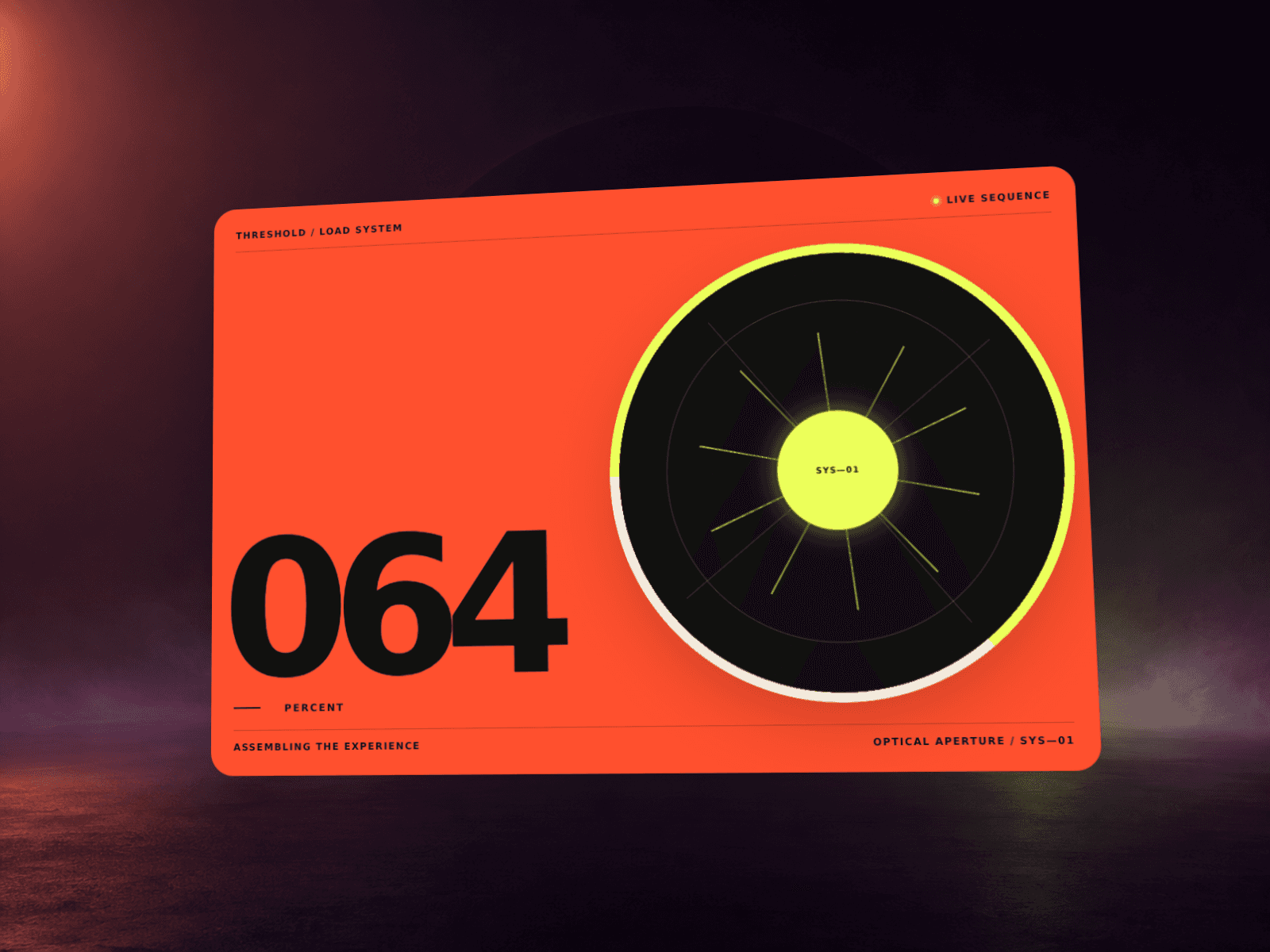
About Text Fill Preloader
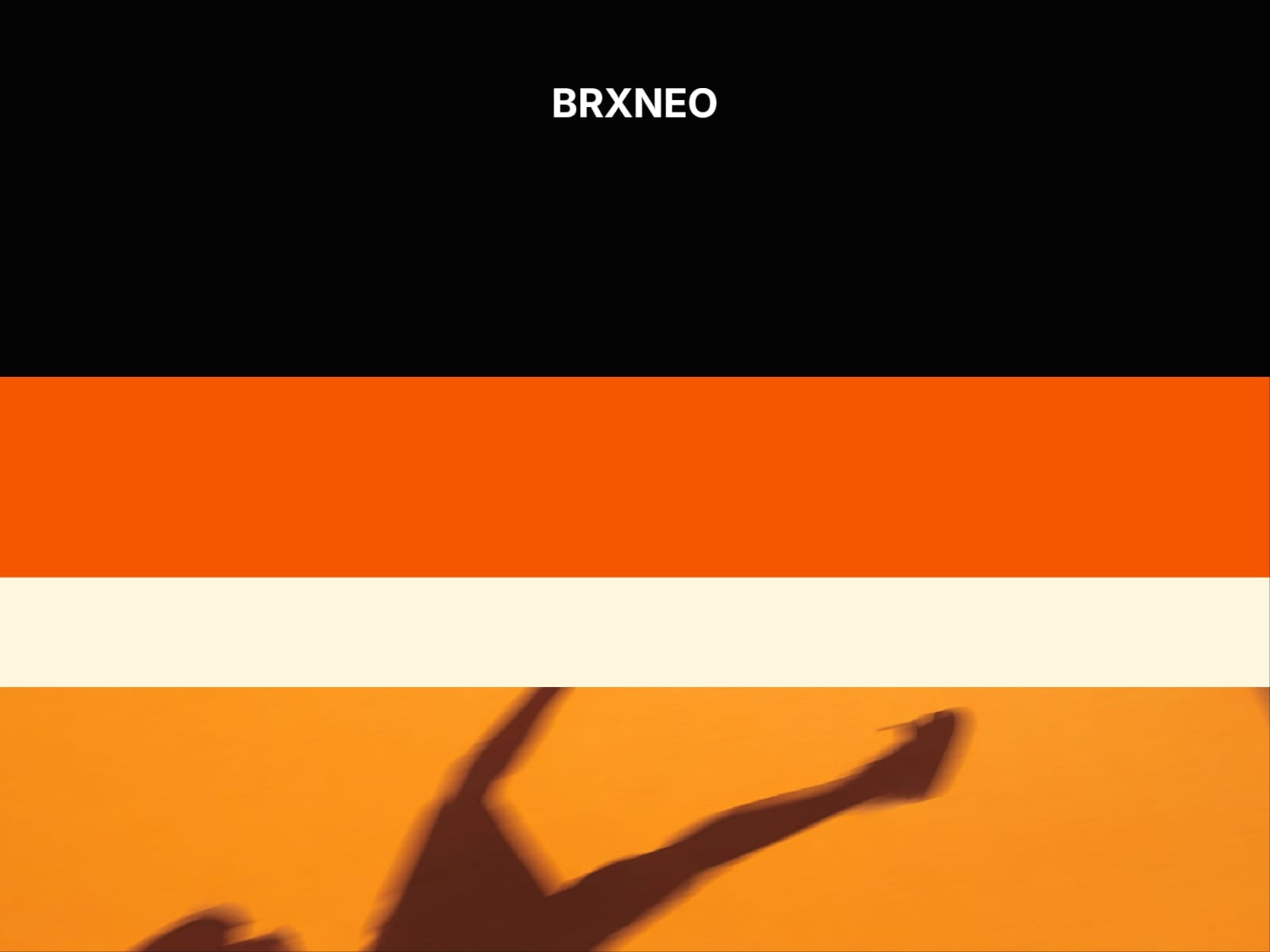
Text Fill Preloader reveals your site with a progressive text fill followed by layered transitions. Customize the text animation, layer colors, timing, exit direction, and typography to create a clean loading sequence that matches your site.
What you can customize
Edit the text, font, size, base color, and fill color. Choose between Letter by Letter and Whole Text fill modes, then adjust the fill time, letter pause, and start delay.
Position the text anywhere in the frame, control its padding, and optionally add a Fade, Move Up, or Scale exit animation.
Use up to five background layers, customize each layer color, choose the reveal direction, and refine the exit delay, duration, stagger, and easing. You can also lock page scrolling during the animation and choose whether the preloader appears on every visit or once per session.
How to use
Copy the component from the Marketplace and paste it onto your canvas
Set the text, font, size, and colors to match your site
Adjust the fill animation and optional text exit
Choose the number of layers, colors, direction, timing, and easing
Preview the page and fine-tune the transition
Great for
Creative portfolios
Agency websites
Personal portfolios
Landing pages
Editorial and design-focused sites
Support
Need help setting up or customizing Text Fill Preloader? Reach out at neo.framer@gmail.com for technical support and component setup assistance.
Refund Policy
Due to the digital nature of this component, refunds are not accepted.