About TextRevealRectangels
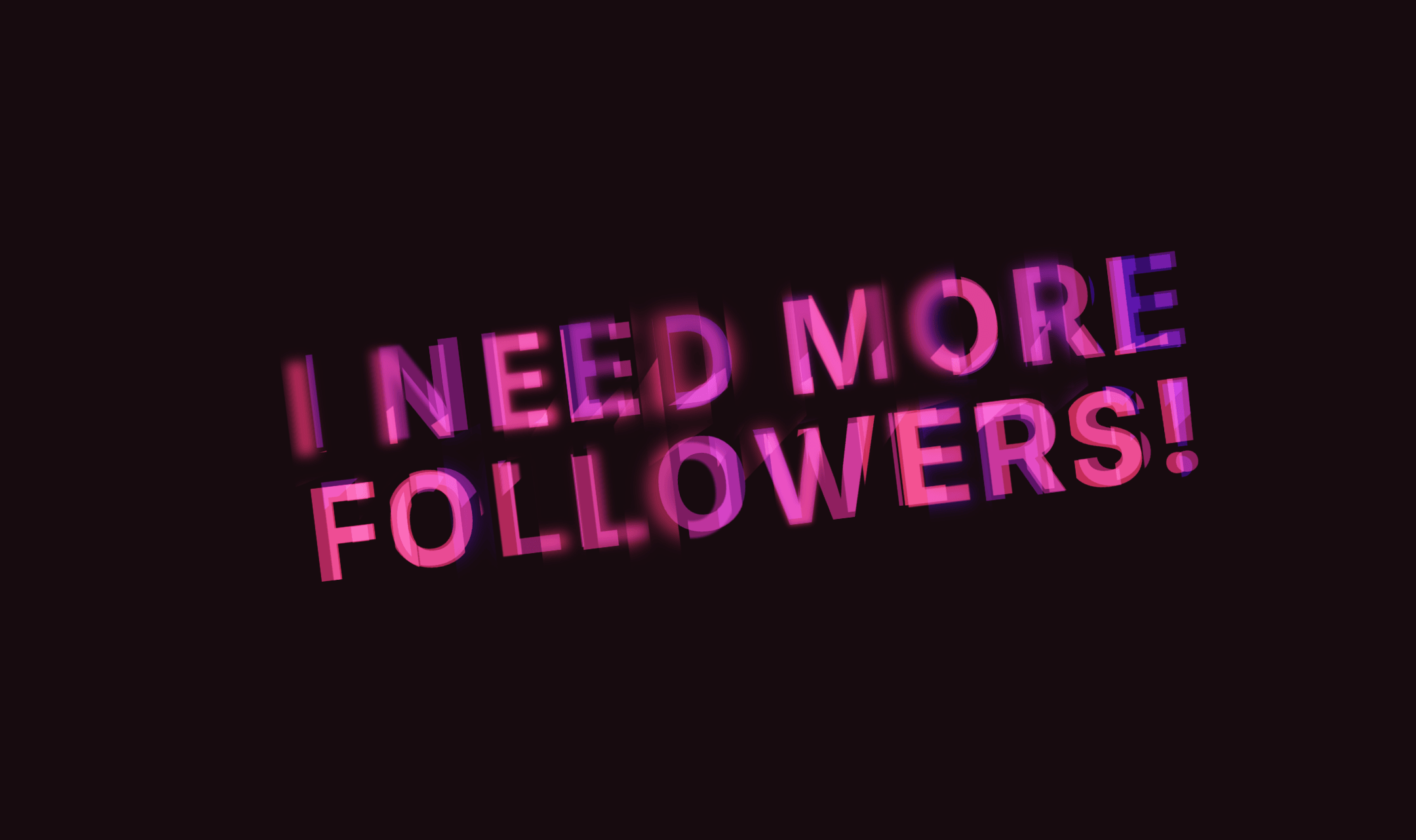
TextReveal makes text appear line by line as colored rectangles sweep across each line, revealing the content underneath. The effect triggers automatically when the component scrolls into view — or bind it to scroll progress for full cinematic control.
Each line gets its own rectangle with a randomized width, creating an organic, staggered feel that avoids the robotic uniformity of typical reveal animations. Optional width growth physics make rectangles pulse wider mid-sweep for added dynamism.
Key Features
Two trigger modes: viewport entry (Intersection Observer) or scroll-driven reveal tied to a parent section. In scroll mode, make the component sticky and lines reveal progressively as the user scrolls — perfect for storytelling sections and landing page heroes.
Keep Background mode transforms the effect into a permanent text highlighter — rectangles stretch to full line width and stay behind the text as colored underlay.
Repeat mode replays the animation at a configurable interval, ideal for looping hero sections or attention-grabbing CTAs.
Canvas-safe: the component shows plain text in the Framer editor with no animation, so it never interferes with your design workflow.
Customization
Typography: native Framer font picker with full control over family, size, weight, line height, and letter spacing. Text color and alignment are separate controls.
Sweep animation: color, min/max rectangle width (% of line), duration, line-by-line stagger delay, and viewport trigger threshold.
Physics: toggle random width growth on or off, with adjustable intensity.
Behavior: keep background as highlight, enable repeat with custom interval, switch to scroll-driven mode with optional CSS selector targeting.
Best For
Hero headlines and landing page statements. Scroll-driven storytelling sections. Highlighted quotes and key metrics. Any text block that deserves more than a simple fade-in.