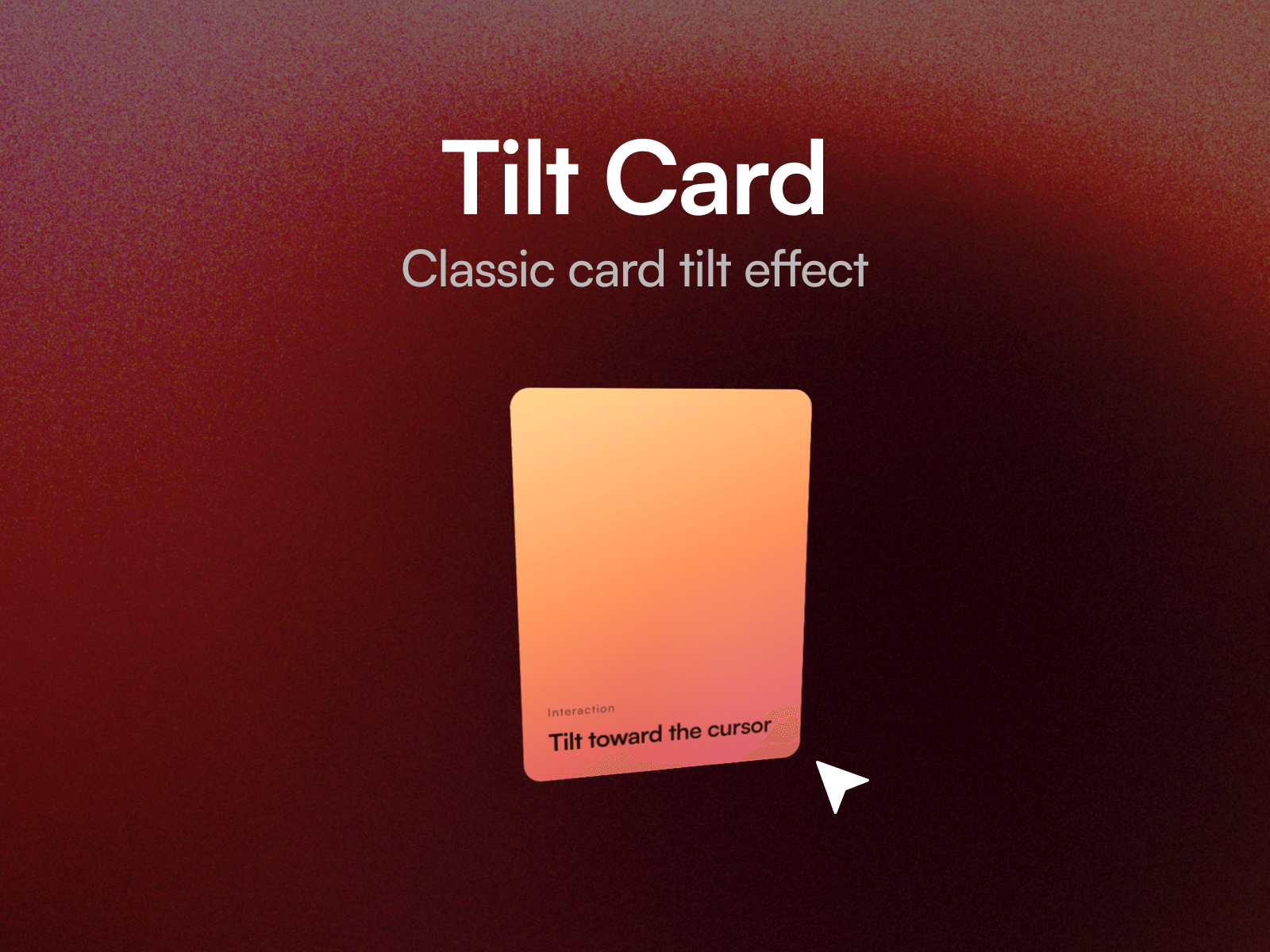
About Tilt Card (Glare)
Tilt Card rotates any layer in 3D toward the cursor, with a specular glare that tracks the pointer across the surface. The rotation follows from the pointer's position within the card, so the whole surface responds rather than snapping to a fixed angle.
Drop a card, image, product shot or pricing panel into the Content slot and tune the motion on the canvas. Thirteen property controls cover tilt angle, perspective depth, scale, glare strength and size, follow and return timing with separate easing, and a reverse toggle.
Three tuned presets
Subtle. A shallow tilt with a deep perspective and no glare, for editorial cards where the motion should stay quiet.
Standard. A clear tilt with a soft glare and a gentle settle. This is how it ships, so it works well without touching a control.
Dramatic. A steep tilt, close perspective and a bright glare, for a single hero element.
Setting up
Paste the component link into your Framer project's Insert panel. Nothing to install.
Set Radius to match your card's own corner radius. The glare is an overlay, so if the radii differ you will see it square off at the corners.
Good to know
The layer in the Content slot needs to sit at the top level of your page, alongside the breakpoint frame. That is how Framer slots work.