About Swipe Deck
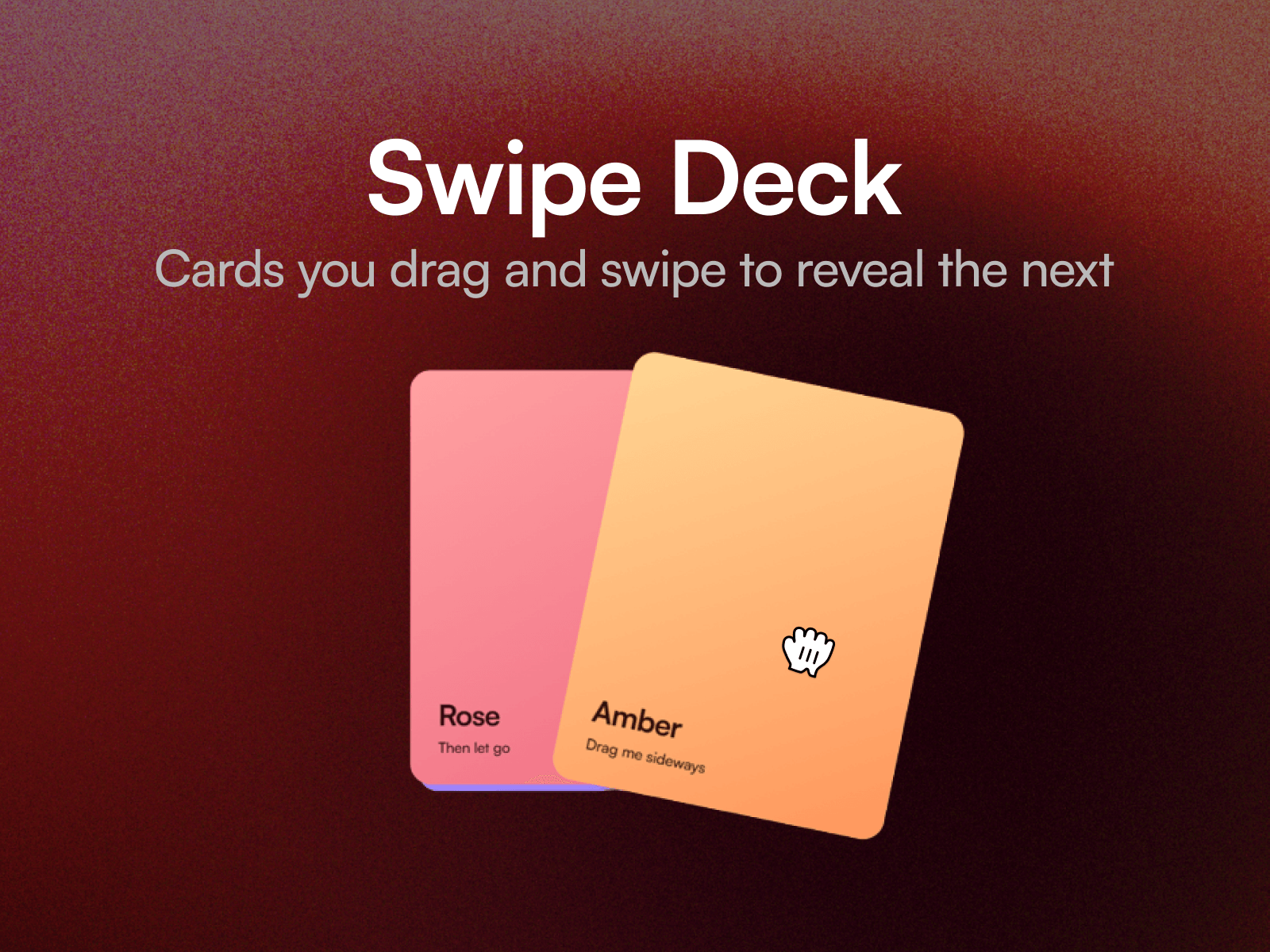
Swipe Deck turns any set of layers into a stack of cards you throw away with the pointer. Flick the top card and it leaves with the speed you gave it; the card behind rises to take its place and the rest of the deck steps forward. A nudge that is not hard enough springs the card back instead, so it never feels like it is guessing.
Put testimonials, portfolio pieces, product cards or team members into the Cards slot. Ten property controls cover how many cards show behind the top one, their offset and shrink, tilt while dragging, how hard a throw has to be, which axis it moves on, looping, and the spring as cards settle.
Three ways to set it
Testimonials. A shallow stack that loops forever, so the deck never runs out.
Portfolio. A deeper stack with more tilt, that ends when the last card goes.
Swipe to decide. Horizontal only, two cards visible, a light throw.
Setting up
Paste the component link into your Framer project's Insert panel. Nothing to install.
Good to know
Every layer in the Cards slot needs to sit at the top level of your page, alongside the breakpoint frame. That is how Framer slots work, and it applies to each card.
Dragging runs on published sites and in preview. On the canvas the deck holds still so it stays easy to select. Works with mouse and touch.