About Two-Phase Carousel
ITEMS
- Add as many items as you need (up to 20)
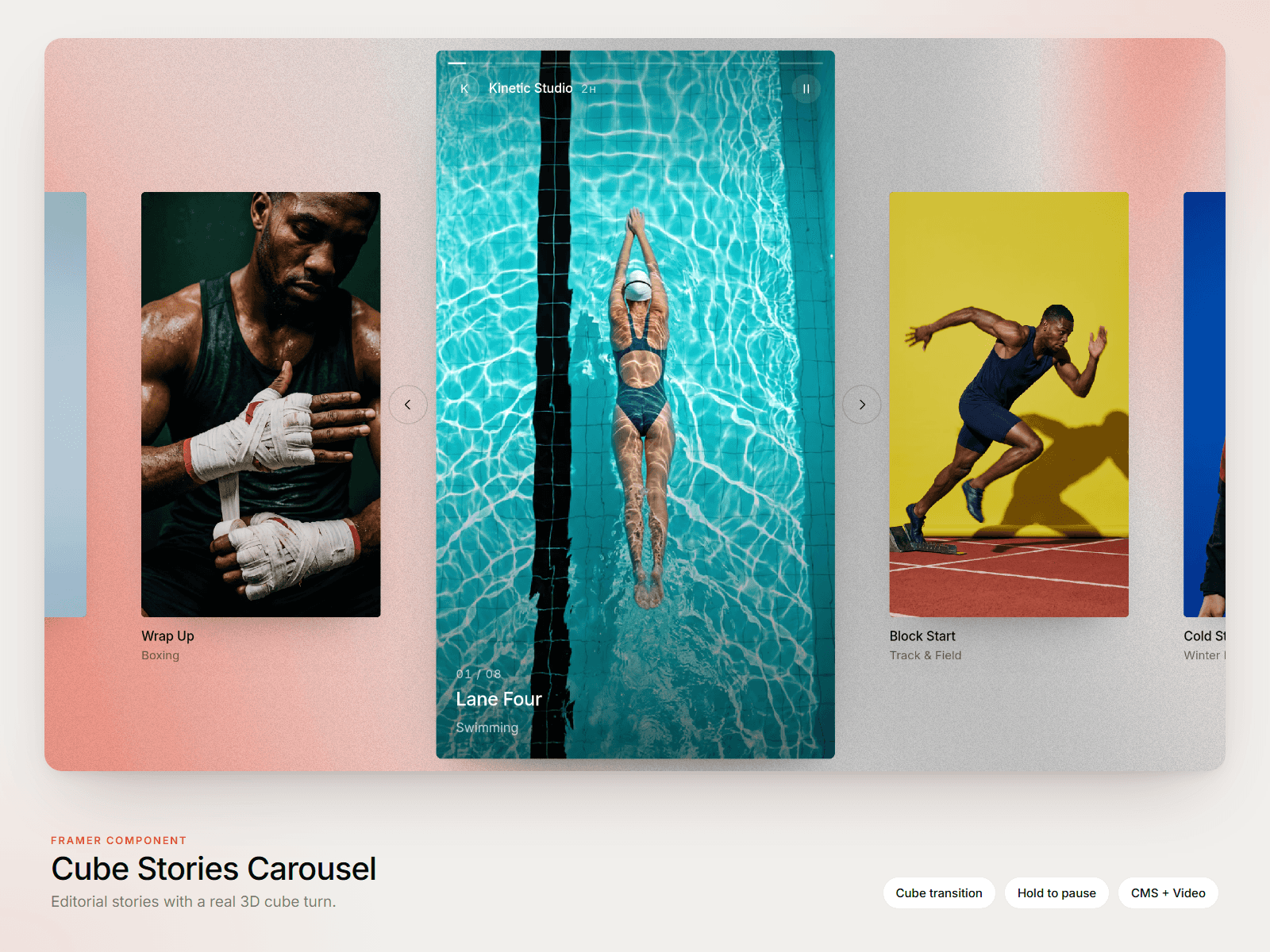
- Each item supports a Framer Responsive Image with alt text
- Per-item link to internal or external pages
- Per-item title that displays above or below the image
- Round or square item shape
PHASE 1 — THE ROTATION
As the user scrolls, items orbit around a circle and the camera tilts subtly to give the rotation depth. The focused item gradually scales up and shifts toward viewport centre, ready to hand off to phase two.
Controls:
- Scroll Length — vh reserved for the rotation animation
- Rotations — number of full turns before snapping
- Tilt — subtle 3D lean during rotation
- Item Scale — base size of non-focused items
- Focus Effect — toggle the focus emphasis on or off
- Focus Scale — how much the focused item grows
- Focus Sharpness — gradient vs. spotlight focus
- Intro Rotation — optional one-time spin on mount, decelerating to rest, hinting that the gallery is interactive
PHASE 2 — THE GALLERY
Once the rotation completes, the gallery snaps into a horizontal step-through. Navigation is true step-by-step: scrolling never skips items and never lands you between two of them. Each item passes through centre.
Controls:
- Scroll Navigation — keep scrolling to advance through items, or stop after the snap
- Arrows — show or hide left/right arrows
- Arrow Color and Arrow Background
TITLES
Each item can carry its own title, fully styleable.
- Show or hide titles
- Position above or below the image
- Padding distance from the image
- Font, color, size
- Five reveal animations: Slide Bottom, Slide Bottom + Blur, Slide Top, Slide Top + Blur, Blur Fade
HOVER
Items react with a subtle scale on hover during the gallery phase. Tunable size multiplier; pointer cursor appears on linked items.
COMPATIBILITY
Built with framer-motion. Works on desktop and mobile. Respects responsive images and lazy-loads off-screen items.