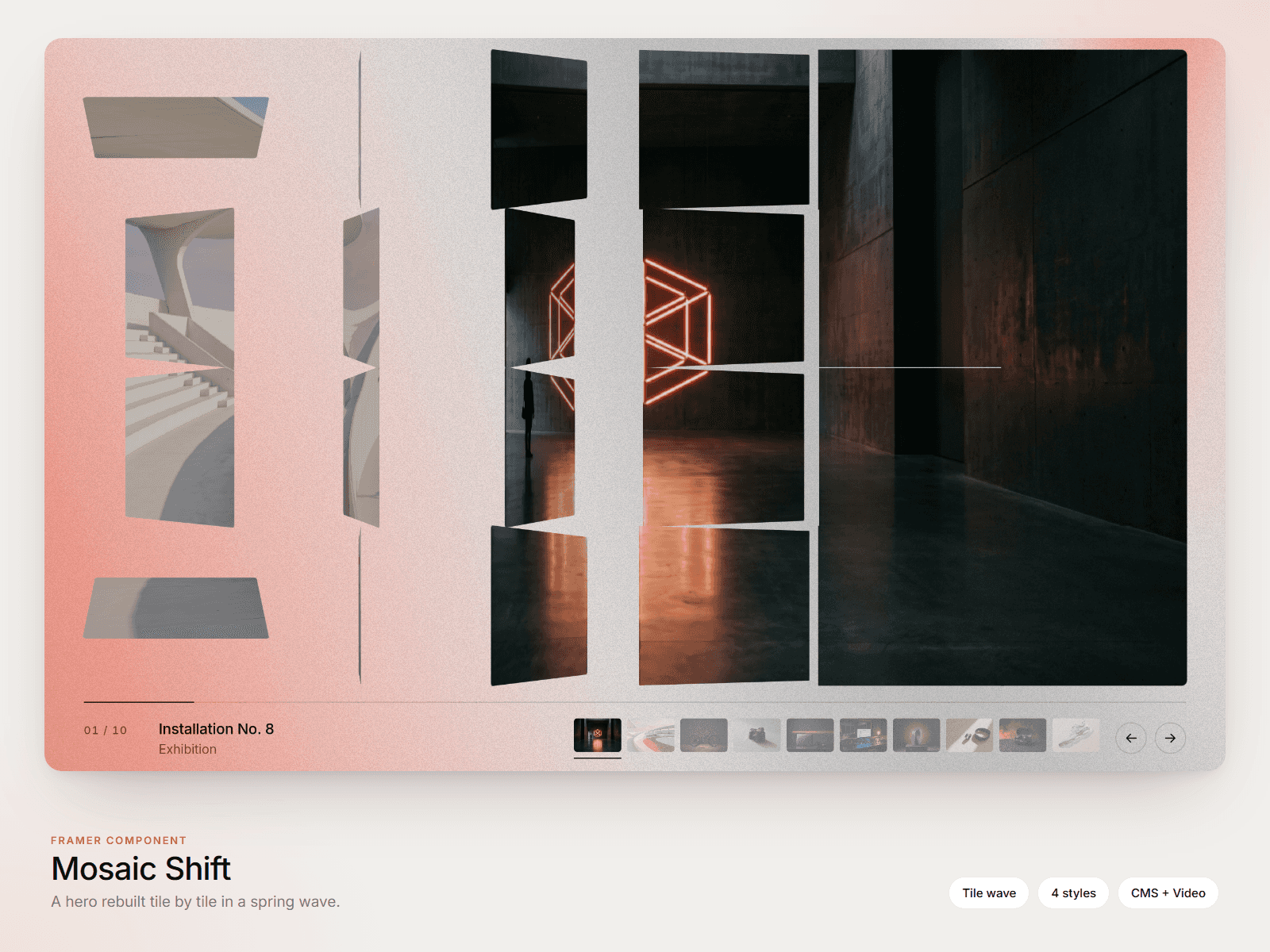
About BendingCarousel
About Bending Carousel
Bending Carousel is a draggable media slider that bends along a Gaussian curve as you move it. The bend follows your drag direction and speed, then flattens when the carousel snaps to the nearest item.
Features
Images and videos in one carousel
Manual items or connected Framer content
CMS Collection List support
Video-only CMS items require no image
Horizontal or vertical orientation
Infinite and bounded modes
Per-item links
Adjustable sizing, bend, drag, scaling, fading, and corner radius
Optimised WebGL rendering with offscreen pausing
Connecting Framer CMS
Place a CMS Collection List outside the visible page frame, but keep it enabled.
Inside each Collection Item, connect an Image or Video component to its CMS field.
Set Bending Carousel’s Source to Connected Content.
Connect the Collection List through the Content connector.
Each CMS item can contain either an image or a video. The carousel reads the connected media and keeps the CMS order.
To upload media directly, select Manual Items instead.
Bending Carousel works well for portfolios, project galleries, products, and editorial showcases.
What changed
Reduced the description to the core features and a compact CMS setup.