About Ultimate Scroll Text
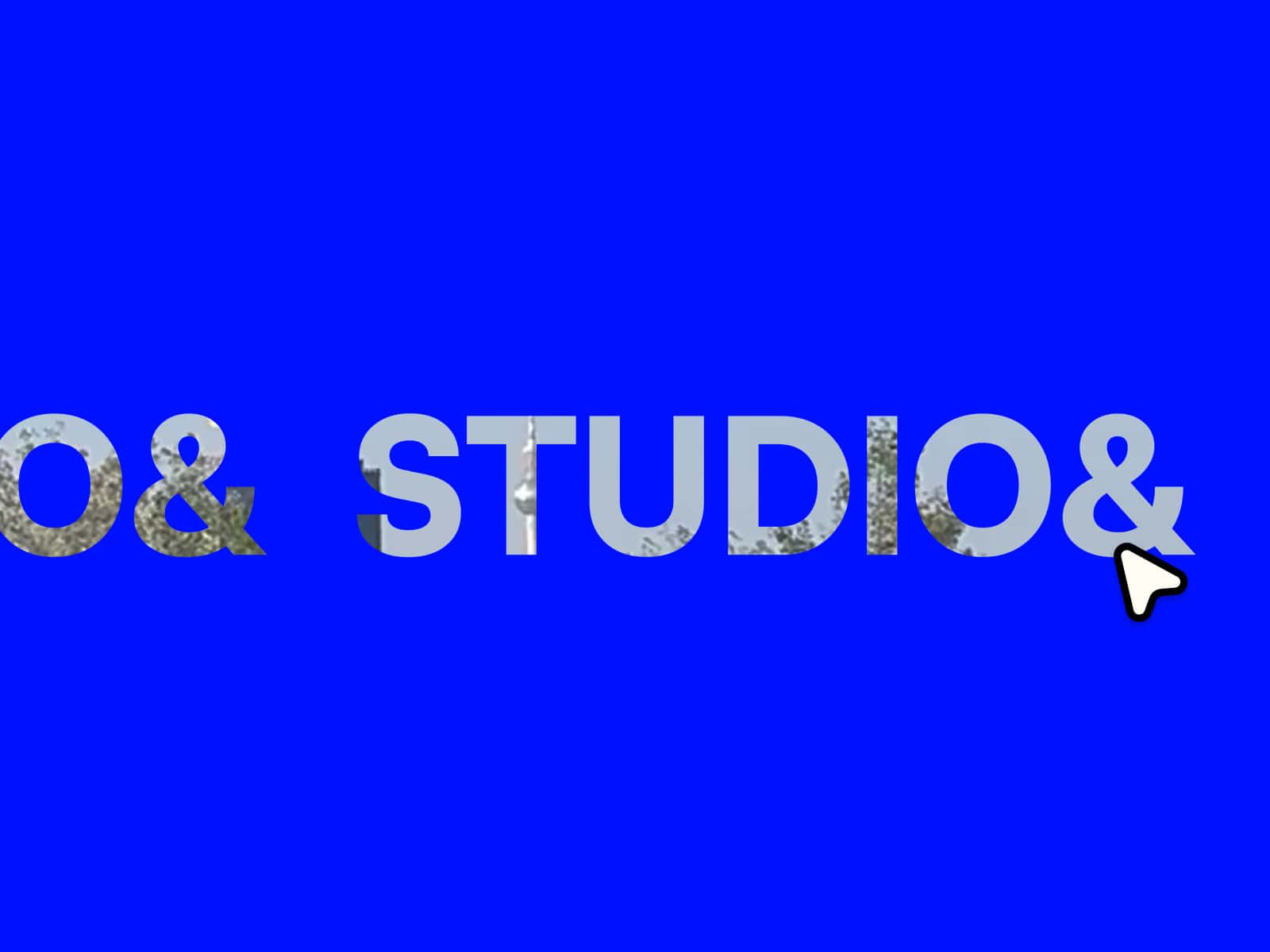
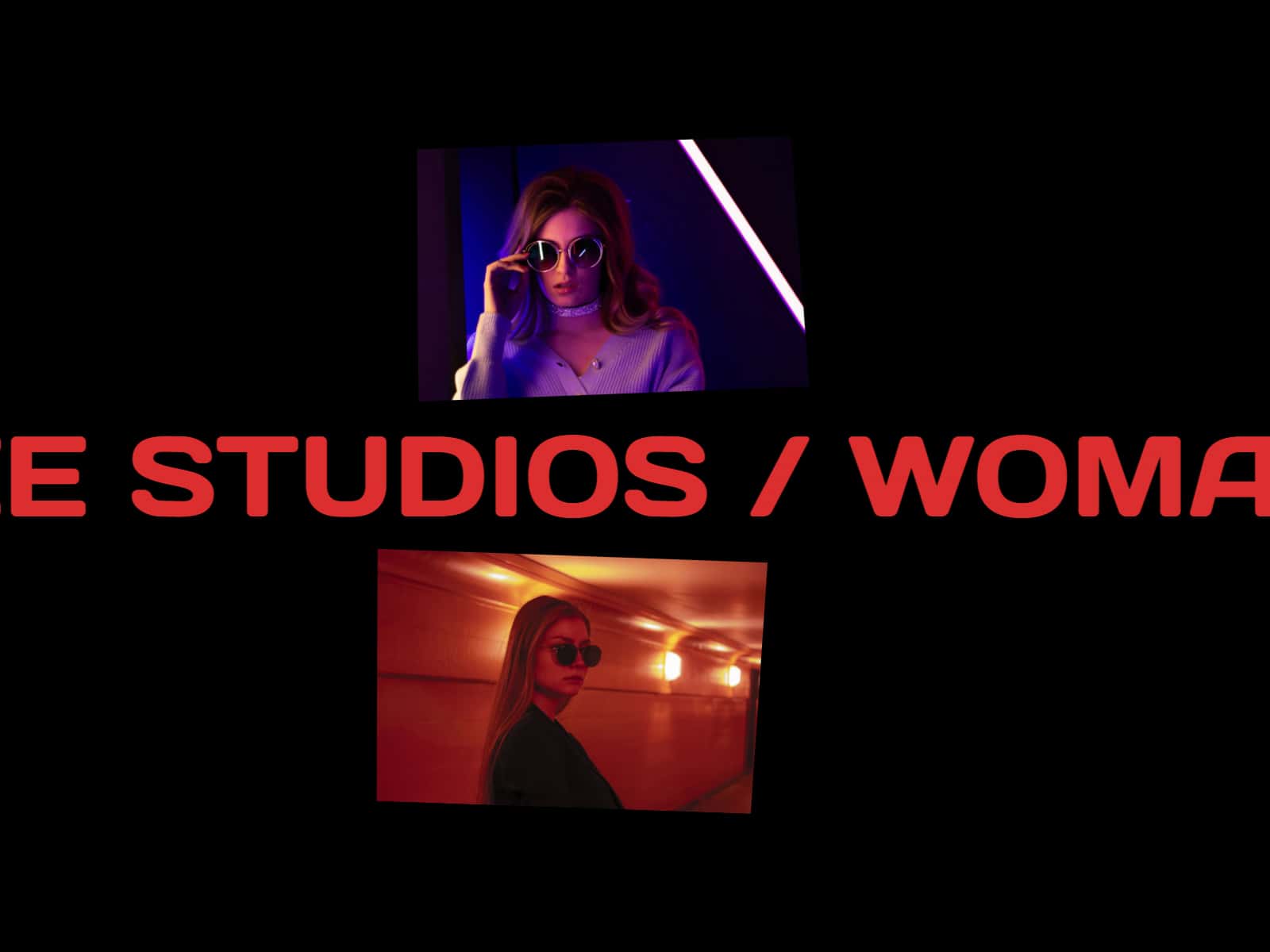
Ultimate Scroll Reveal is a plug-and-play Framer component that reveals text based on scroll position, giving you precise, readable motion without timelines or keyframes. Drop it into any section, paste your copy, and the reveal stays perfectly synced to the user’s scroll for a premium “storytelling” feel.
Important: After pasting this component into a new project, set the parent frame to Fit Content so the component displays and behaves correctly.
You can choose how the text reveals:
Words for bold, editorial pacing
Letters for a more cinematic, type-driven effect
Lines for clean, presentation-style storytelling
The layout is built for real pages. The text block can stay sticky while the section scrolls behind it, and you can control horizontal and vertical alignment from Framer’s native segmented controls. Typography is fully handled through native Framer font controls, so users can style it like any normal text layer.
To make editing easy, Ultimate Scroll Reveal includes Canvas Preview options so your text is visible while designing (even without real scrolling on the editor canvas). You can preview the fully revealed state or set a custom preview progress.
For extra depth, you can enable an optional Ghost Layer that renders a low-opacity “fully revealed” version behind the animated text—perfect for subtle contrast and a polished, high-end look.
Key features
Scroll-triggered reveal with smooth, stable timing
Reveal modes: Words, Letters, Lines
Sticky layout + adjustable alignment
Native Framer font controls
Canvas Preview for editing visibility
Optional Ghost Layer (opacity + color controls)