About Unfolding Morph Menu
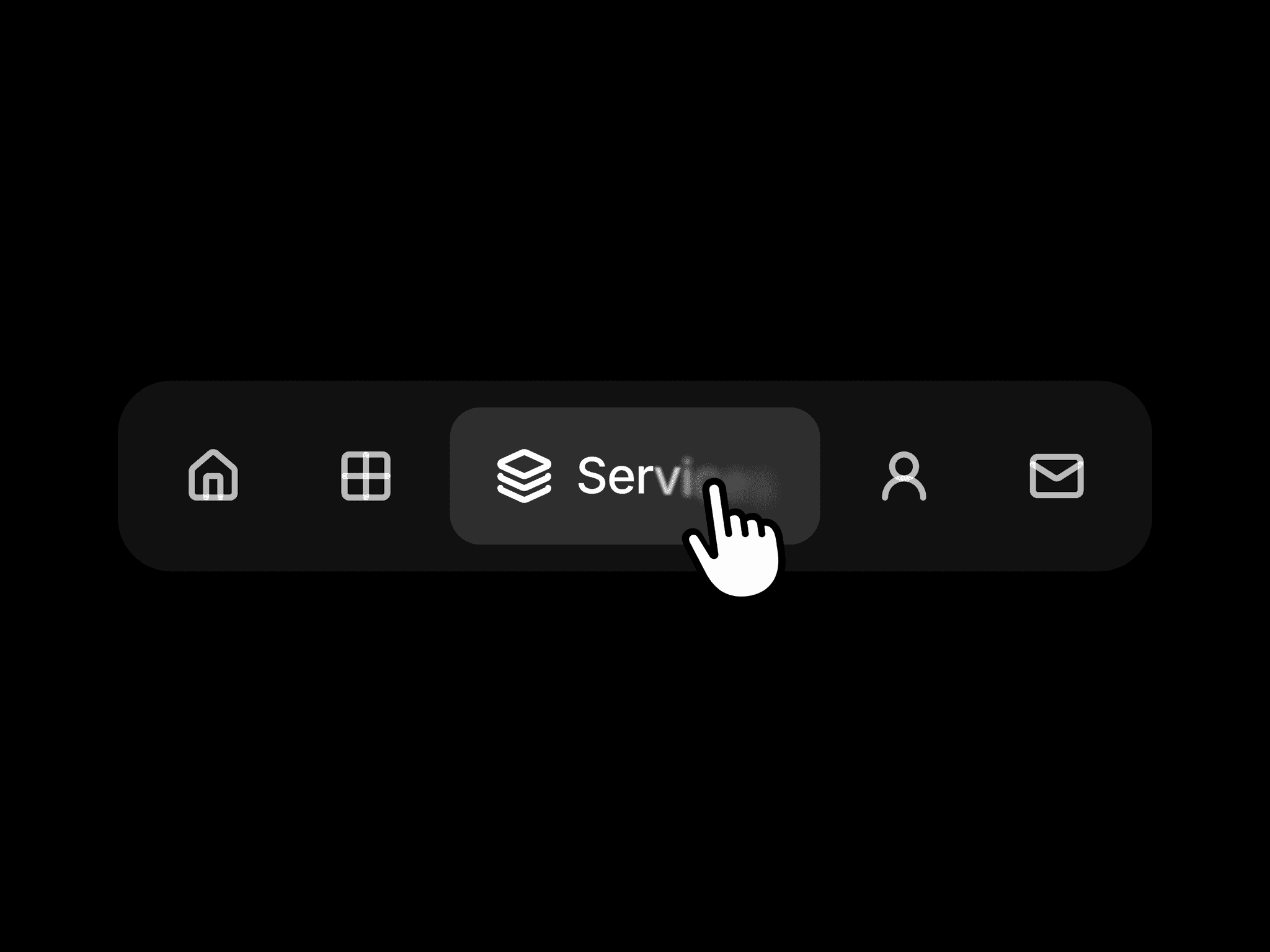
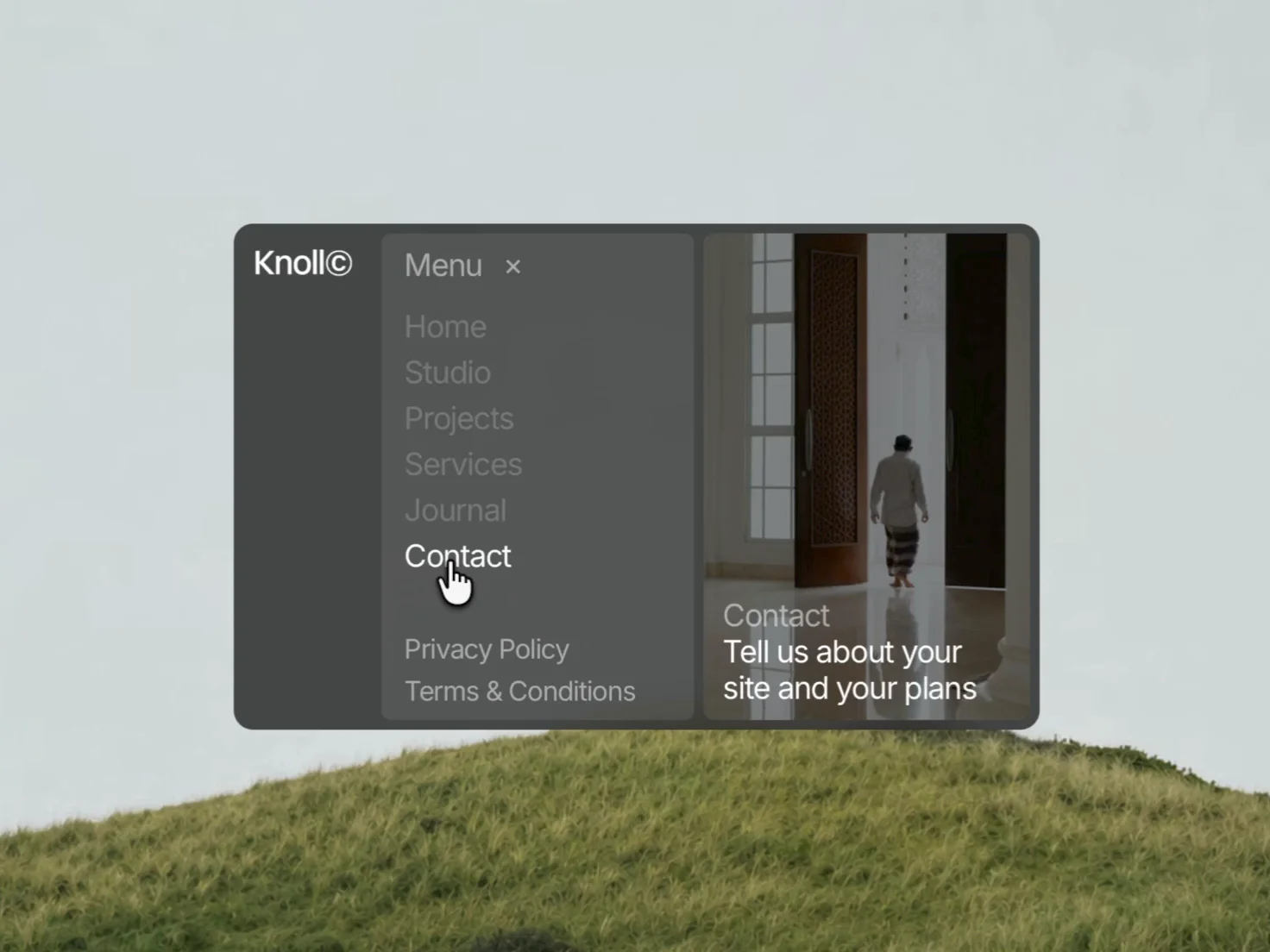
A compact navigation pill that unfolds into a full link menu. It starts as a small button, grows into a “Menu +” label on hover, then opens into a panel of links. Hovering a link slides in its own image and caption in a side panel, so visitors preview each page before they click.
What you get
A three-stage morph from pill to label to open panel, with spring animation throughout
A per-link image preview with a caption that reveals word by word, which you can show or hide link by link
A side panel with your logo and copyright that sits behind the preview image
Three caption styles: full image tint, bottom bar, or corner box
A smaller legal links row (Privacy, Terms and so on)
A mobile layout with bigger link text. The bar stays compact until opened, then widens to the screen. The image panel hides itself on small screens.
Closing on a link click, Escape or an outside click, each of which can be turned off
Keyboard focus rings, and motion is skipped for visitors who prefer reduced motion
Internal links use Framer’s own router, so your page transitions still work
Customize everything in the properties panel
Logo as an image or SVG, or plain brand text
Fonts, text sizes and colors
Container fill, blur, radius and padding
Trigger and panel sizes, spacing and icon rotation
Spring and timing controls for every animation
A canvas state switch to pin the menu closed, hovered, open, or on a specific link while you design