About Expanding Dock
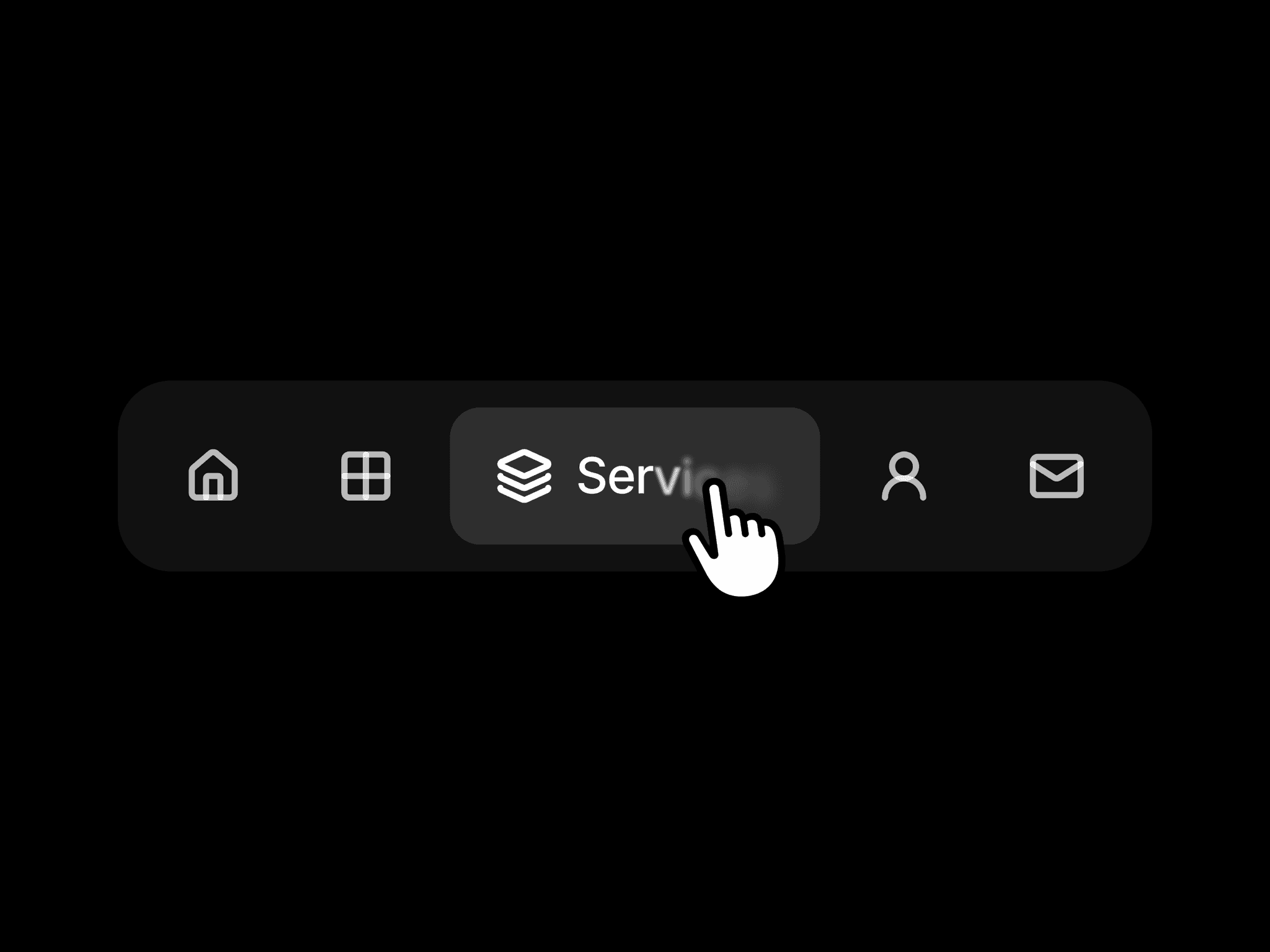
Expanding Dock is a compact menu with five icon buttons. Hovering expands a button to reveal its label, while a shared highlight slides between items. The dock adjusts its width smoothly and returns to its compact shape when the pointer leaves.
What you can customize
Open Edit Component to customize the dock directly on the canvas. Edit the icons, labels, links, colors, and corner radius, then adjust the variants and their interactions to match your site.
How to use
Copy the component from the Marketplace and paste it onto the canvas
Open Edit Component to access the layers and variants
Edit the icons, labels, and links directly on the canvas
Adjust colors, corners, and the appearance of each variant
Preview the page to test the hover animation and navigation
Great for
Compact portfolio navigation
Personal and studio websites
Product microsites
Small groups of primary page links