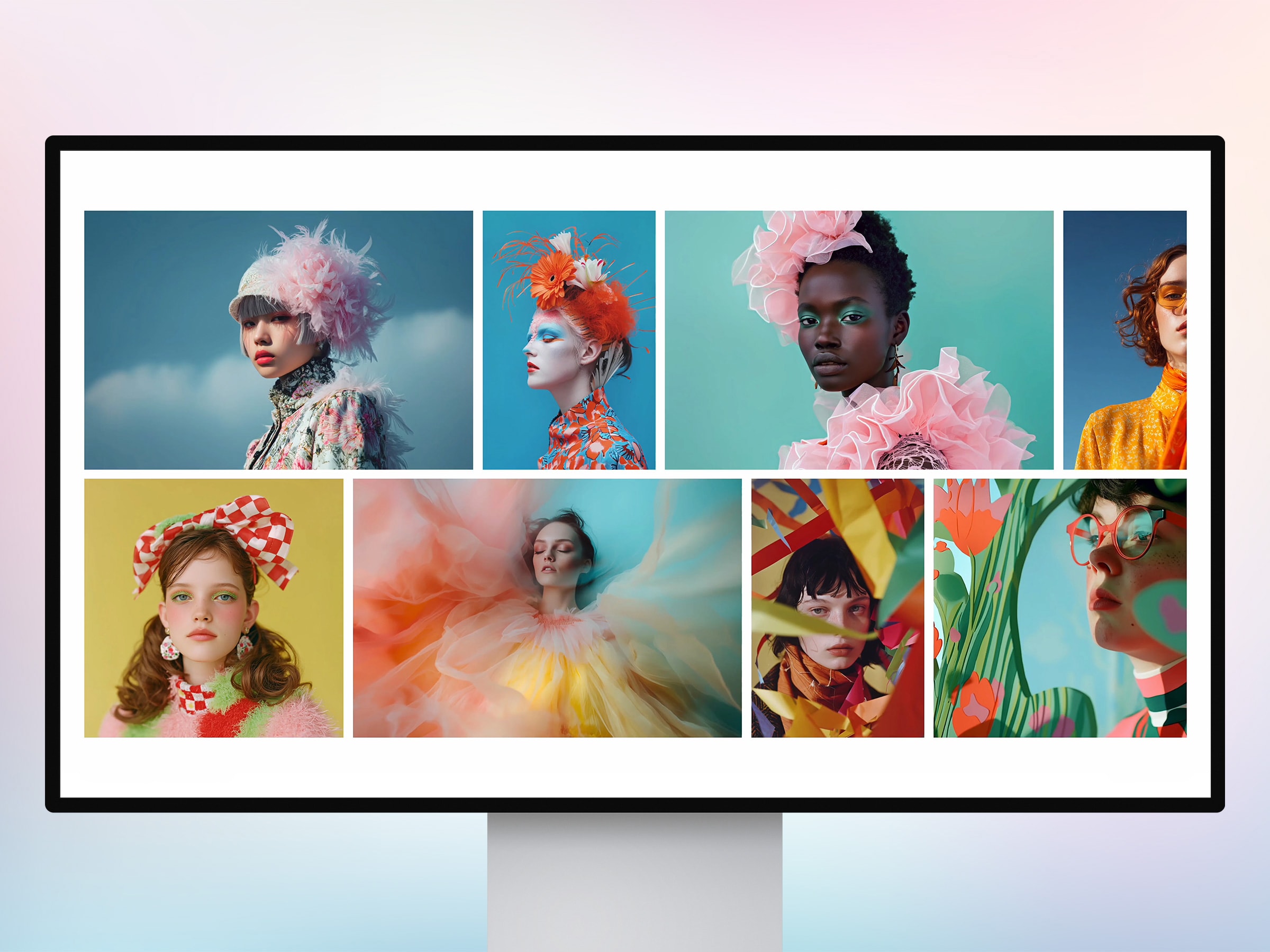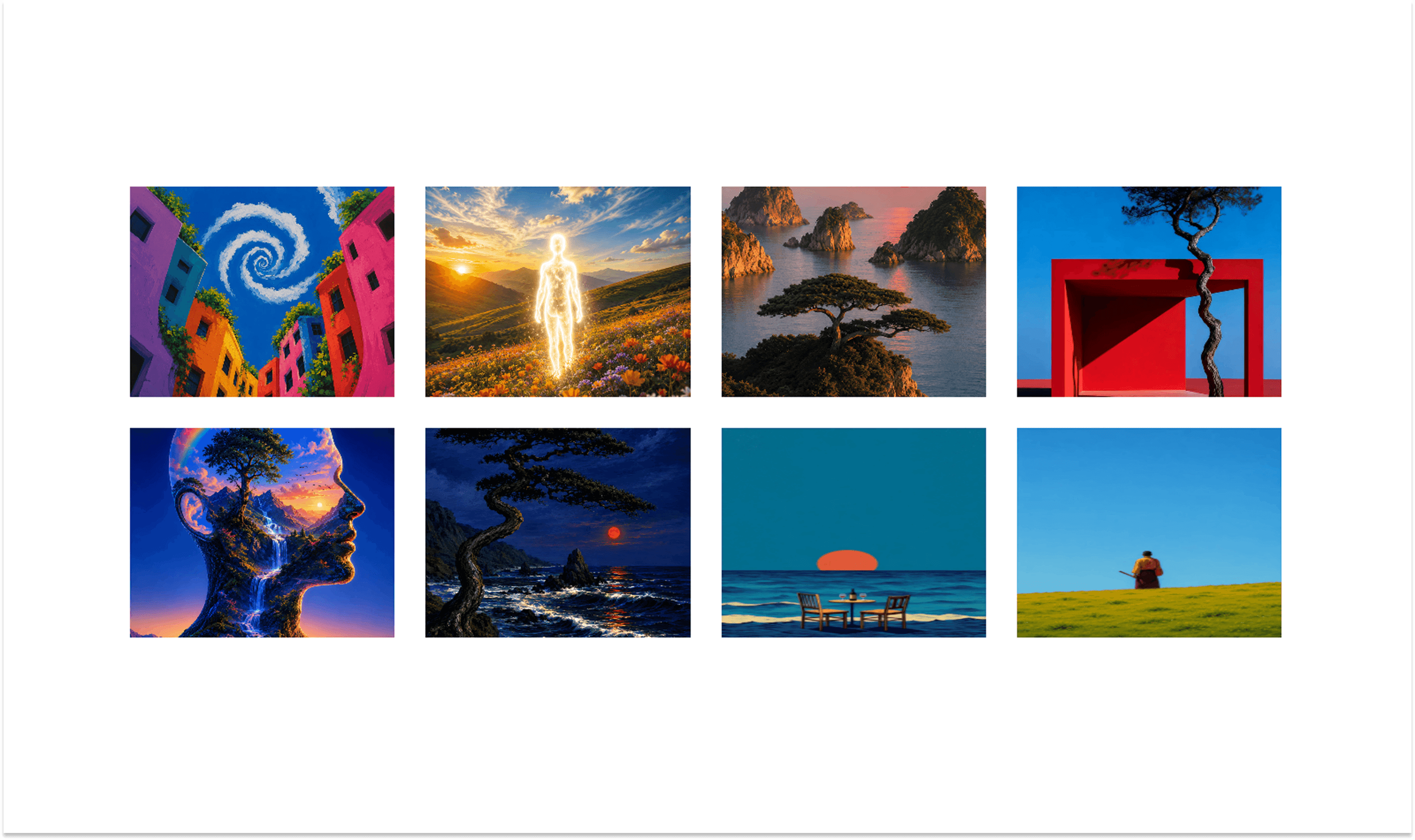
About Video Bento Grid
Video Bento Grid is a responsive video gallery for Framer that combines flexible bento layouts with smooth video playback and interactive hover effects. Create visually rich compositions using different tile sizes, from compact cards to wide, tall, and large feature tiles.
✦ Key Features
Bento Video Layout - Create dynamic compositions using multiple tile sizes.
Video Support - Add videos through uploaded files or direct video URLs.
CMS Link Compatible - Connect individual video cards to CMS pages or custom destinations.
Flexible Tile Sizes - Choose compact, panorama, pillar, or marquee footprints.
Responsive Grid - Automatically adapts the number of columns across desktop, tablet, and mobile.
On-Screen Playback - Videos can automatically play when they enter the viewport.
Hover Playback - Optionally play videos only while hovering over a card.
Smart Video Playback - Control how many videos can play simultaneously for better performance.
Fullscreen Video Viewer - Open videos in an immersive viewer with playback controls.
Viewer Navigation - Move between videos with keyboard arrow controls.
Custom Styling - Control grid spacing, row height, padding, corners, borders, colors, and typography.
✦ What You Can Create
Video portfolios
Creative agency showcases
Production studio websites
Film and motion galleries
Product showcases
Fashion lookbooks
Editorial video grids
Project collections
Visual storytelling sections
CMS-powered video galleries
✦ Build a More Dynamic Video Showcase
Video Bento Grid gives your videos a strong visual hierarchy without forcing every card into the same shape. Mix different tile sizes, add interactive captions, connect cards to CMS pages, and create a gallery that feels more like an editorial composition than a standard video grid. Keywords: Video Bento Grid, Bento Video Gallery, Video Grid, CMS Video Gallery, CMS Link, Framer CMS, Framer Video Gallery, Bento Grid, Video Portfolio, Responsive Video Grid, Interactive Video Gallery.