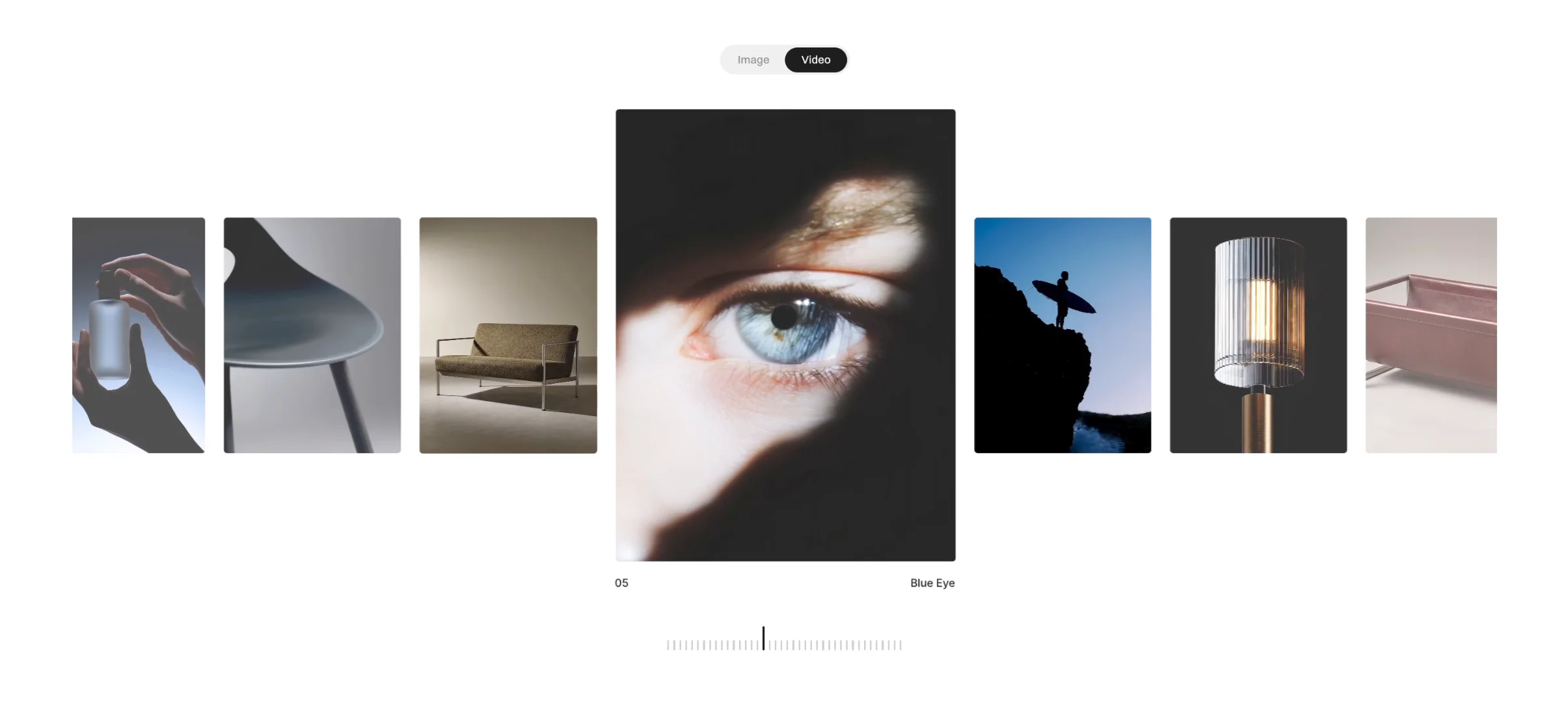
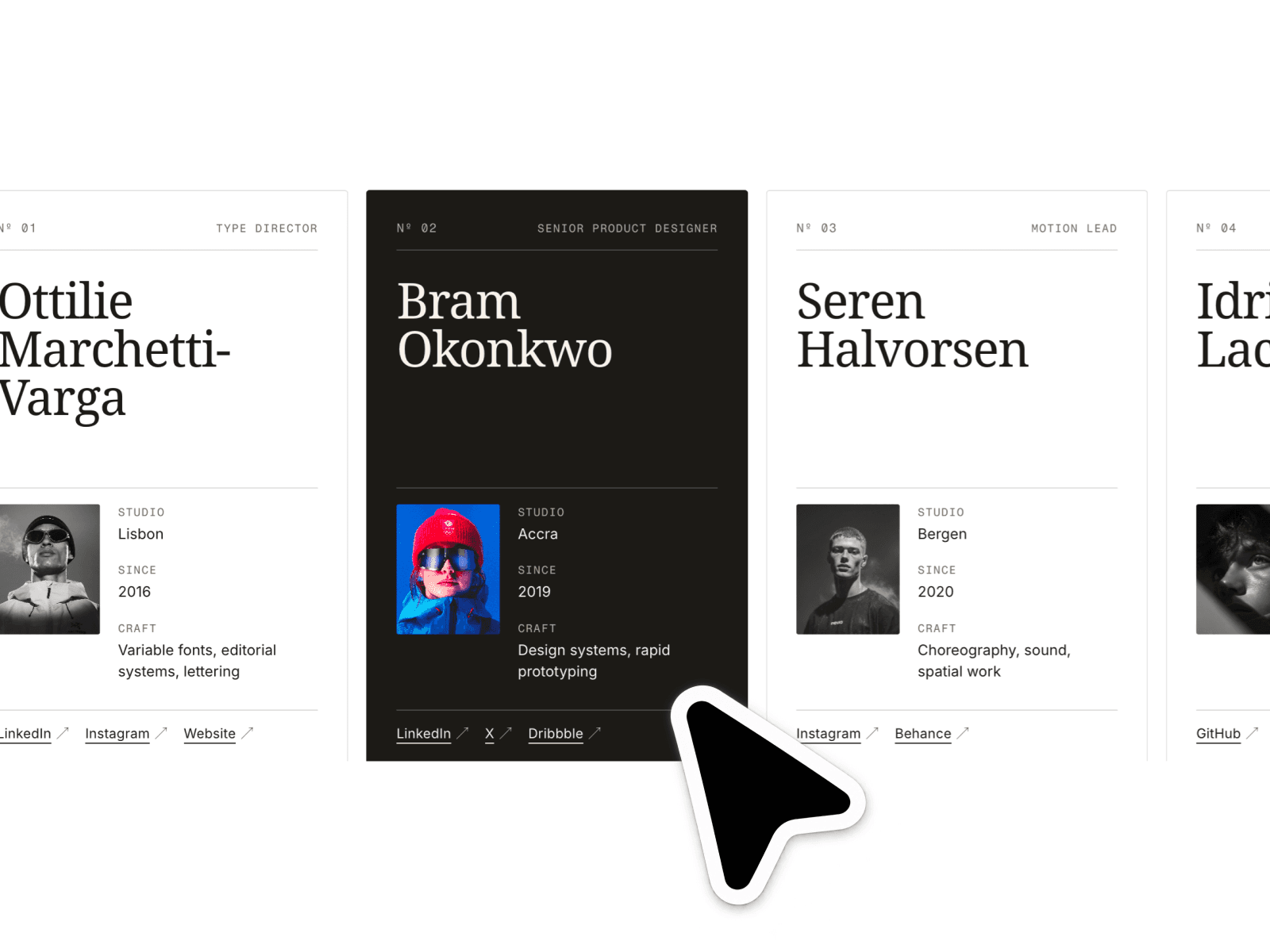
About Video Slideshow
Displays videos in a responsive horizontal slideshow
Supports both landscape and portrait content
Scroll/swipe navigation with optional keyboard and arrow controls
Multiple navigation UI styles (modern pill, simple dots, or minimal)
Built-in styling controls for fast visual matching with your brand
Customization options
Slide data (video + title + subtitle + poster)
Layout controls (width, gap, radius, inactive look)
Navigation controls (arrows on/off, keyboard support)
Pagination controls (pill/dots/none)
Playback options (muted, native controls, behavior settings)
Label typography (font, size, color, alignment, spacing)
Best for
Product demos
Portfolio case studies
Course previews
Social proof reels
Landing page hero sections
Testimonial videos
Setup (quick)
1) Add the component to your Framer page
2) Add your slides (video + optional title/subtitle/poster)
3) Choose your navigation style
4) Tweak spacing, typography, and colors
5) Publish
Tips for best results
Use optimized video files for faster page loads
Add poster images for cleaner first paint
Keep title/subtitle concise for better readability
Use consistent aspect choices per section for visual rhythm
What buyers get
The Video Slideshow component
Fully customizable controls in Framer
A clean, reusable structure for future pages