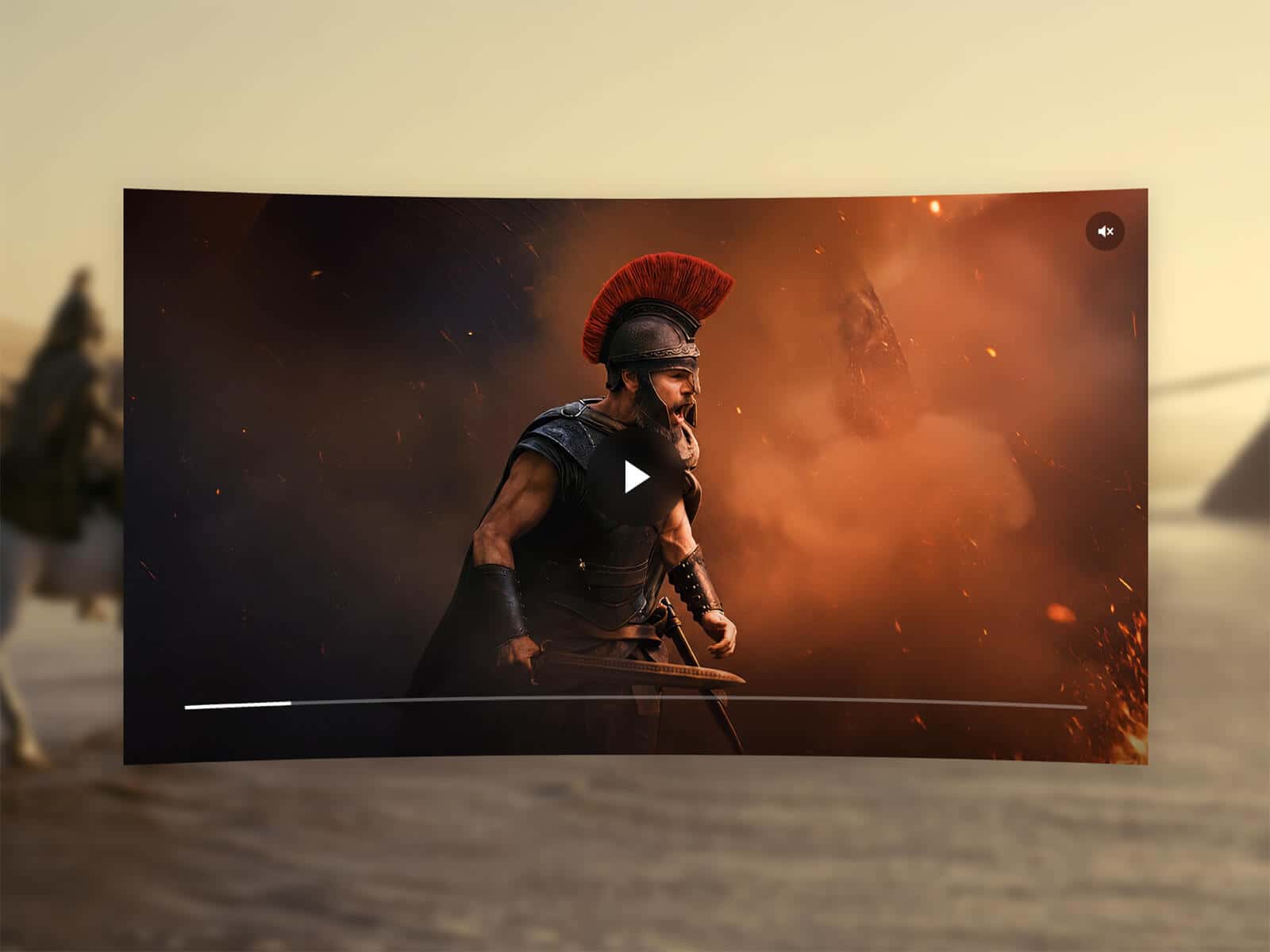
About Vimeo Fit Cover
About This Component
Vimeo Fit Cover lets you turn any Vimeo video into a perfectly responsive cover inside your Framer layouts.
Unlike standard Vimeo embeds, the video automatically scales and centers itself using a true fit cover behavior, ensuring a clean edge-to-edge result with no black bars, regardless of the aspect ratio.
Designed for hero backgrounds and immersive layouts, the video behaves as a visual layer rather than a traditional player. To achieve this effect, the Vimeo player is resized beyond its default proportions, so player controls and interface elements are hidden.
A Start Time option is also included, allowing playback to begin at a specific moment in the video.
Key Features
Video Input
Supports Vimeo URLs and Vimeo IDs
Automatic Vimeo detection
Optional Start Time
Fit & Display
Cover mode with no black bars
Optional Contain mode
Automatic scaling and centering
Adjustable Fit Position
Works with any ratio or dimension
Playback
Autoplay
Muted by default
Optional loop
Plays inline
Poster & Loading
Optional custom poster image
Automatic Vimeo thumbnail fallback
Poster Delay before revealing the video
Smooth fade transition
Load on page or on viewport entry
Styling
Opacity
Background fill color
Border radius
Usage Notes
Perfect for hero backgrounds by placing the component in absolute position behind your content.
Works with any layout, including fullscreen sections, cards, banners, and square, portrait, or landscape containers.
How to Set Up
Drag Vimeo Fit Cover onto your canvas
Paste your Vimeo URL (or ID)
Adjust settings
Publish
Refund Policy
All sales of digital products are final and non-refundable.
Questions? Contact hellonostromostudio@gmail.com before purchasing.
Enjoy!