About Cinema Screen Video
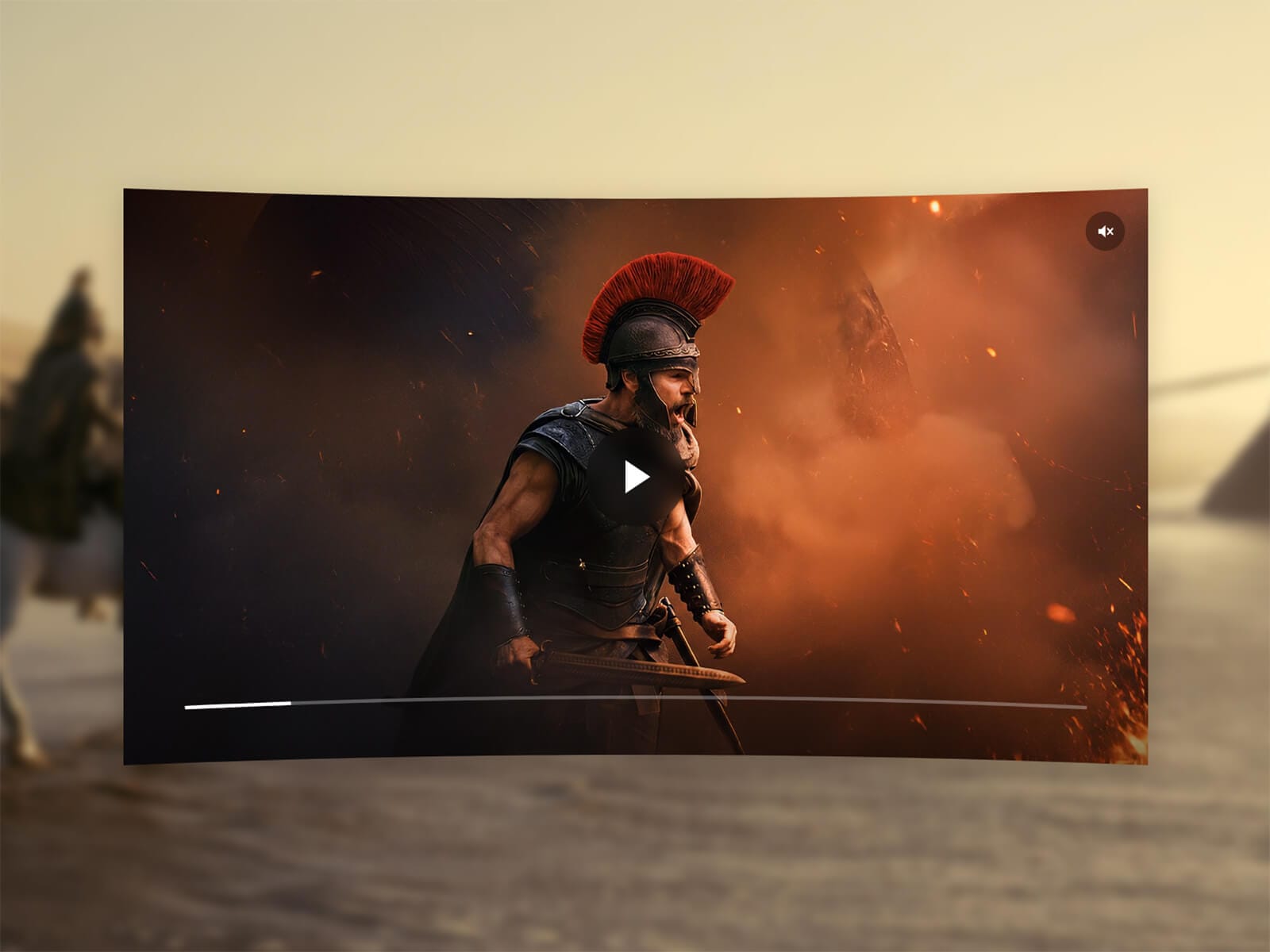
Cinema Screen Video plays your video with a gentle, adjustable curve — convex or concave — as if it were sitting on a real cinema screen. The deformation is a true clip-path shape, not a filter or an illusion, so it stays crisp at any size. Horizontal and vertical curvature are controlled independently, so you can bow the sides, dip the top and bottom, or mix both to taste.
Key Features
Curve
Convex or Concave shape, each with independent Horizontal and Vertical intensity
Pure CSS clip-path — crisp edges at any size, no blur, no canvas
Optional corner Radius, layered on top of the curve
Playback
Upload a video or link one by URL
Play/pause and mute buttons, plus a progress bar that follows the curve of the screen
Autoplay, Loop, and Muted controls
Optional poster image, shown until playback starts
Style
Native Shadow control that follows the curved silhouette, not a plain rectangle
Vignette with adjustable amount and color, including transparency
Controls toggle — hide everything for a fully passive background video
Usage Notes
Cinema Screen Video reshapes a real <video> element with clip-path — no pixel warping, no WebGL — so it stays lightweight and works with any codec your browser supports. Keep uploaded videos reasonably compressed: a smaller export loads faster for your visitors. For most layouts, a Vertical intensity around 30–50 gives a subtle, realistic curve; pushing both Horizontal and Vertical higher creates a more dramatic, stylized look.
How to Set Up
Drag Cinema Screen Video onto your canvas
Upload a video or paste a URL
Choose Convex or Concave, then adjust Horizontal and Vertical intensity
Publish
Refund Policy
All sales of digital products are final and non-refundable. Questions? Contact hellonostromostudio@gmail.com before purchasing. Enjoy!