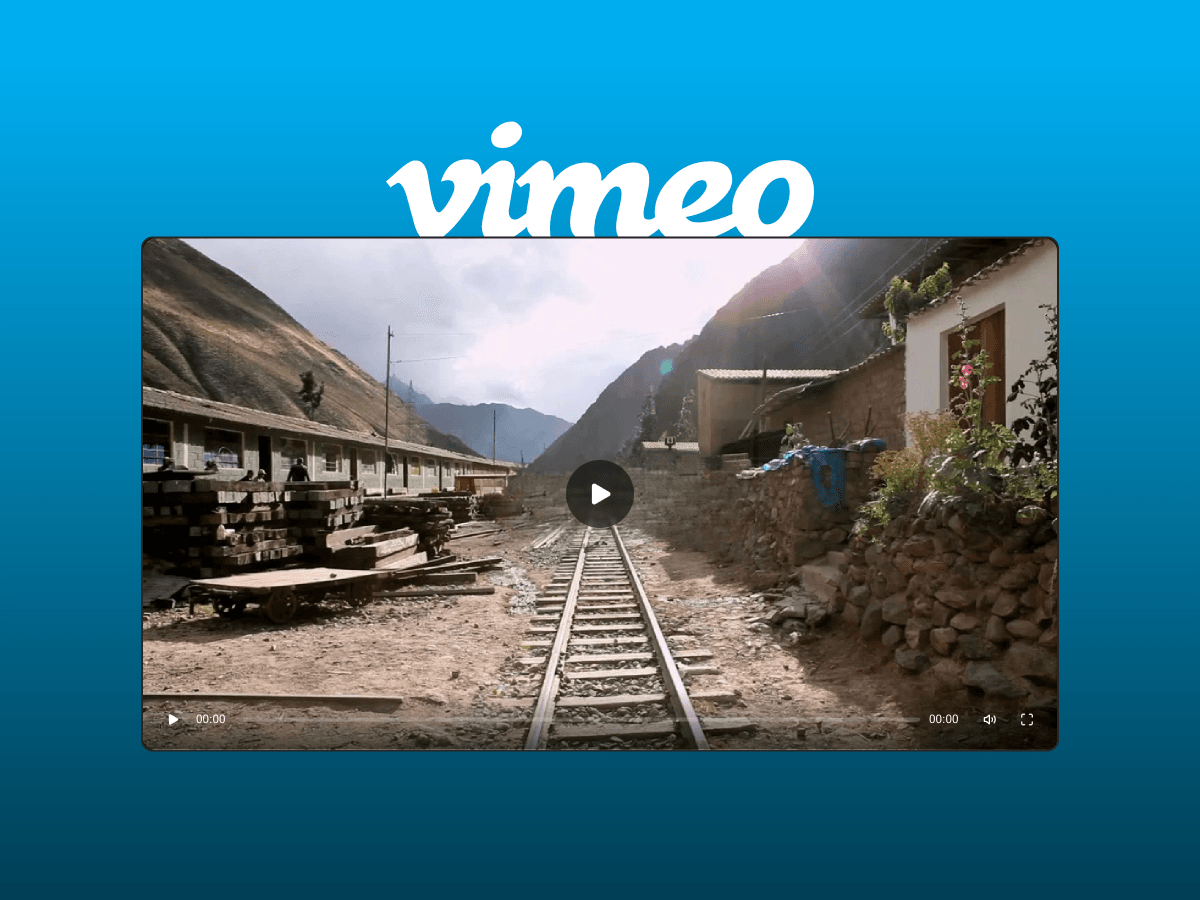
About Vimeo Player
Most vimeo video players give you a fixed interface with limited styling options. This Player takes a different approach - it gives you a fully customizable, design-first Vimeo player that you can style to match your website.
Add any Vimeo video using its Vimeo video link, then customize the player’s controls, progress bar, buttons, icons, overlays, gradients, typography, and behavior directly from Framer’s right-hand panel.
It’s not just a Vimeo embed. It’s a custom Vimeo player built for Framer and designed to fit seamlessly into your visual design system.
What makes this different
Instead of being locked into Vimeo's default player appearance, you can create a custom Vimeo video player that feels like a native part of your website.
Instructions
Copy and paste Custom Vimeo Player.
Add your Vimeo video using the Vimeo URL field.
Add a thumbnail image if needed.
Customize the player’s appearance and behavior from the right-hand property panel.
Preview or publish your website.
Features
50+ controls: Full control over styling and behavior.
Smart playback system: Automatically pauses when off-screen and resumes correctly.
Ambient glow effect: Dynamic lighting based on video colors.
Keyboard controls: Spacebar playback toggle included.
CMS Support: You can add any video url from any CMS field
Custom icons everywhere: Replace every UI element visually.
Gradient overlays: Create branded control bars.
Variant support: Connect playback state to Framer interactions.
Performance optimized: Smooth playback and transitions.
Made with ❤ by Soyeb
© 2026 Soyeb. All rights reserved.
Have questions or need a custom Framer component? Reach out at heysoyebali@gmail.com


