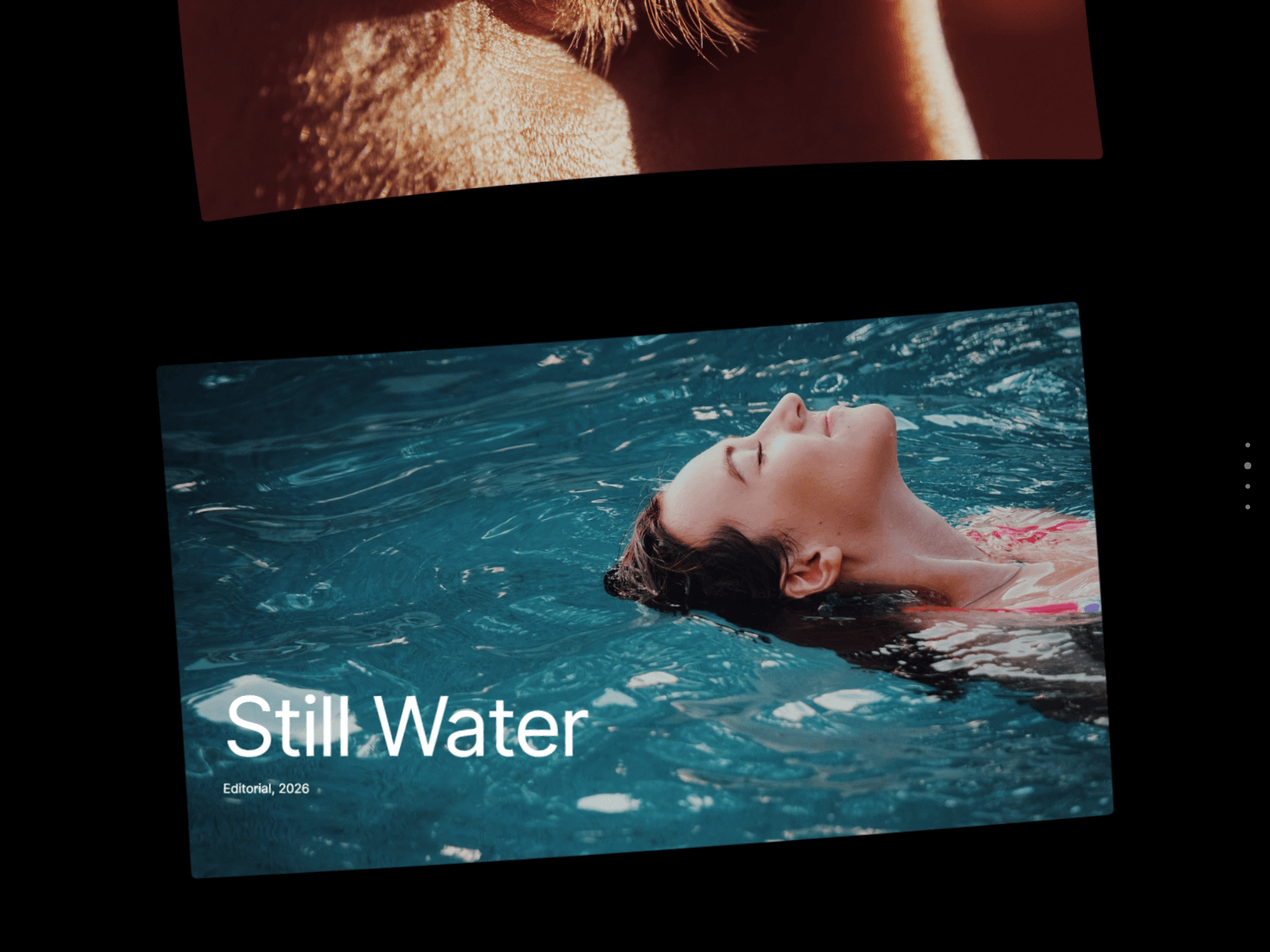
About Warp Scroll Gallery
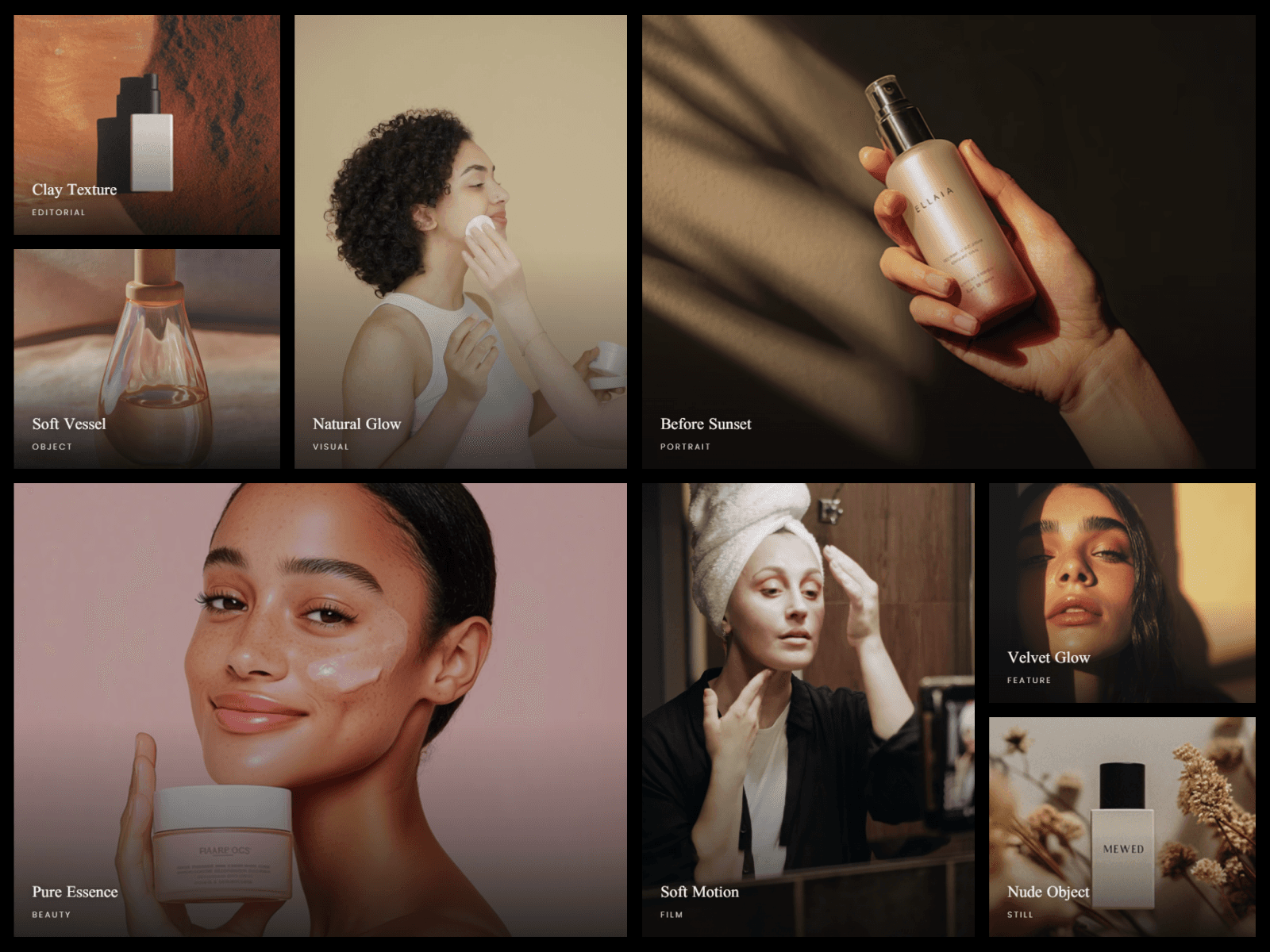
A full-screen gallery that reacts to how visitors scroll. Panels tilt and curve as they pass, bend further the faster you scroll, then ease back when you stop.
What you can customize
Everything is set from the property panel. No code needed.
- Panels: image, video, title, text, button and link, up to 30
- Layout: Flow, Stack or Sideways
- Tilt: Fixed, Settle or None, with an option to alternate direction
- Angle, Curve, Scroll Bend, Parallax and Depth
- Panel width, height, gap and radius, with separate width and height for phones
- Text position, and Level Text to keep it straight while the panel tilts
- On Click: Lightbox, Link or None
- Progress: Dots, Counter or None
- Dim, colors and two fonts
Details
- Stack slides each panel over the last. Sideways moves across as visitors scroll down.
- Videos play only near the screen and pause when they leave.
- The lightbox works with arrow keys and Escape.
- Progress dots jump to a panel.
- Motion is gentler on phones, and reduced motion is respected.
- With no image set, panels show sample gradients.
How to use
Add the component to your page and set its width to Fill. The height sets itself. Open Panels and add your content. Scroll effects play in Preview and on the live site. For Stack and Sideways, parent layers must not use Overflow Hidden.
Code
This is a code component. Unlinking is not available, so the source cannot be viewed or edited. Updates arrive through the Update button in your Assets panel.
Support
Email joviseo1106@gmail.com. Replies usually take up to 3 business days. More components are at https://joviseo.vercel.app