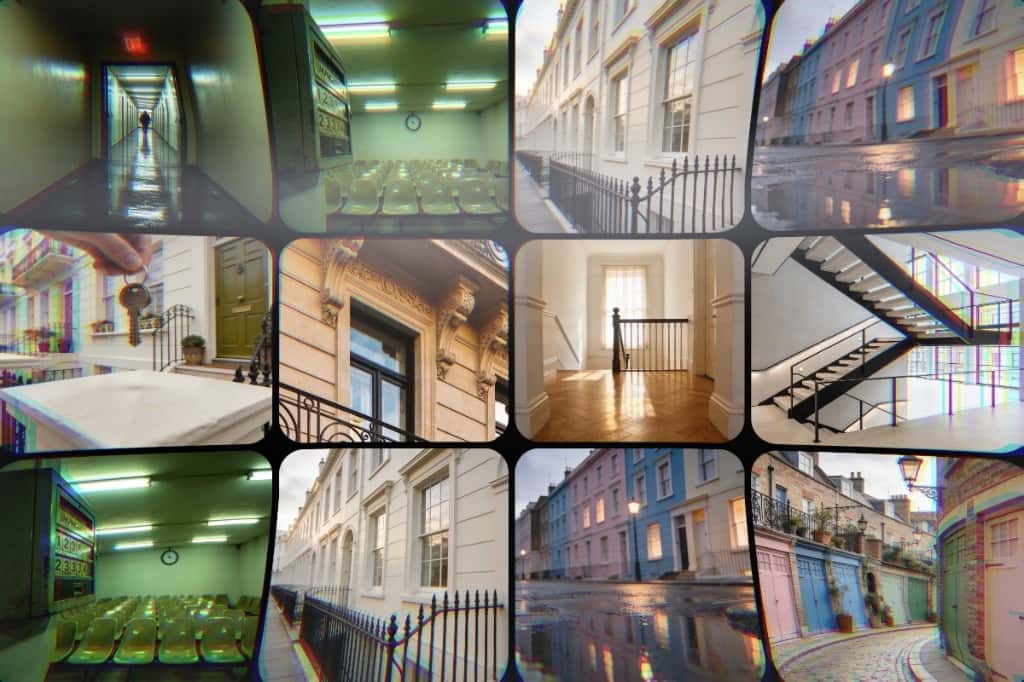
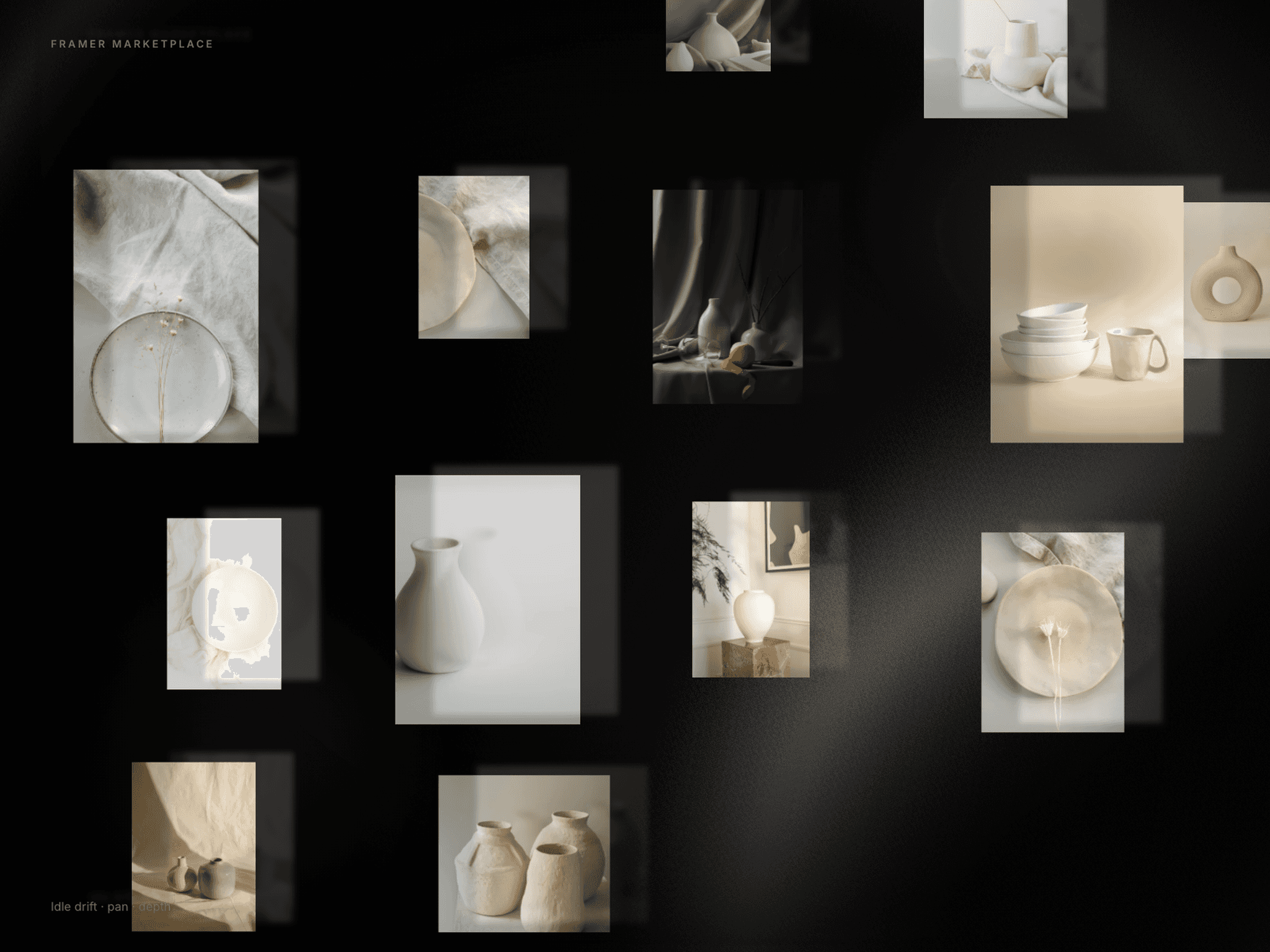
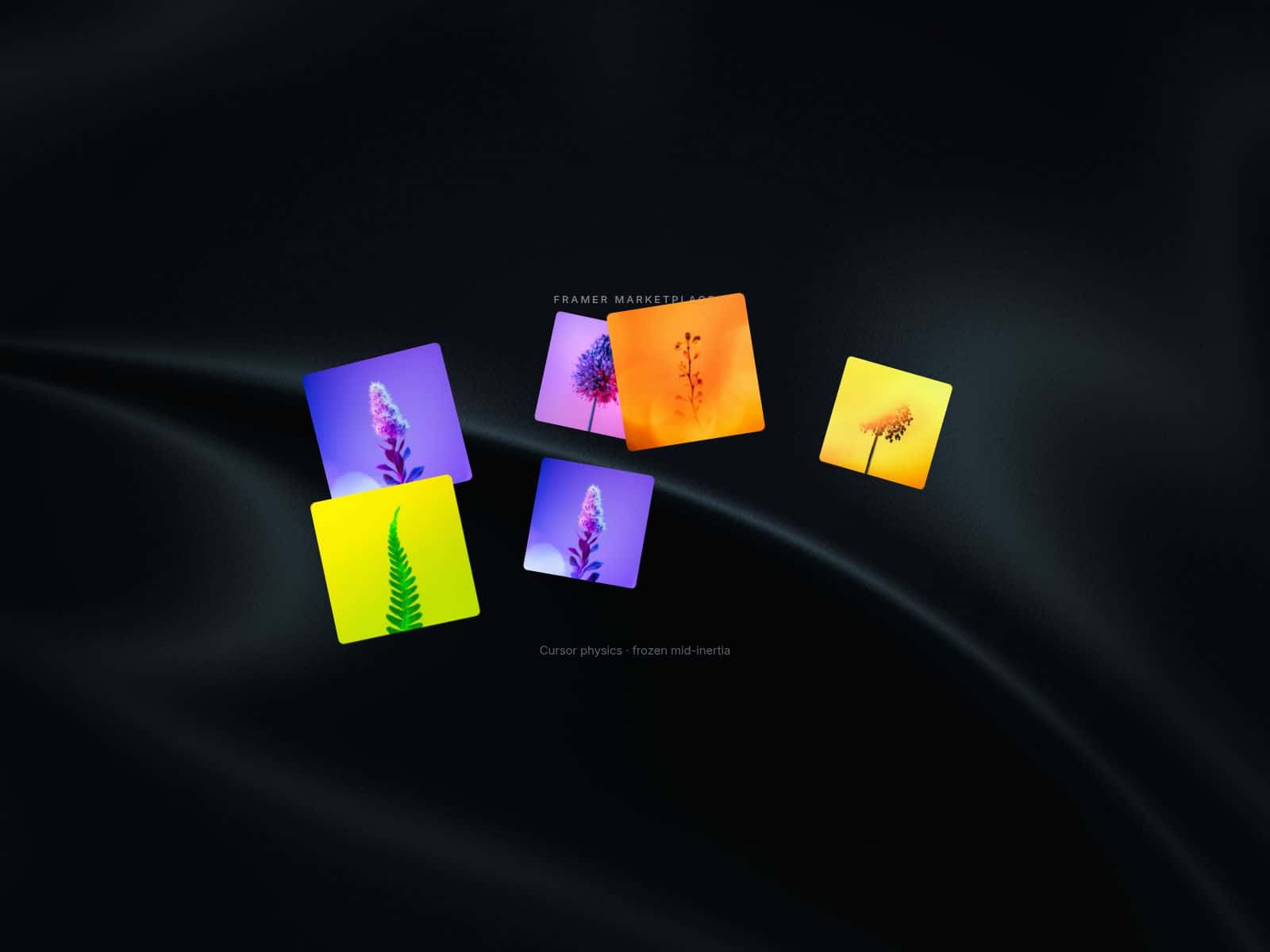
Tansforms a set of images into a living 3D helix that rotates endlessly through depth space. Cards scale, blur, skew, and fade based on their real z-position — not faked opacity tricks. The result reads as physical volume rather than stacked layers.
Three motion presets control the feel:
- Editorial: Slow, magazine-like transitions. Use for portfolios and lookbooks where every frame deserves attention.
- Premium: Balanced stiffness and damping. The default — works across most brand sites.
- Snap: Quick, responsive springs. Best for high-energy landing pages and product showcases.
The component ships with 20+ property controls across 6 groups (Content, Layout, Motion, Depth & Fade, Visual, Accessibility). Defaults are tuned for immediate use: drop it in, add your images, and publish. Responsive breakpoints (desktop / tablet / mobile) with independent card sizes, ring radius, and depth values. SSR-safe, canvas-safe, and reduced-motion compliant out of the box.
---
Most image carousels are flat. Even "3D" sliders just scale and fade — no real depth, no physical rotation, no backface handling. Buyers feel it immediately.
Renders cards in true 3D space using CSS `transform-style: preserve-3d` and perspective projection. Each card calculates its own z-depth, frontness ratio, and orbital angle every frame. Spring physics (stiffness / damping / mass) drive position, rotation, scale, and blur — not CSS keyframes. A custom inertia engine adds skew and tilt based on velocity, so the spiral feels alive, not robotic.
- True 3D depth system: Cards scale, blur, and opacity-map to real z-position with configurable falloff curves.
- Film grain overlay: Per-card canvas-generated grain with `mix-blend-mode: overlay` for cinematic texture.
- Color grading pipeline: Independent overlay, vignette, contrast, and saturation controls per card.
- 3 motion presets + intensity dial: Editorial, Premium, Snap — each with adjustable spring stiffness and animation strength.
- Responsive architecture: Breakpoint-based or scale-based responsive modes. Independent card dimensions and depth per breakpoint.
- Production guardrails: `useIsOnFramerCanvas` (static render in editor), `useReducedMotion` (fade-only fallback), SSR-safe window guards, full cleanup on unmount.
---
1. Add the component to your Framer project.
2. Open Content > Media Items and replace default images with your own.
3. Adjust Layout (card size, ring radius, depth) to fit your frame.
4. Choose a Motion Preset and tune Intensity / Speed to match your brand energy.
5. Publish. The spiral auto-plays on live sites and stays static in the Framer editor.
---
Q: Can I use videos instead of images?
A: The `src` field accepts any image URL. Video support is not included — the renderer is optimized for static image performance with grain and grading overlays.
Q: Does it work on mobile?
A: Yes. Enable Use Responsive Breakpoints in Layout and set independent card sizes, ring radius, and depth for tablet (< 1200px) and mobile (< 810px).
Q: What happens if a user has reduced motion enabled?
A: The component detects `prefers-reduced-motion` and switches to a static spiral or fade-only mode based on your Accessibility > Reduced Motion setting.
Q: Will it freeze the Framer canvas?
A: No. `useIsOnFramerCanvas` forces a static render inside the editor. All animations run only on published sites.
---
- True 3D spiral with z-depth layering
- Spring physics for position, rotation, scale, and blur
- 3 motion presets: Editorial, Premium, Snap
- Film grain overlay with blend-mode
- Color grading: overlay, vignette, contrast, saturation
- Depth-based blur and opacity falloff
- Backface blur and desaturation
- Responsive breakpoints or scale mode
- Reduced-motion fallback
- Canvas-safe behavior for Framer editor
- Zero external dependencies