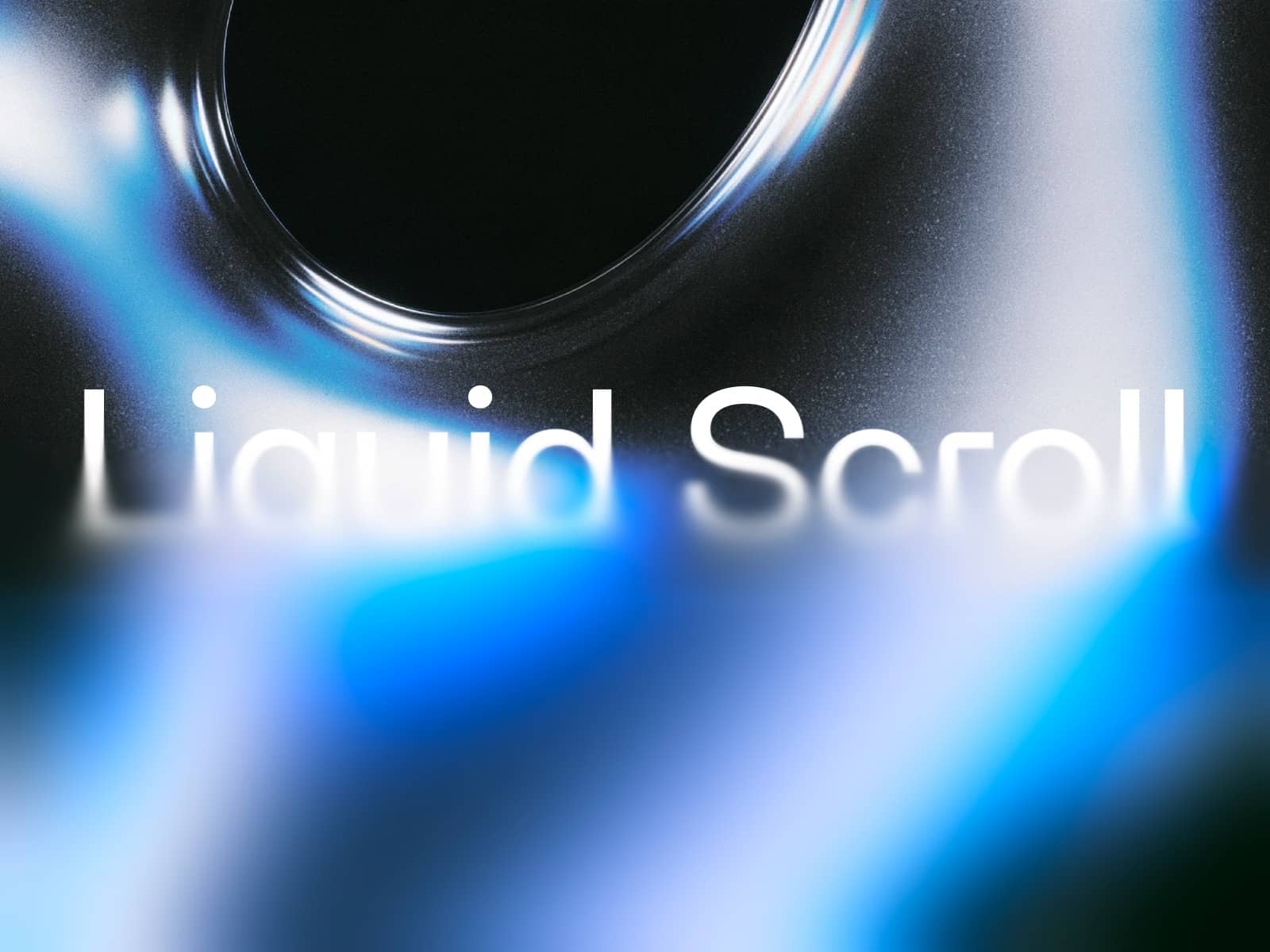
About Wave liquid Hover
Key Features
Customization: Freely replace visuals with your own 3D assets or images directly within the Framer canvas. Adjust them to fit your desired size.
No-Code: Although built with code, anyone can intuitively adjust the design without writing a single line of code via the Property Controls panel on the right side of the Framer editor.
Note: We highly recommend using this interaction in a Desktop environment.
How to Use Control the WaveLiquidHover section in the right Properties Panel to change the visual to your desired image:
Resize: Adjust the image fit using cover, contain, or stretch.
Lens Radius: Adjust the overall size of the distorted area.
Distortion Depth: Adjust the depth and intensity of the distortion.
Viscosity: Adjust the reaction speed and fluidity of the distortion effect.
Recommended For
Creators looking to build a visually striking design portfolio.
Those who want to effectively showcase key product features.
Builders of landing pages for creative agencies.
Any section of a website that requires engaging visual storytelling.