About YouTube Player
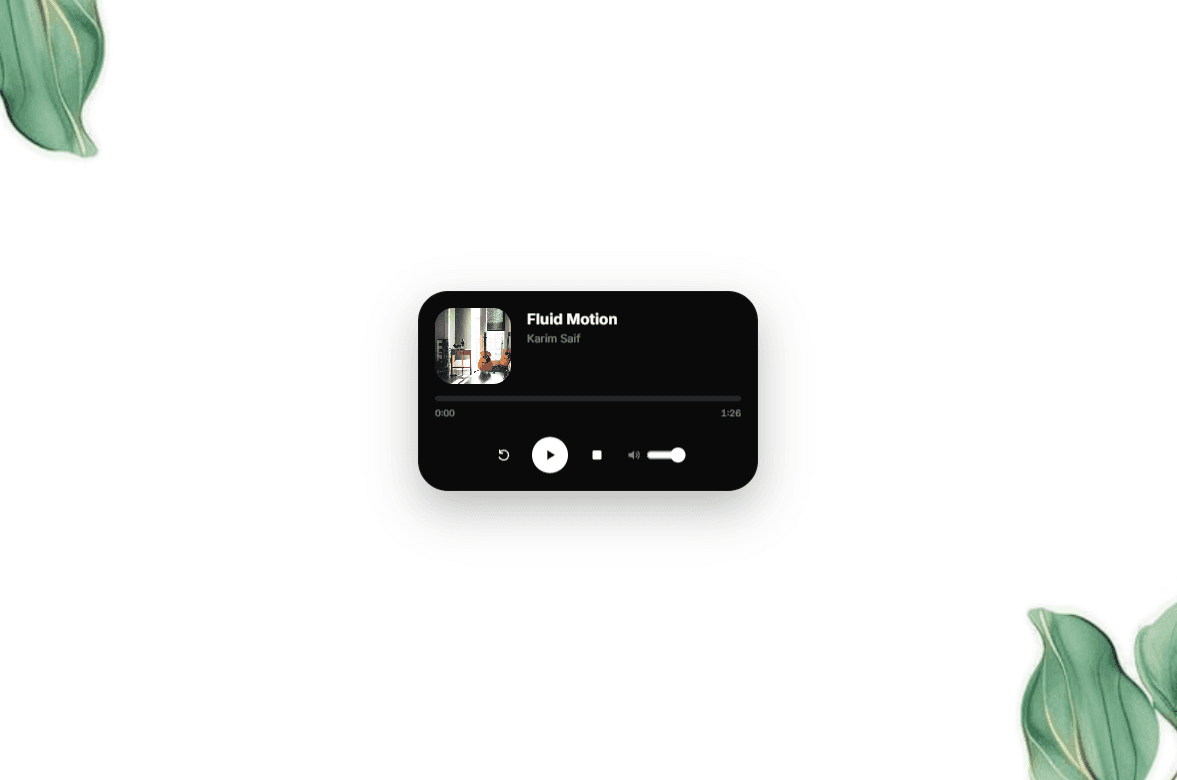
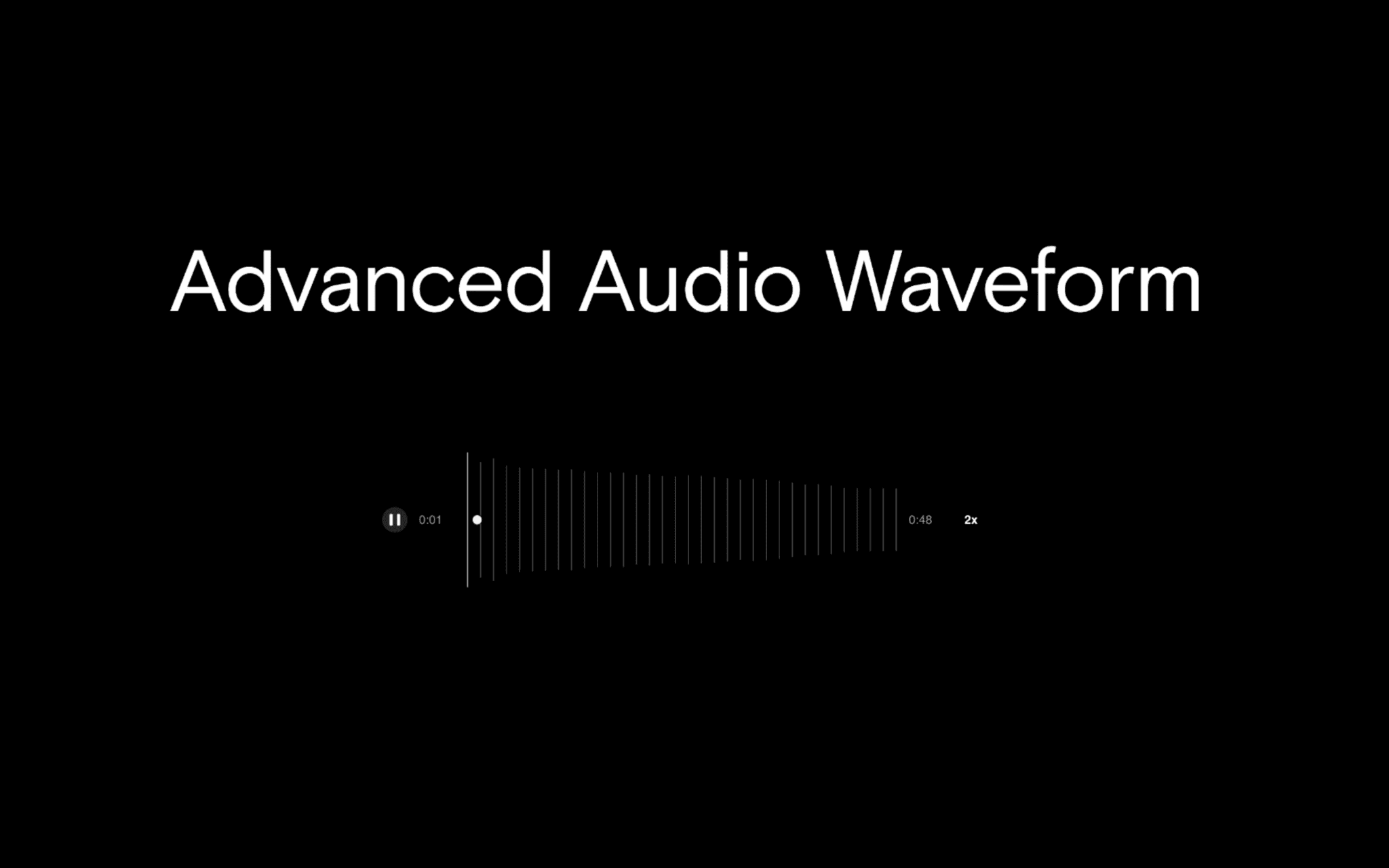
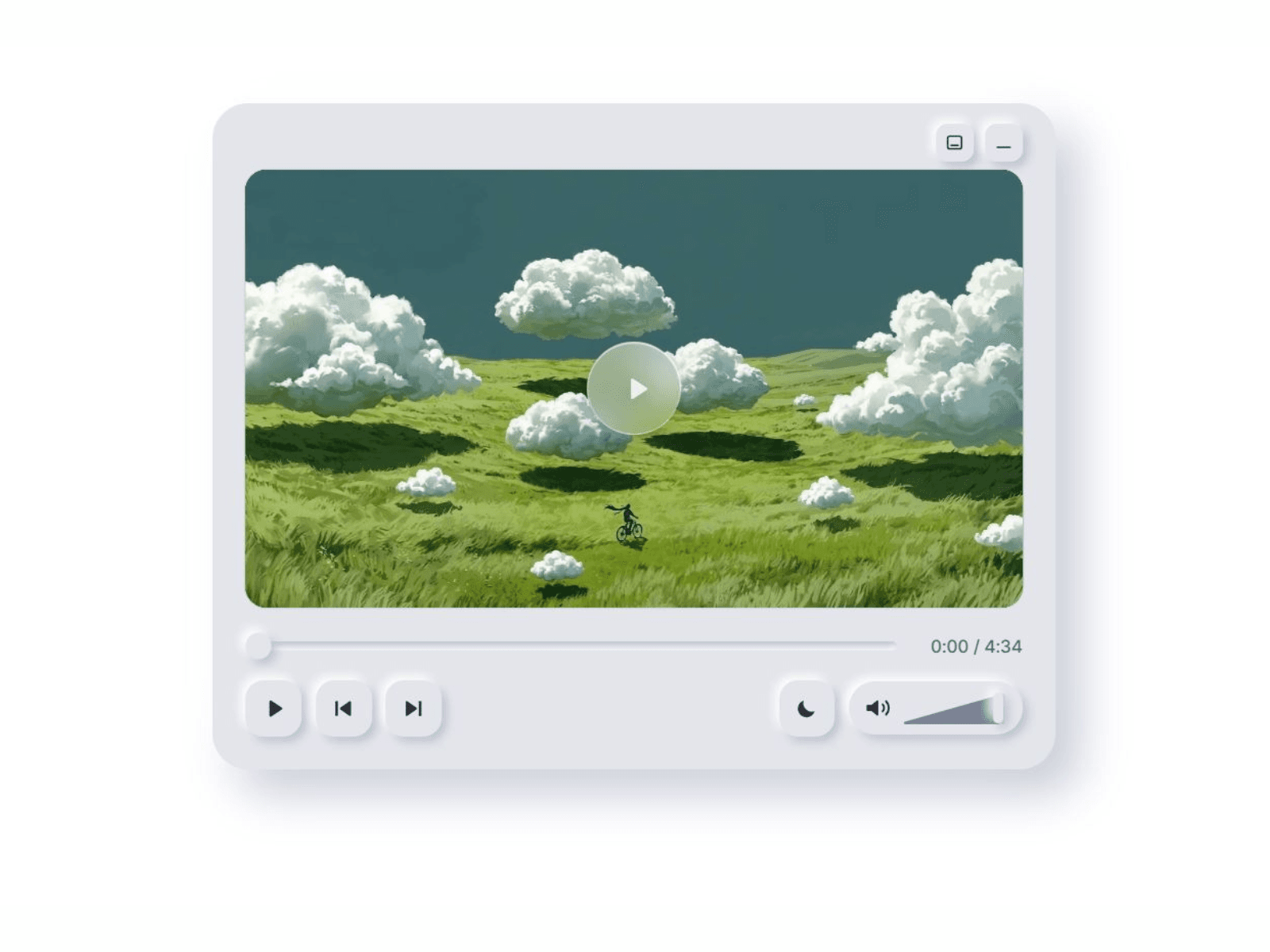
This component turns any YouTube video or playlist into a soft, player that looks designed rather than embedded. Paste a link, match the colors to your site, and you're done. It handles light/dark mode, playlists and visitors get custom controls.
What you get
Video or playlist from one link: Softplay detects which it is. Playlists get previous/next and an optional track list with thumbnails and titles.
Light and dark mode: set it to Light, Dark or Auto (follows the visitor's system). A small toggle in the player lets visitors switch themselves.
Full color control: separate light and dark palettes (surface, highlight, shadow, icons and text, accent), plus depth, corner radius and font.
A poster that fits your page: uses the video's thumbnail automatically or your own image, with an optional title, tint and adjustable play button.
Compact modes: minimize to a slim bar, or hide the controls and keep just the video.
Built to behave: the player loads as it nears the screen, the layout is responsive, controls are keyboard-accessible with labels and focus rings, and animations respect reduced-motion settings.
Set up
Add the component to your page.
Paste a YouTube video or playlist link into YouTube link.
Match the colors and set the theme in the property panel.
Click Preview to try playback. The canvas shows a static poster.
Good to know
The video needs embedding enabled. Private videos and videos with embedding turned off won't play.
Playlists must be public or unlisted. Auto-generated YouTube Mix links can't be embedded.
Browsers allow autoplay only when muted, and YouTube allows one autoplaying player per page.
"Captions: Off" is best effort, because YouTube offers no official way to force captions off.
The player connects to YouTube's servers, so mention that in your privacy policy.
This component isn't affiliated with or endorsed by YouTube or Google. YouTube is a trademark of Google LLC.
Support
Questions or issues: email joendua@gmail.com