About Zoom Stack
About This Component
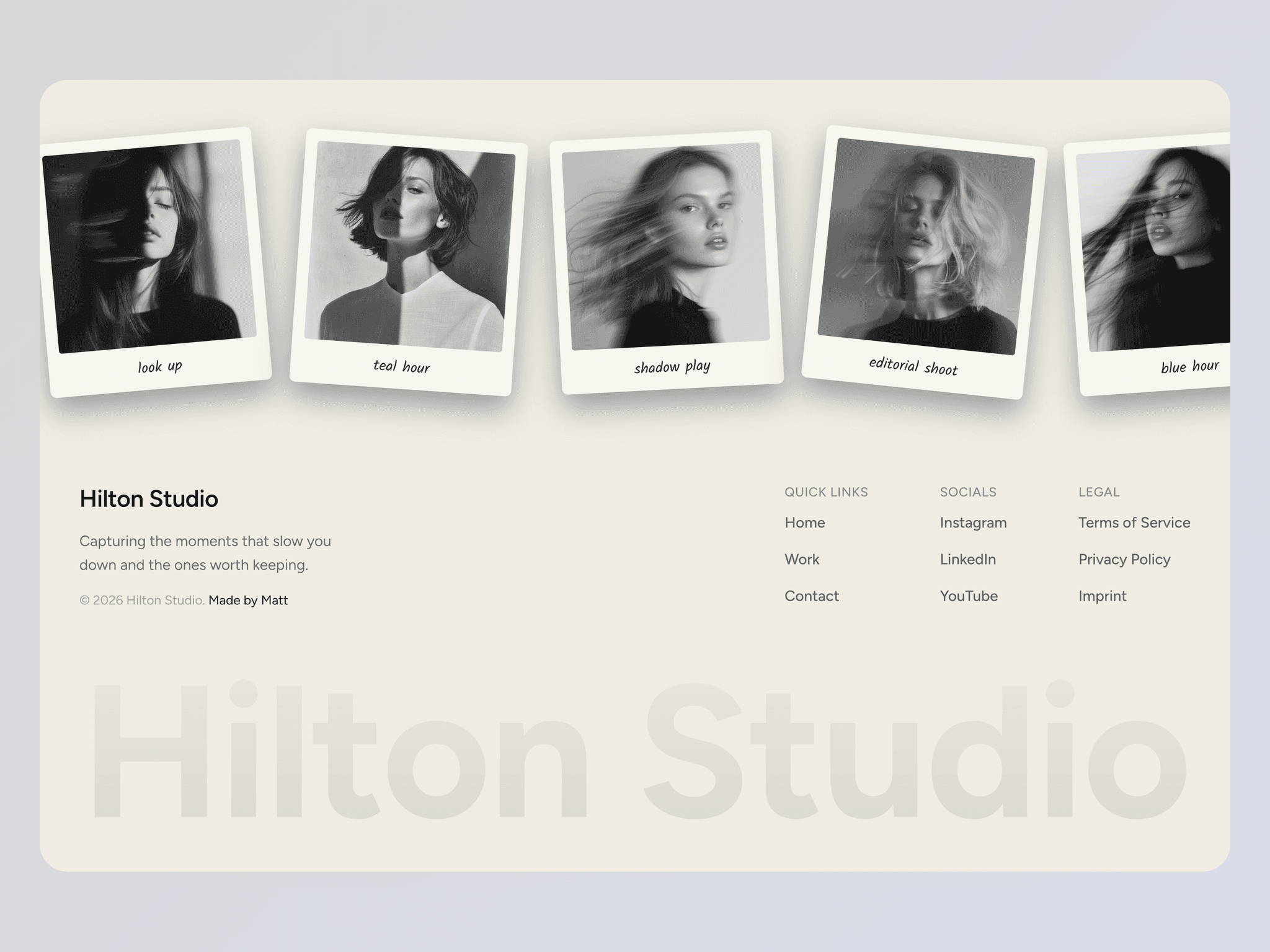
Zoom Stack lets you create layered image animations where each new image scales in and stacks on top of the previous one.
By combining wrapper scaling and inner image transformations, you can achieve rich zoom and clipping effects that feel fluid and cinematic. The result is a continuous visual flow, perfect for storytelling, hero sections, or immersive galleries.
The component gives you full control over timing, sequencing, and motion, allowing anything from tight, fast stacks to slower, more atmospheric compositions.
Updates:
Apr 25, 2026 - Added CMS support (1–10 images) using CMS variables
Key Features
Content
Add multiple images (with CMS Support 1-10 images)
Control image focal point (left, center, right, top, bottom)
Preview any slide directly in the canvas
Animation
Customize duration and easing with Transition
Control how images appear and overlap over time
Next Delay defines when the next image enters
Create tight or spaced stacking rhythms
Loop the animation infinitely or play it once
First Full lets the first image appear fully before stacking begins
Motion & Effects
Fine-tune the visual depth and zoom behavior
Scale Wrapper From controls the container scale animation
Scale Image From controls the inner image zoom
Rotate Image From adds subtle or strong rotation effects
Combining wrapper and image transforms allows unique clipping and zoom effects
Playback Behavior
Restart View restarts the animation when entering the viewport; when disabled, the animation continues even off-screen
Delay lets you offset the start of the animation, useful with FIrst Full option
Layout & Style
Background color and border radius customization
Works with any format (portrait, landscape, square, etc.)
Images always adapt perfectly to the component ratio
Easily create rounded shapes using Radius
Adapt the component to your design — View examples
How to Set Up
Drag Zoom Stack onto your canvas
Add your images
Customize options
Publish
Refund Policy
All sales of digital products are final and non-refundable.
If you have any questions about the product, please contact me at hellonostromostudio@gmail.com before completing your purchase. I’m happy to help.
Enjoy!