About Sheet Embed by zen-tables
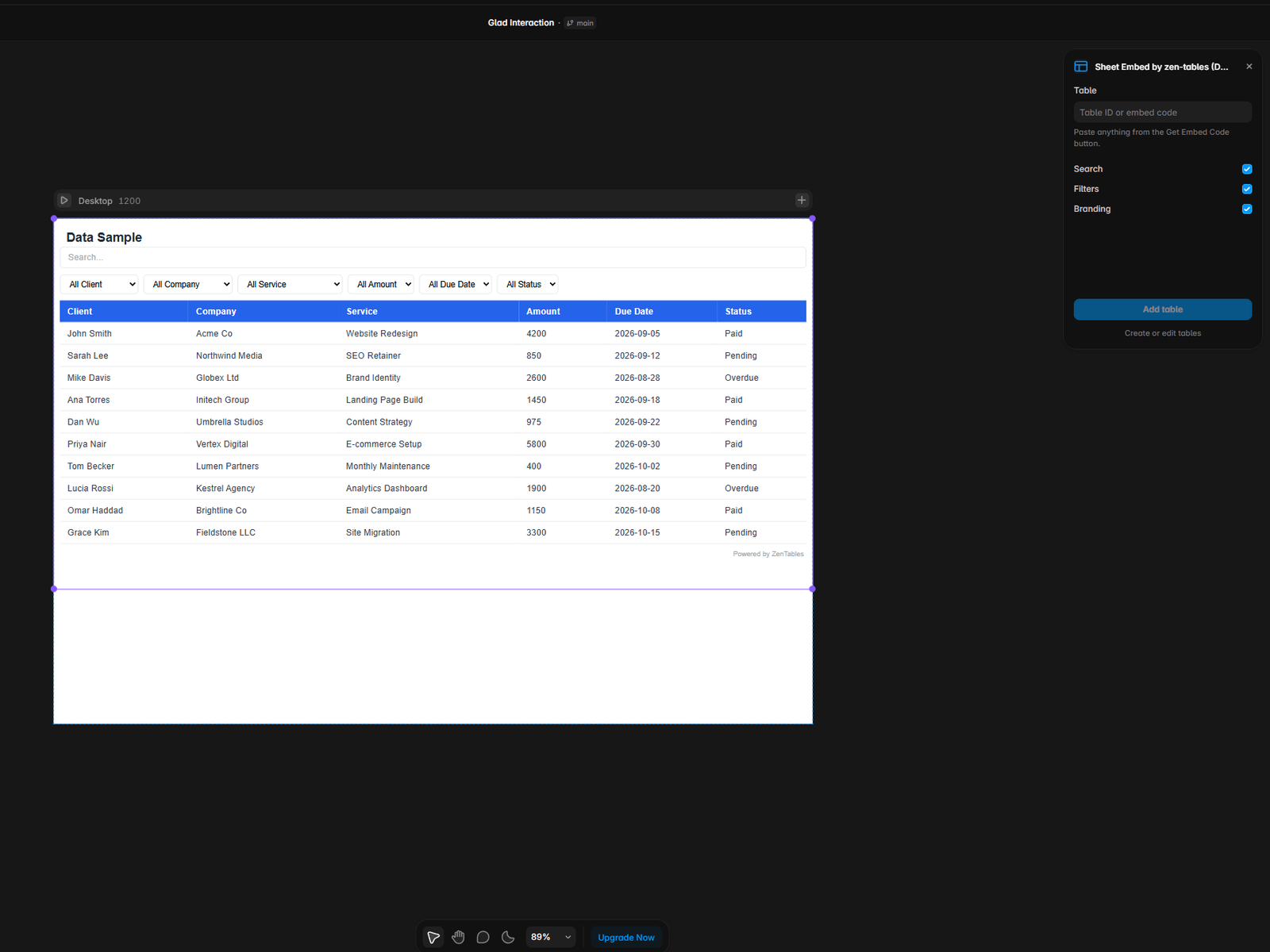
Sheet Embed puts live data from Google Sheets, Airtable, Notion, or any REST API onto your Framer canvas as a real component — searchable, sortable, and styled.
Paste a table ID, click Add table, and it's on your canvas. The table becomes a normal Framer component you can resize, duplicate, and edit from the properties panel. Change your spreadsheet and the site updates. No CMS collection to build, no API to wire up.
WHAT YOU CAN BUILD
Job boards and directories from a Google Sheet
Pricing and comparison tables a non-technical teammate can edit
Inventory, property, or product listings from Airtable
Client dashboards and reports
HOW IT WORKS
Create a free account at zen-tables.com and connect your sheet
Style your table and copy its ID
Paste the ID into this plugin and click Add table
The free plan covers 3 tables and 500 rows.
REQUIREMENTS
A zen-tables account (free tier available at zen-tables.com).
SUPPORT
support@zen-tables.com — replies within one business day.