About 3D Flipbook
3D Flipbook
https://3d-flipbook.framer.website/collection
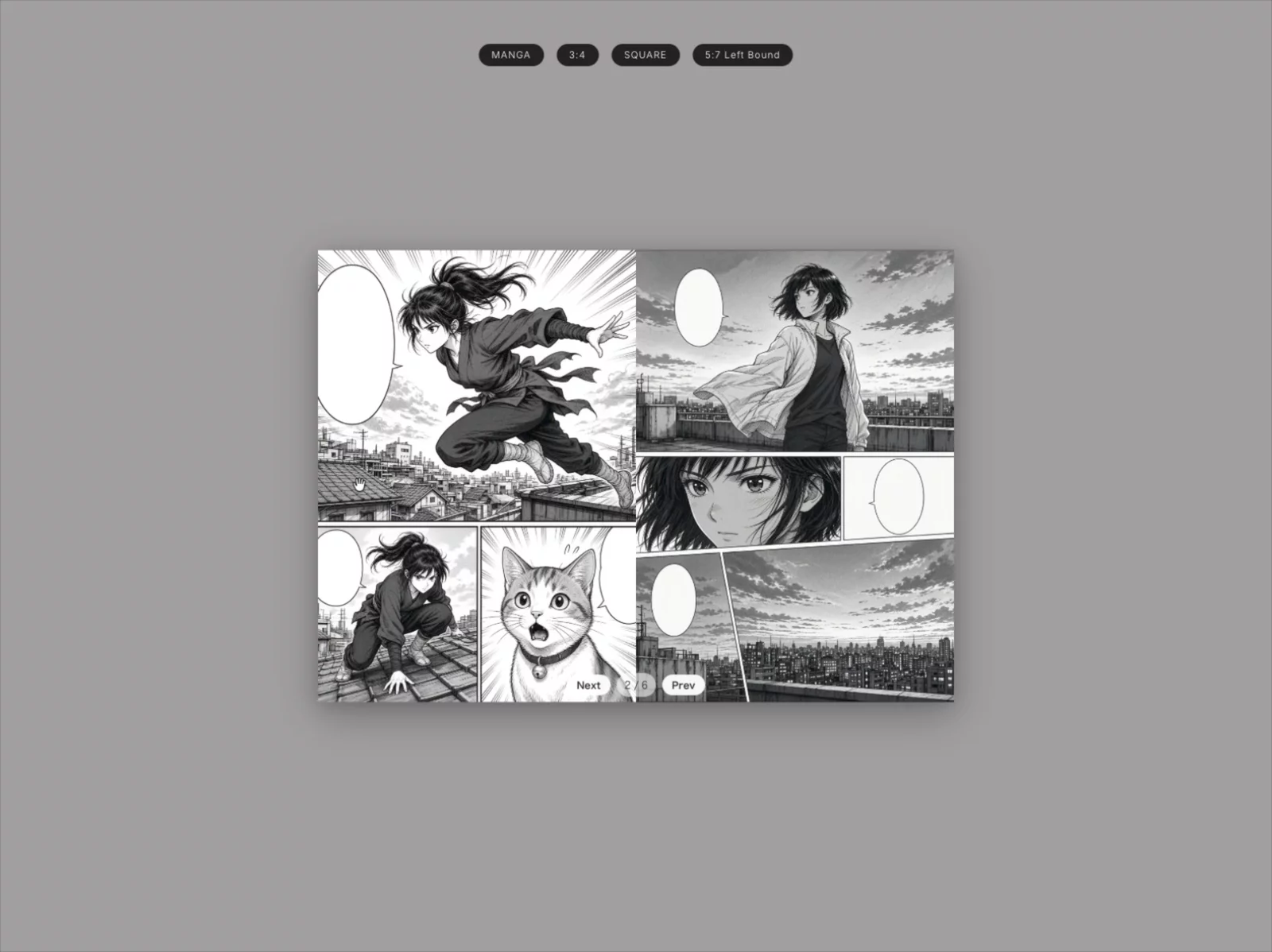
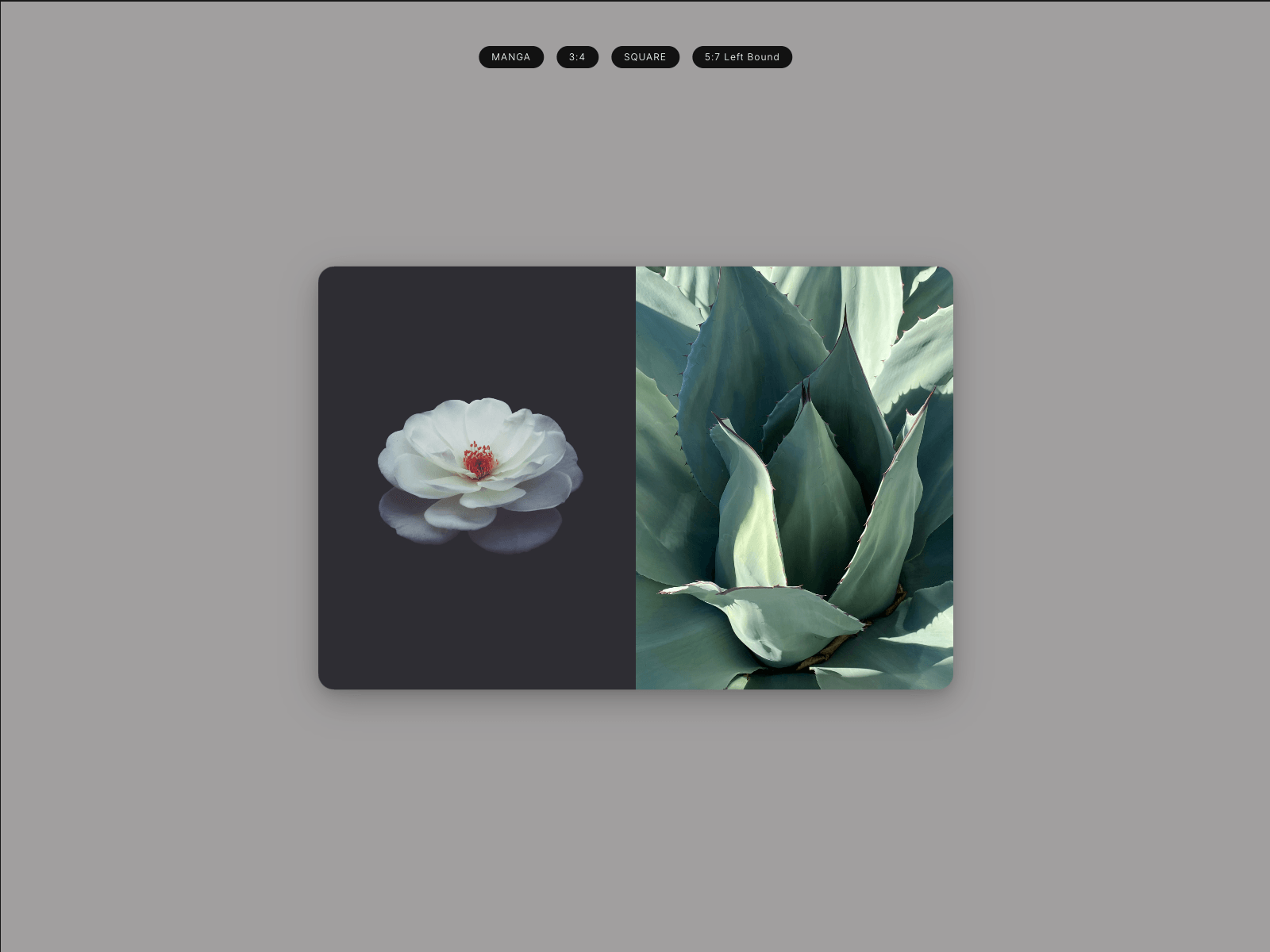
places a WebGL book on your Framer canvas and fills it from a CMS collection.
Readers drag a page corner to turn it―with a real curl and shadow―or use the pager and arrow keys.
Pick a collection (or None for a built-in manga sample), choose right-bound or left-bound
reading order, and Place new. Optionally use the first and last CMS images as covers. After
you change the CMS, select the book and press Update selected book to re-bake the pages,
then publish your site again.
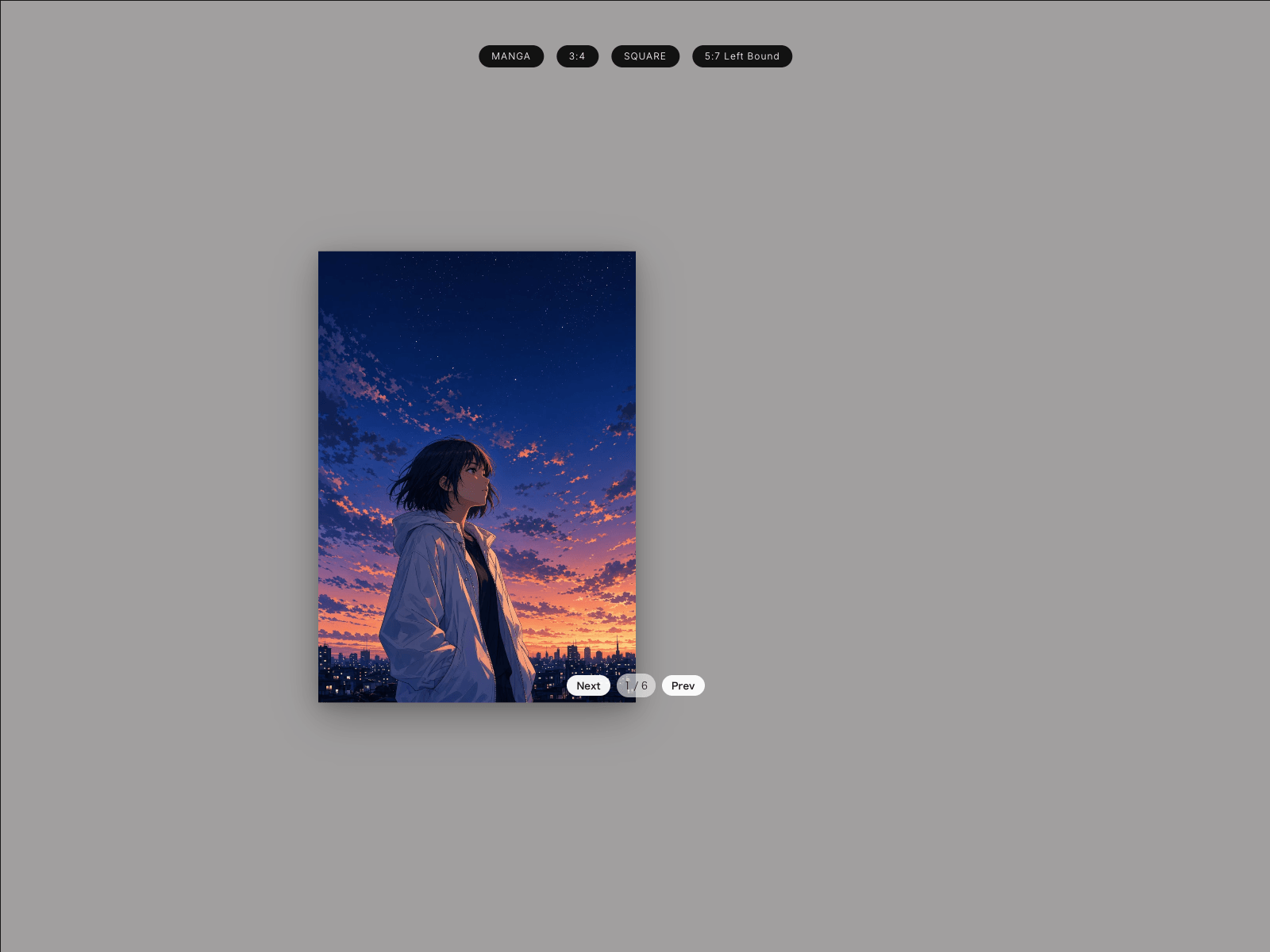
On the canvas, tune start position (cover or first spread), page shape (including Manga B6),
paper, background, curl, corners, perspective, and shadow. Pages can open their CMS detail
route, so the book works as a catalogue or portfolio. Narrow frames and devices without
WebGL fall back to a single-page tap/swipe reader.
Free vs Pro
Free (no purchase required):
- Up to 8 body pages per book
- 1 book per Framer project
- Update (re-bake) for 7 days after first use in that project, then Update locks
- Books already on the canvas and published sites keep working after the trial ends
- A small PITALY8 credit appears on the last page
Pro ($29 one-time, all your sites; $19 until end of November 2026 via launch discount):
- Up to 100 body pages per book (CMS or manual)
- Unlimited books per project
- Unlimited Update anytime
- No credit badge
- Same full reader features as Free (curl, binding, shapes, CMS detail links)
Buy Pro in the plugin (checkout shows $19 through November 2026, then $29), open Polar
Customer Portal from your order email, copy your unique license key, paste it in the plugin,and Activate.
Important: images are baked when you place or update. Published sites do not live-fetch the
CMS. Re-open the plugin (or Update) and publish again whenever the collection changes.