About Image Doctor
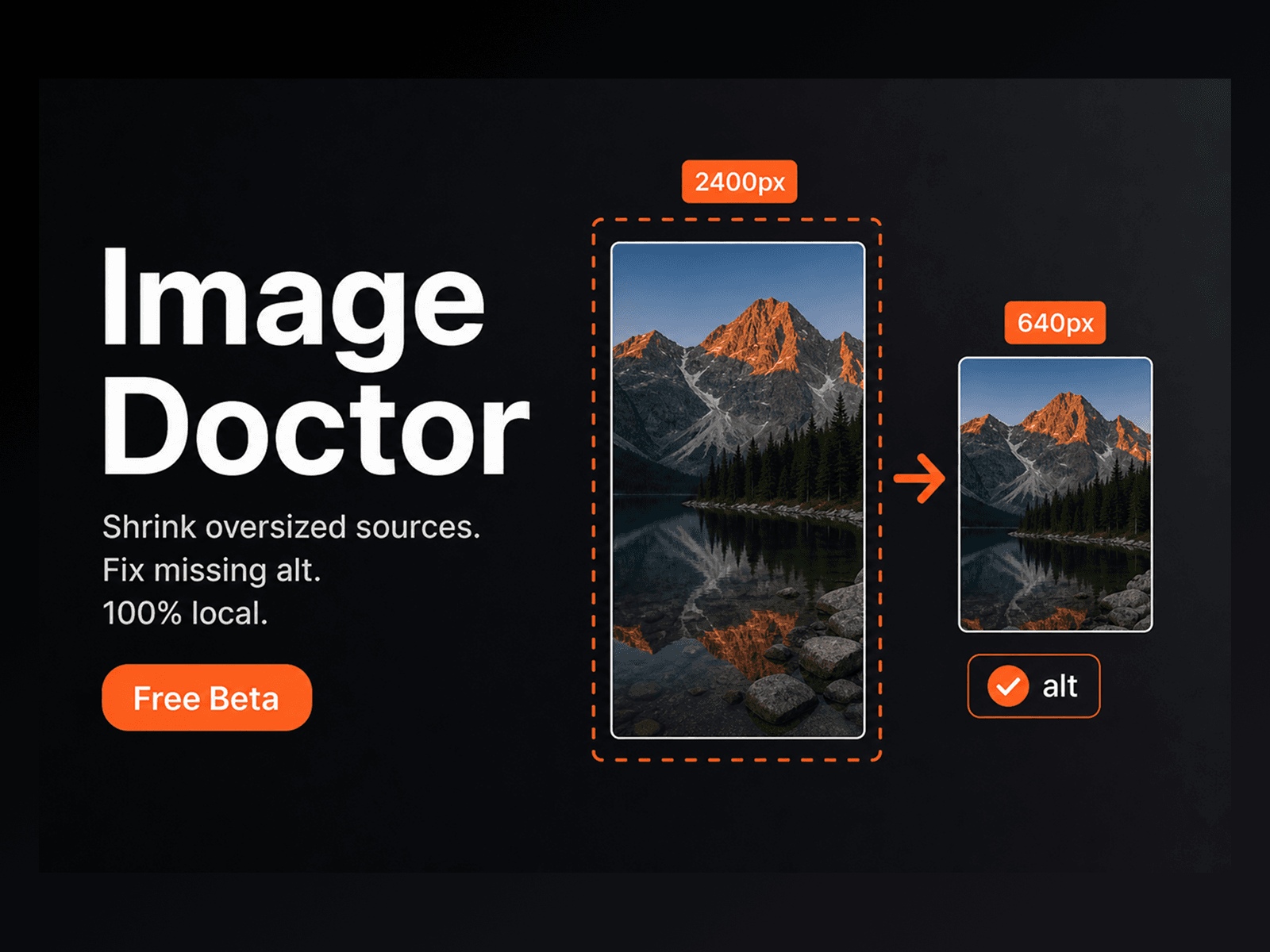
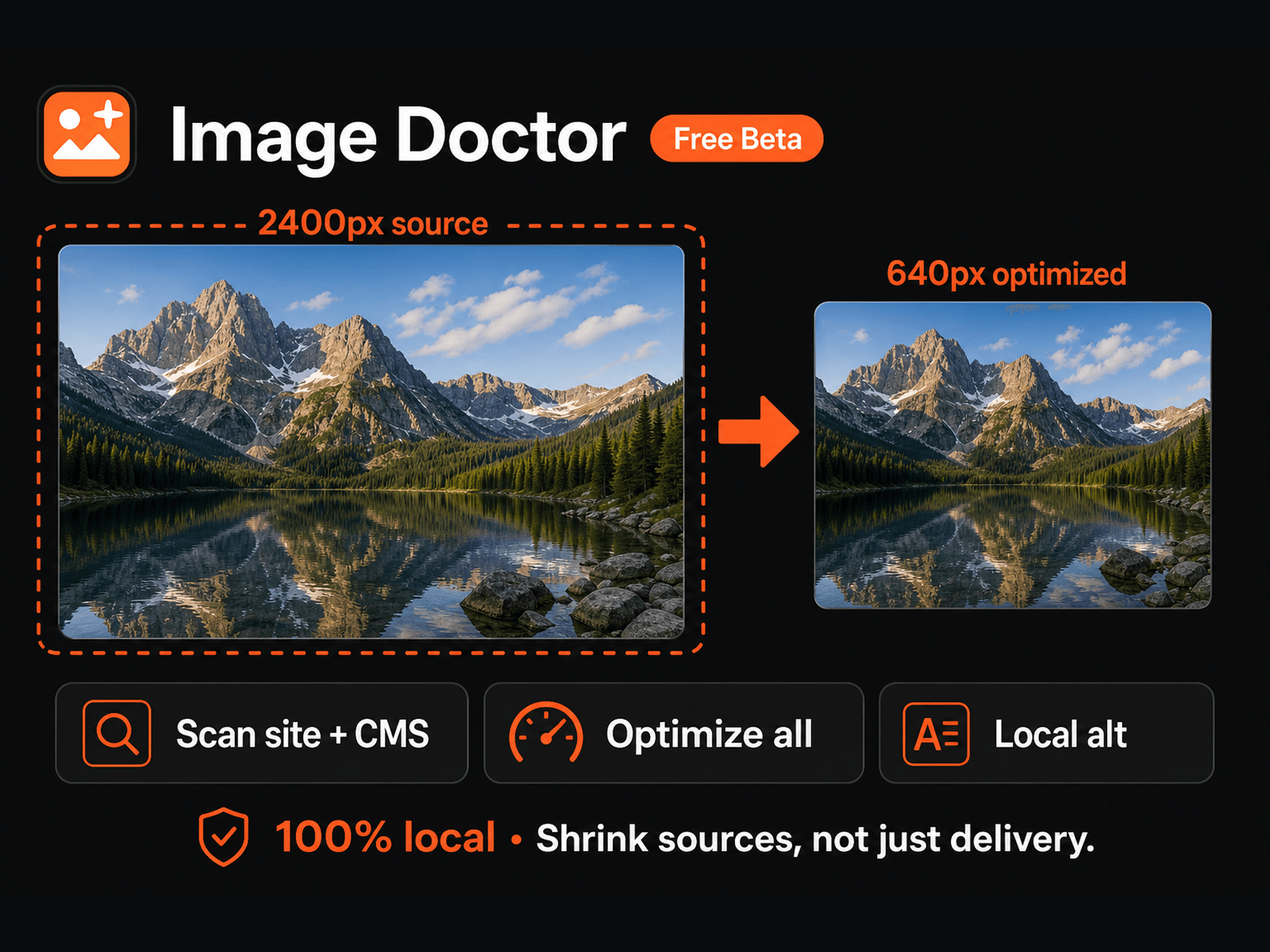
Image Doctor finds oversized sources in your Framer project and shrinks them — plus drafts English alt text on your device. No uploads to our servers.
Framer already optimizes image delivery on publish (AVIF/WebP, responsive sizes). Image Doctor shrinks the source files that bloat the editor and hurt PageSpeed when CMS images are far larger than needed.
Free (Beta) — all features included, including batch optimize. Paid plans may be introduced later.
What you get • Site-wide scan — pages, components, CMS • Smart resize — placed images: on-screen × 2; CMS: any max long side in px (type your value; 640 / 1280 shortcuts) • Optimize all — one click for oversized images • Quality slider — JPEG/WebP re-encode • Alt / SEO — find missing alt, generate English captions locally, review, Apply • 100% local — pixels and captions stay on your machine
How to use
Scan site
Set Max long side for CMS (and Quality if needed)
Optimize all (or one card at a time)
Publish, then re-check PageSpeed
Optional: Alt / SEO → load model → Generate & apply
Notes
• Animated GIFs are skipped (resize would flatten them).
• First alt-model download can be large; then cached in the browser.
• Captions are English starting points — review before publishing.
• Best results: republish after optimizing, then re-run PageSpeed.
Format handling after Optimize
• JPEG → stays JPEG (already compressed; WebP often saves little and can shift color/detail).
• PNG → WebP (much smaller for photo-like PNGs; keeps transparency). • WebP → WebP (re-encoded).
• Static GIF → PNG (Canvas can’t write GIF).
• Animated GIF → skipped. • SVG → skipped (vector).