About AltWise
AltWise – AI Alt Text Generator & Image SEO Optimizer for Framer
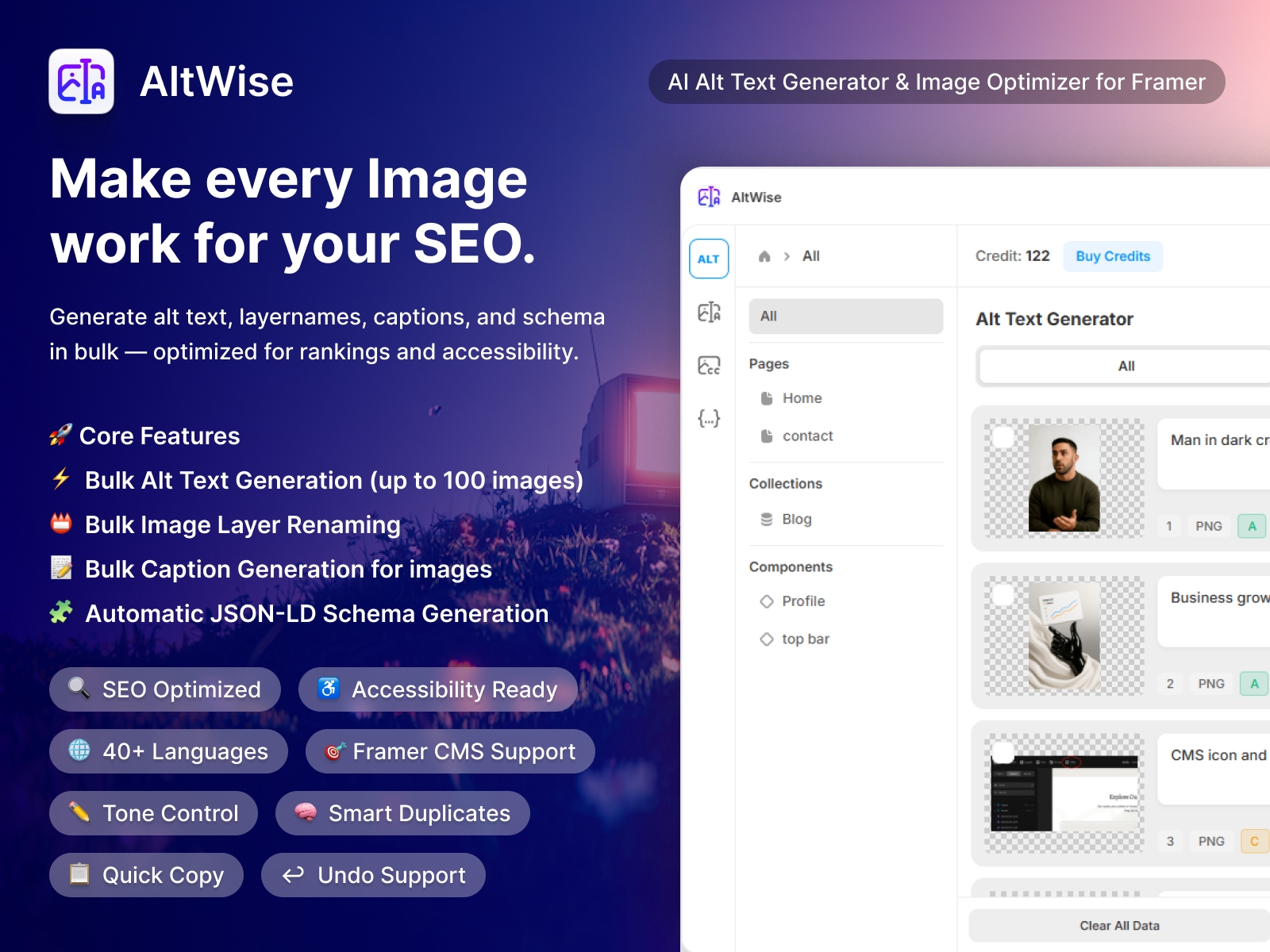
Boost your image SEO, accessibility, and Google rankings in seconds with AltWise — the most advanced AI alt text generator and image optimizer for Framer.
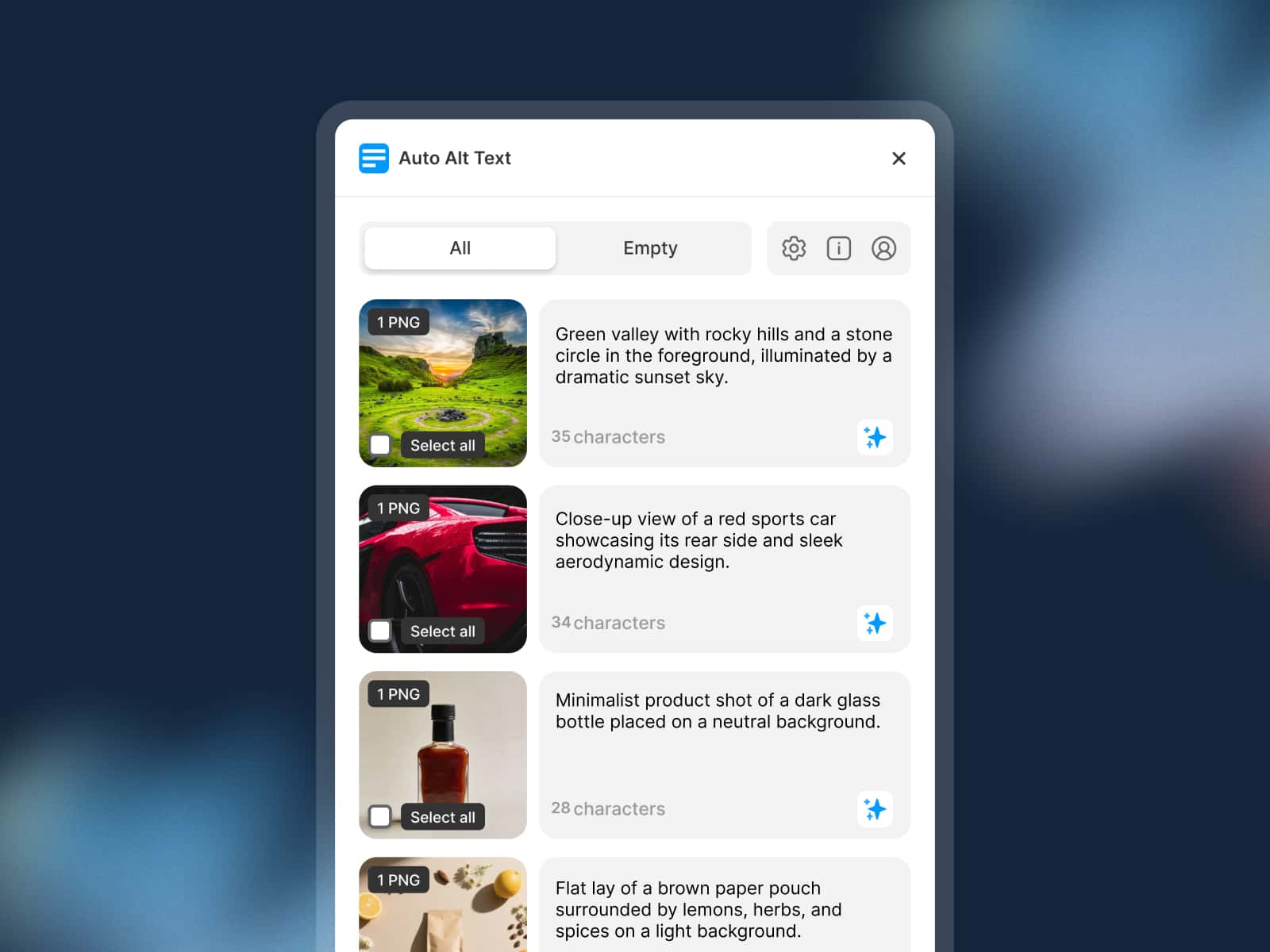
Automatically generate SEO-friendly, keyword-rich, alt text for your entire website. Optimize up to 100+ images at once and improve your search visibility, Core Web accessibility, and image indexing instantly.
👉 Perfect for Framer CMS, blogs, landing pages, and e-commerce websites
----------------------------------------------------------------------
Key Features for Modern Web Teams
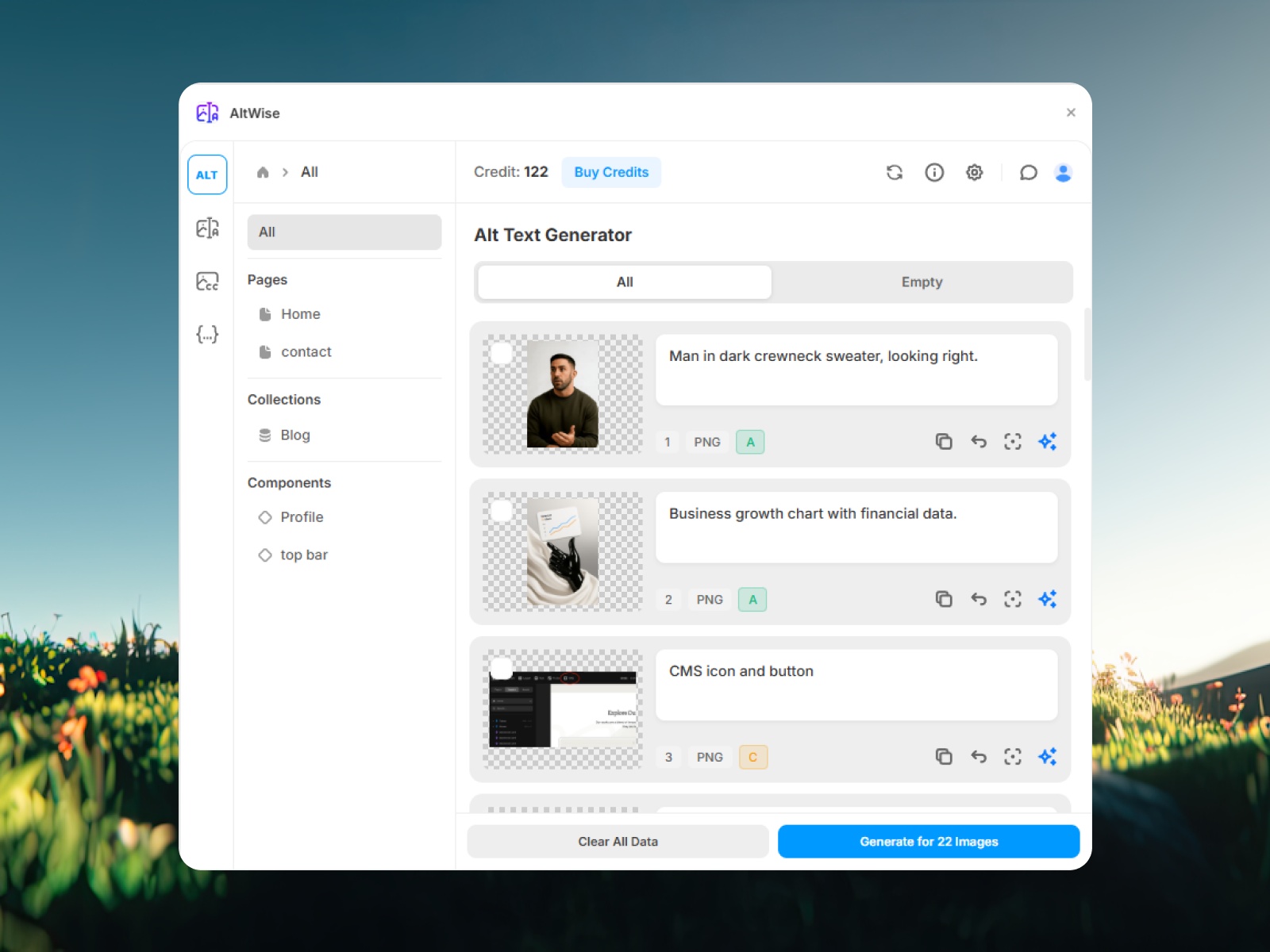
🤖 AI-powered alt text generation
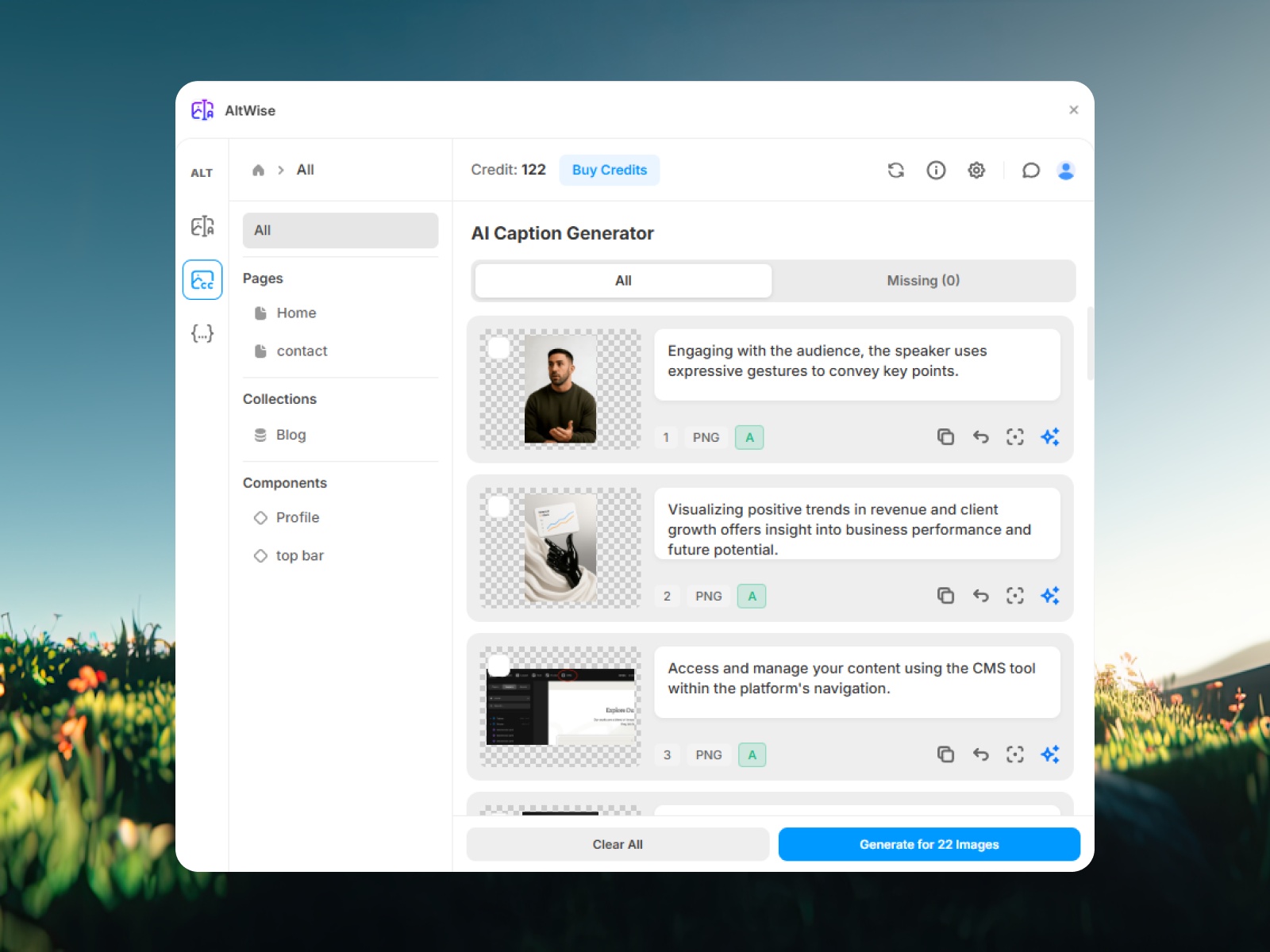
📛 Image Layer Renamer – Auto-generates keyword-rich layer names and updates files instantly in Framer
⚡ Bulk Processing – up to 100+ images at once
🖼 Generate alt text for selected images
⚙️ Works with Framer pages & CMS
🌐 Global Site Context – Add overall website information for consistent, brand-aligned alt text across all images
🔍 SEO Keyword Control – include or exclude phrases
🌍 40+ Language Support with auto-detect
🎛 Control alt text length, tone & detail level
🧪 Smart Quality Indicators with visual badges
✏️ Inline Editing with live character count
📋 One-click Copy to Clipboard
↩️ Full Undo History
🎯 Focus Layer – jump to image on Canvas instantly
🧬 Smart Duplicate Detection – generate once, apply everywhere
----------------------------------------------------------------------
# Why Your Framer Site Needs AltWise: The ROI of Automation
In 2026, manual SEO is a bottleneck. AltWise doesn't just improve your site; it recovers your most valuable asset: Time.
❌Without AltWise (Manual) --- ✅ With AltWise (Automation)
Time Saved (Per 100 Images)
Workflow
❌ 2–3 mins per image | ✅ < 1 sec per image ~4 Hours
SEO Ranking
❌ Weeks of indexing lag | ✅ Instant optimization Saves Days of rework
Management
❌ Hunting through CMS |✅ One-Click Dashboard saves 30+ Minutes per audit
The Bottom Line: If you manage a Framer site with 200 CMS items, AltWise saves you approximately 8.5 hours of manual data entry. Turn a full day of "boring work" into a 5-minute automated task.
----------------------------------------------------------------------
Who Should Use AltWise?
Framer Designers: Ship "Accessibility-First" sites to clients without increasing your billable hours.
SEO Specialists: Dominate Google Image Search by optimizing massive CMS databases instantly.
Content Creators: Ensure every blog post is inclusive and discoverable in any language.
Agency Owners: Scale your workflow and improve project margins through AI automation.
----------------------------------------------------------------------
The Risk: What Happens If You Ignore Alt Text?
Poor SEO Performance: Google cannot index your visuals, leading to lost organic traffic.
Accessibility Barriers: Screen readers fail to describe your content, alienating users.
----------------------------------------------------------------------
Pricing & How It Works
Launch: Open AltWise inside your Framer project.
Scan: Check your site’s images for free.
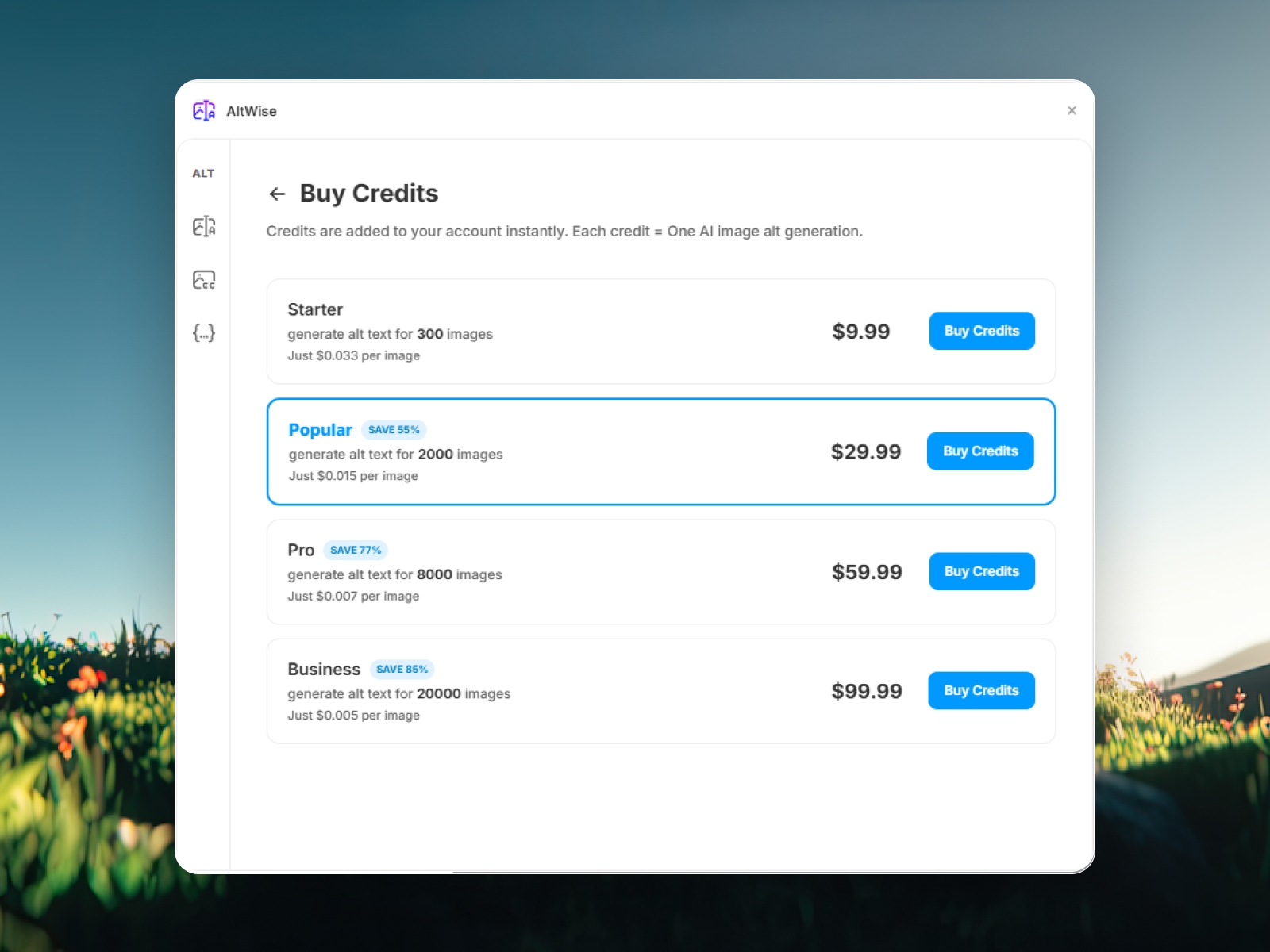
Optimize: Sign in to use Free Credits for single or bulk generation.
Scale: Purchase additional Pay-As-You-Go credits (1 Credit = 1 Image) via our secure link.
----------------------------------------------------------------------
Frequently Asked Questions (FAQ)
Does AltWise support Framer CMS images?
Yes. AltWise offers full integration with Framer CMS, allowing you to bulk-edit descriptions across your entire database simultaneously.
Does AltWise also rename image file layers?
Yes. The built-in Image Layer Renamer automatically creates keyword-rich, clean layer names and updates the actual files in Framer with one click.
Will this help my Google Search ranking?
Absolutely. High-quality alt text is a primary signal for Image SEO, helping your site rank higher in search results and AI-driven answer engines.
Can I edit the alt text manually?
Yes. You have full control. Use the AI as a foundation and manually refine any text before applying it to your live site.