About AssetHost
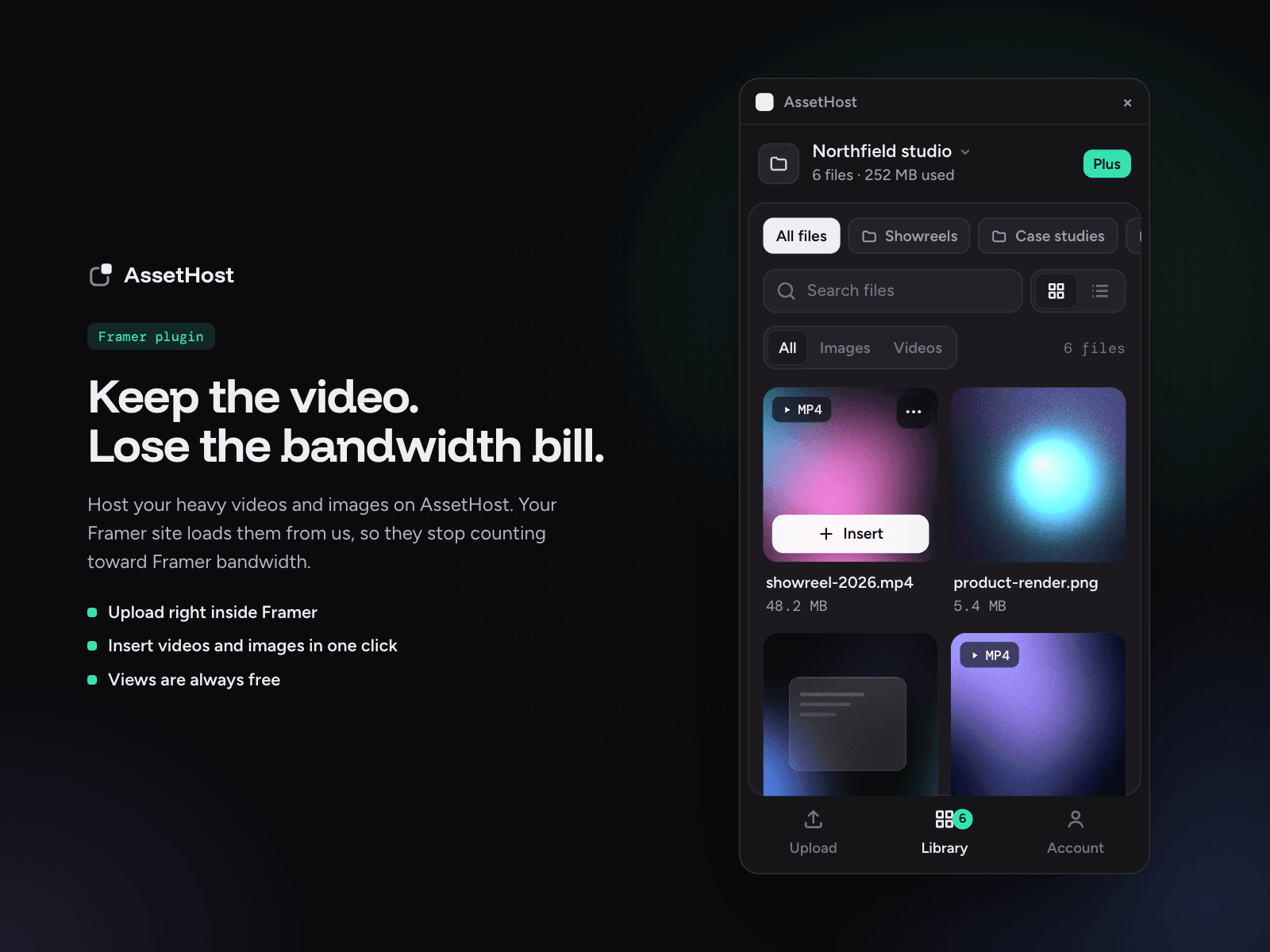
Every time someone watches a video on your Framer site, it uses up your Framer bandwidth. AssetHost hosts your heavy videos and images instead, so they stop counting toward it.
How it works:
1. Upload your videos and images in the plugin.
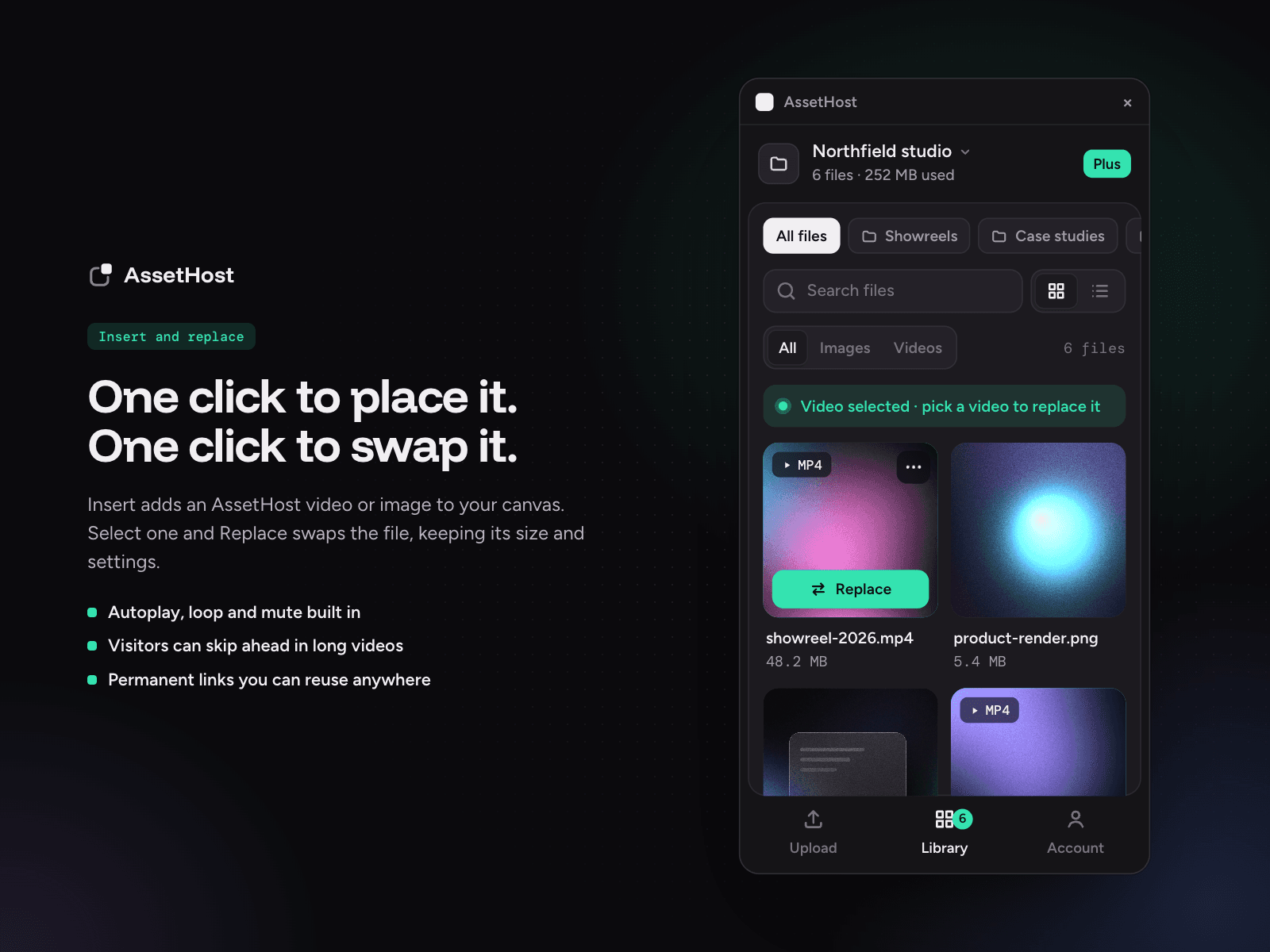
2. Click Insert to place them on your page, or Replace to swap a file in an existing AssetHost layer.
3. Publish as usual. Your site looks exactly the same, and the media loads from AssetHost.
What you get:
• No bandwidth fees: you pay for storage, never for views
• Video that autoplays, loops and lets visitors skip ahead instantly
• Files up to 2 GB (MP4, JPEG, PNG and WebP)
• A permanent link for every file, to reuse anywhere
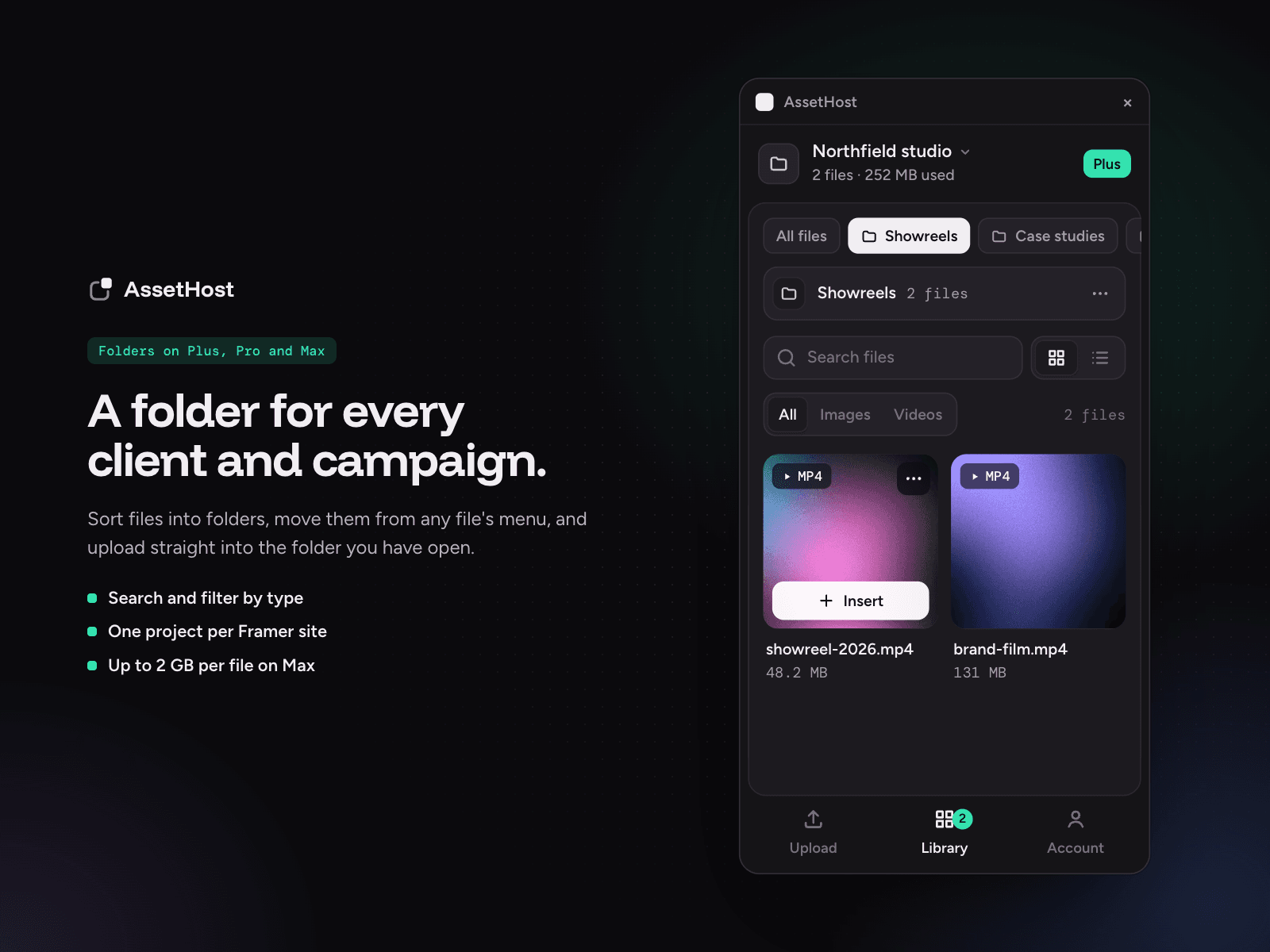
• One project per Framer site, with search and filters
• Folders to organize files (Plus, Pro and Max)
• Works in Framer's light and dark themes
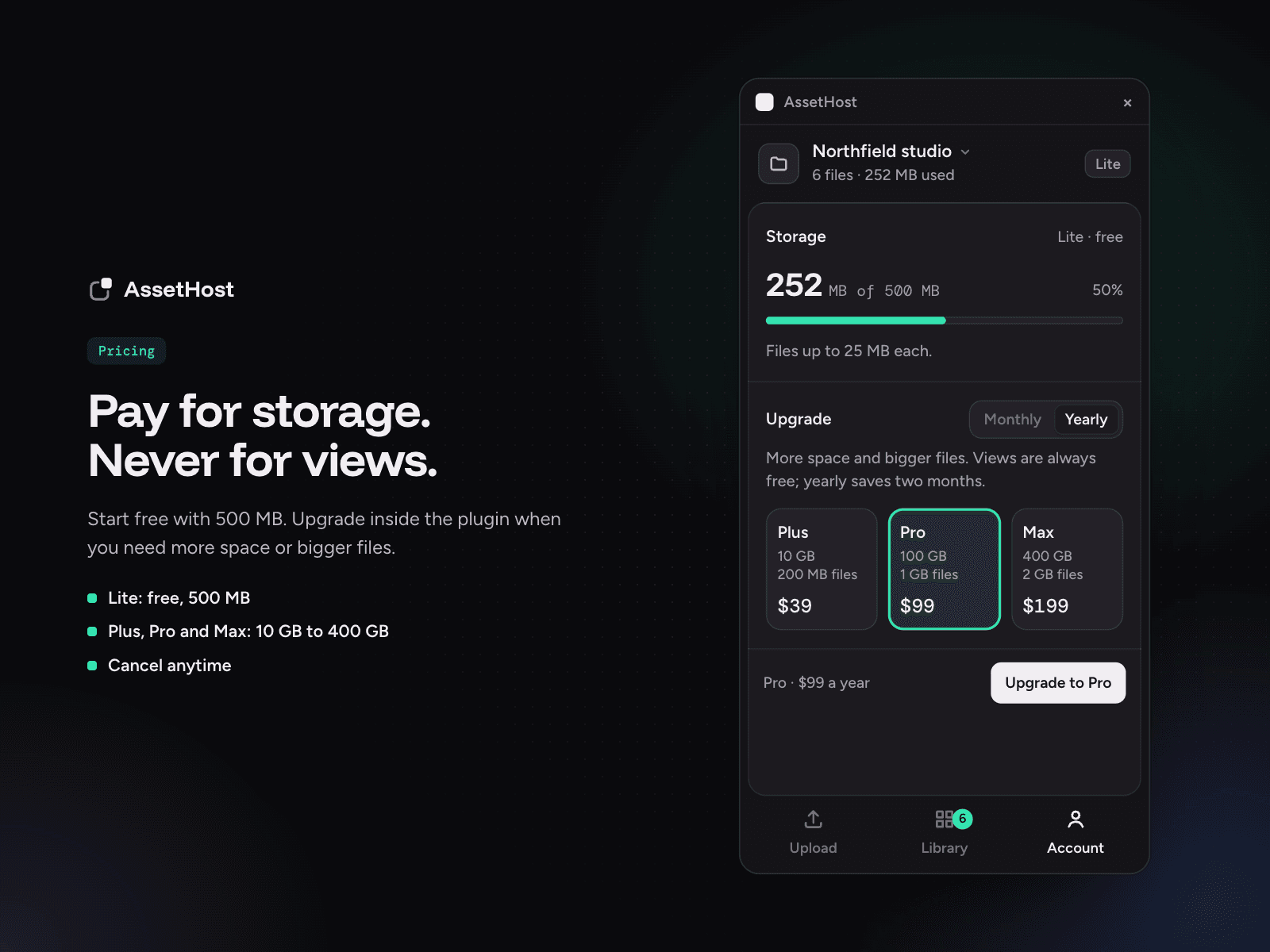
Start free with 500 MB, no card needed. Upgrade to Plus, Pro or Max right inside the plugin when you need more space or bigger files.