About Blog Import: Squarespace & WordPress
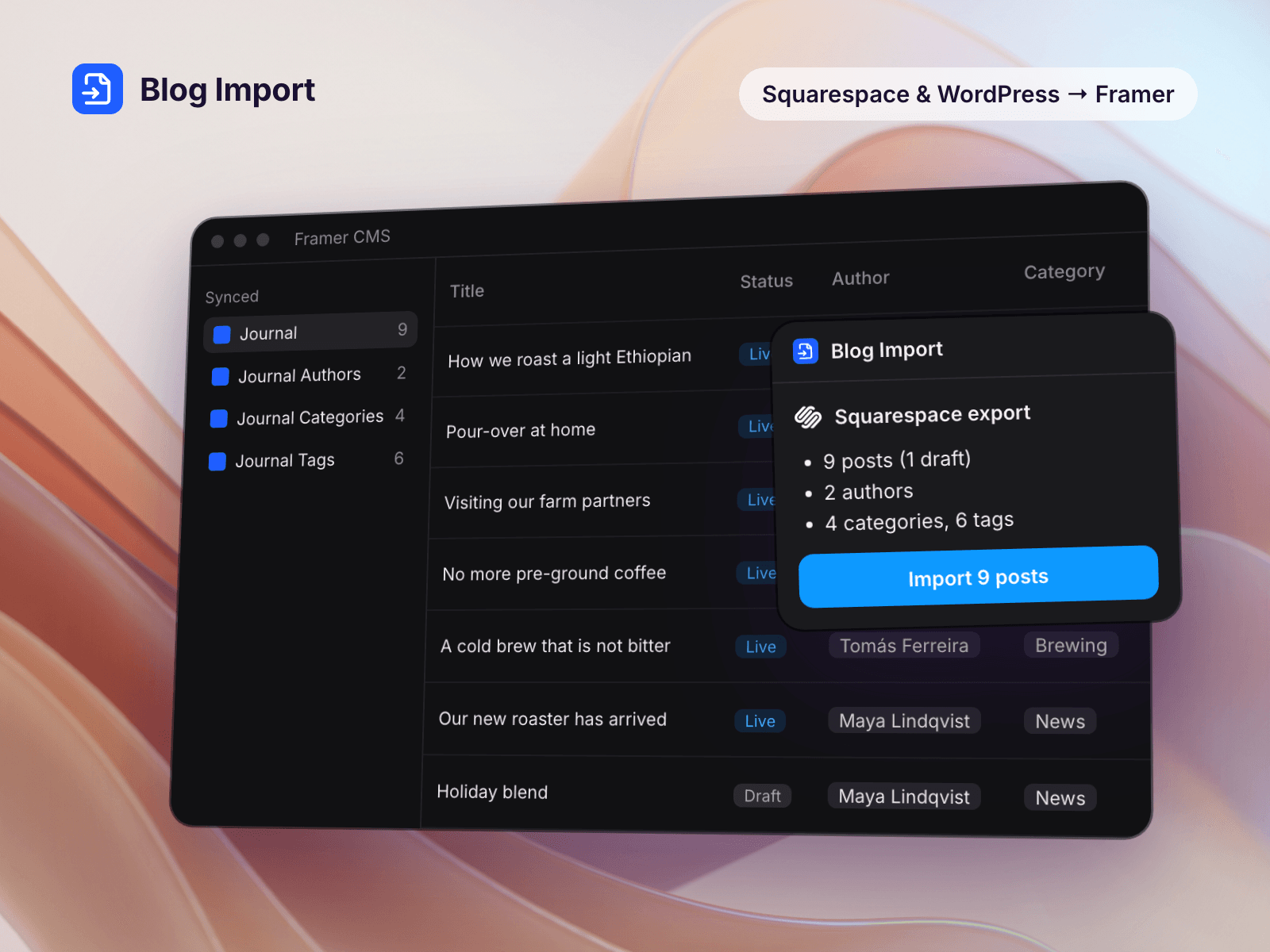
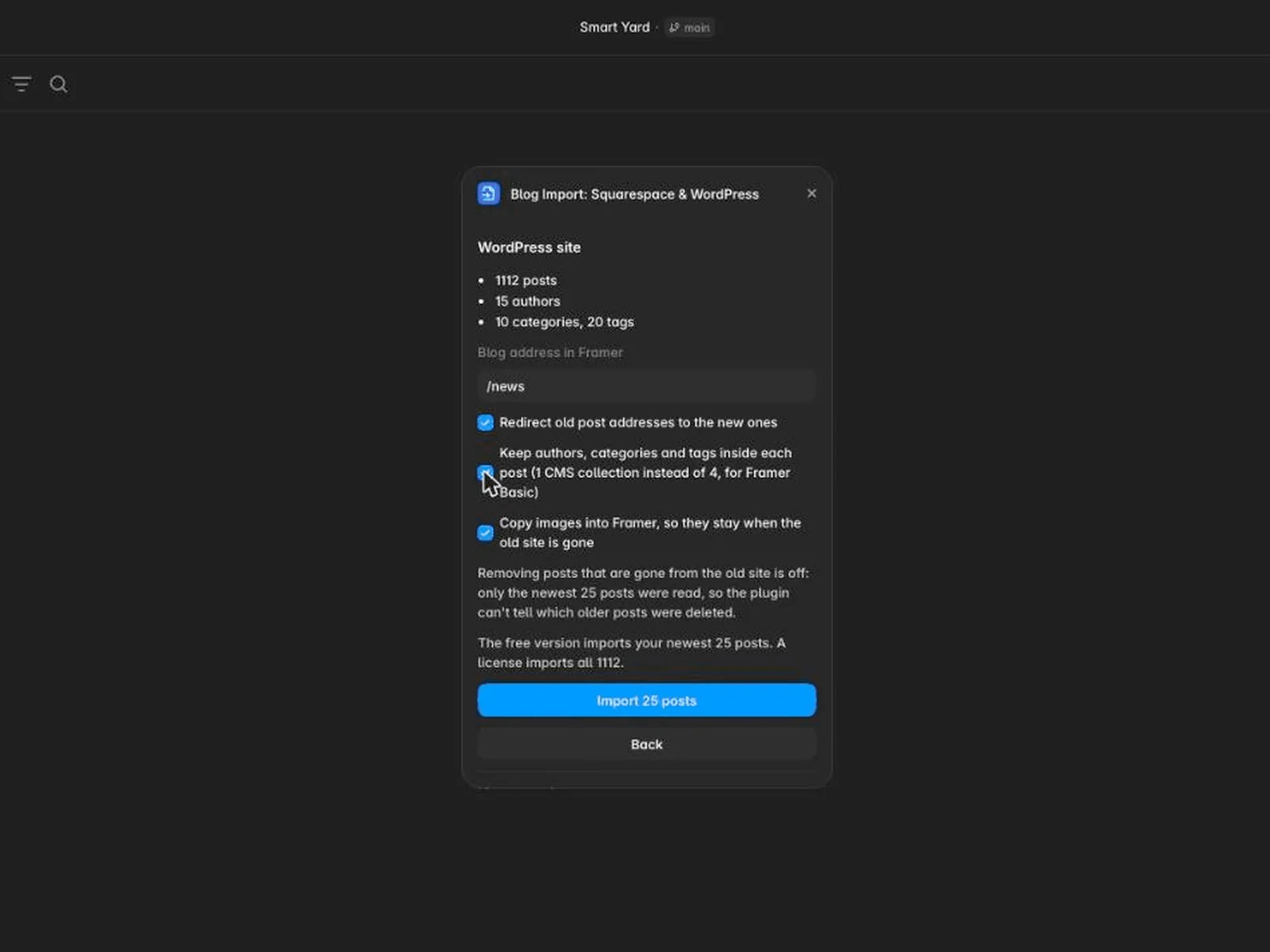
Leaving Squarespace or closing a WordPress site? Choose the export file, check what the plugin found, and import. A WordPress site that is still online can be read from its address instead.
Everything below arrives in Framer.
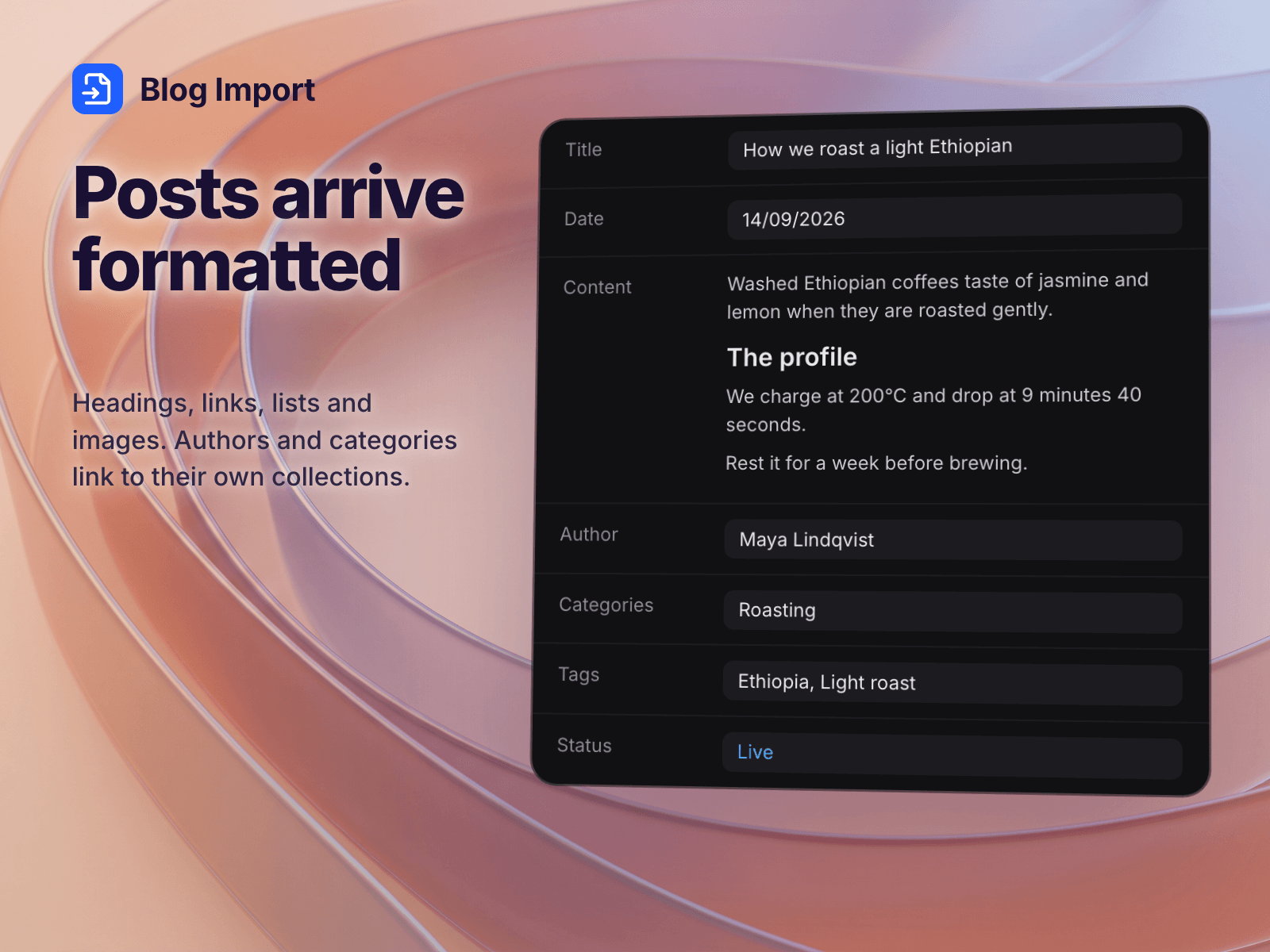
Posts with title, date, content, excerpt and cover image
Images copied into Framer, so they keep working after you cancel the old site
Authors, categories and tags as their own collections, linked to each post
Drafts in the export file stay drafts (Squarespace and WordPress)
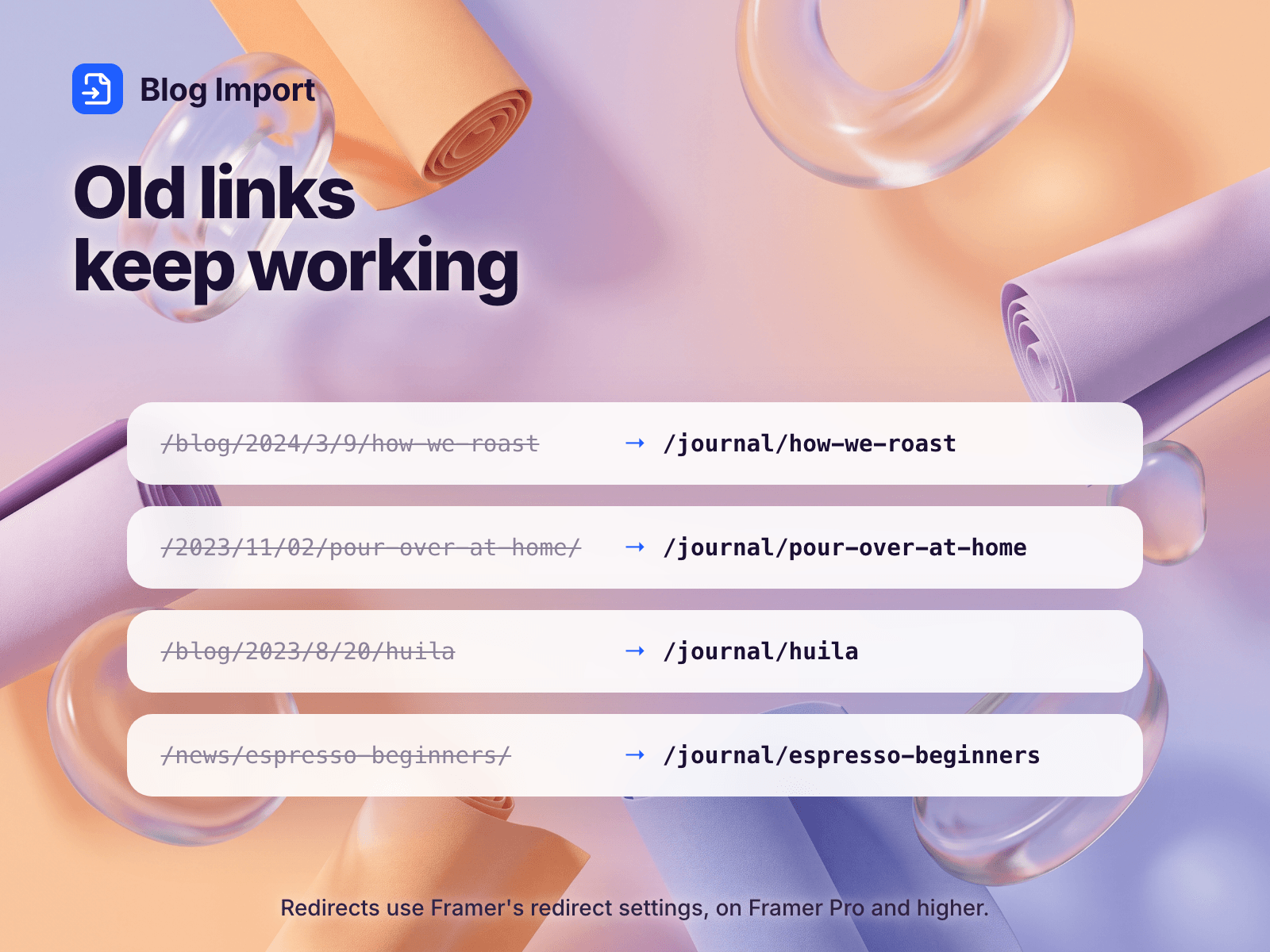
Redirects from the old post URLs to the new ones on Framer Pro or higher, so links and search results keep working
YouTube and Vimeo videos in your posts come across as Framer video embeds
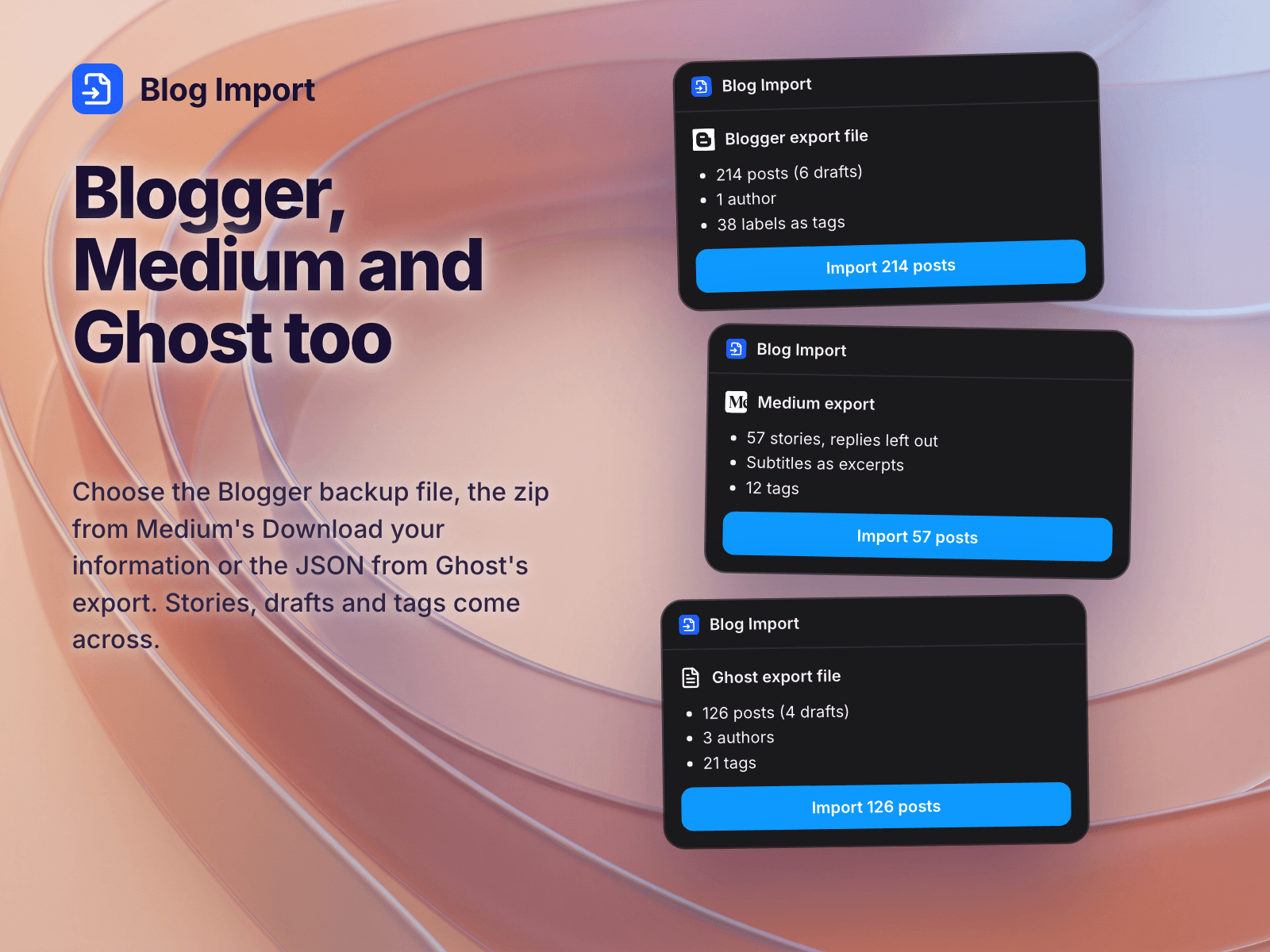
Also reads Blogger (Blogspot) export files and Medium exports (the .zip from Download your information), and Ghost exports (the .json from Settings, Migration tools)
Squarespace post URLs often carry the date (/blog/2024/3/9/my-post) and WordPress content is stored raw, with shortcodes and no paragraphs. The plugin cleans both up.
Import again later and existing posts update instead of duplicating. Posts you deleted on the old site are only removed if you tick the box.
From Ghost, images whose address is written as __GHOST_URL__ in the export can't be copied, because the file doesn't say what the domain was. The plugin tells you how many before you import.
Your newest 25 posts import for free. A license imports the rest: $29 for one Framer project or $59 for any number, paid once.
Each imported blog uses 4 CMS collections (posts, authors, categories, tags), or 1 if you keep authors, categories and tags inside each post. Framer's Basic plan allows 2 collections and 1,000 items; Pro allows 10 collections and 2,500 items.
Your posts don't pass through our servers. The plugin reads the file or site inside Framer, and checks a license code itself, without sending it anywhere. You get the code by pasting your Polar purchase key on our license page.