
About Table Creator
Framer's native tables only work inside CMS Rich Text fields. Table Creator works on any page — landing pages, dashboards, documentation, pricing comparisons, product specs, or anywhere you need structured data.
How It Works
Open the plugin, set your columns and rows, pick a theme, and hit Create. Edit data directly in the plugin or paste from a spreadsheet. Your table appears on the canvas, styled and ready to publish.
Create Tab
Set table dimensions with column and row controls. Toggle column headers, row headers, and zebra striping. Choose your size from the visual grid selector, then pick a theme — Minimal Light, Soft Grid, or Dark Pro.
Edit Tab
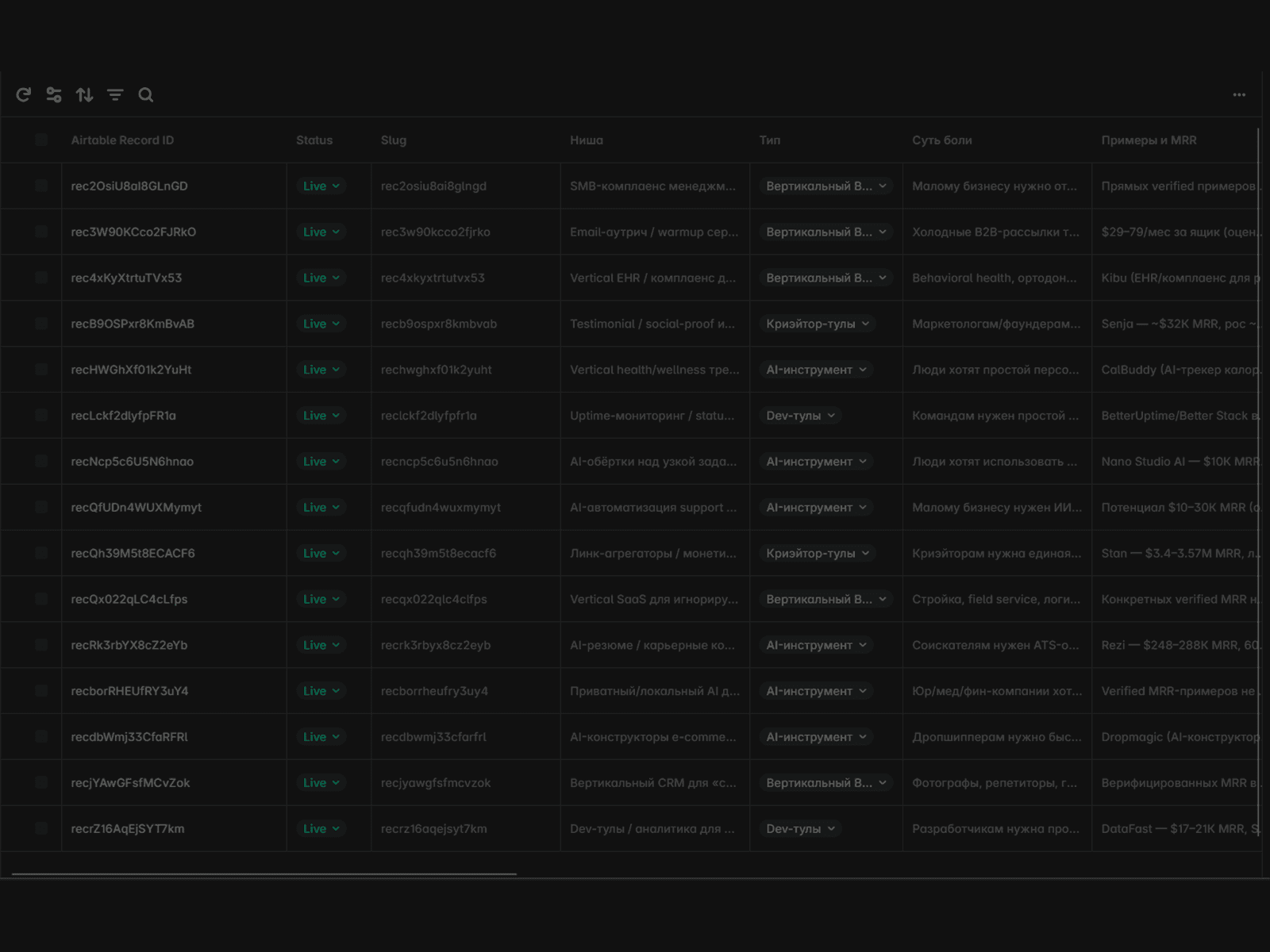
Add or remove rows and columns. Edit cell values inline. Paste data from spreadsheets or import CSV files. All changes reflect instantly.
Style Controls
Full typography control — font family, body size, header size, line height, text alignment, header weight, body weight. Adjust head padding, body padding, column gap, and row gap to match your design system.
Themes
Three built-in themes to get started fast:
Minimal Light — clean, professional look
Soft Grid — subtle grid lines, softer feel
Dark Pro — dark background for dashboards and technical content
Interactive Features
Toggle sorting, filtering, and pagination independently. Configure items per page and pagination style. Your visitors can interact with the table on your published site.
Data Input Options
Manual entry — type directly in cells
Paste — paste from any spreadsheet
CSV import — upload CSV files
Built by FramerHub.io — makers of Framer CMS Filter (#1 on Framer Marketplace) and Form Kit.