About Blogs for SEO
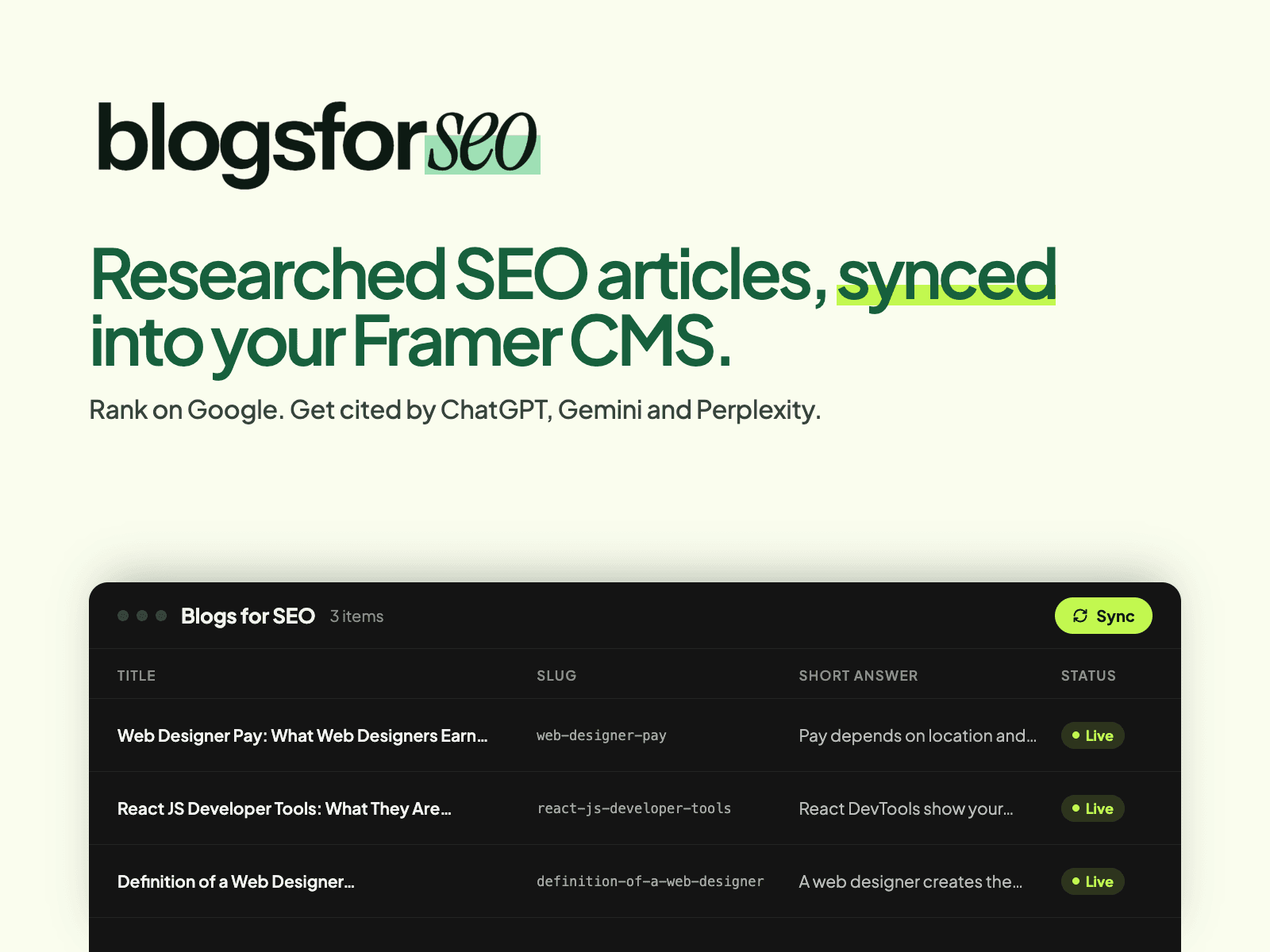
Researched SEO articles, synced into your Framer CMS.
Blogs for SEO finds the questions your customers ask, researches each answer from live search data with real sources, and writes articles built to rank on Google and get cited by ChatGPT, Gemini and Perplexity. This plugin brings those articles into a Framer CMS collection, so they live on your own site, in your own design.
What you get in each item
- Title, slug, body with headings, lists and source links
- Short answer and key takeaways
- FAQs as their own field
- Meta title, meta description and canonical URL
- Structured data (JSON-LD) ready for a code embed
- Header image with alt text, author, tags, reading time and dates
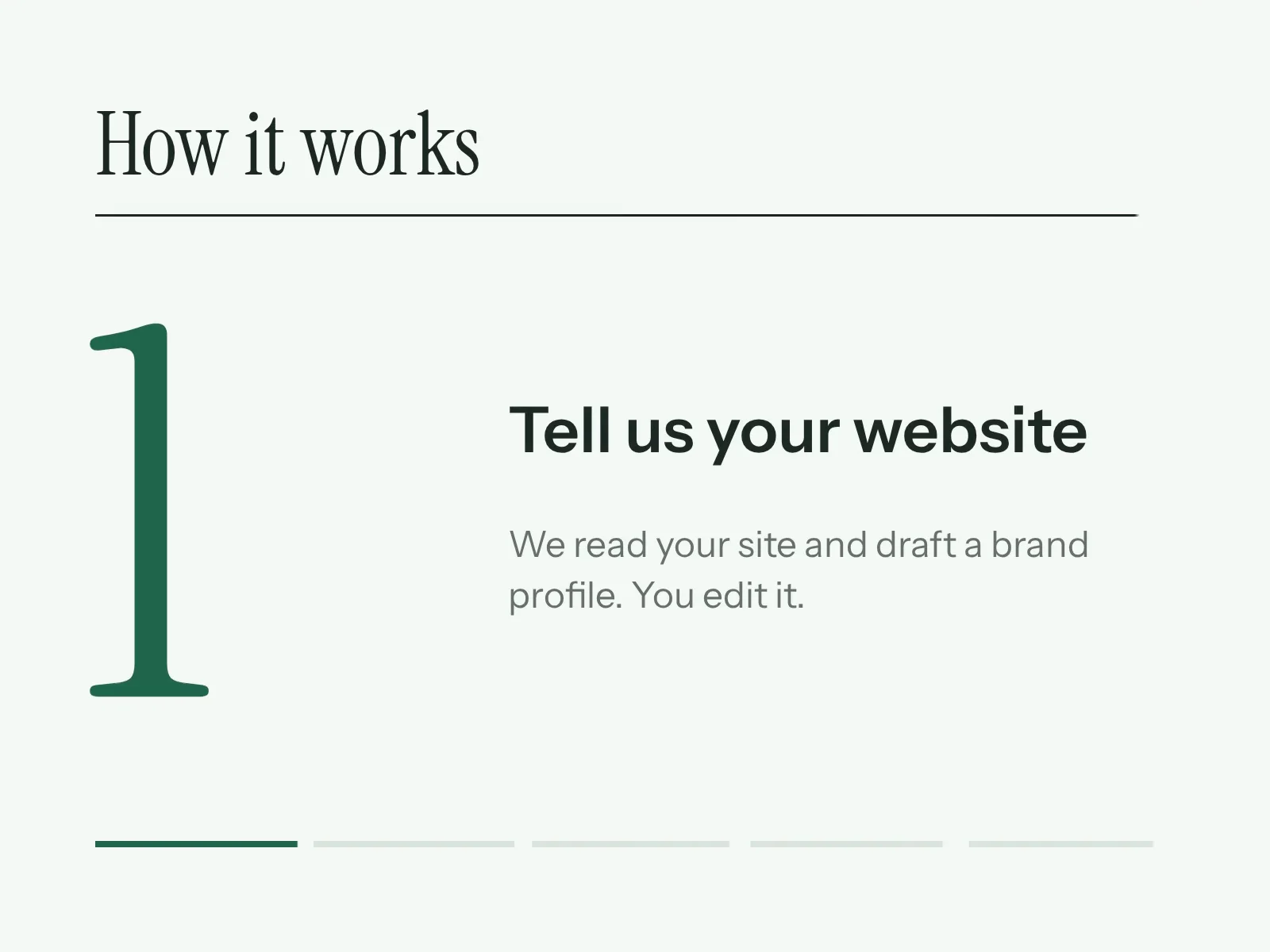
How it works
1. Add a collection from the Blogs for SEO plugin in your CMS.
2. Paste your Blogs for SEO API key (Dashboard → your site → Integration).
3. Press Sync posts. Your published articles appear as items.
4. Design your blog page with a Collection List and link it in your navigation.
Keeping it up to date: Framer plugins only run when you open them, so press Sync on the collection to bring in new and changed articles. Unpublished articles are removed on sync. Then publish your site.
Requires a Blogs for SEO account (blogsforseo.com). Your API key is saved only in your browser; each editor uses their own key.