About Booking Button by getseo.pro
Booking Button by getseo.pro
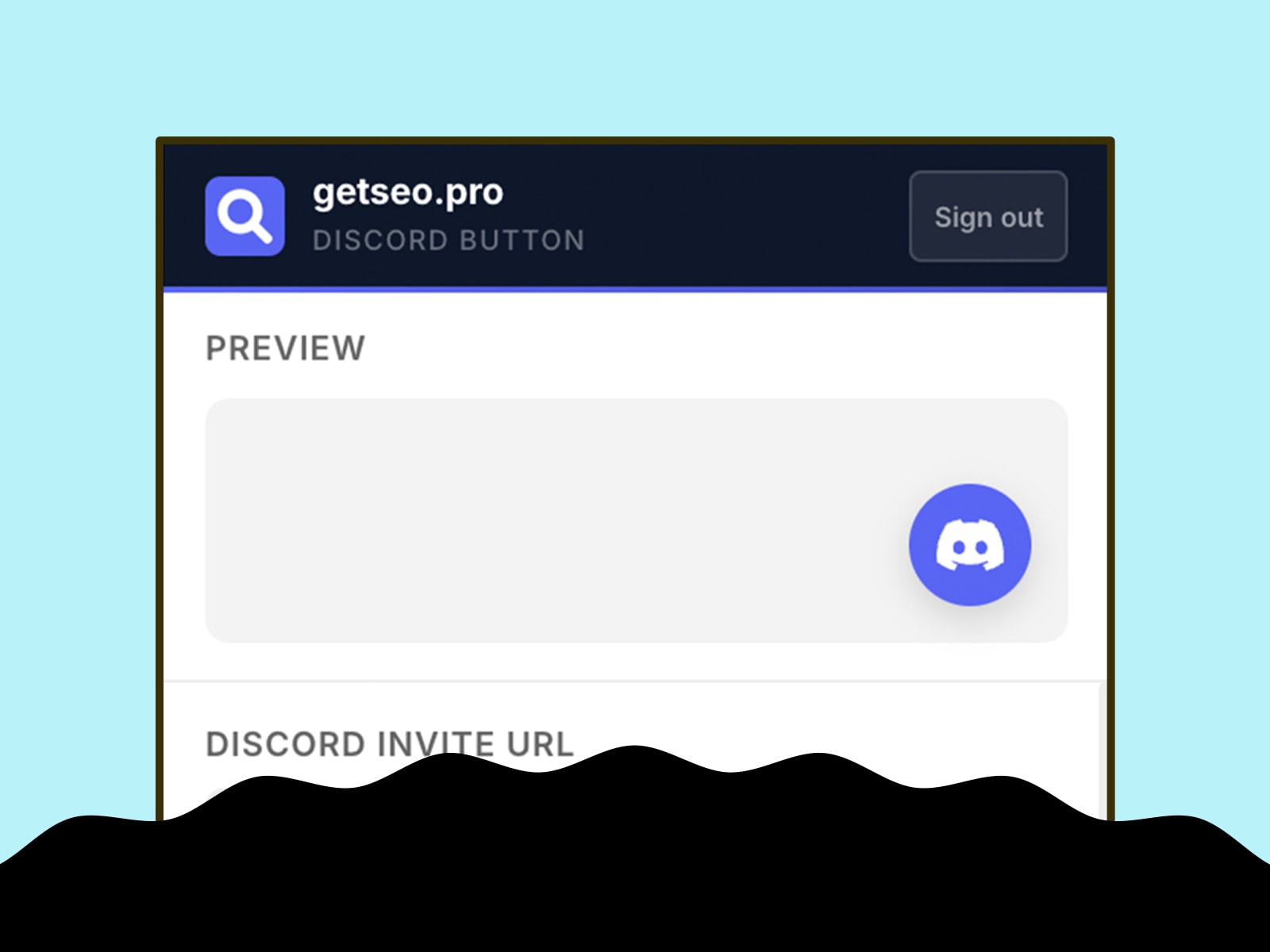
Let your Framer site visitors book time with you in one click. Works with any scheduling tool — Calendly, Cal.com, Acuity, TidyCal, or any booking URL.
How it works
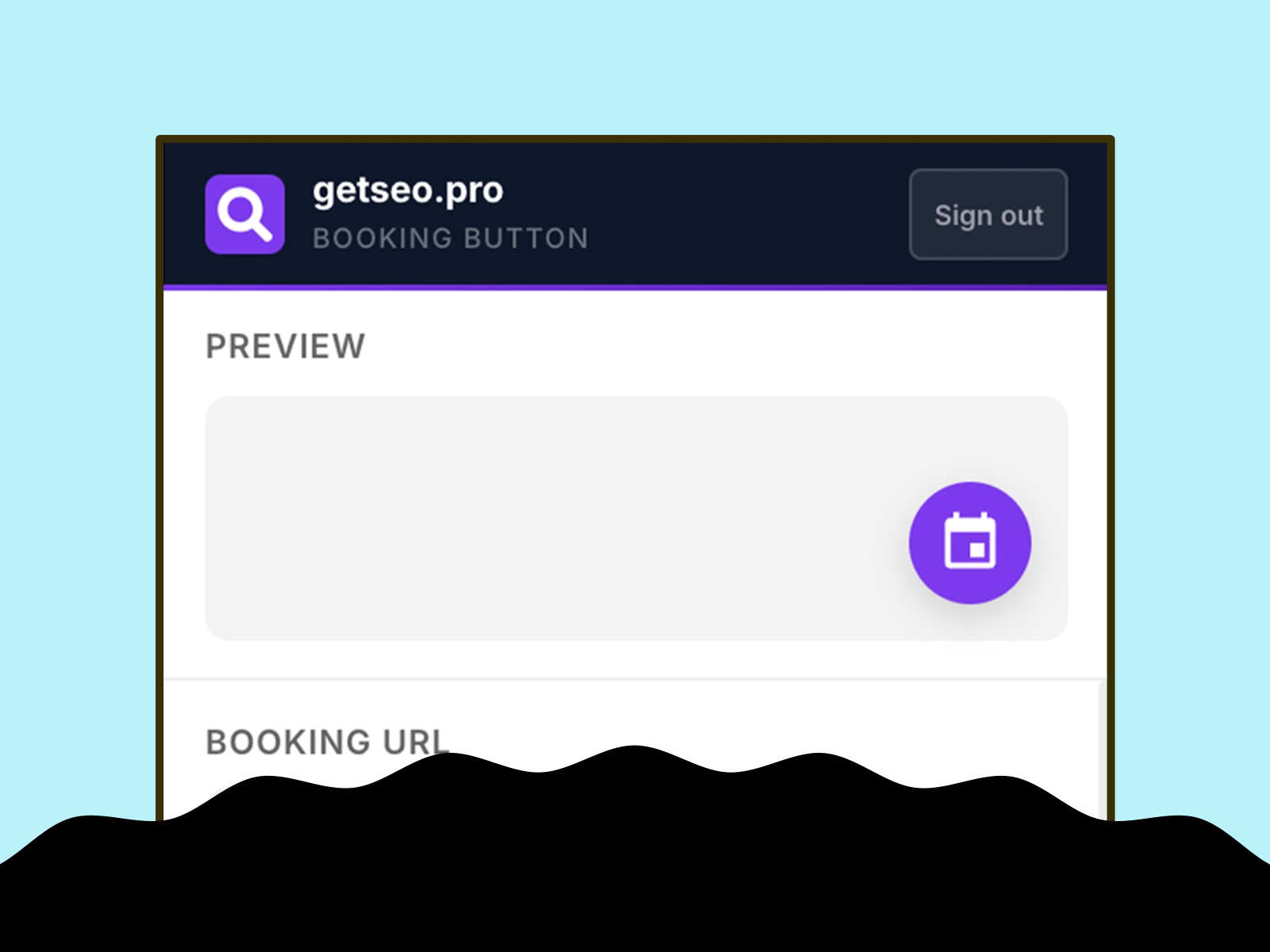
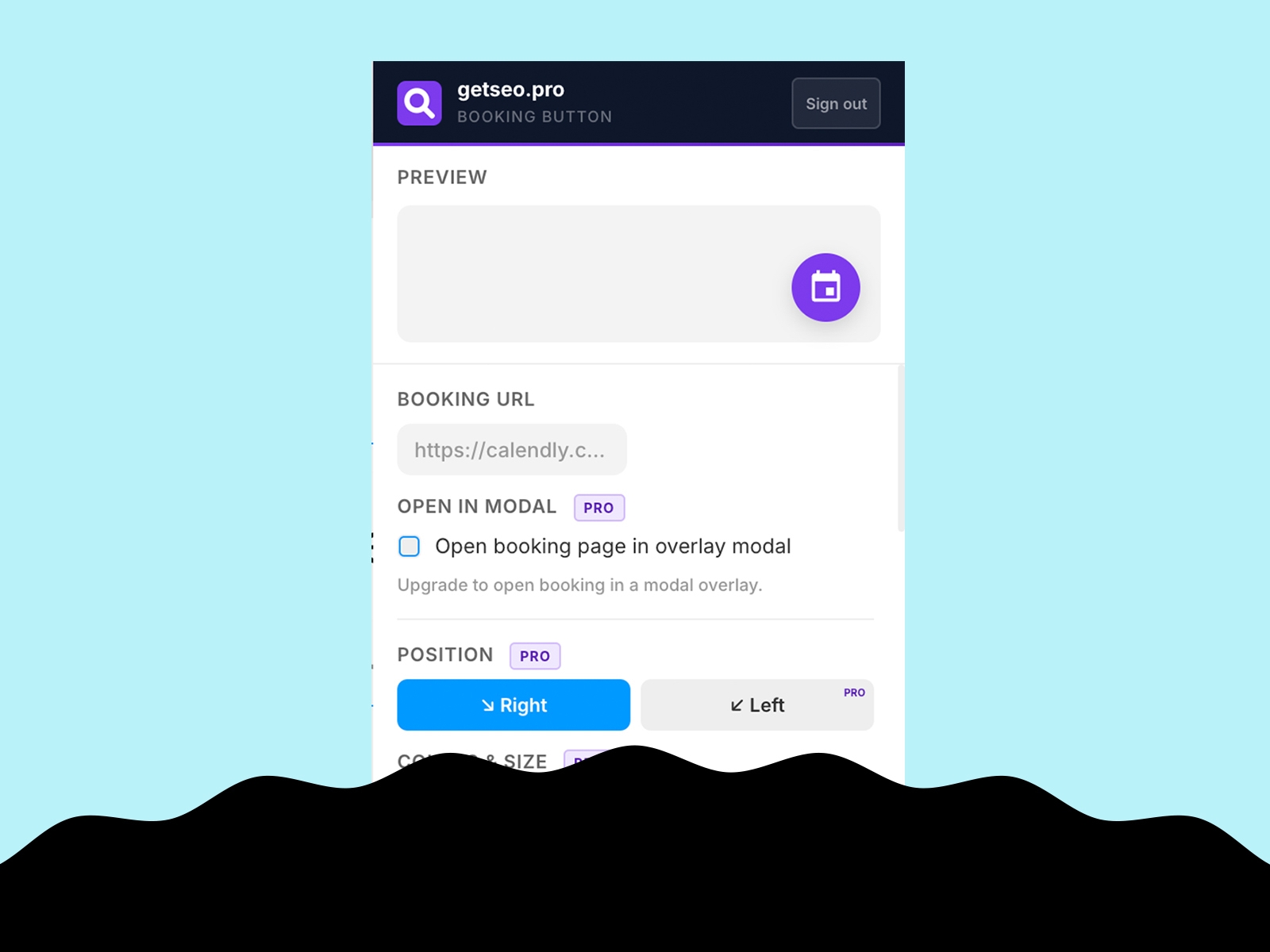
Paste your booking link, click "Add to Site." A floating calendar button appears on your live site. Pro users can open the booking page in a modal overlay — so visitors schedule without ever leaving your site.
Features
Floating booking button linking to any scheduling URL
Live in-editor preview
Bottom-right position
Default purple (#7C3AED)
Modal popup — embeds the booking page in a full-page overlay (iframe), keeping visitors on your site
Click-outside-to-close and close button on the modal
Custom background and icon colors
Custom button size (40–80px)
Pulse or bounce animation
Shadow: subtle, strong, glow
Notification badge
Tooltip on hover
Delay appearance (0–30s)
Pre-chat bubble above button
Hide on mobile
GTM dataLayer event on click: fires `{ event, page, booking_url }`
Compatible with all booking tools
Calendly · Cal.com · Acuity Scheduling · TidyCal · HubSpot Meetings · Savvycal · any URL
Part of the getseo.pro plugin suite for Framer.