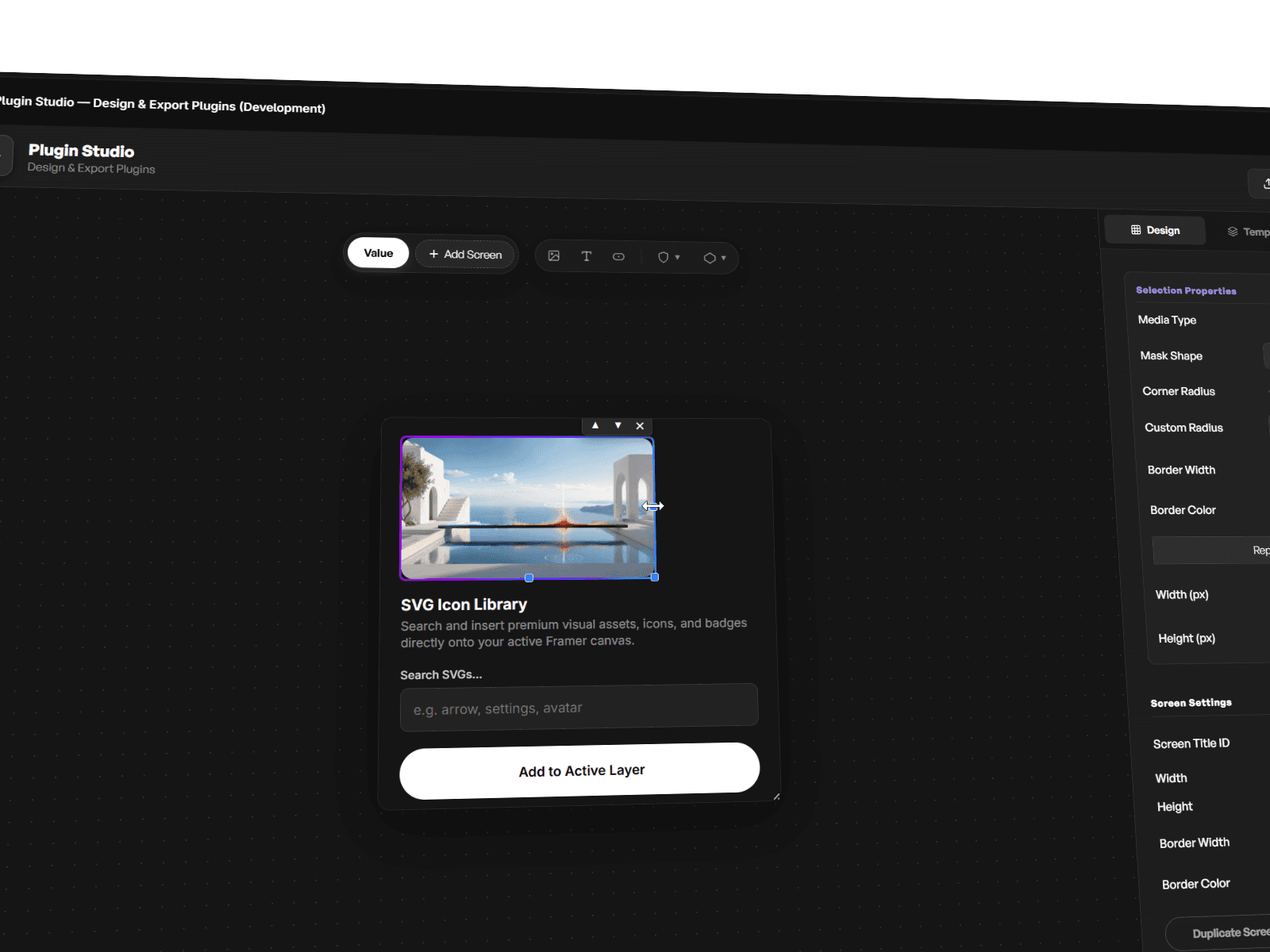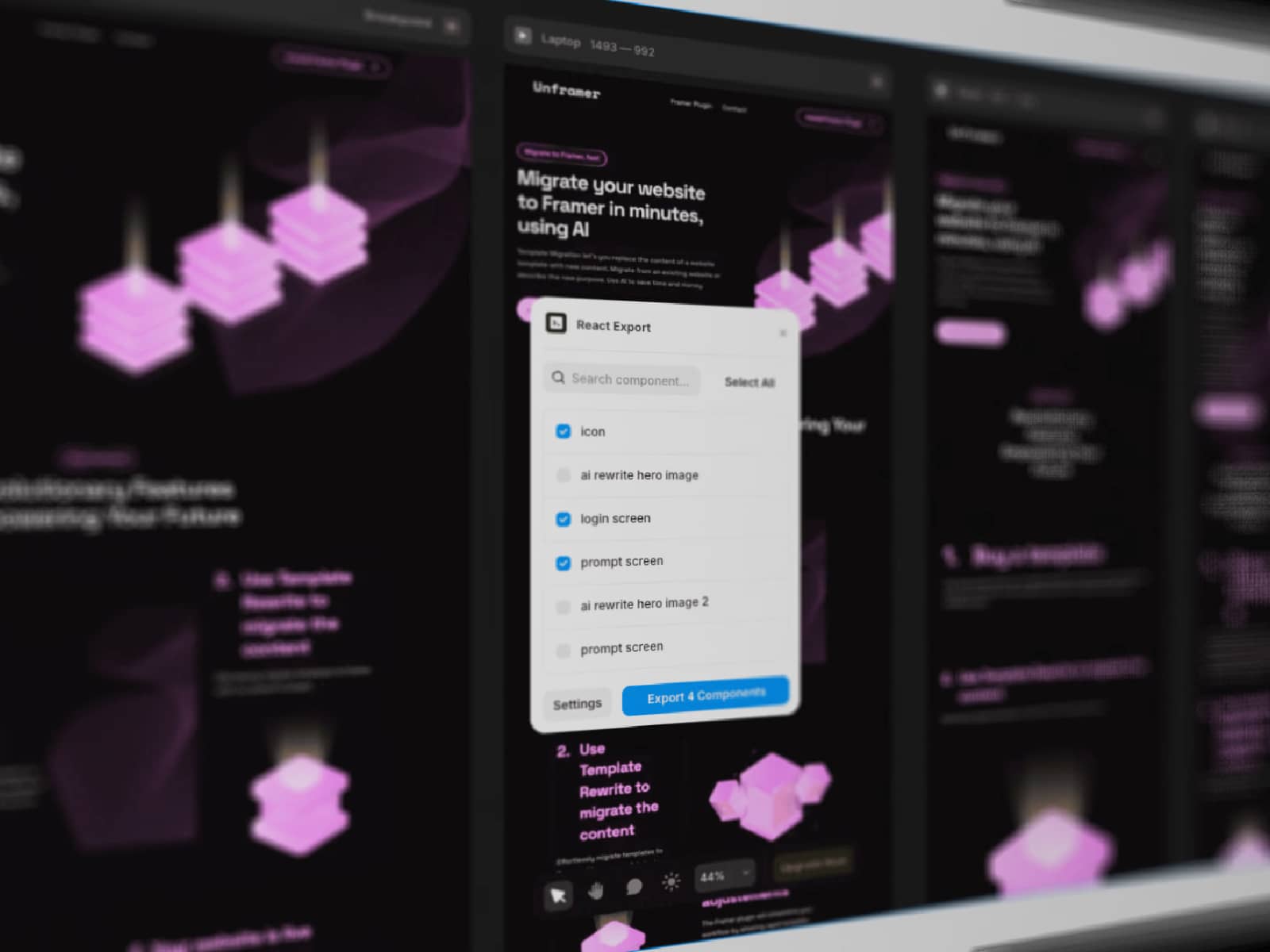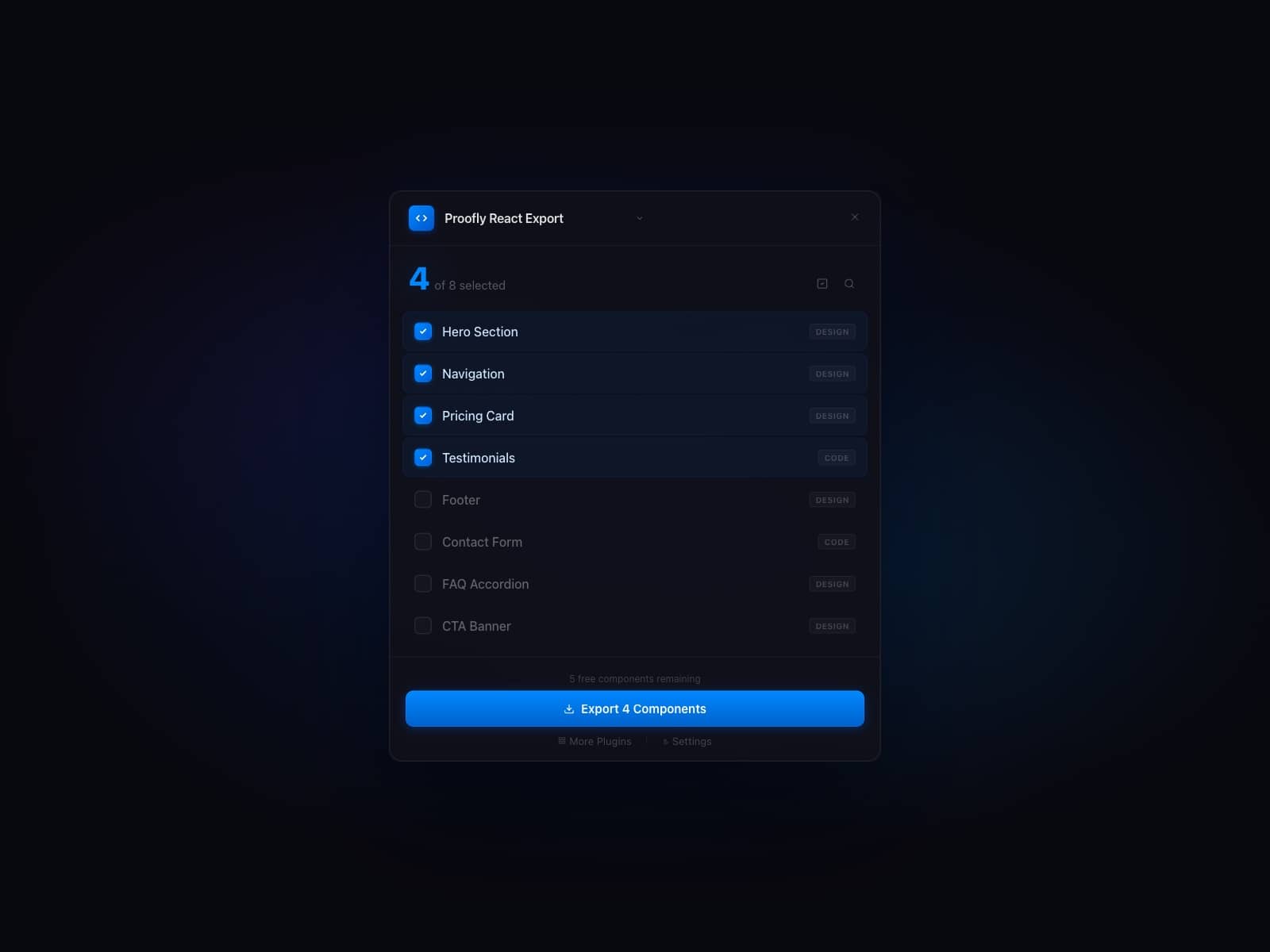
About Breakpoint Mockups
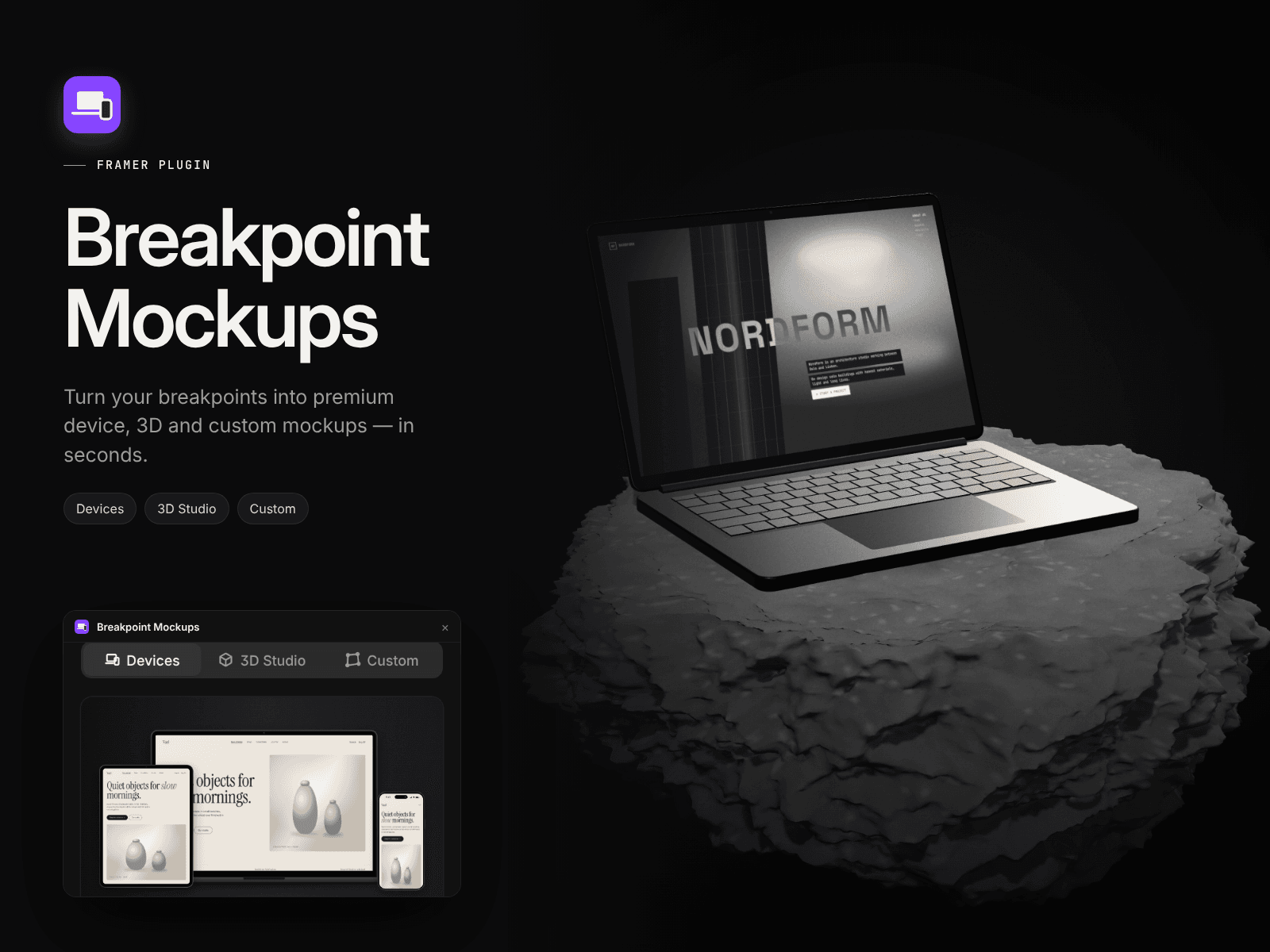
Breakpoint Mockups turns the Desktop, Tablet and Phone breakpoints of your Framer page into polished, presentation-ready mockups, without leaving Framer. It’s ideal for portfolios, case studies, client presentations, social posts, Dribbble shots and template previews.
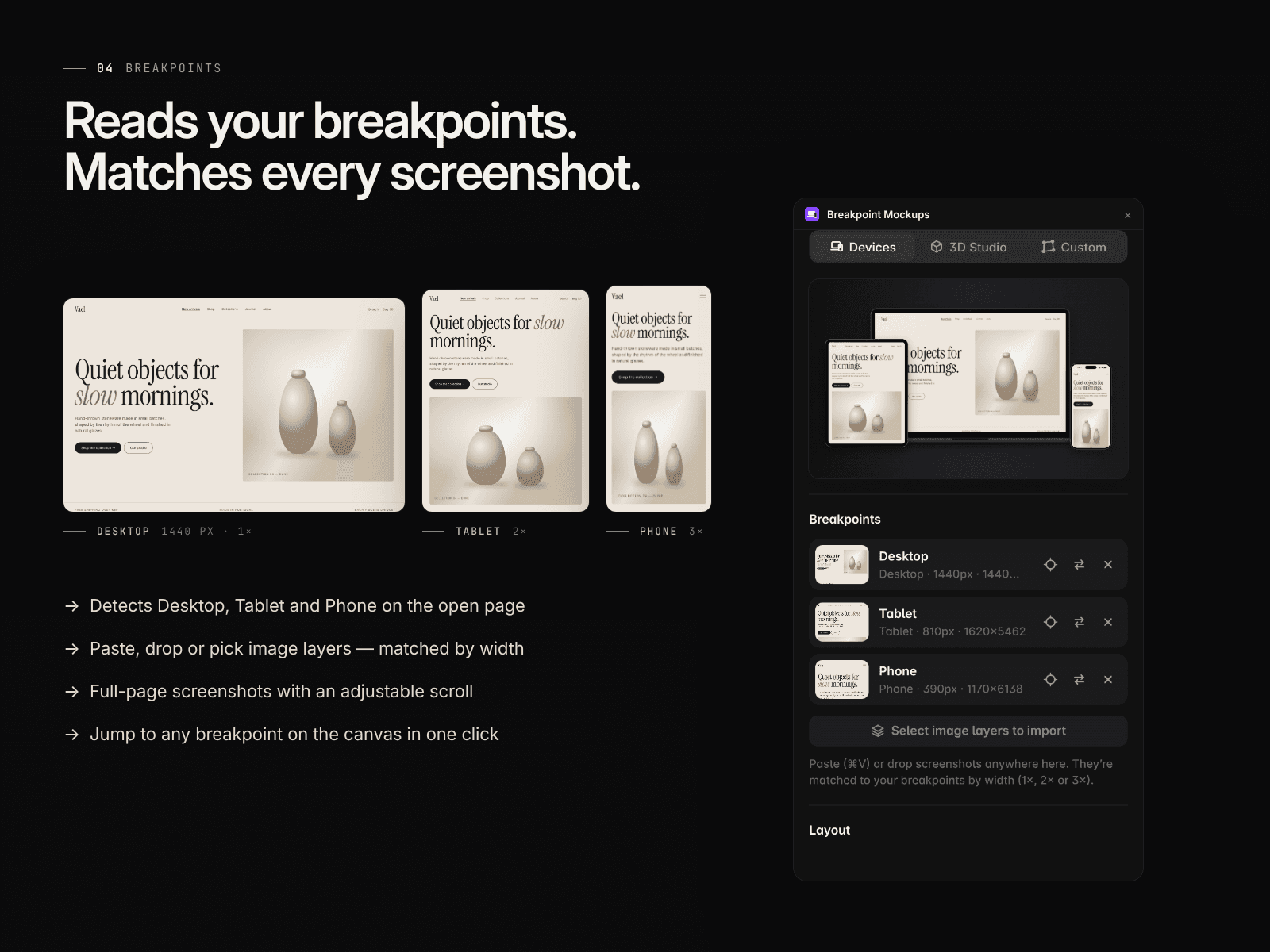
The plugin reads the breakpoints of the open page and matches each screenshot to the right device by width (1×, 2× or 3×). Add screenshots by pasting (⌘V), dropping, uploading, or selecting image layers on the canvas. Then pick one of three modes.
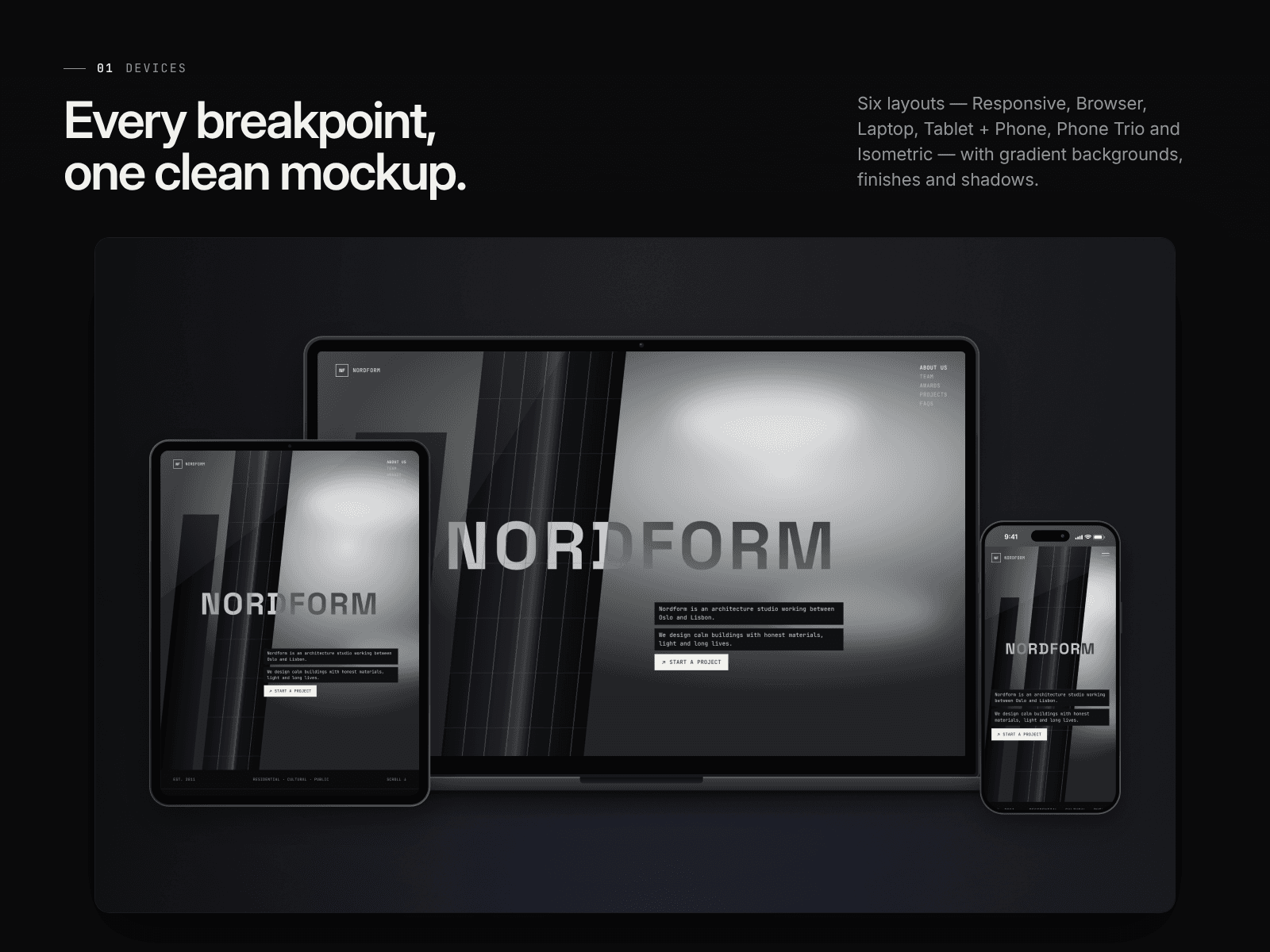
Devices Clean device frames in six layouts: Responsive (laptop, tablet and phone together), Browser, Laptop, Tablet + Phone, Phone Trio and Isometric. Choose from 7 gradient backgrounds, a custom gradient or a transparent background. Fine-tune with Graphite or Silver finishes, shadow, zoom, scroll position, screen glare and film grain. Phones get a status bar tinted to match your page.
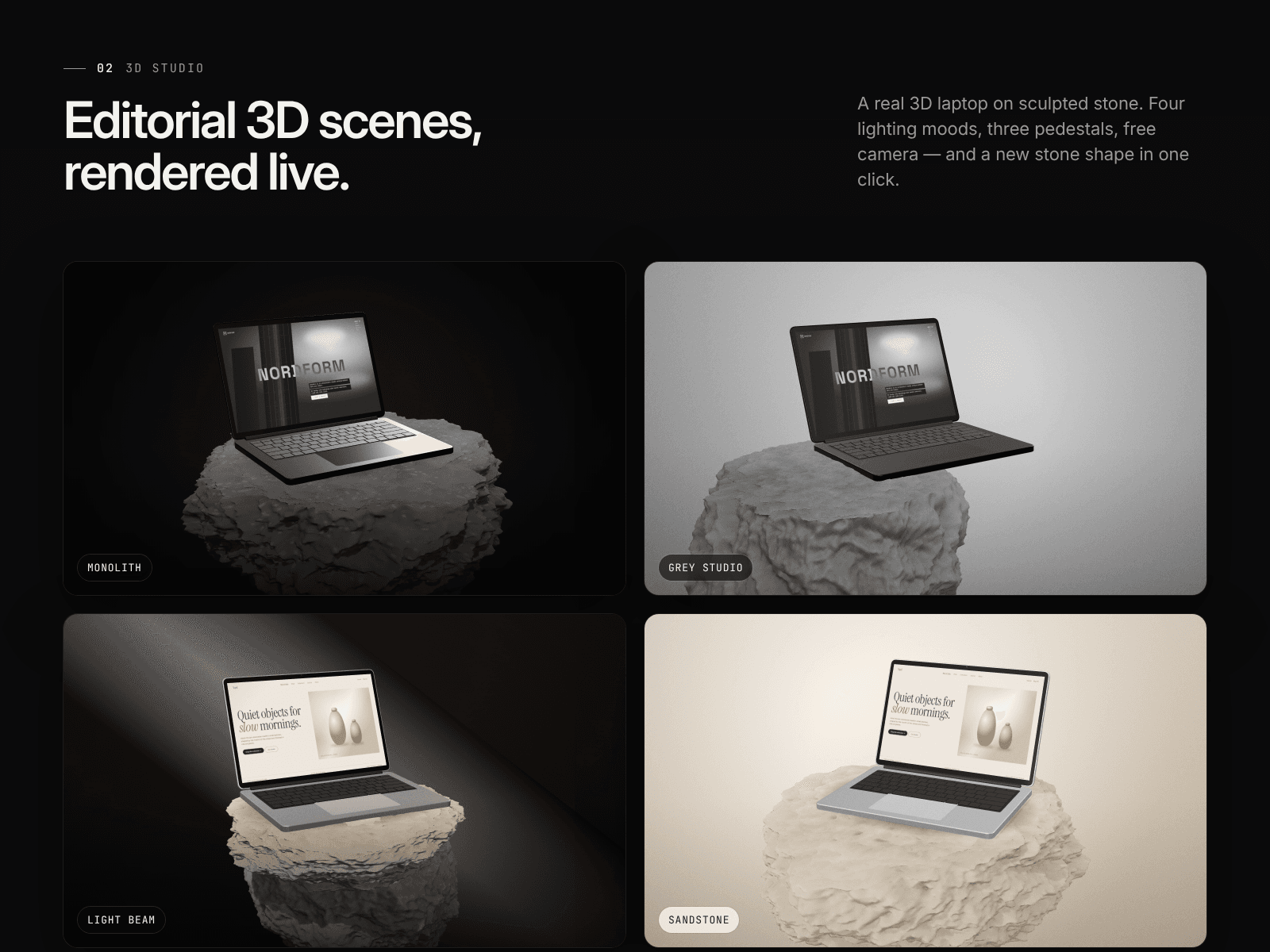
3D Studio A real-time 3D laptop on a sculpted stone pedestal, in editorial lighting moods:
Monolith: black void, high-contrast black & white
Grey Studio: seamless grey backdrop, soft daylight
Light Beam: dark room cut by a warm diagonal shaft of light
Sandstone: warm beige studio with porous stone
Choose a Slab, Stacked or Cliff pedestal and generate a new stone shape with one click. Adjust the laptop finish, screen tilt, camera angle, height and zoom, plus black & white, vignette and grain.
Custom Use any mockup image you own or have a license for. The plugin detects the screen automatically, or you can click inside it or drag the four corners. Your design is placed in exact perspective, with rounded corners and optional original glare and reflections.
Export
7 sizes: Showcase, 16:9, Dribbble 4:3, Open Graph, Square, Portrait and Story
1× or 2× Retina, PNG or JPG
Add to the canvas, download, or copy to the clipboard
Generate every layout or every mood at once