About Proofly React Export Unlimited Exports
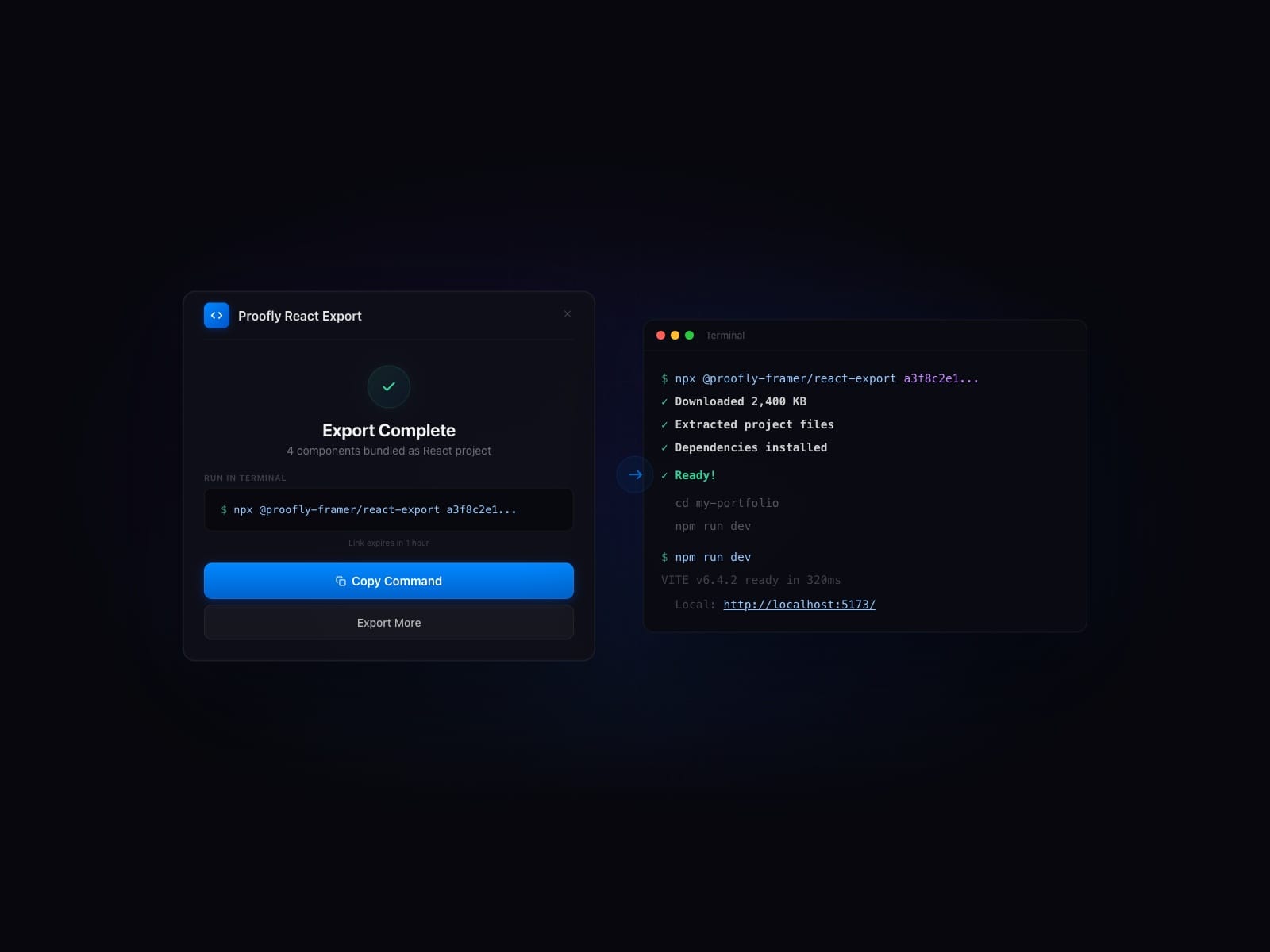
Stop rebuilding Framer components by hand. Export them as clean, production-ready React code and install in any project with one command.
How It Works
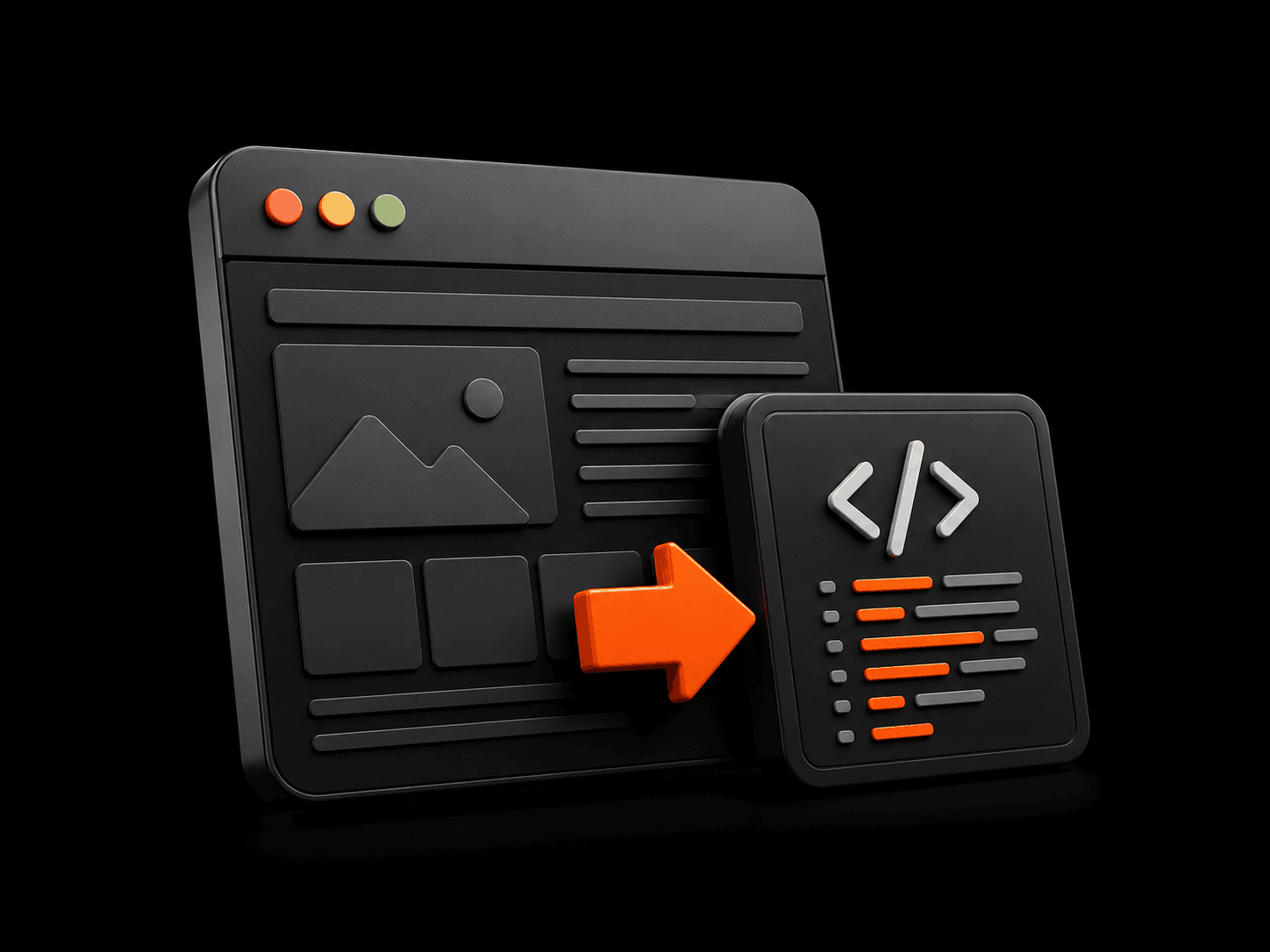
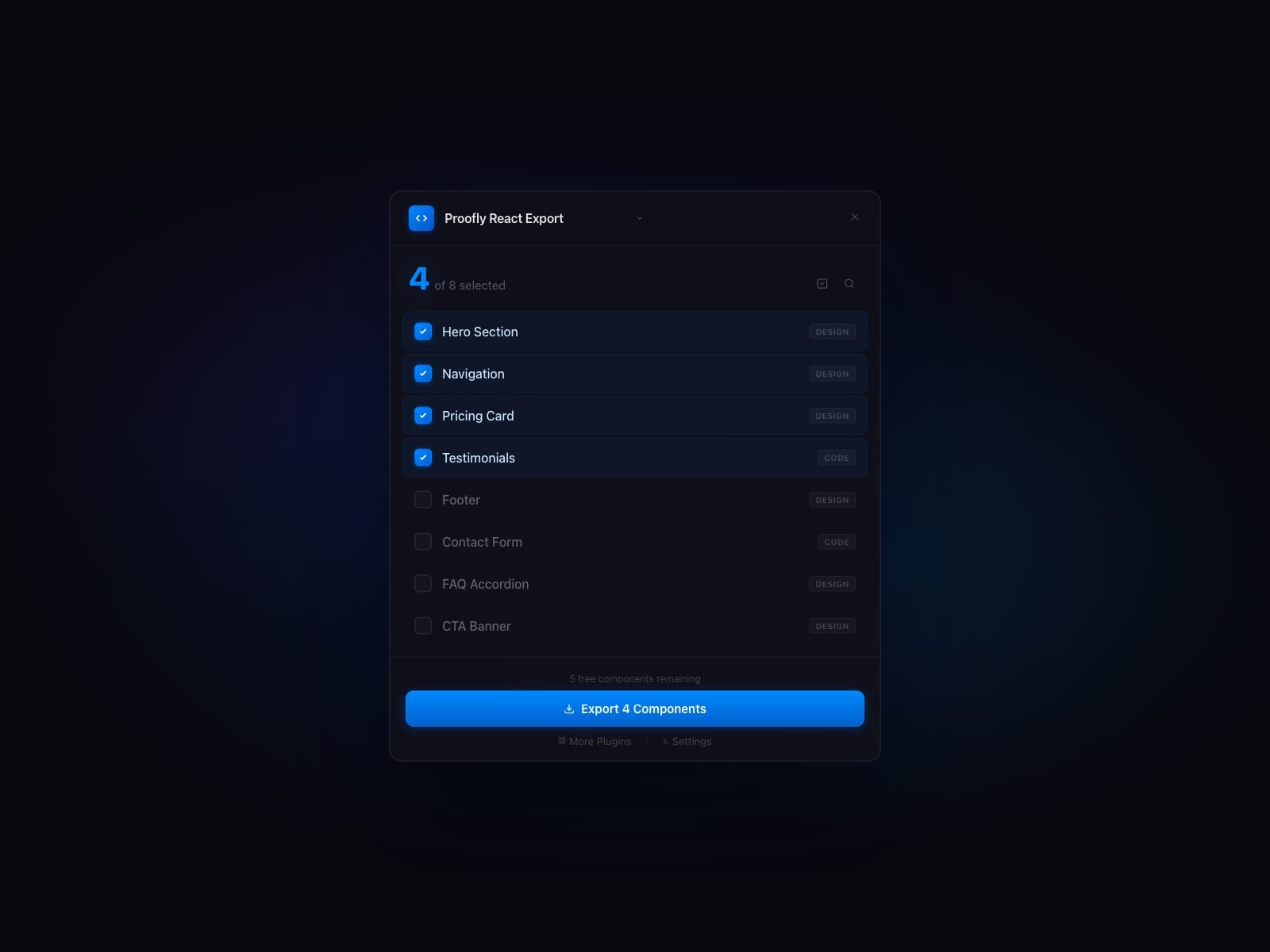
Select your Framer components, click Export, and get a complete React project with TypeScript, responsive variants, animations, and styles. Preview live, then install with one line.
What Gets Exported
- Design and code components: complete translation of your canvas
- Breakpoints and responsive variants auto-detected
- Framer Motion animations preserved
- Property controls included, colors mapped to CSS variables
- SVGs extracted as inline components, fonts bundled
- Clean TypeScript types with a starter App.tsx
Three Export Modes
Preview: see your components running as React code and share a live URL with your team. No payment required.
Scaffold (Pro): download a complete Vite + React project and start building immediately.
Integrate (Pro): install your components as an npm package in any existing React project.
Why Not Rebuild by Hand?
Recreating one component in React takes 1-2 hours. A full page takes a day. This plugin does it in seconds, pixel-perfect. When the design changes, re-export and run npm install again. No manual syncing, no design drift.
Data and Privacy
React Export requires a free Proofly account and an internet connection: opening the plugin runs a sign-in and license check on Proofly's backend. That check sends only an anonymized project reference (a one-way hash; the raw project ID never leaves Framer) and no design content.
When you run an export, a consent dialog appears first, and nothing about your design is uploaded until you confirm it. Only then does it send the Framer source URLs of your selected components and your project's breakpoints, used to generate your React code. Component names and color styles are not transmitted, and no other project or editor data is transmitted.
Optional anonymous diagnostics (telemetry) are opt-in and off by default.