About Call Button by getseo.pro
Call Button by getseo.pro
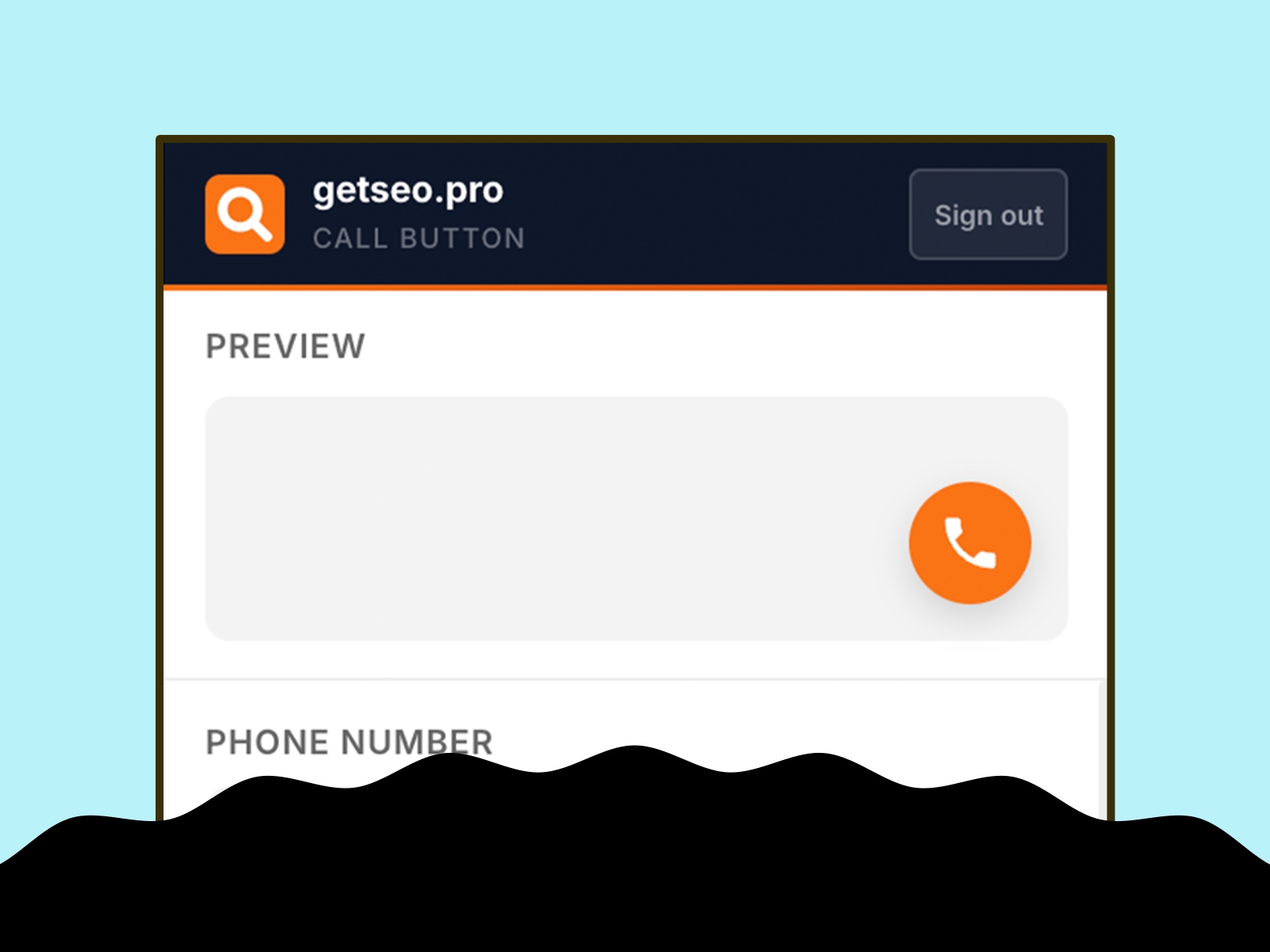
Give visitors a direct line to you — one tap, instant call. The Call Button adds a floating click-to-call button to your Framer site using the `tel:` protocol.
How it works
Enter your phone number with country code, click "Add to Site." The button appears on your live Framer site. On mobile, tapping it opens the phone dialer immediately. On desktop, it opens whatever calling app is set as default.
Features
Floating call button linked to your number via tel: protocol
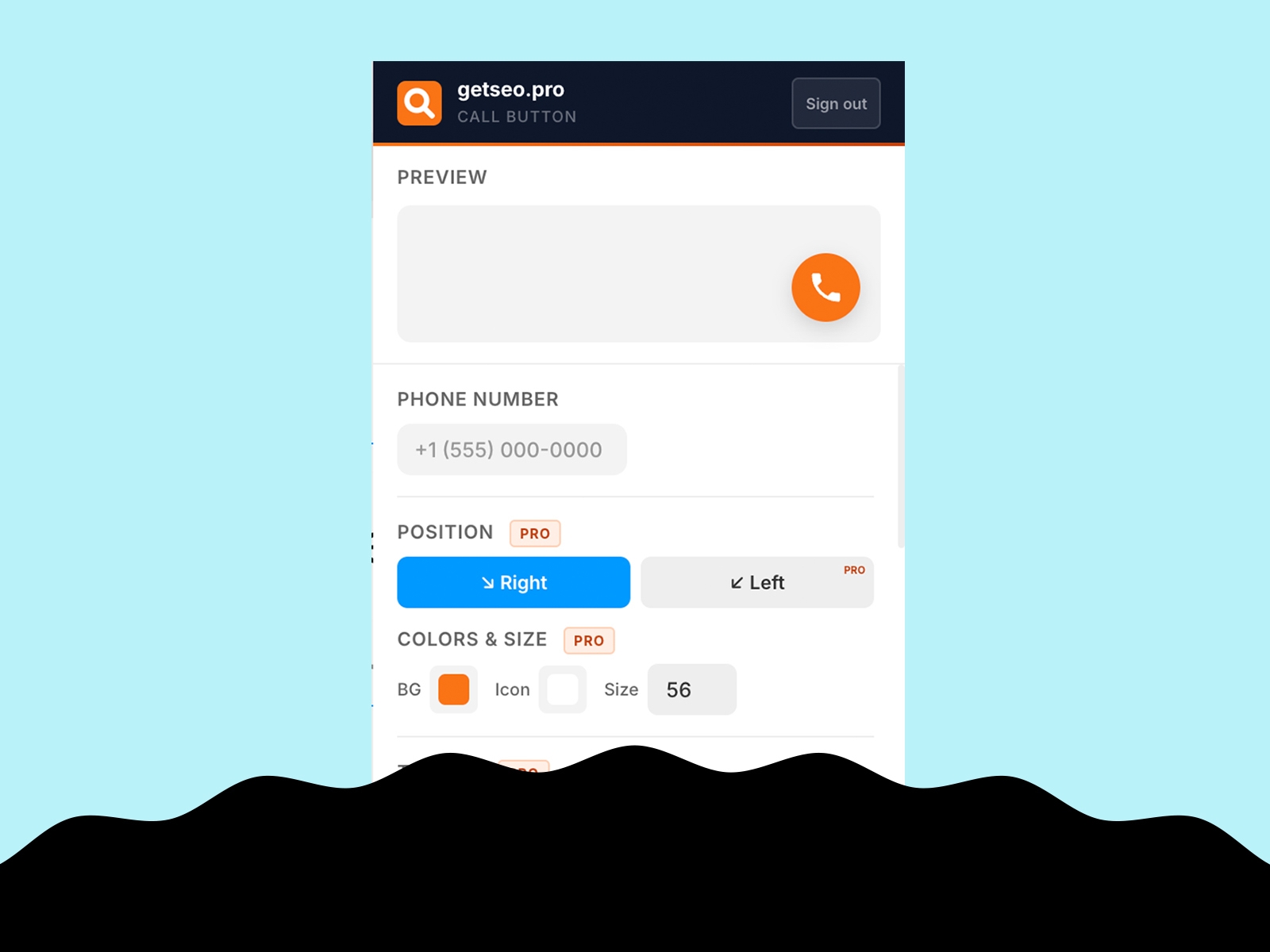
Live in-editor preview
Bottom-right position
Default orange (#F97316)
Custom background and icon colors
Custom button size (40–80px)
Pulse or bounce animation
Shadow: subtle, strong, glow
Notification badge (1–99)
Tooltip on hover with custom text
Delay appearance (0–30s)
Pre-chat bubble above button ("Give us a call!")
Hide on mobile (or desktop-only)
Business hours: automatically hide the button or display an "unavailable" message outside your working hours — no more calls at midnight
GTM dataLayer: fires `{ event, page, phone }` on every click for conversion tracking
Best for
Local businesses, clinics, law firms, real estate agents, tradespeople, coaches — anyone whose customers prefer calling over filling a form.
Part of the getseo.pro suite for Framer.