About Cinch
Cinch — Image & Video Compression for Framer
Make your media lighter without leaving Framer.
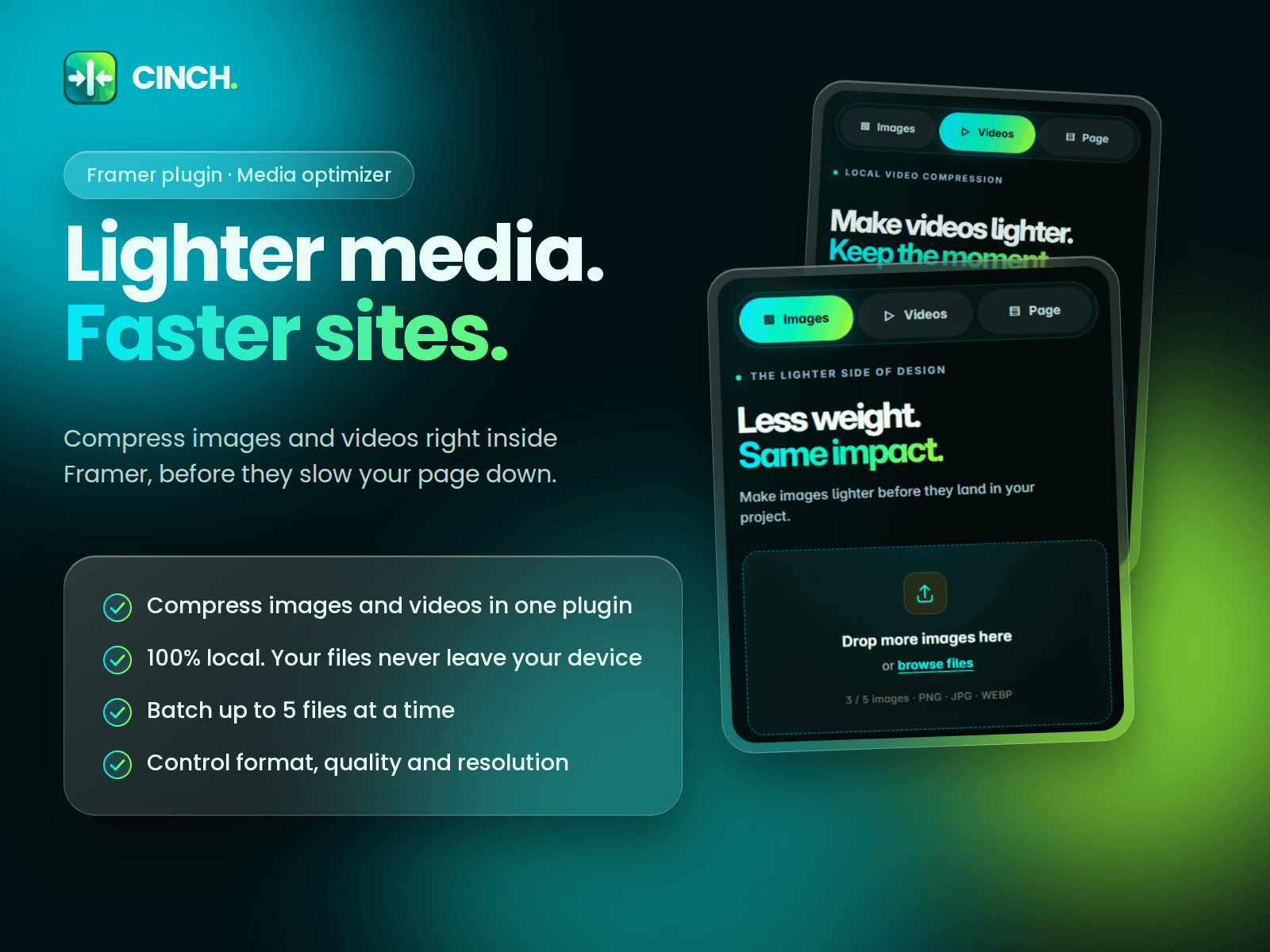
Cinch is a local image and video compressor that helps designers optimize media for faster, more efficient websites. Compress images, reduce video file sizes, adjust output settings, and download optimized files—all directly in the plugin.
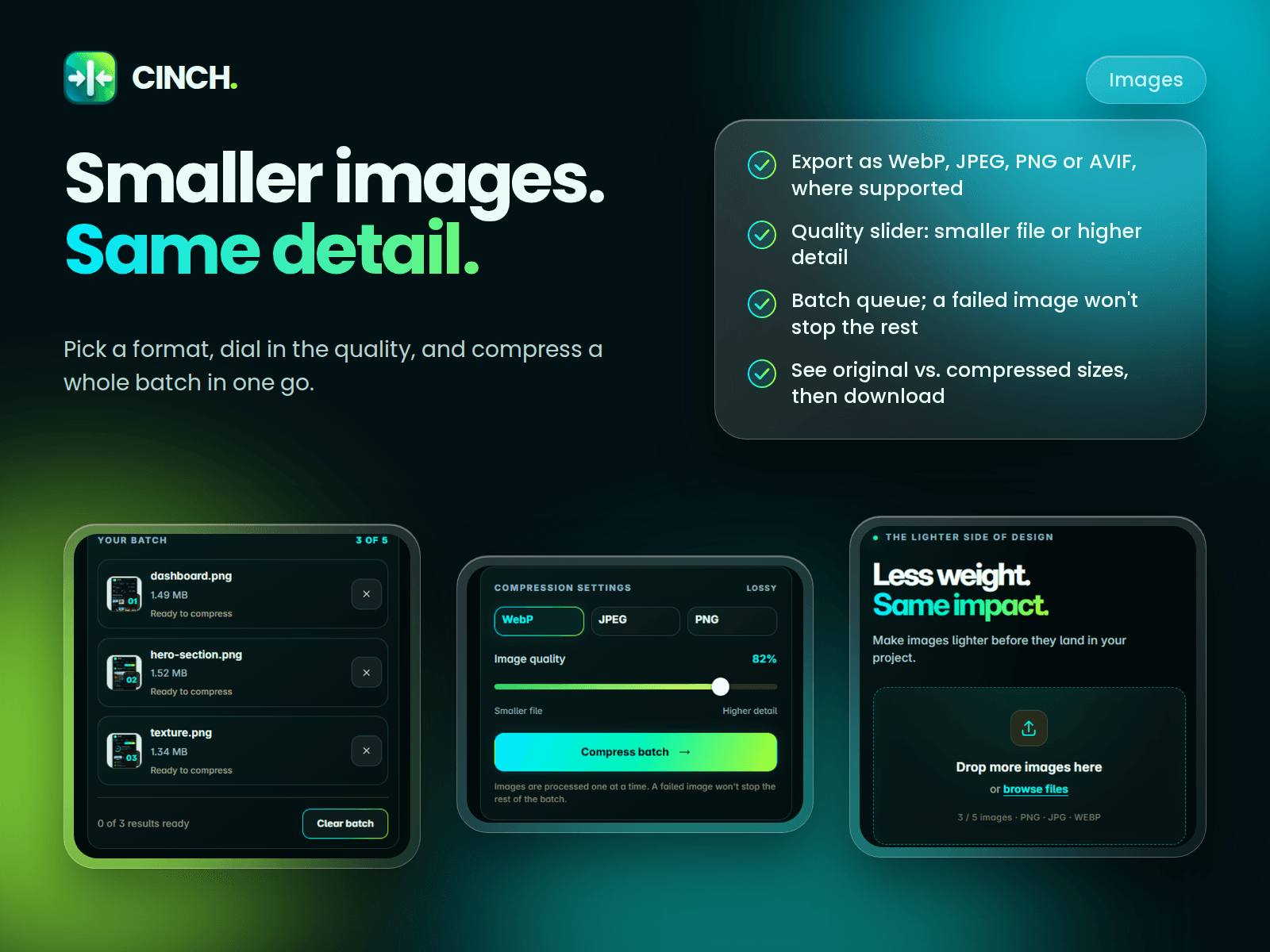
Image Compression
- Compress images directly in your workflow
- Convert images to WebP, JPEG, PNG, and AVIF where supported
- Adjust image quality to balance file size and visual detail
- Review original and compressed file sizes
- Process multiple images in a batch
- Download optimized images
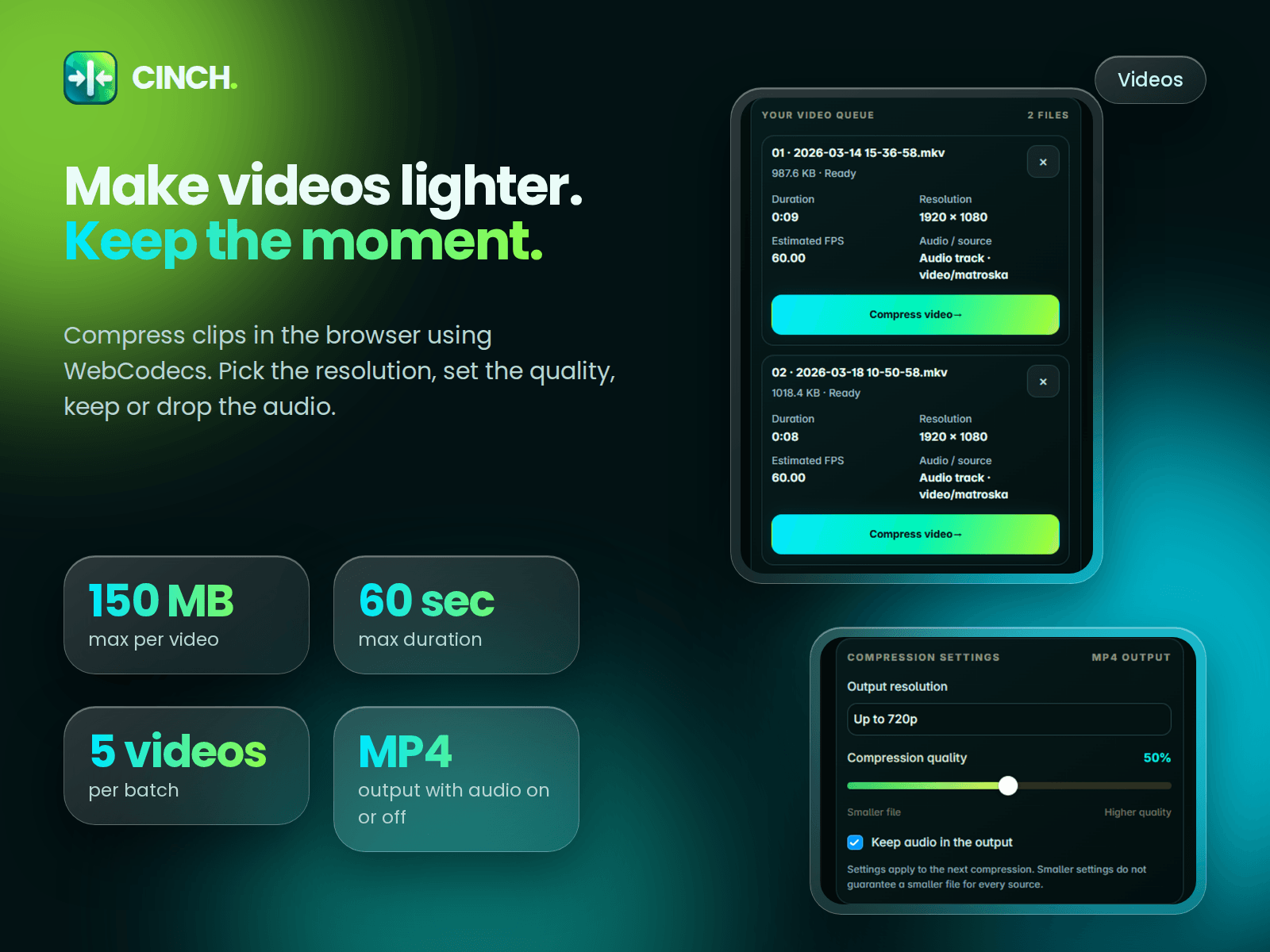
Video Compression
- Compress videos locally in your browser
- Adjust output resolution and compression quality
- Choose whether to retain audio
- Review video metadata, including duration, dimensions, and file size
- Preview and download the compressed video
- Process a batch of videos
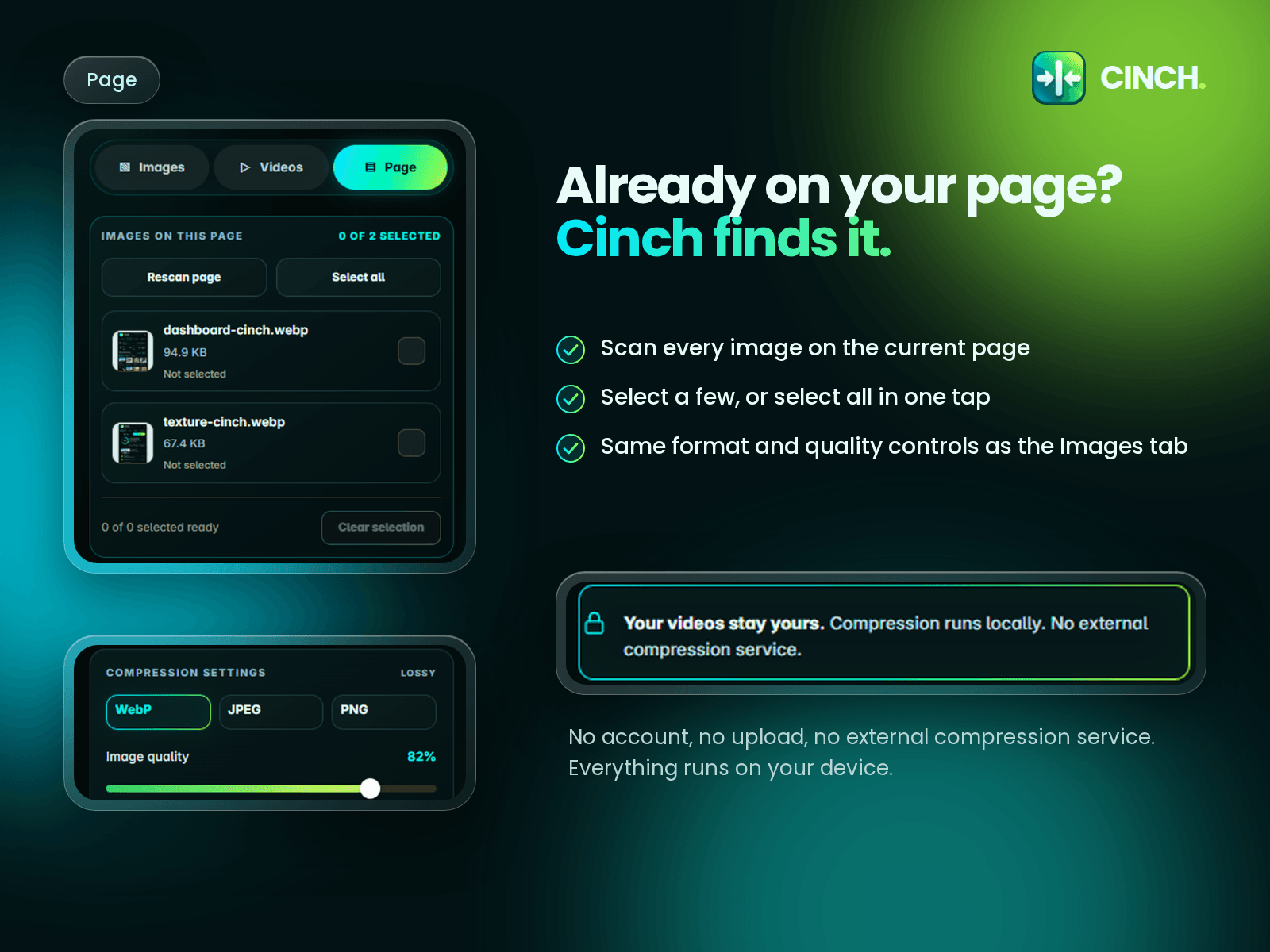
Designed for a Privacy-Friendly Workflow
Cinch processes media locally in your browser. Your images and videos are not uploaded to a Cinch server for compression.
No account or external processing service is required.
Built for Framer Creators
Whether you're optimizing a landing page, portfolio, CMS content, or client project, Cinch helps reduce media weight and prepare assets for the web—all without switching tools.
Compress smarter. Keep your workflow in Framer.