About Scribbl
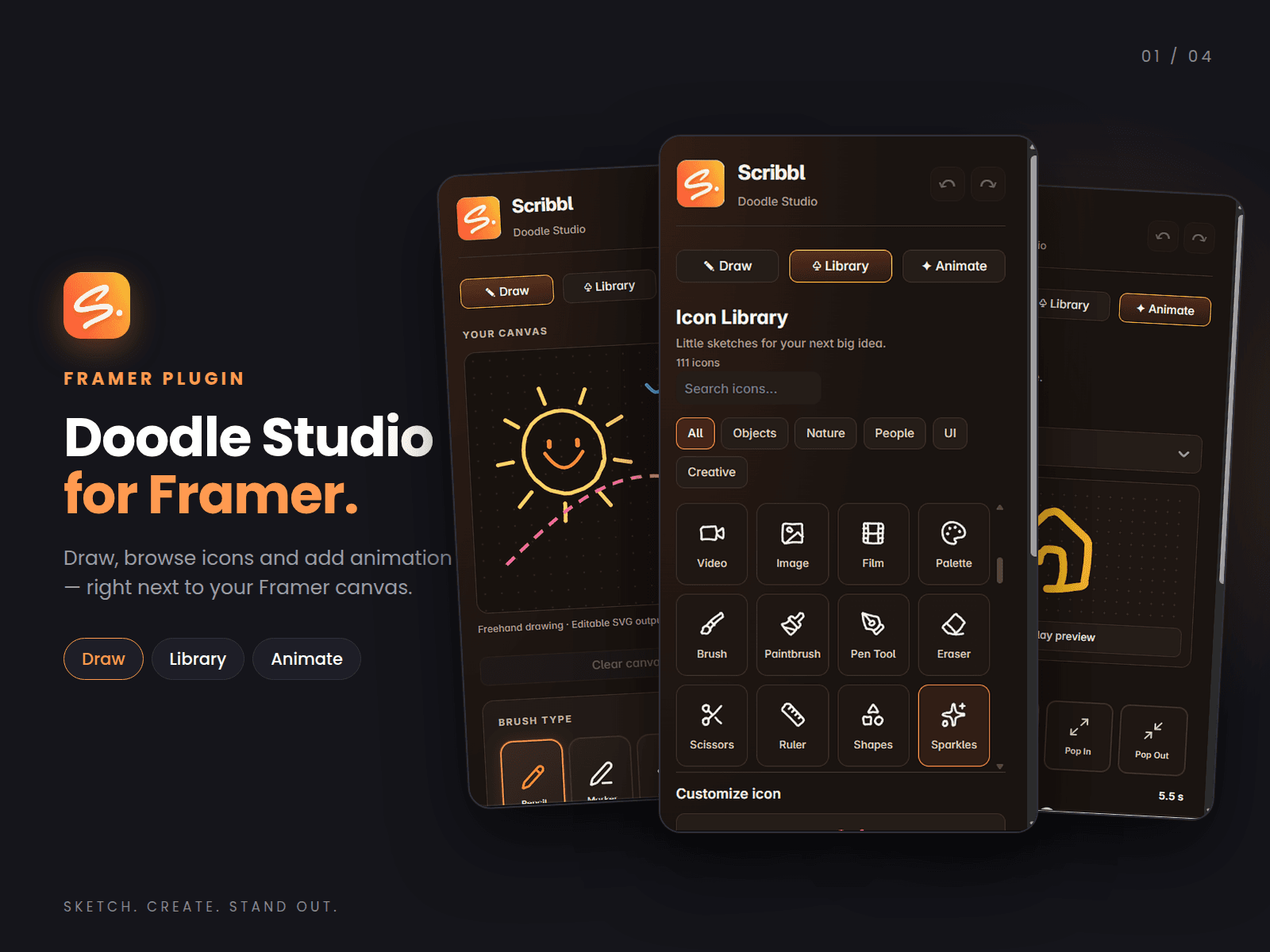
Scribbl is a lightweight creative studio that lives inside Framer. Doodle something, pick an icon, or give an icon a little motion, then insert it into your project without switching tools.
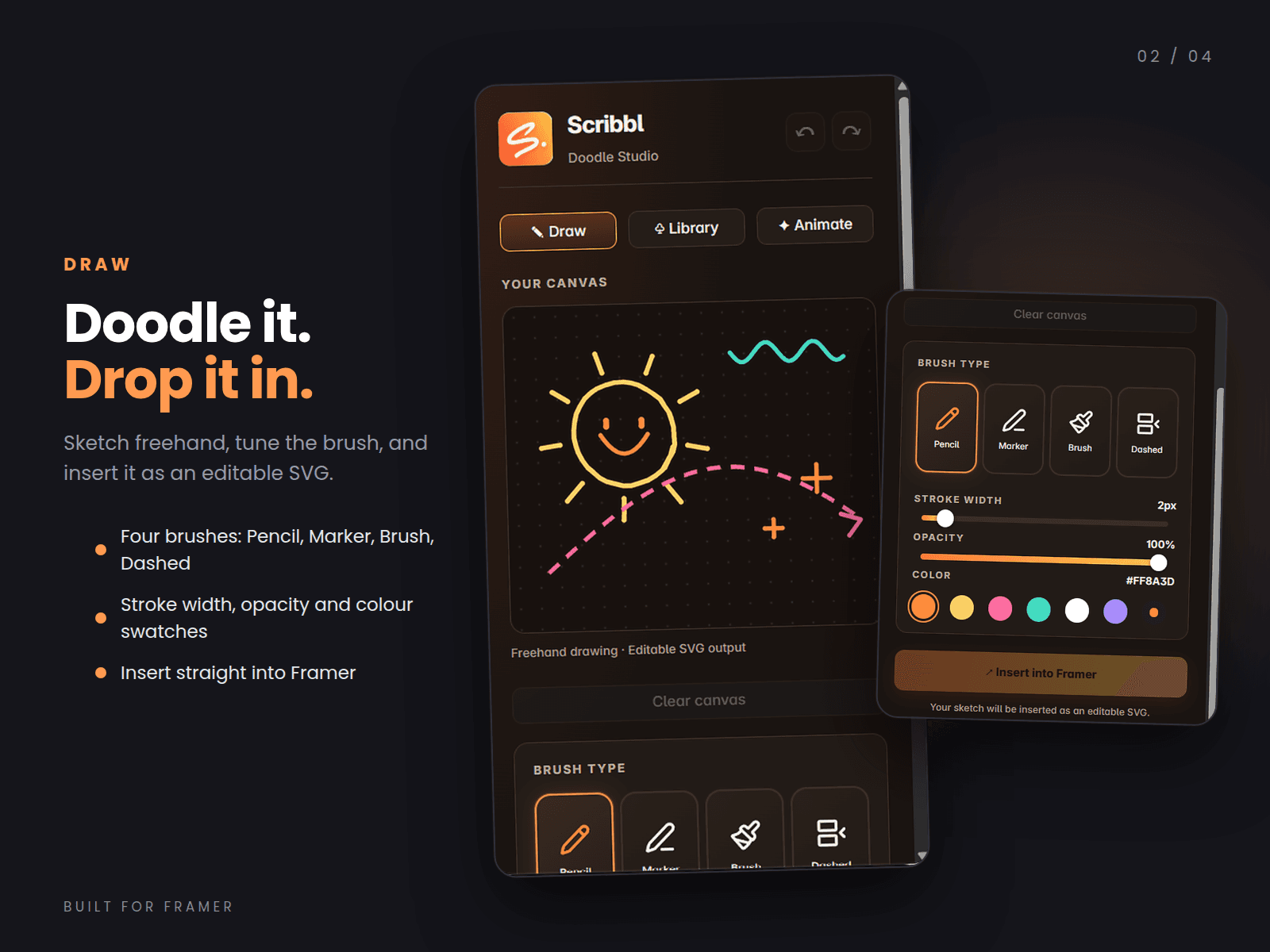
Draw Sketch freehand on a dotted canvas and insert the result into Framer as an editable SVG.
Four brush types: Pencil, Marker, Brush and Dashed
Adjustable stroke width and opacity
Color swatches for quick styling
Undo, redo and clear canvas controls
Your drawing is cropped to its contents on export, so you don’t get a full-canvas SVG
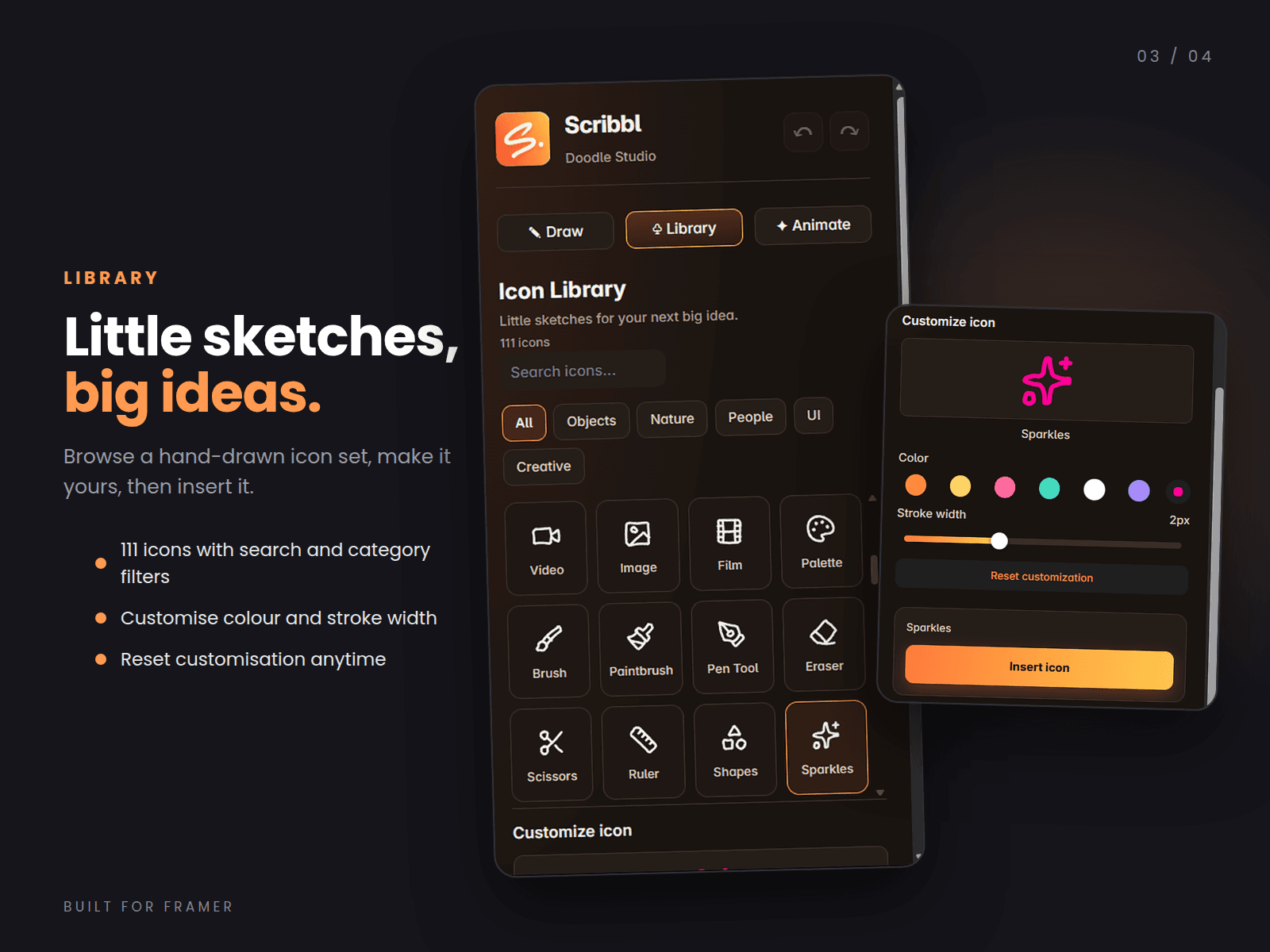
Library Browse 111 hand-drawn style icons and customize them before inserting.
Search by name, or filter by category: Objects, Nature, People, UI and Creative
Change an icon’s color and stroke width
Preview your changes before inserting
Reset customization at any time
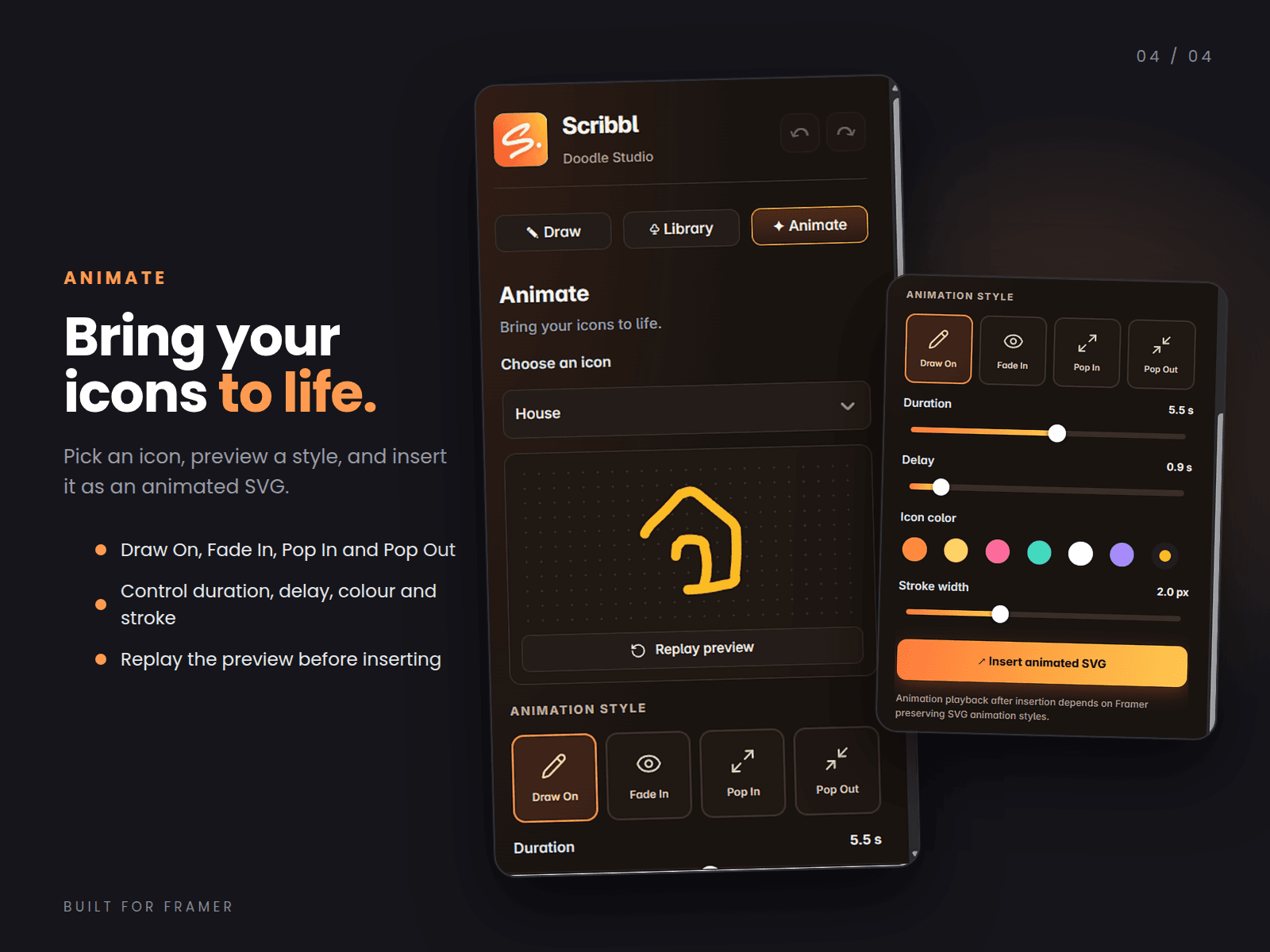
Animate Choose an icon, pick a style and preview it before it goes onto your canvas.
Four animation styles: Draw On, Fade In, Pop In and Pop Out
Duration and delay controls
Icon color and stroke width settings
Replay the preview as often as you like
Insert the result as an animated SVG
How it works
Open Scribbl in Framer.
Choose Draw, Library or Animate.
Draw, pick an icon, or choose an animation style.
Adjust color, stroke, opacity, duration or delay.
Preview, then insert it into your canvas.
Good to know Animation playback after insertion depends on Framer preserving SVG animation styles.
Built for Framer. Sketch. Create. Stand out.