About Claricard — AI FAQ Optimizer
Overview
An AI-powered FAQ generator for Framer that creates AI-Native question-and-answer blocks with valid FAQ Schema and inserts them directly into your canvas.
Traditional FAQs are written for human visitors. Claricard helps you create FAQs designed for AI search engines such as ChatGPT, Perplexity, Google AI Overviews, and Claude.
Discover AI Search Questions
Describe your page and Claricard surfaces relevant questions users are asking AI. Find opportunities to answer the questions that matter most before your competitors do.
Generate AI-Native FAQs
Select the questions you want to answer and generate clear, AI-friendly responses. Each FAQ includes valid FAQ Schema (JSON-LD) to help AI systems understand your content.
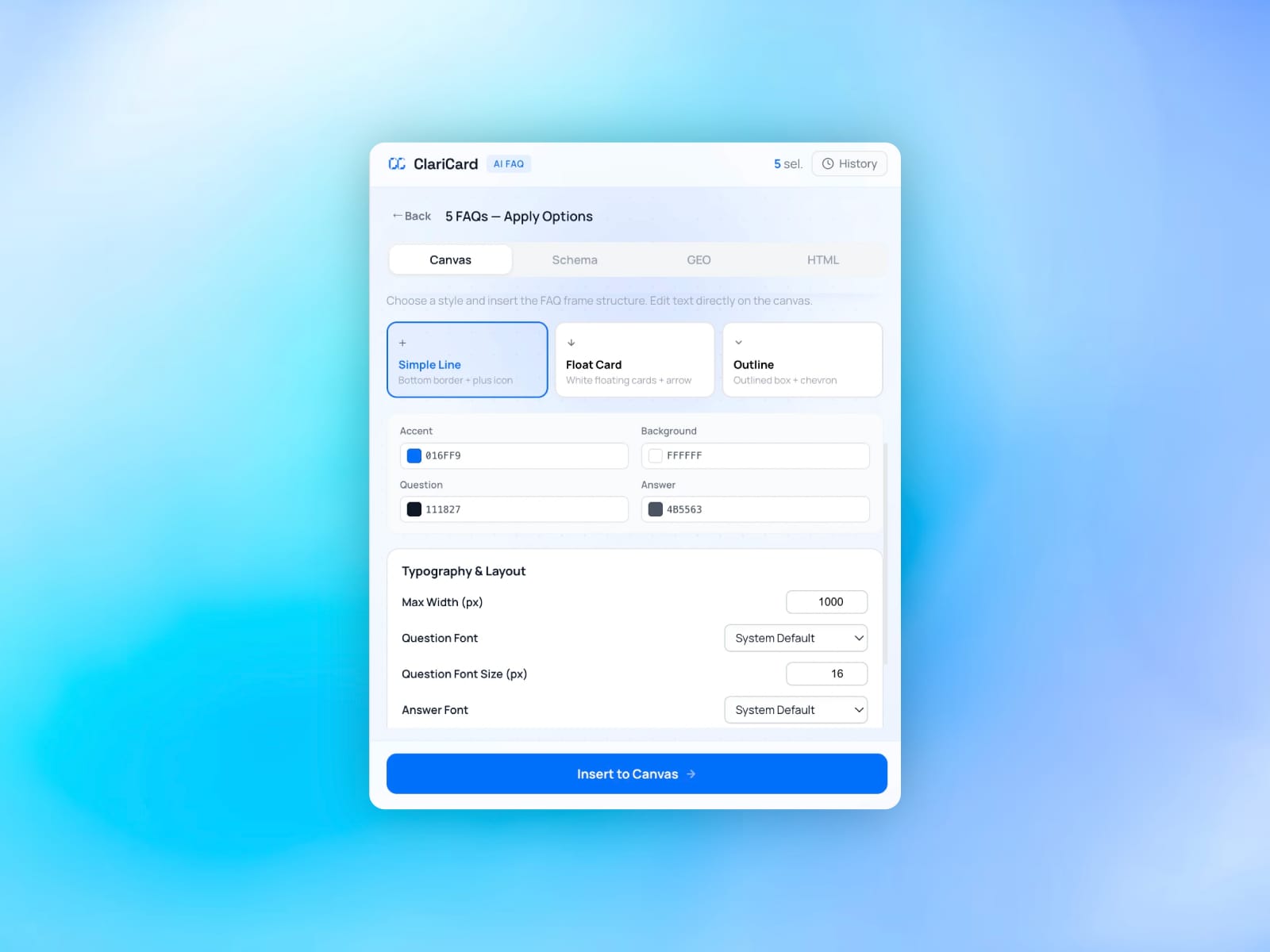
Insert Directly into Framer
No copy-pasting or switching tabs. Claricard inserts both the FAQ block and Schema directly into your Framer project in a single action.
Features
• Discover real AI search questions • Generate AI-Native FAQs • Automatically create FAQ Schema (JSON-LD) • Insert directly into the Framer canvas • English and Korean support • Built specifically for Framer
Free to Start
The Free plan includes 3 AI-Native FAQ generations per month, Question Discovery, and the HTML Schema Generator. Upgrade for higher limits, multiple projects, AI traffic insights, and agency features.
Who It's For
Perfect for founders, designers, agencies, and marketers looking to improve AI search visibility and make their content easier for AI systems to understand.
Why Claricard
AI search is changing how people discover businesses. Make every FAQ AI-Native.