About Clicksync
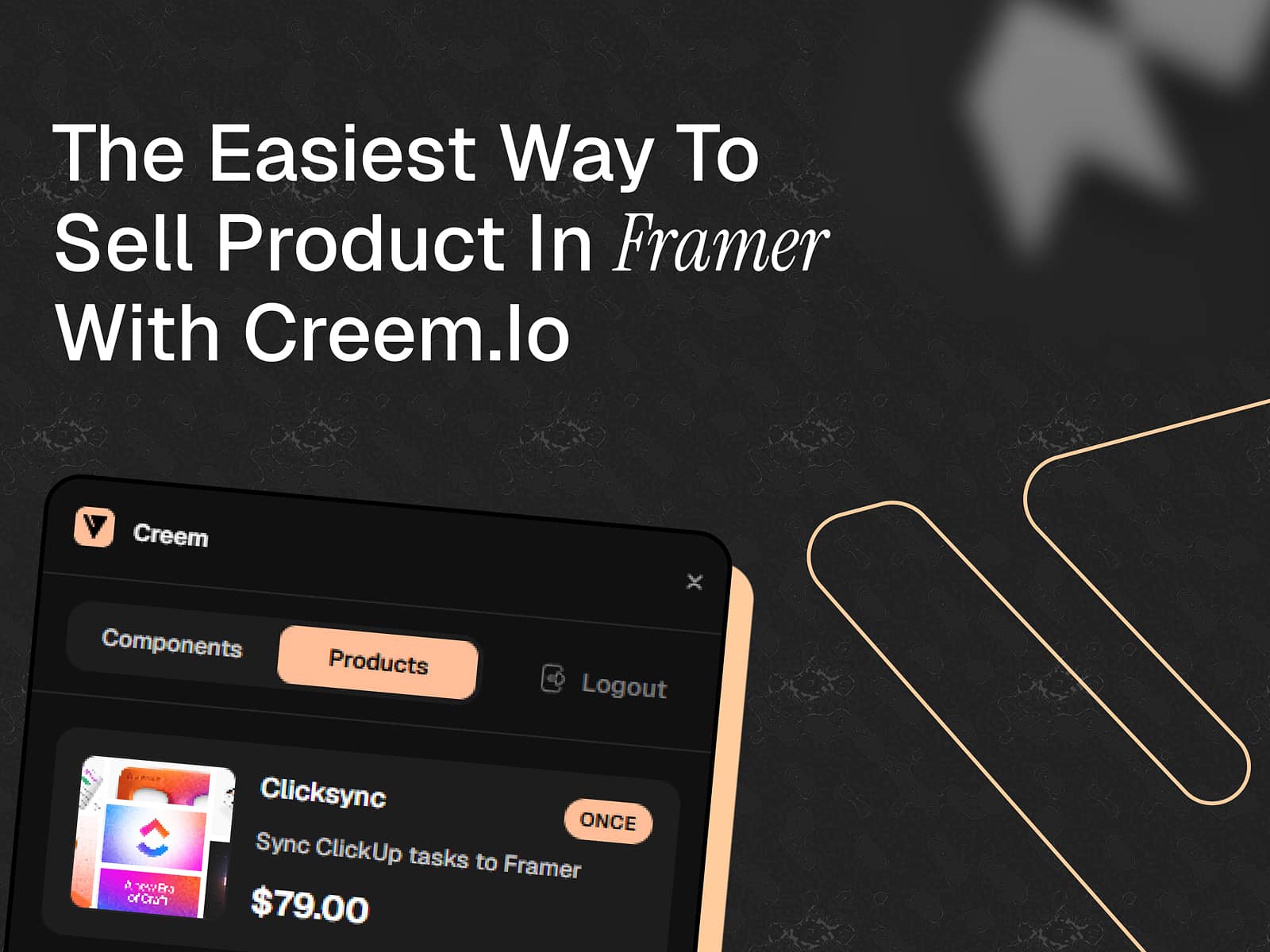
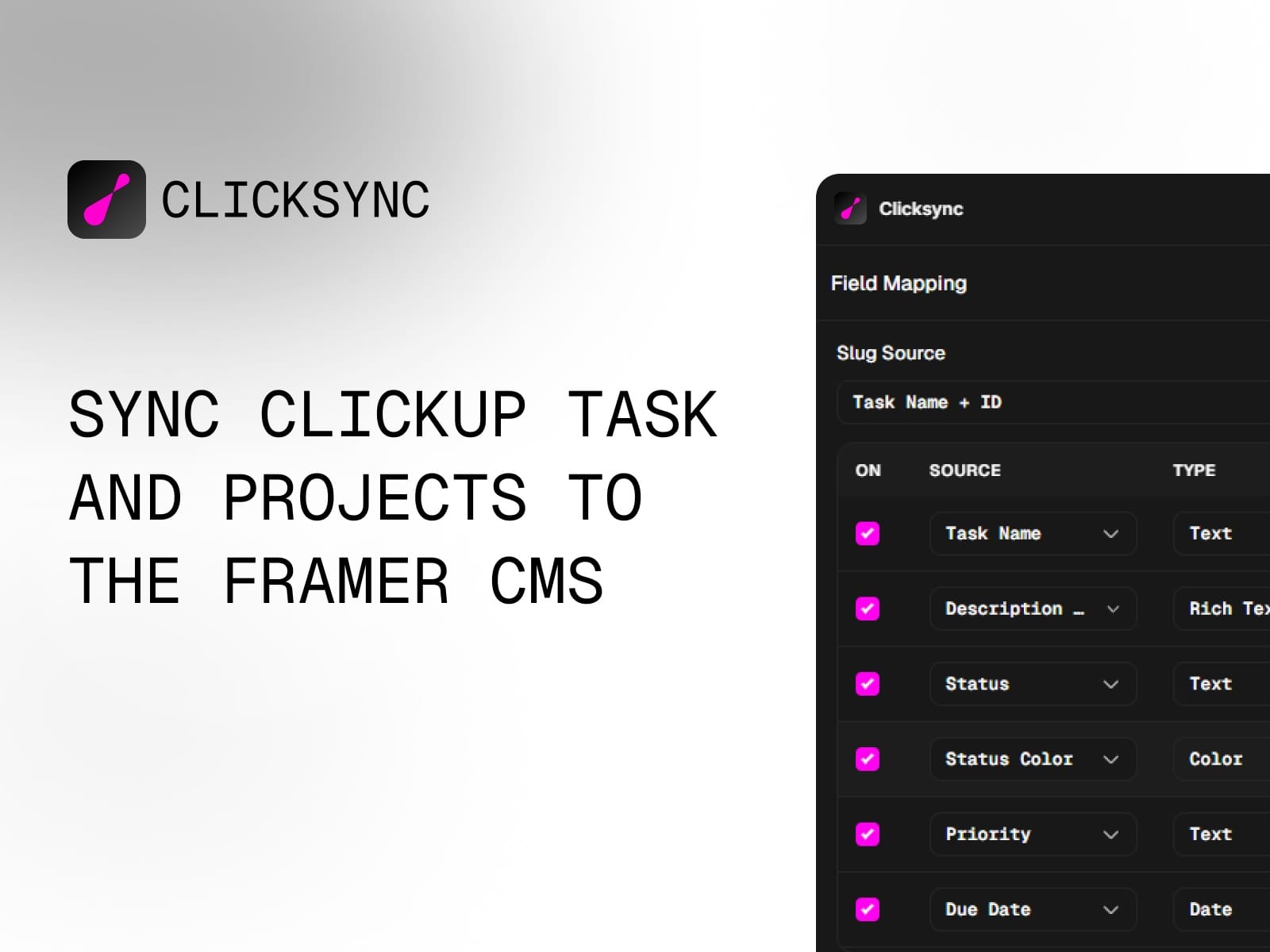
ClickSync brings your ClickUp tasks directly into Framer CMS, making it easy to build dynamic project showcases, task boards, and portfolio pages powered by your real project data.
Features:
One-click sync from any ClickUp list to Framer CMS
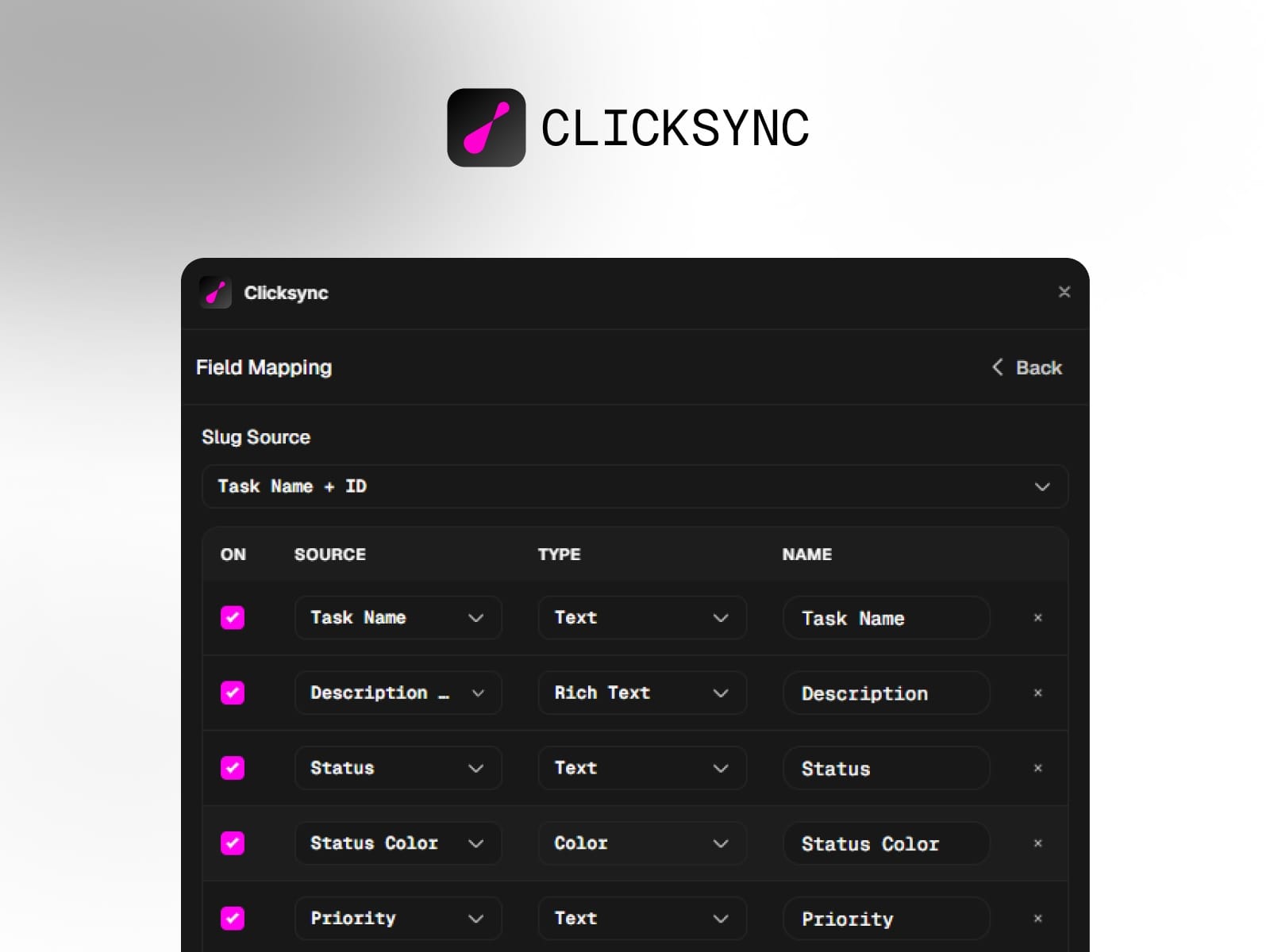
Map 25+ ClickUp fields including status, priority, dates, assignees, tags, and attachments
Automatic slug generation with deduplication
Support for all Framer field types: text, rich text, date, link, color, image, file, and more
Real-time field mapping configuration
Keeps your CMS in sync with ClickUp - add, update, or remove tasks automatically
Perfect for:
Agencies showcasing active projects
Freelancers building portfolio sites
Teams creating internal dashboards
Anyone who wants to display ClickUp data on their Framer site
How it works:
Connect your ClickUp account with an API token
Select your workspace, space, and list
Configure which fields to sync and how they map to Framer CMS
Click sync - done!