About Pilabase
Transform Your Framer Workflow with Built-In Project Management
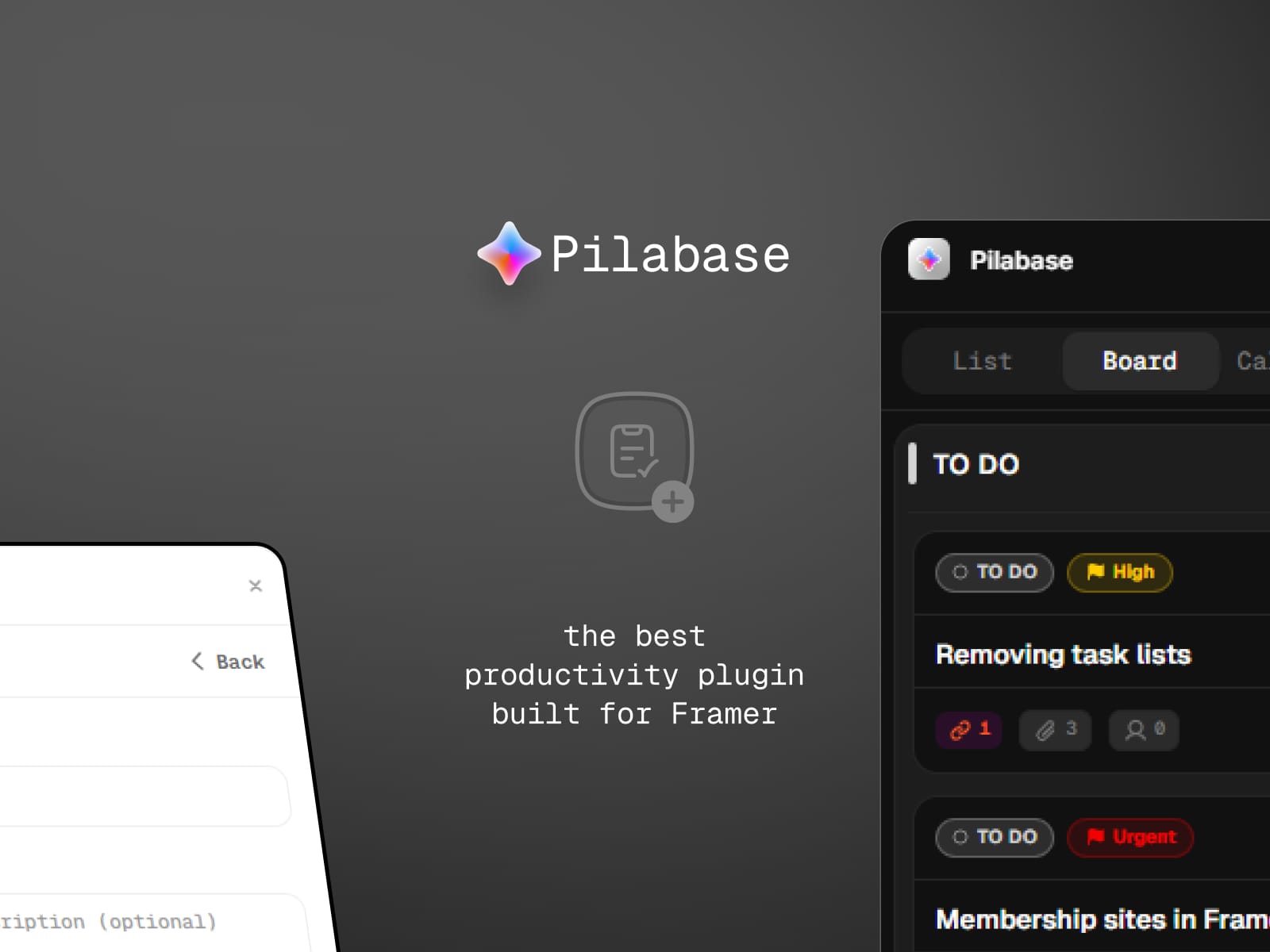
Pilabase brings powerful, fully integrated project management directly into Framer.No more switching between tools—manage projects, track progress, and collaborate with your team right where you design.
Key Features
Multiple Project Views
List View: Clean task list with sorting and filtering
Board View: Kanban-style visual workflow
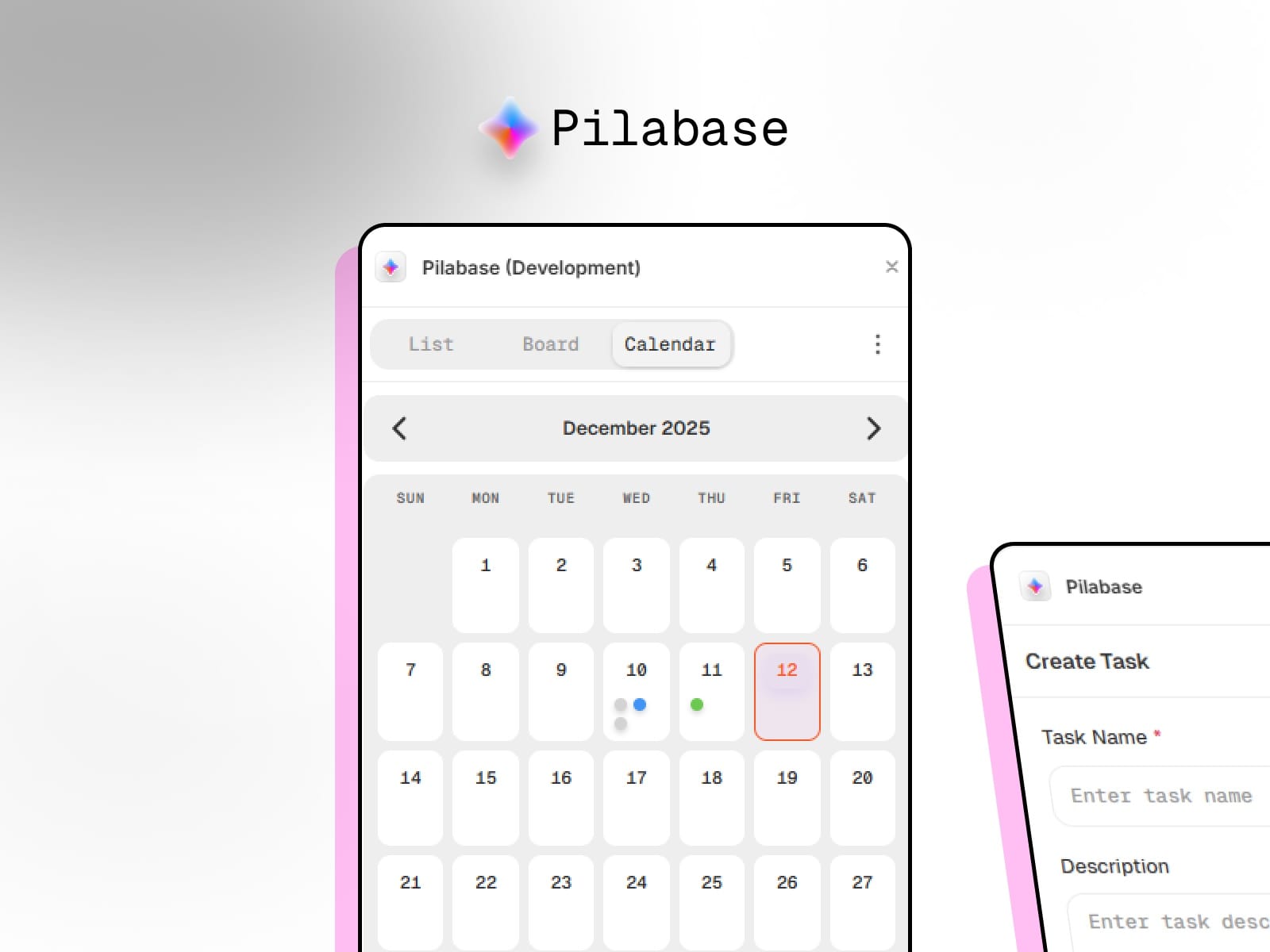
Calendar View: See deadlines and plan your schedule instantly
Complete Project Management
Create tasks with descriptions, priorities, and due dates
Organize your work using workspaces and spaces
Break down complexity with subtasks
Attach files, images, and assets
Custom tags and labels for better organization
Flexible custom status workflows
Team Collaboration
Invite team members into shared workspaces
Assign tasks to teammates
Mention teammates in task comments
Real-time activity feed
Role-based permissions: Owner, Admin, Member
Beautiful & Native
Seamless integration with Framer’s design system
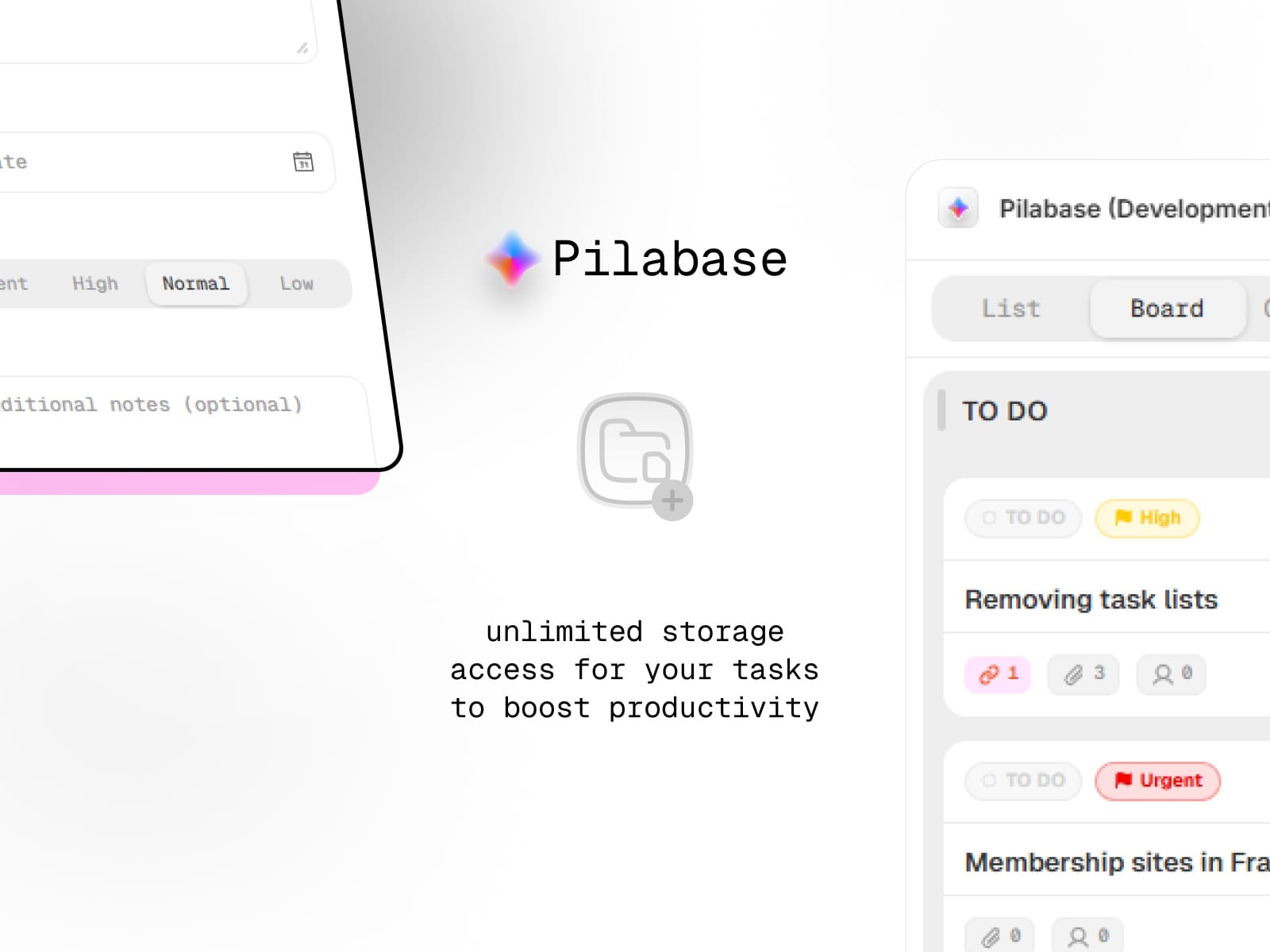
Automatic light and dark mode
Smooth, native animations and transitions
Intuitive interface that feels like Framer
Sync to Framer CMS
Sync workspaces to CMS collections
Use task and project data inside your designs
Build dynamic dashboards
Connect workflow and design seamlessly
Flexible Pricing
Free tier to get started
Individual: $69 one-time
Team: $149 one-time
Business: $299 one-time
Lifetime access with no subscriptions
Perfect For
Designers managing client projects
Agencies coordinating team workflows
Freelancers juggling multiple projects
Product teams planning features and sprints
Anyone who wants task management without leaving Framer
Why Pilabase?
External PM tools break your flow.Pilabase lives inside Framer, letting you manage tasks, track progress, comment, and collaborate—all without leaving your design environment.
One-time payment. Lifetime access. No recurring fees.
Getting Started
Install the Pilabase plugin
Create your first workspace
Add spaces to organize your projects
Start creating tasks
Invite your team (Team & Business plans)
Support
Need help? Visit our documentation or contact support at support@pilabase.com