About CMS Expiry Guard
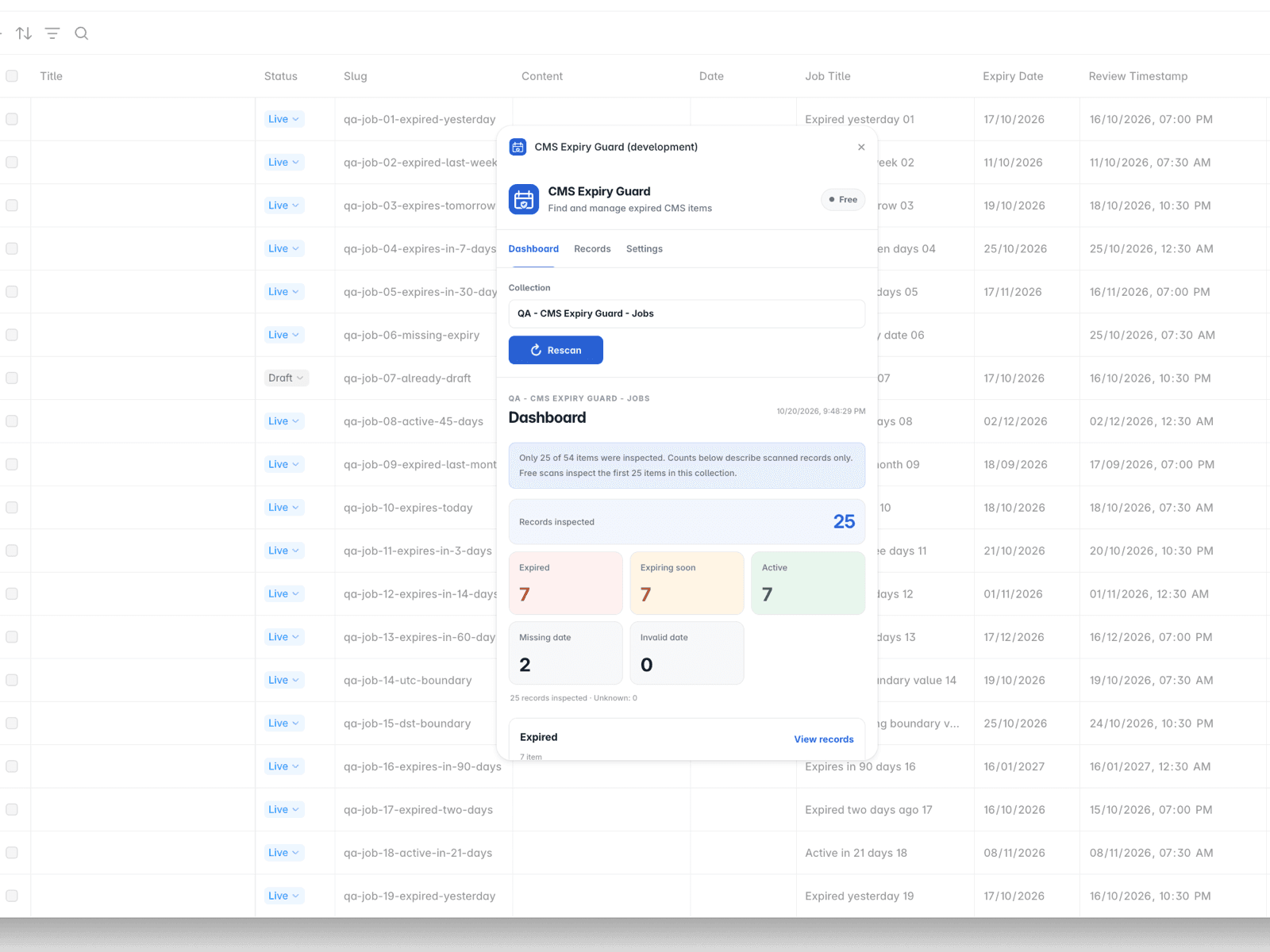
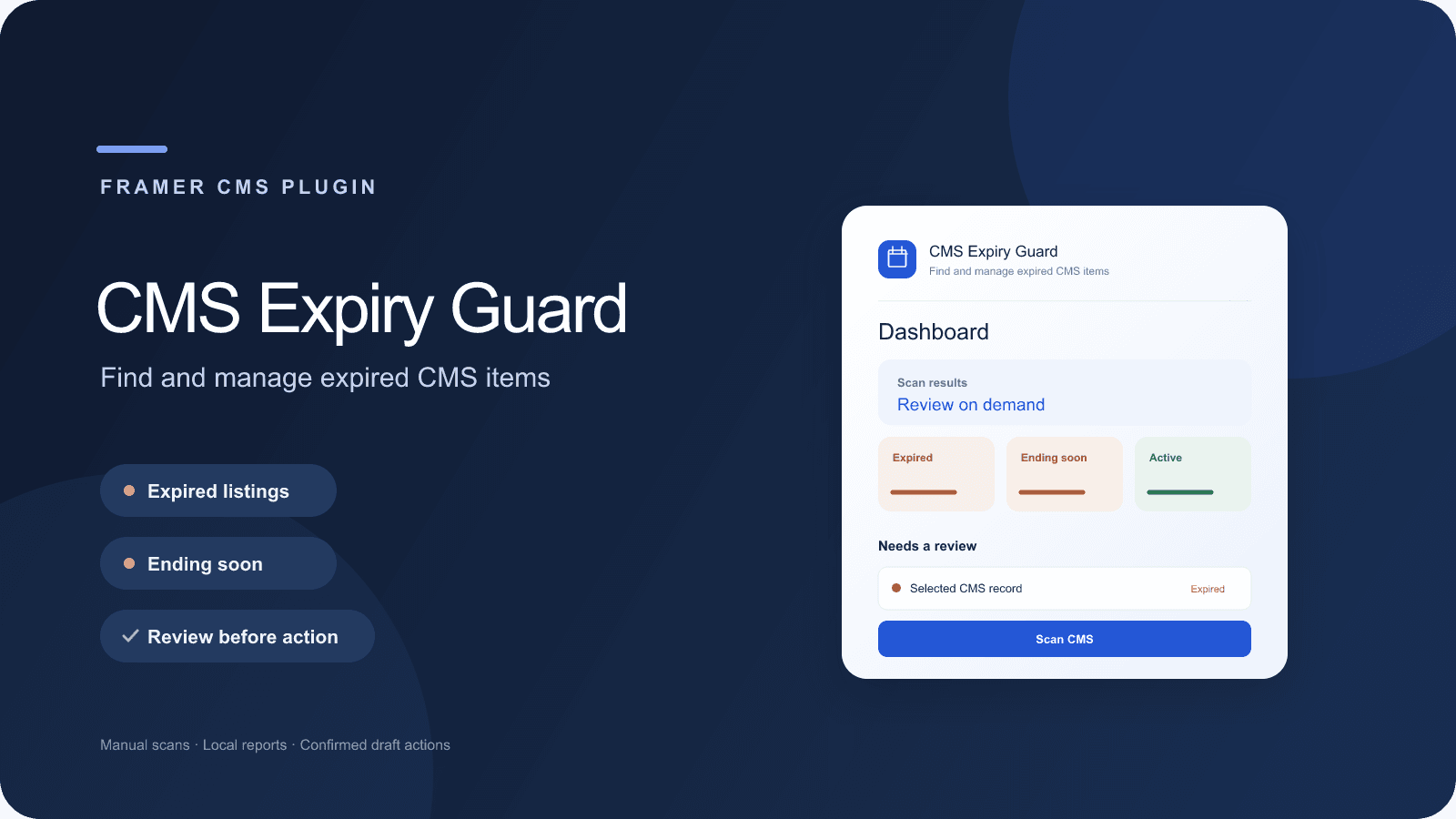
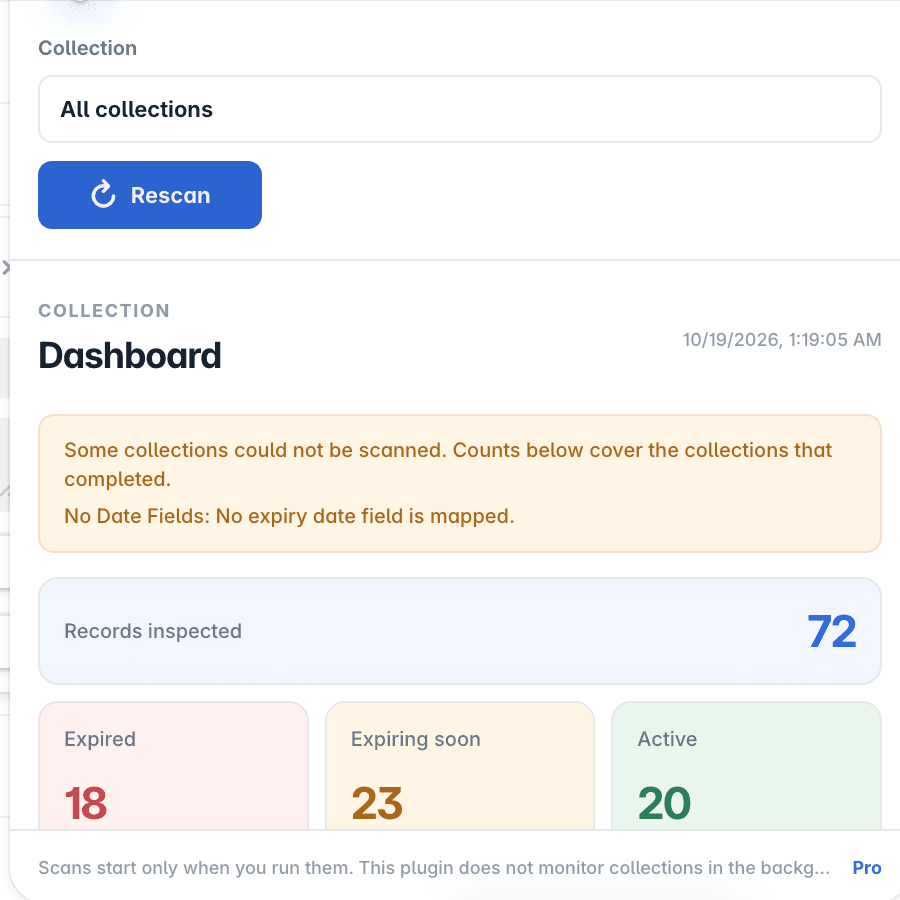
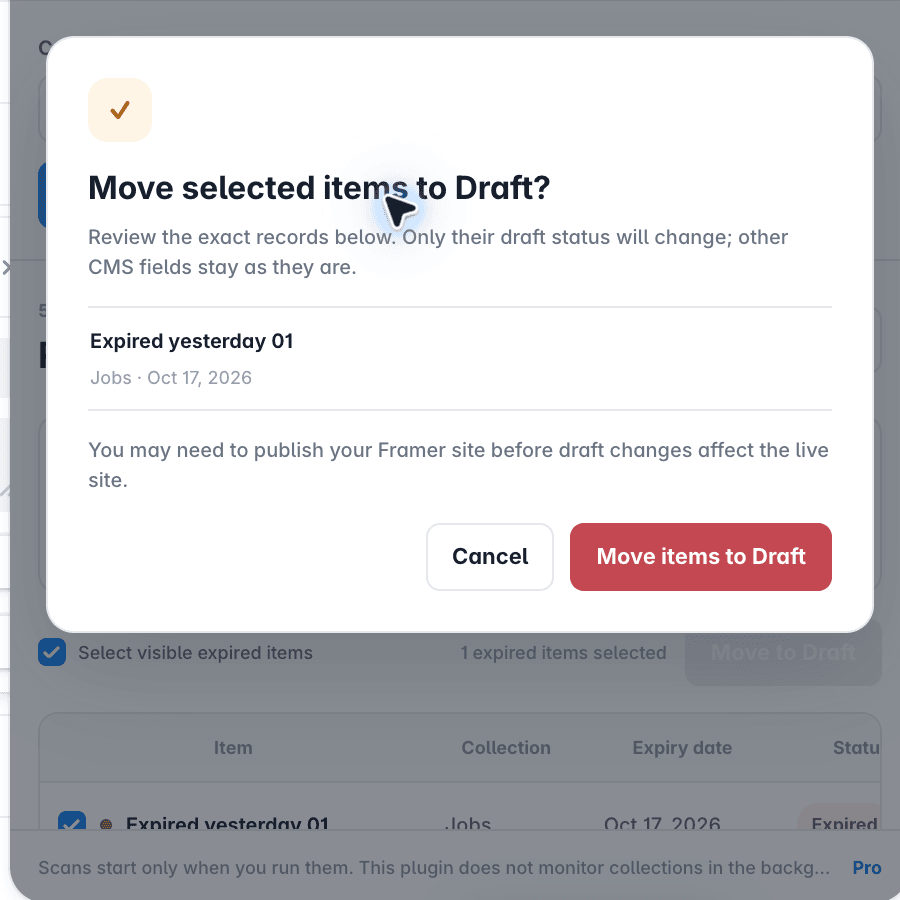
Spot expiring content before it becomes a problem. CMS Expiry Guard scans selected Framer CMS collections on demand and highlights expired, expiring soon, active, missing-date, invalid-date, and Draft records. FREE • Scan up to the first 25 records in one collection • Search, filter, sort, and open results in Framer • Use your selected time zone for date-only fields PRO — $19 USD one-time • Scan all accessible records across selected collections • Review multiple collections in one workflow • Save scan setups and configure expiry thresholds • Export results to a local CSV file • Move selected records to Draft after review, when your Framer permissions allow it GETTING STARTED Install the plugin, choose a collection, map its expiry-date field in Settings, select a time zone, and run Scan CMS. Review the scan counts and any partial-scan notice before acting. To activate Pro, open License, paste your Gumroad license key, and select Verify license. SAFETY & PRIVACY Scans start only when you run them. CMS content stays in the plugin session and is not sent to the licensing service or analytics; only the license key is sent for verification. The plugin does not delete records, scan in the background, or publish your site. Draft changes are review-first and depend on your project permissions. Buy Pro once: https://flefelicious.gumroad.com/l/nixxbc Privacy: https://cms-expiry-guard-license.mohamad-flefel.workers.dev/privacy Terms: https://cms-expiry-guard-license.mohamad-flefel.workers.dev/terms License: https://cms-expiry-guard-license.mohamad-flefel.workers.dev/license Refunds: https://cms-expiry-guard-license.mohamad-flefel.workers.dev/refunds Support: https://www.framer.com/@mohamad-flefel/