About PostPort
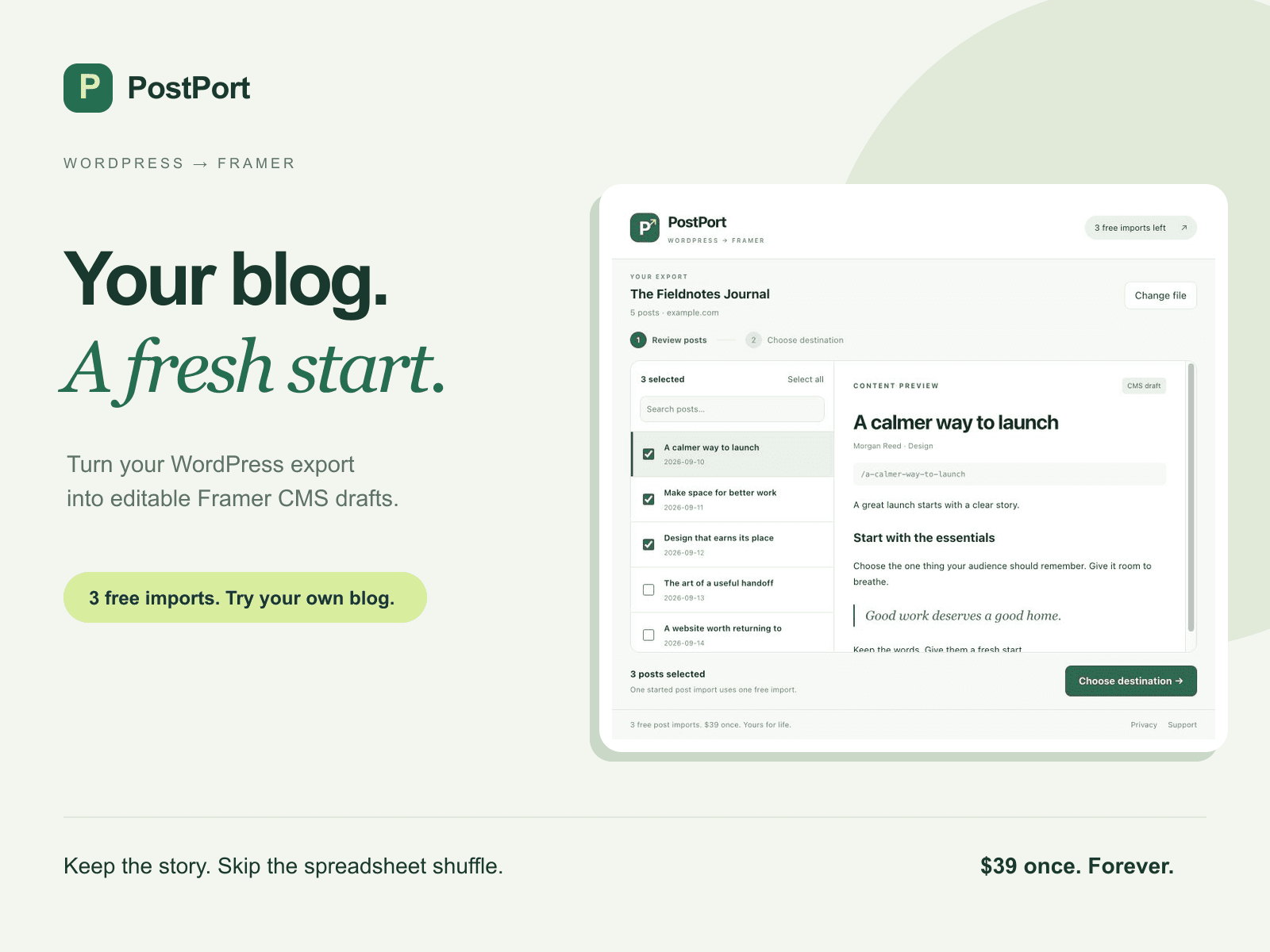
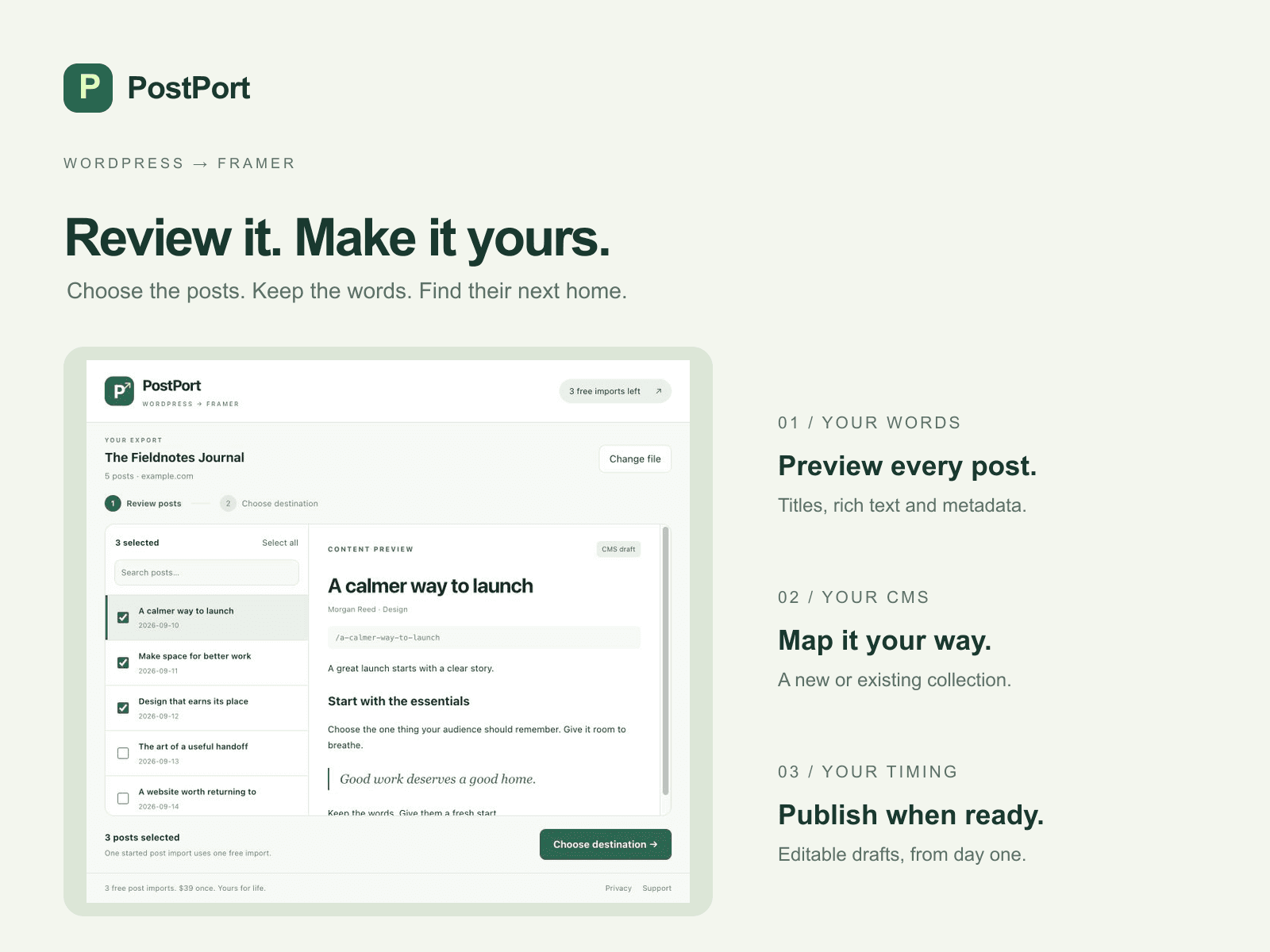
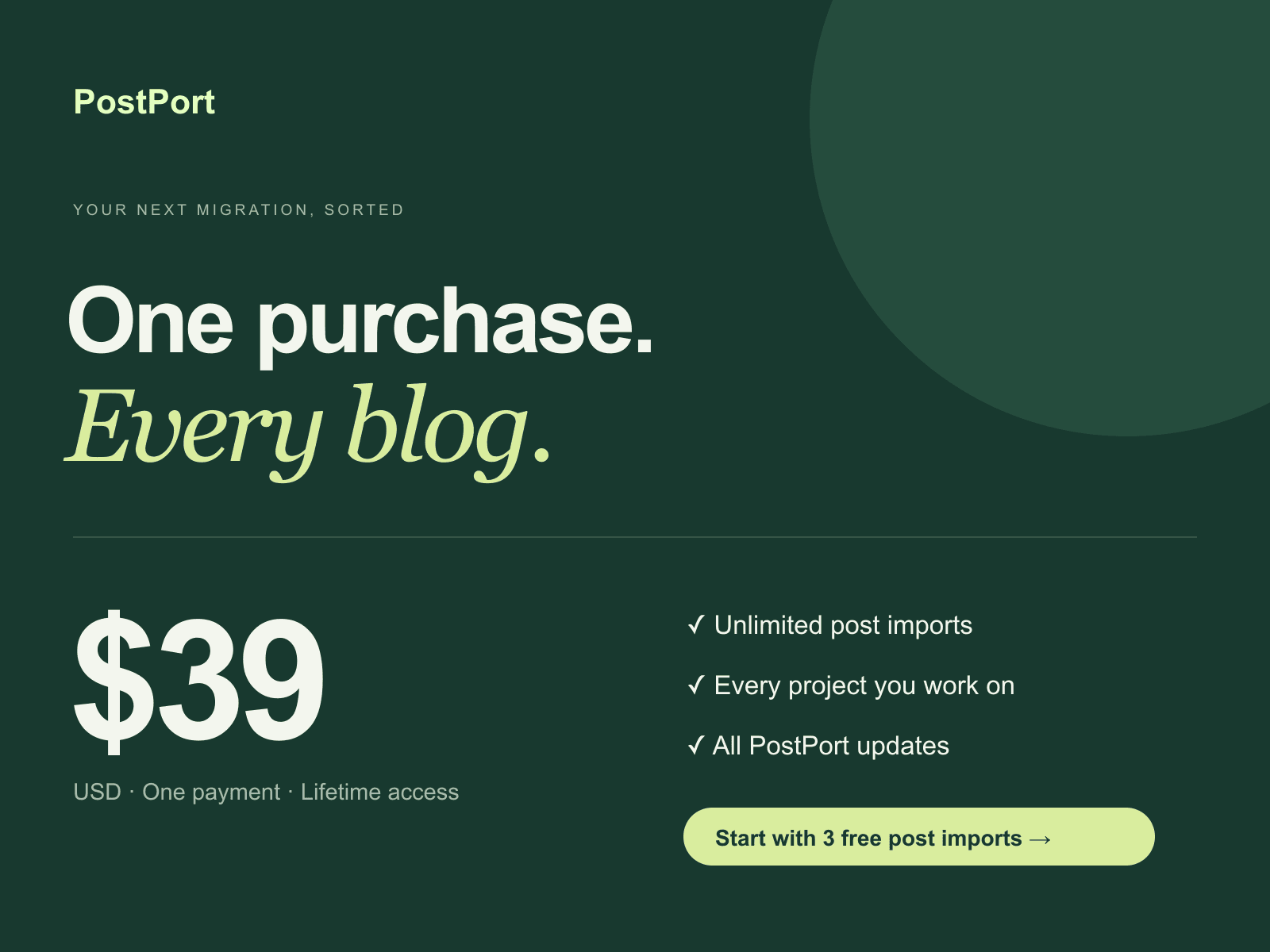
Your WordPress blog. Ready for Framer. Skip the copy-and-paste marathon. PostPort turns your WordPress XML export into clean, editable Framer CMS drafts—with your words, metadata and images ready for their next chapter. Made for freelancers and agencies moving client blogs, and creators bringing years of writing to a new Framer site. • Review before you import. Search your posts, choose what comes across, and preview the content. • Make the CMS yours. Create a ready-to-use collection or match fields to an existing one. • Bring the whole story. Import titles, slugs, rich text, excerpts, dates, authors, categories, tags, cover images and original URLs. • Give images a new home. Choose local PNG, JPEG, WebP or GIF files for cover and inline images. PostPort never fetches image URLs from your export. Unmatched images are omitted with text placeholders and captions preserved. • Keep control. Posts arrive as drafts. Existing slugs and source URLs are skipped. Three free started post imports in this browser. Then $39 USD once for a lifetime license, for your use across your projects. All PostPort updates. No subscription. Imports and license verification run locally. No account, project or import data is sent to a developer licensing service. Privacy and Help stay inside the plugin, with no external links, email actions or checkout actions. Lifetime licenses are sold separately. Activate an existing purchased license locally in PostPort and keep a copy for another browser. Start in WordPress → Tools → Export → All content. Open the XML file in PostPort, review your posts, and import your first three drafts for free.