About ColorFlow — Mesh Gradient
ColorFlow is a powerful mesh gradient editor built as a Framer plugin. Design organic, fluid gradients with full control over every point and curve, then bring them to life with procedural animation, shader effects, and interactive embeds. Whether you're crafting a hero background, a brand asset, or an animated website element — ColorFlow gives you the tools to make it look exactly right.
Mesh gradients are everywhere in modern design — from Apple's product pages to top SaaS landing pages, app splash screens, and editorial branding. Unlike simple linear or radial gradients, a mesh gradient uses a grid of color points, each influencing the surrounding area through smooth, organic curves. The result is that characteristic fluid, painterly color flow that feels handcrafted rather than generated. Creating mesh gradients has traditionally required expensive software like Adobe Illustrator or Vectornator — ColorFlow brings that same level of control directly into your Framer workflow, for free.
Advanced Mesh Editor
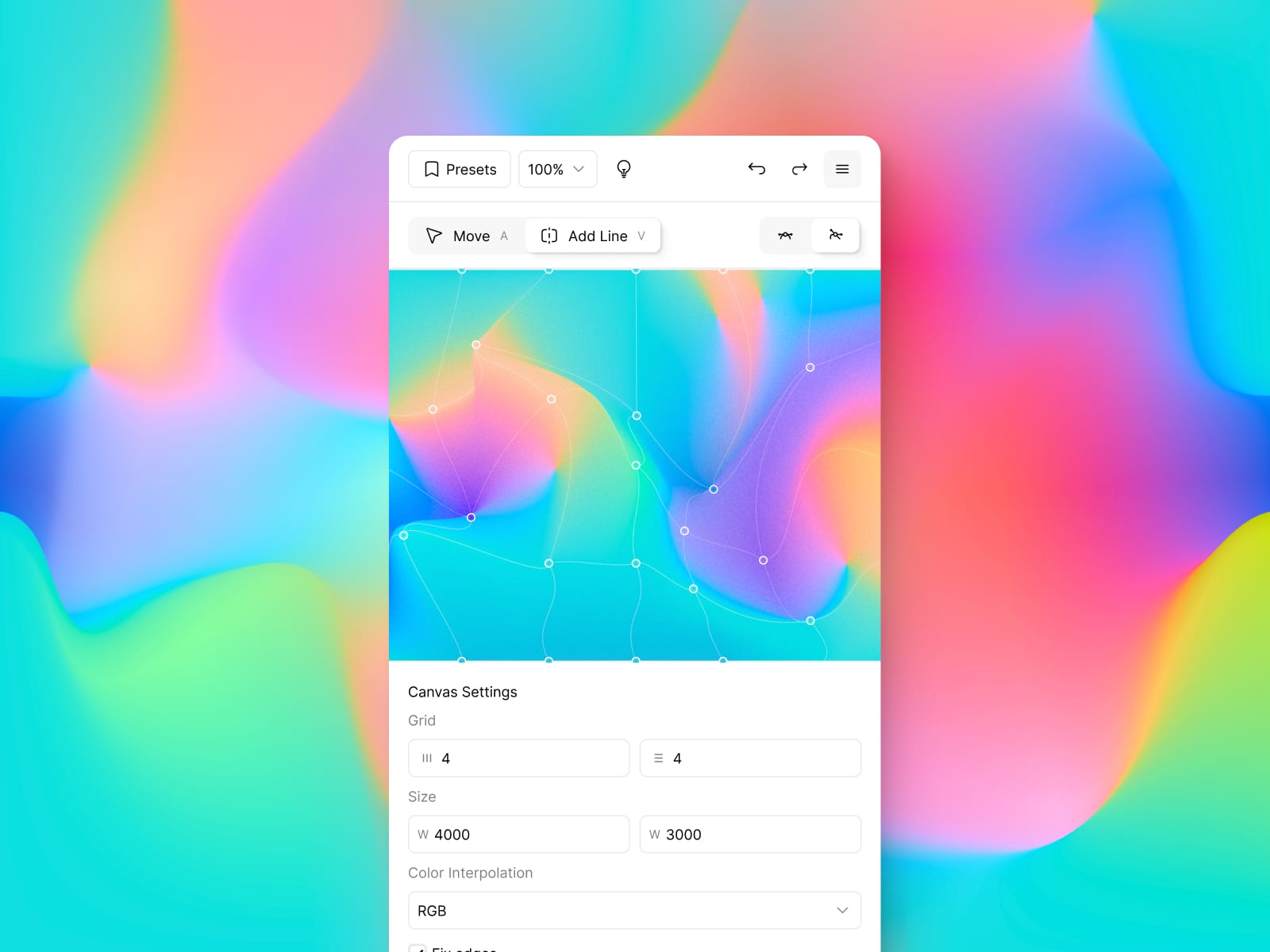
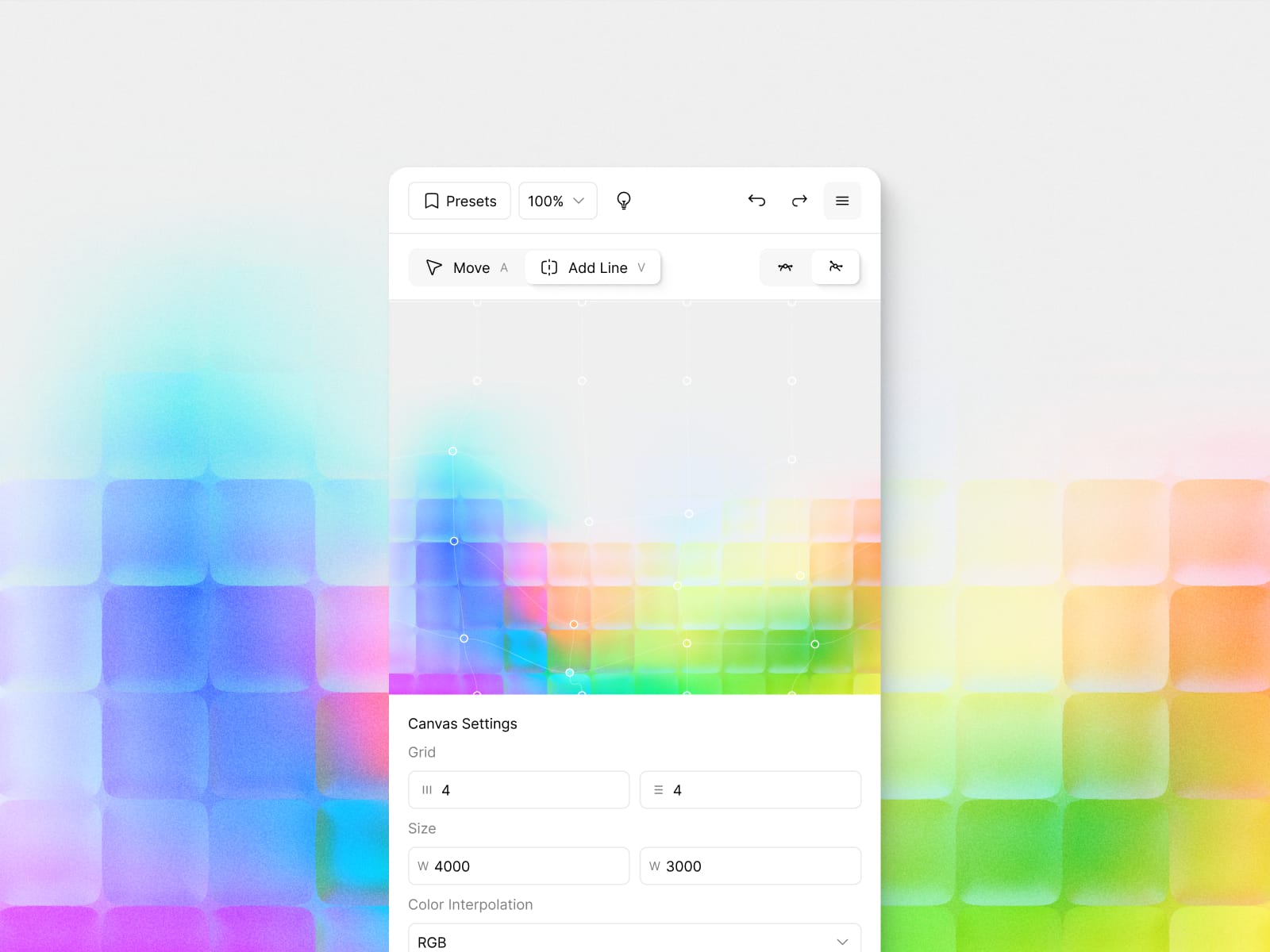
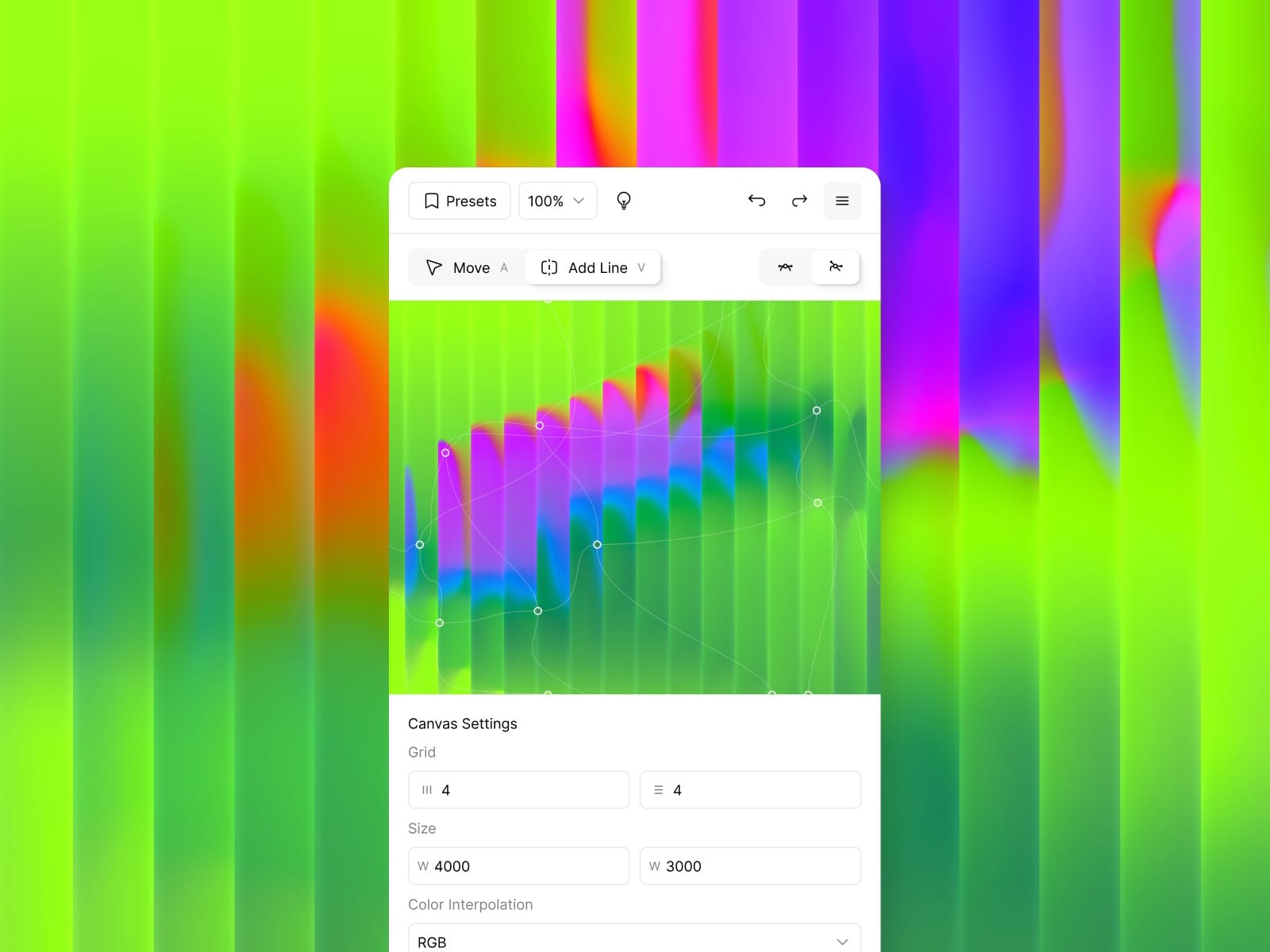
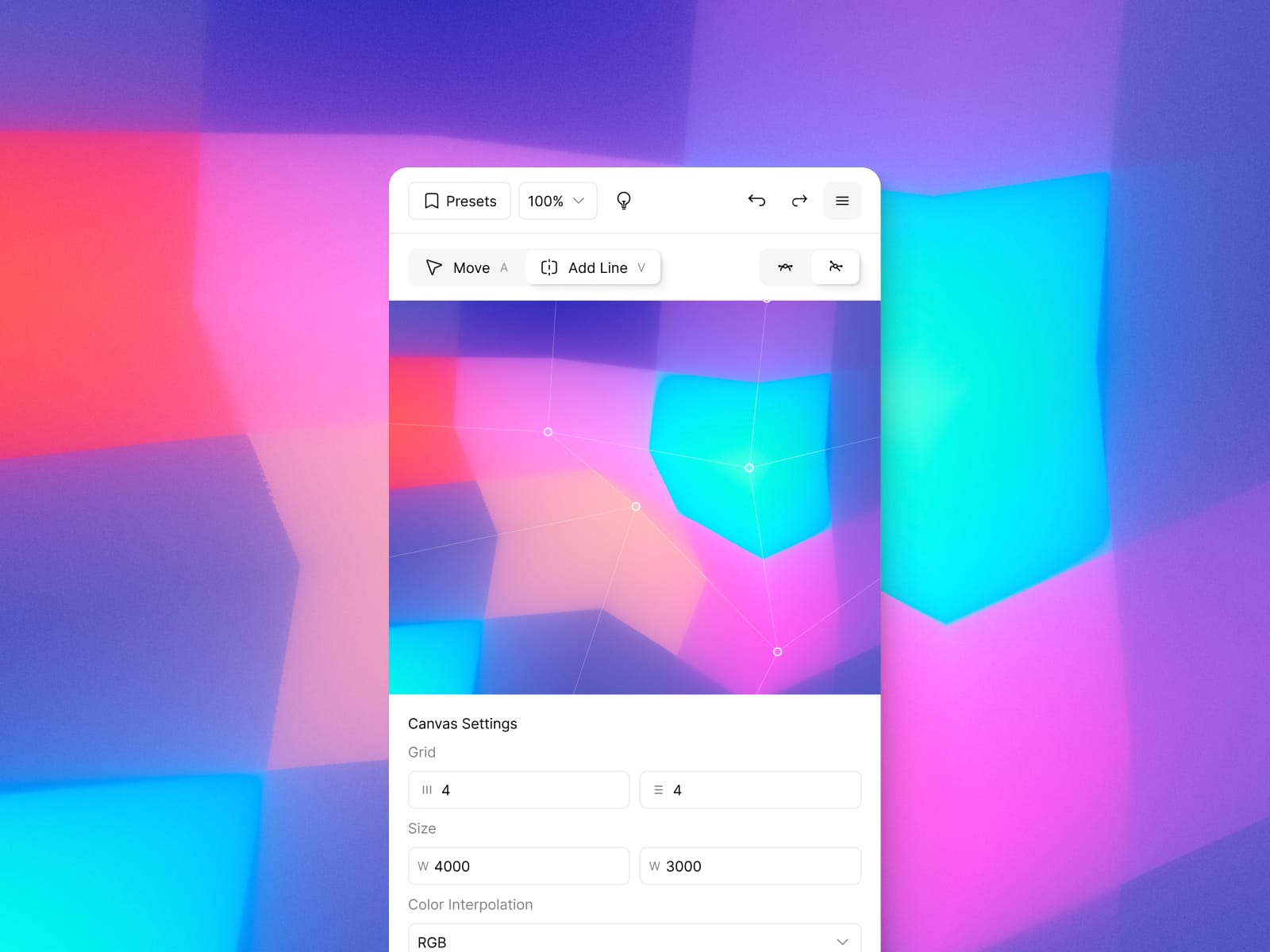
Most gradient tools give you two or three sliders and call it a day. ColorFlow is different. You get a full mesh editing environment — drag points, bend curves, split grid lines, and fine-tune every color transition with perceptually accurate blending modes. It's the level of control you'd expect from professional motion or 3D software, but right inside Framer and completely free.
Mesh gradient editing in ColorFlow is built around bezier curve control — the same principle used in vector illustration. Every point on the mesh has handles you can pull independently, giving you precise control over how colors flow between nodes. Combined with modern color interpolation modes like OKLab and LCH, your gradients stay vibrant and accurate across the entire spectrum, with none of the muddy transitions you get from standard RGB blending.
Drag control points to position colors anywhere on the canvas
Pull bezier handles to shape curves with precision
Split the grid using a dedicated Add Line tool
Switch between Rectangle and Circle topology
Fix edges to keep corners locked and clean
Adjust grid size from 2×2 up to 5×5 and beyond
Smart Actions — align, distribute, minimize, maximize, and set handles perpendicular in one click
Space points evenly across the mesh automatically
RGB, OKLab, and LCH color interpolation modes
Per-point color picker for full color control
Export up to 4000×3000 px resolution
8 Built-in Shader Effects
A great gradient gets even better with the right finish. ColorFlow includes eight real-time WebGL shader effects you can stack directly on top of your mesh — non-destructive, fully adjustable, and rendered live as you tweak. From the tactile feel of film grain to the lo-fi nostalgia of VHS, every effect is designed to add character without compromising the quality of the underlying gradient.
Glass Distortion — warps the gradient like light through frosted glass
Film Grain — adds organic texture and a tactile, printed feel
Chromatic Aberration — splits color channels for a prismatic edge glow
Progressive Blur — directional softness with adjustable start and end points
Halftone — breaks the gradient into a retro dot pattern
Pixelation — reduces detail into bold, chunky pixels
Watercolor — softens edges for a hand-painted look
VHS — scanlines, noise, and color bleeding for a lo-fi aesthetic
Animation
Procedural Animation with full control over point movement, handle oscillation, hue, saturation, lightness, duration, speed, and easing
Randomness slider for organic, unpredictable motion
Looped animations with seamless infinite playback
Interactive mode — gradient reacts to mouse movement
Smooth 60fps rendering powered by WebGL
Embed anywhere via iframe — Figma Sites, Framer, Webflow, or plain HTML
4K video export for social media, presentations, and reels
Completely free. No limits. No signup.
ColorFlow is free for personal and commercial use — no trials, no paywalls, no feature locks. We built it because great design tools shouldn't cost a fortune. Open it, make something beautiful, ship it anywhere.