About Contact Bubble - TrustPlug
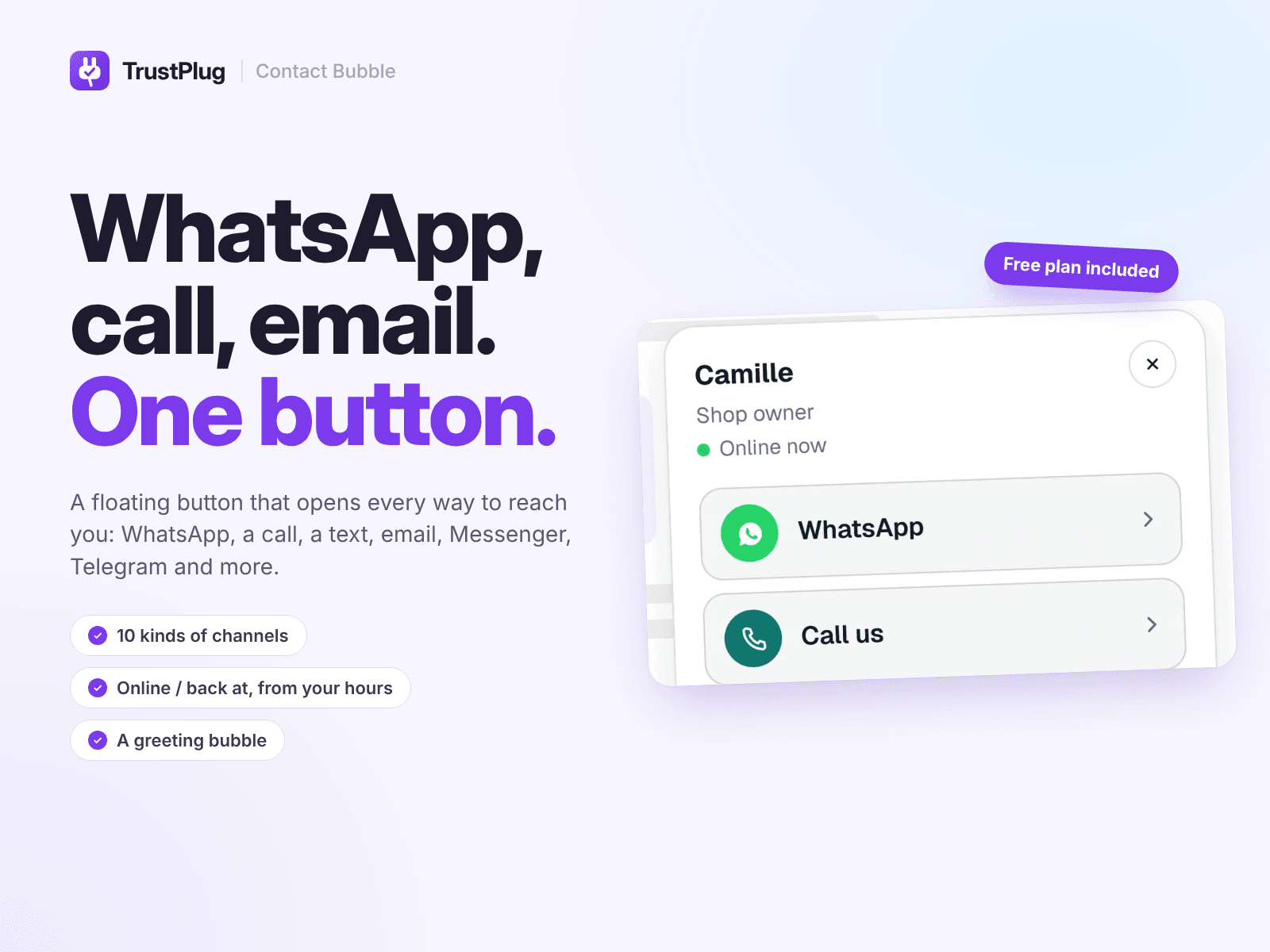
Contact Bubble adds a floating button that opens every way to reach you: WhatsApp, a call, a text, email, Messenger, Telegram and more. It knows your opening hours, says "Online now" or "Back tomorrow at 9:00", and hides the phone when you're closed.
Why Contact Bubble?
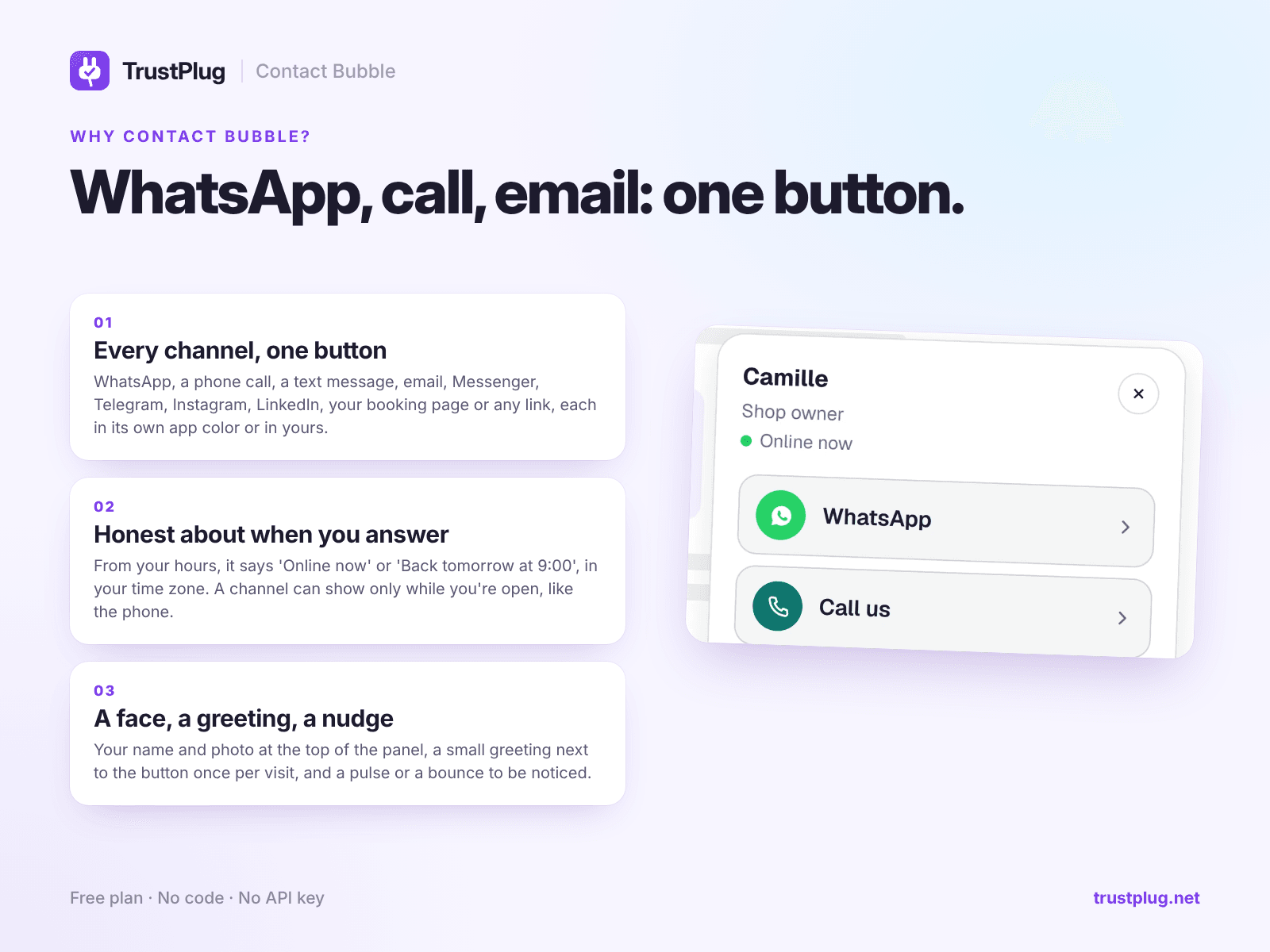
- 10 kinds of channels: WhatsApp, phone, SMS, email, Messenger, Telegram, Instagram, LinkedIn, your booking page or any link
- Each channel in its own app colour, or in yours
- WhatsApp and SMS open with your message already typed, email with your subject
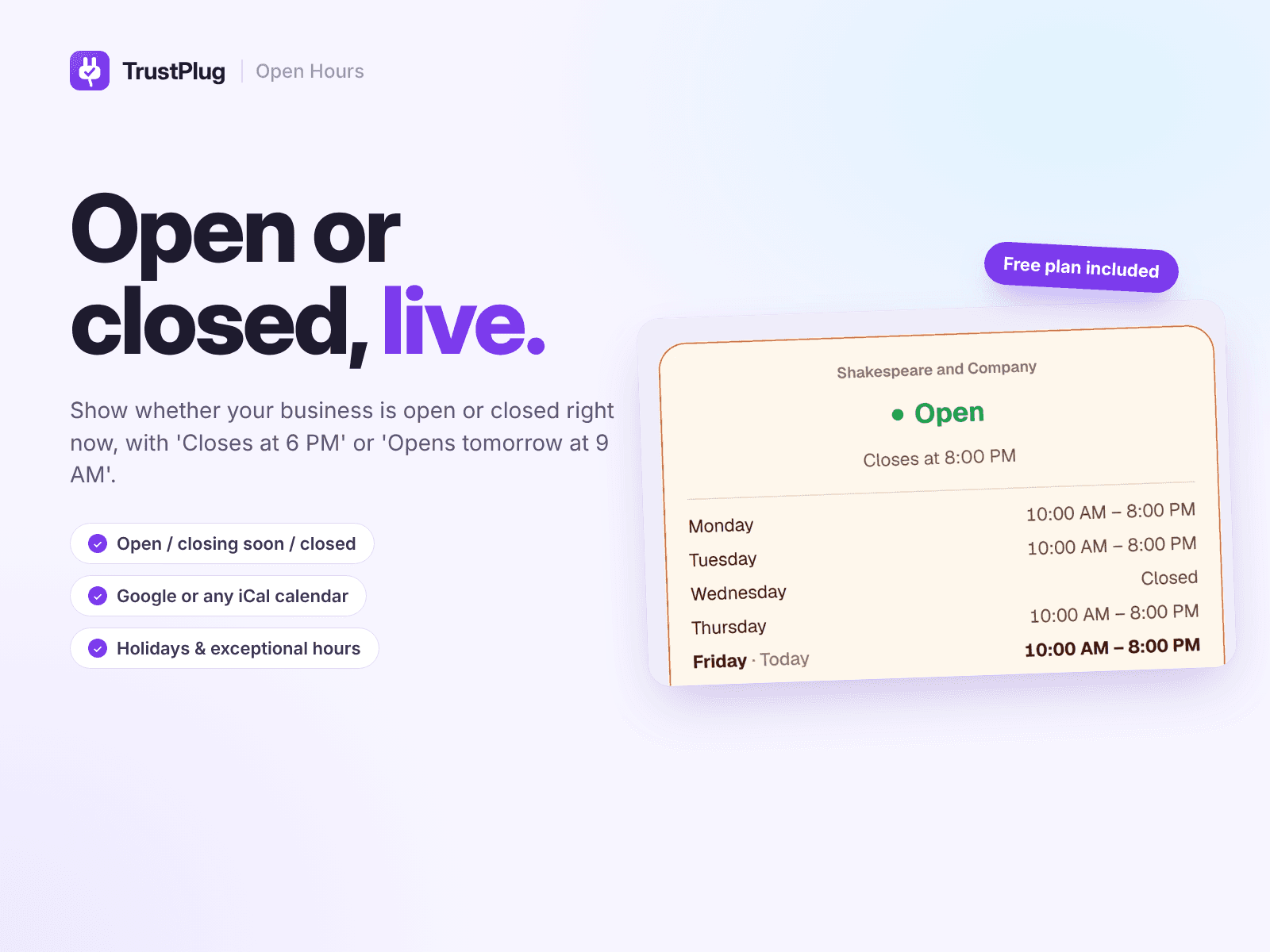
- Honest about when you answer: "Online now" or "Back tomorrow at 9:00", in your time zone
- A channel can show only while you're open, like the phone
- Your name and photo, a small greeting once per visit, and a pulse or a bounce to be noticed
- A "contact_click" event for your analytics
How it works
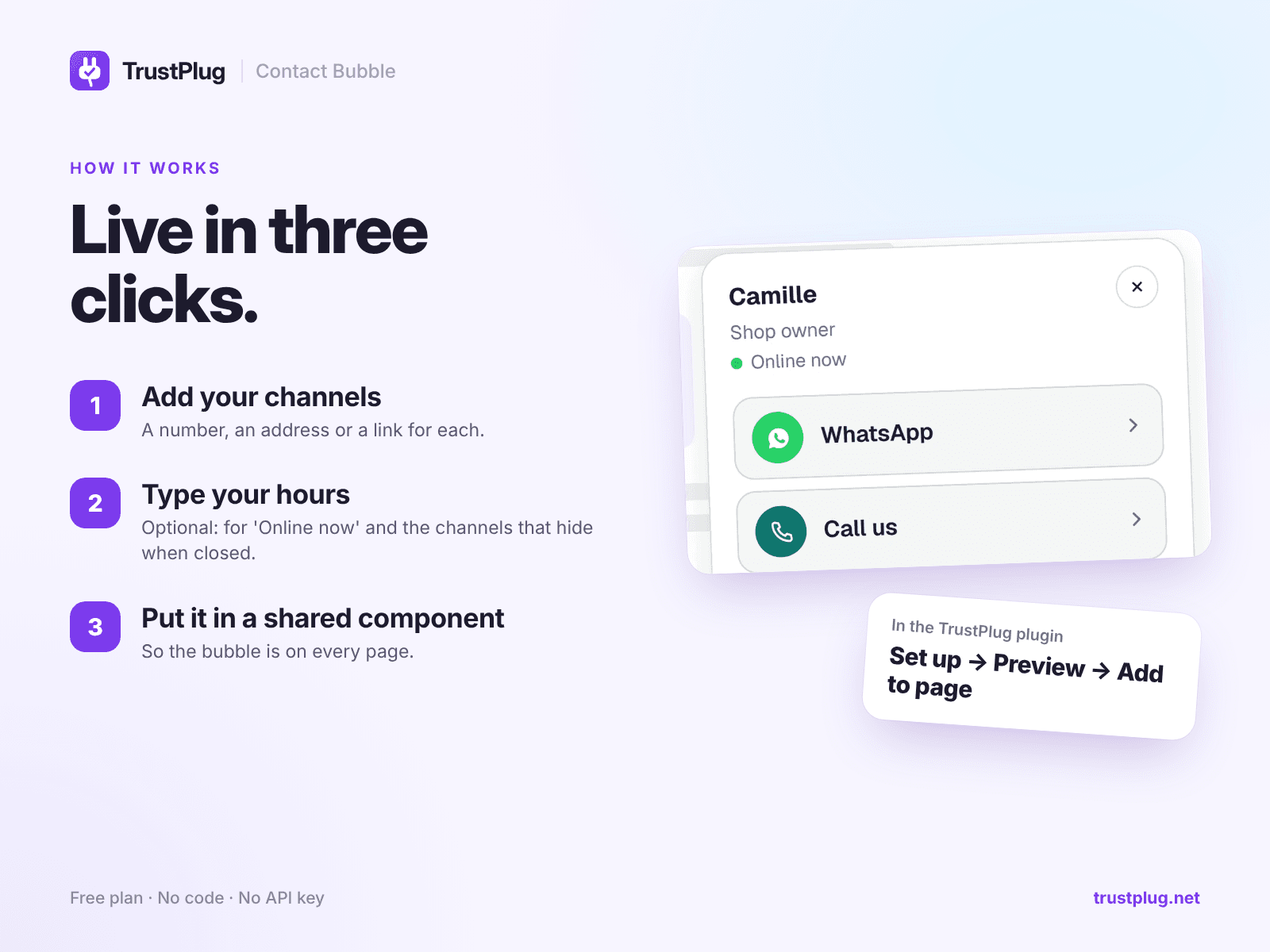
- Add your channels: a number, an address or a link for each
- Type your hours, like "Mon-Fri 9:00-18:00; Sat 10:00-13:00"
- Pick a look: a panel, a fan of buttons, or straight to the first channel; round button or a pill with text
- Put it in a shared component, so the bubble is on every page
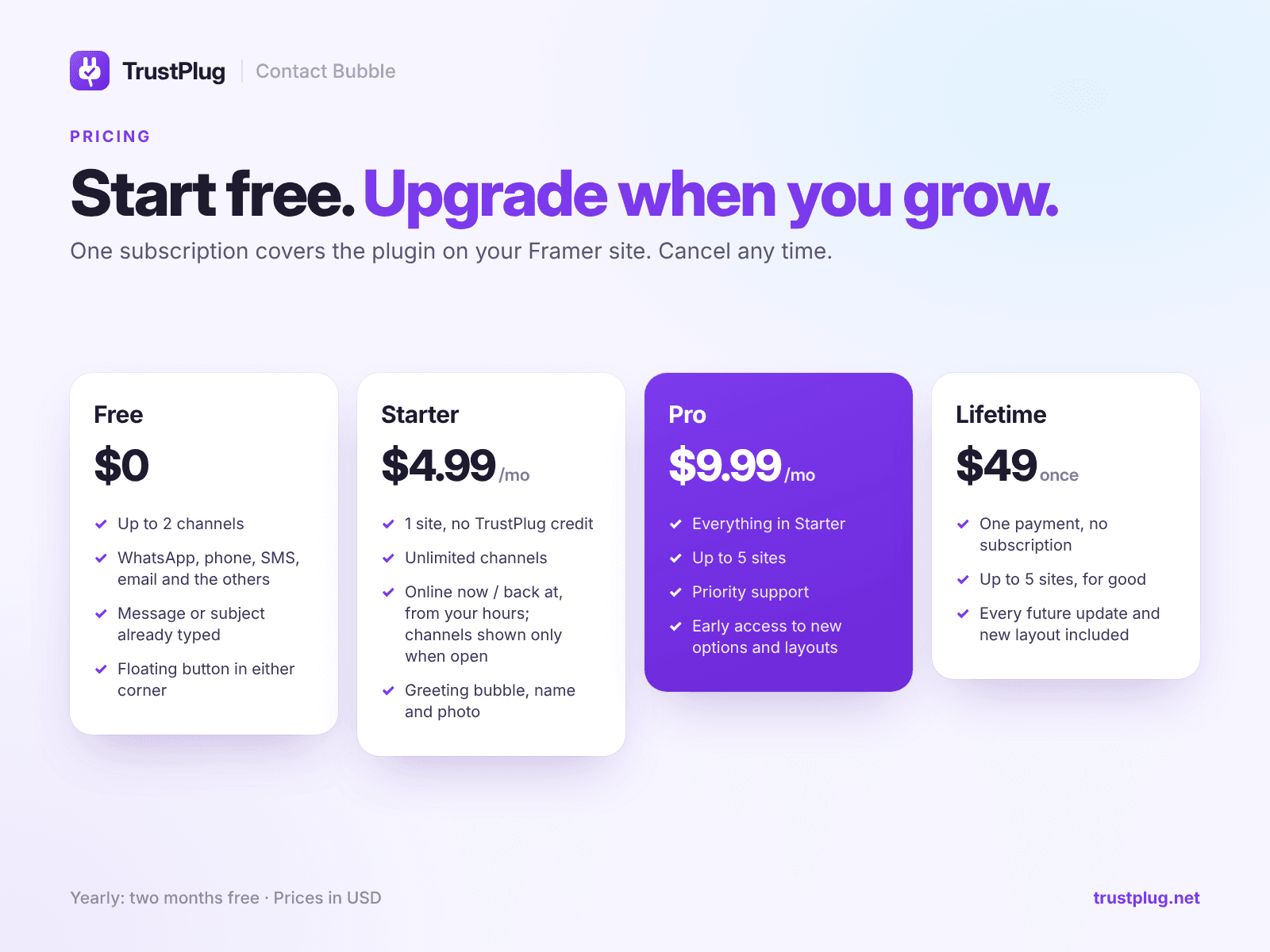
Pricing
Free: up to 2 channels · message or subject already typed · floating button in either corner · four style presets, plus your own colours and font · small "Powered by TrustPlug" credit
Starter $4.99/mo: 1 site, no TrustPlug credit · unlimited channels · Online now / back at, from your hours · greeting bubble, name and photo · fan of buttons, card inside your page · choose devices and pages · 23 card looks, 16 hover effects, six animated borders
Pro $9.99/mo: up to 5 sites · priority support · early access to new options and layouts
Lifetime $49 one-time: one payment, no subscription · up to 5 sites, for good · every future update included
Yearly billing: two months free.
Website: https://trustplug.net · Support: contact@trustplug.net
Privacy: the plugin contacts trustplug.net for accounts and plans. https://trustplug.net/privacy