
About Conversion Tracking
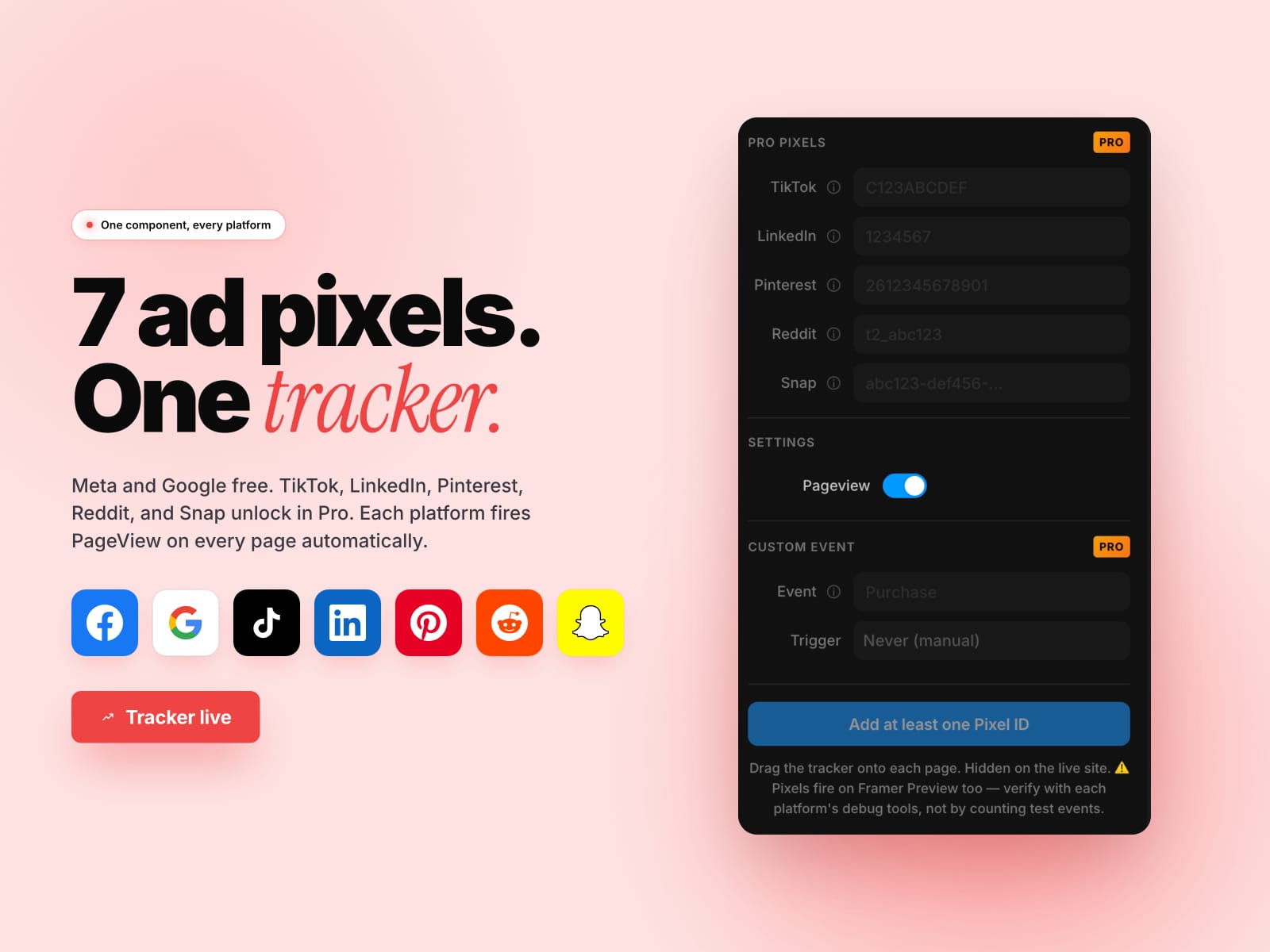
📊 7 ad pixels for Framer. One drop-in component, every platform.
Drop the tracker on each page and Meta + Google fire automatically. Pro adds TikTok, LinkedIn, Pinterest, Reddit, and Snap. Hidden on the live site, visible badge on the canvas.
✨ WHAT YOU GET
• Meta Pixel + Google (GA4 / Ads) free, no limits
• 5 more pixel platforms unlock in Pro
• Auto PageView per platform on every page
• Custom events with on-load and on-scroll triggers (Pro)
• Hidden on the live site — visitors see nothing
• No Google Tag Manager, no manual pixel install
⚡ HOW IT WORKS
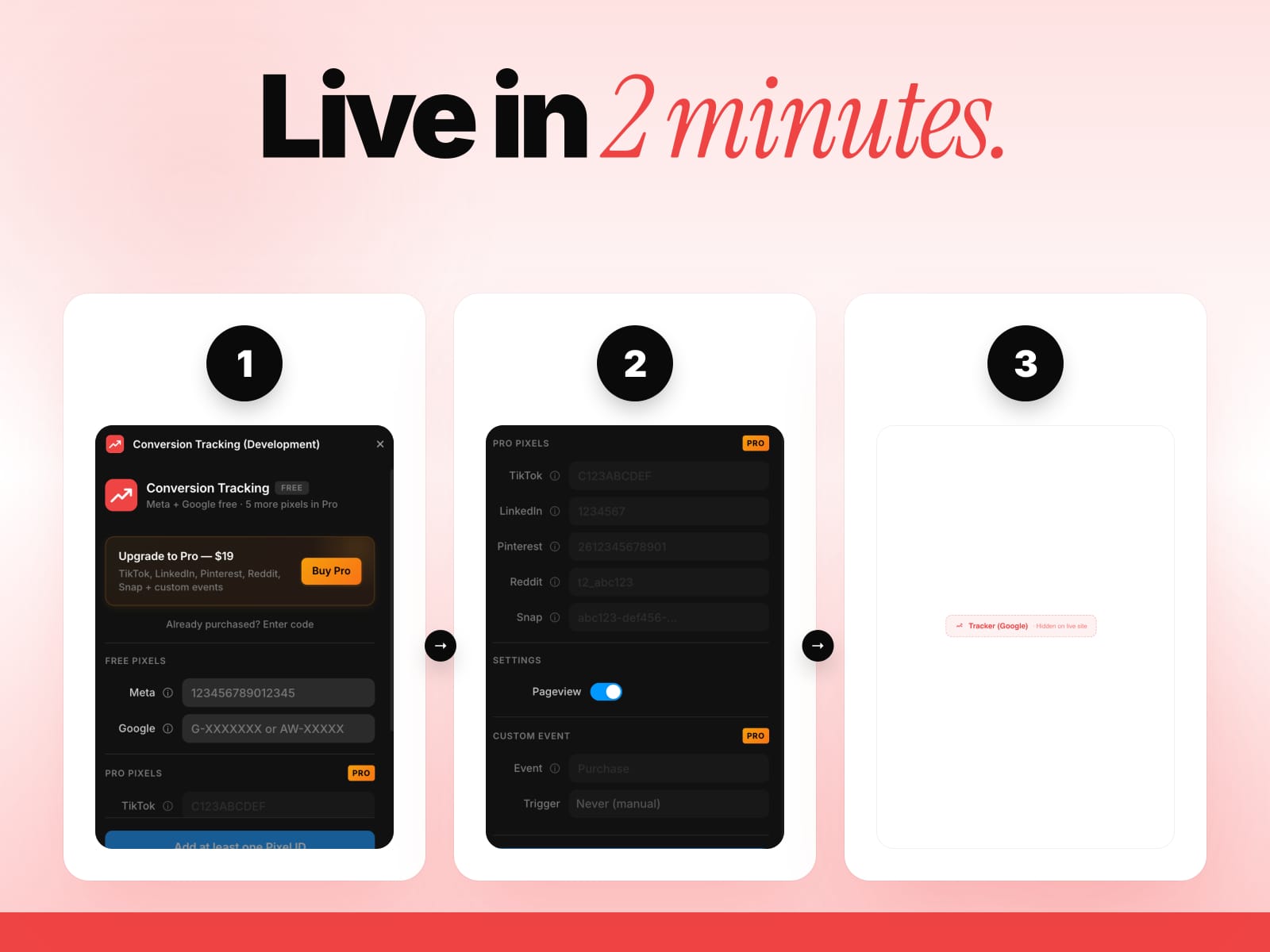
1. Paste your pixel IDs (Meta + Google free; TikTok / LinkedIn / Pinterest / Reddit / Snap in Pro)
2. Toggle PageView tracking
3. Add a custom event with on-load or on-scroll trigger (Pro)
4. Click "Insert tracker" — drop the component on each page
5. Pixels fire automatically on the live site
🚀 FREE vs PRO
• Free — Meta + Google, auto PageView, hidden tracker
• Pro ($19 lifetime) — adds TikTok + LinkedIn + Pinterest + Reddit + Snap pixels and custom events with load + scroll triggers
🎯 WHO IT'S FOR
• Performance marketers running multi-platform ad campaigns
• Ecommerce founders who want every conversion attributed
• Agencies managing pixels across multiple Framer client sites
• Indie hackers who don't want to set up Google Tag Manager
🛡 WHY THIS PLUGIN
• Pixel IDs are public by design — embedding directly is the standard secure approach (these aren't secrets)
• 100% client-side, zero backend
• 30-day money-back guarantee
• Built by KDX Studios
Questions? 📩 thekhushaldewra@gmail.com
SUPPORTED TRACKING PROVIDERS
Meta Pixel, Google (GA4 + Google Ads), TikTok, LinkedIn, Pinterest, Reddit, and Snap. The generated component loads each provider's official script from that vendor's own domain at runtime — only for the platforms you explicitly enable.