About Cookie Guard
Cookie Consent lets you add a GDPR-compliant cookie consent banner to your Framer site in seconds — no coding required.
Features
- One-click toggle to enable or disable the banner
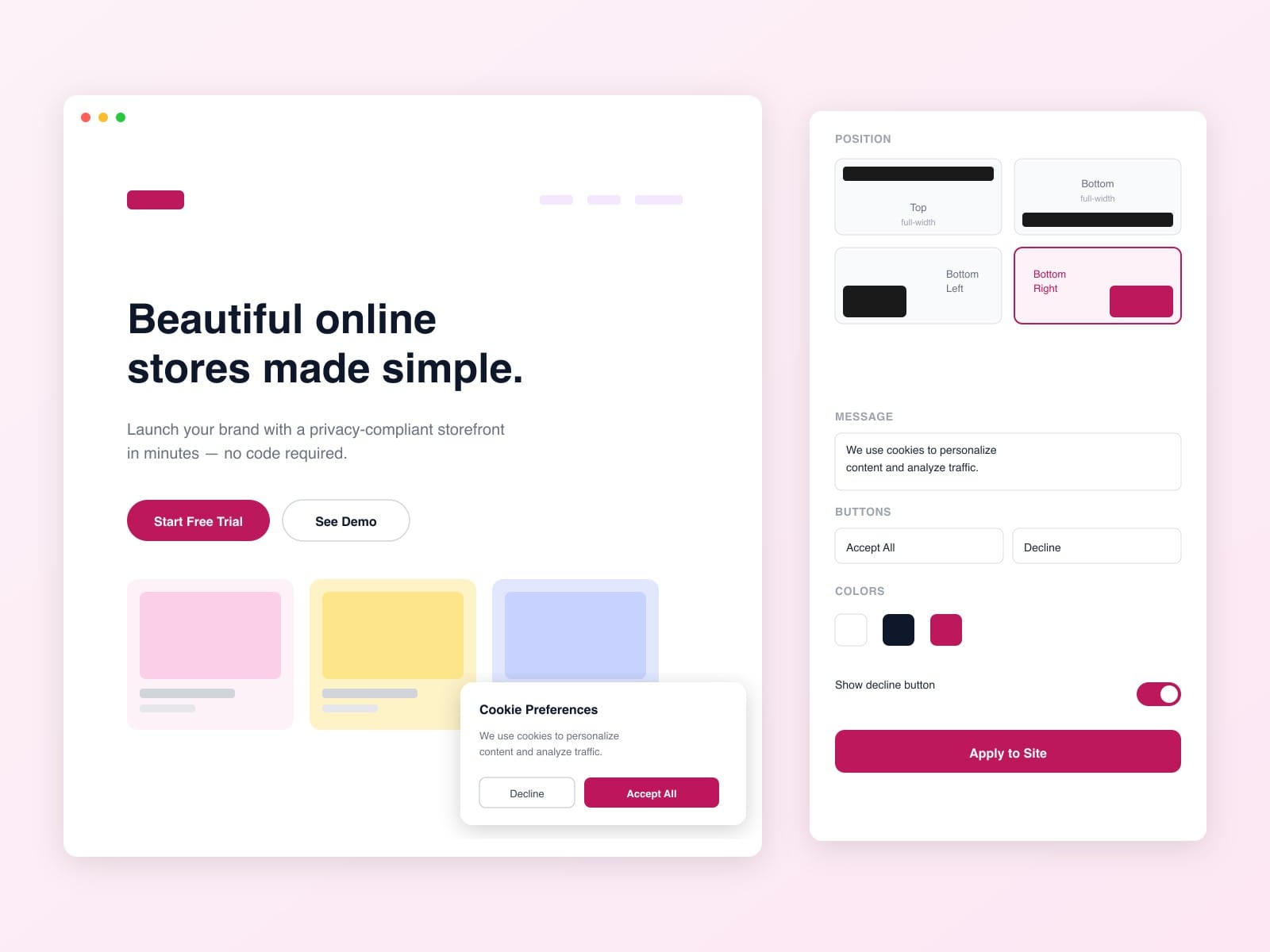
- 4 position options: Bottom Bar, Top Bar, Bottom Left, Bottom Right
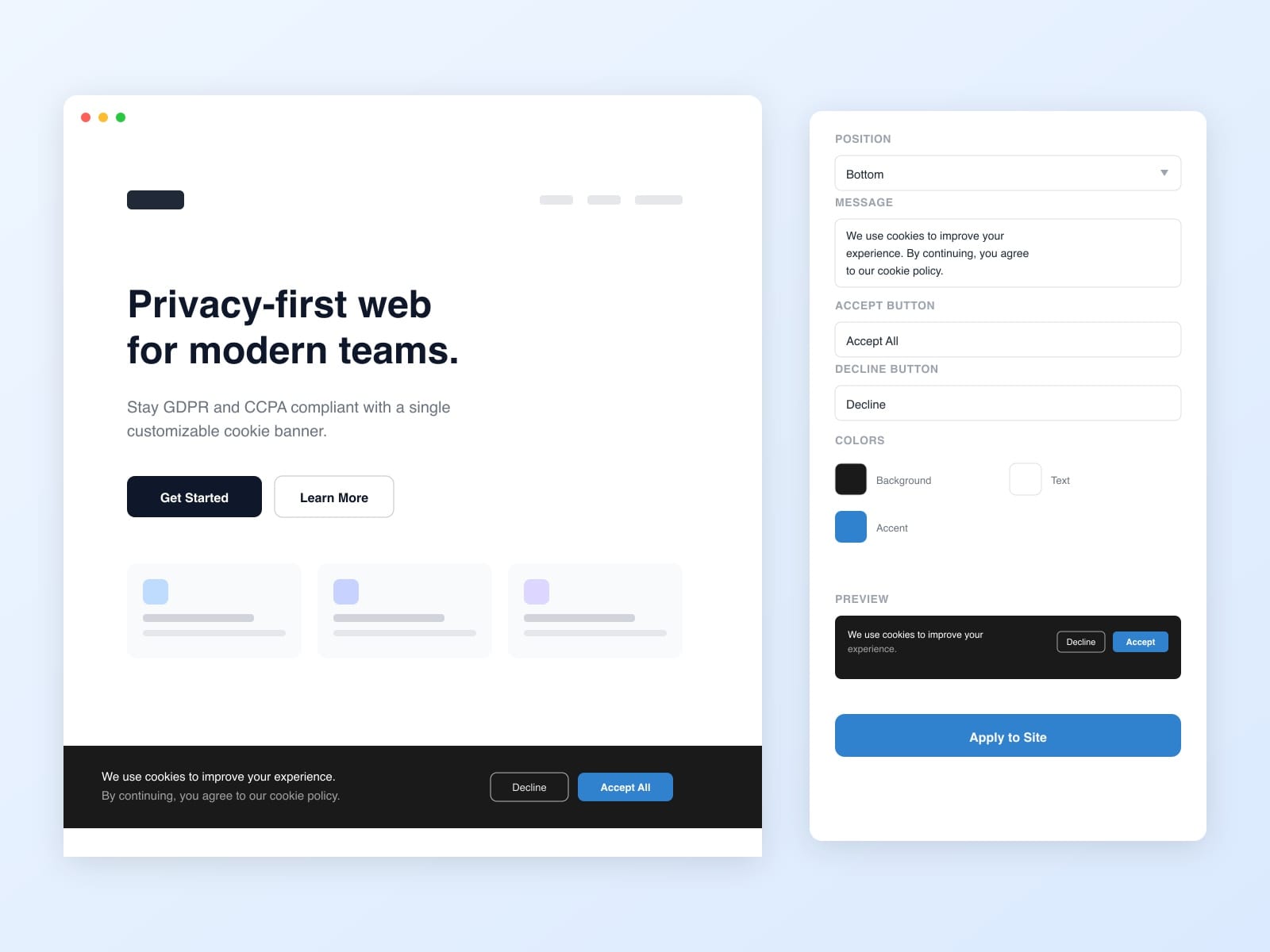
- Customizable message, button labels, and colors
- Optional Decline button
- Visitor consent is stored in localStorage — banner won't reappear after acceptance
- Settings saved between sessions
How it works
1. Toggle the banner to Active
2. Customize your message, position, and colors
3. Click "Apply Banner"
4. Publish your site — visitors will see the cookie consent banner
Turning it off
Toggle to Inactive and click the button. Publish again to remove the banner.
Required for GDPR compliance in the EU. Works on all Framer-hosted sites.